

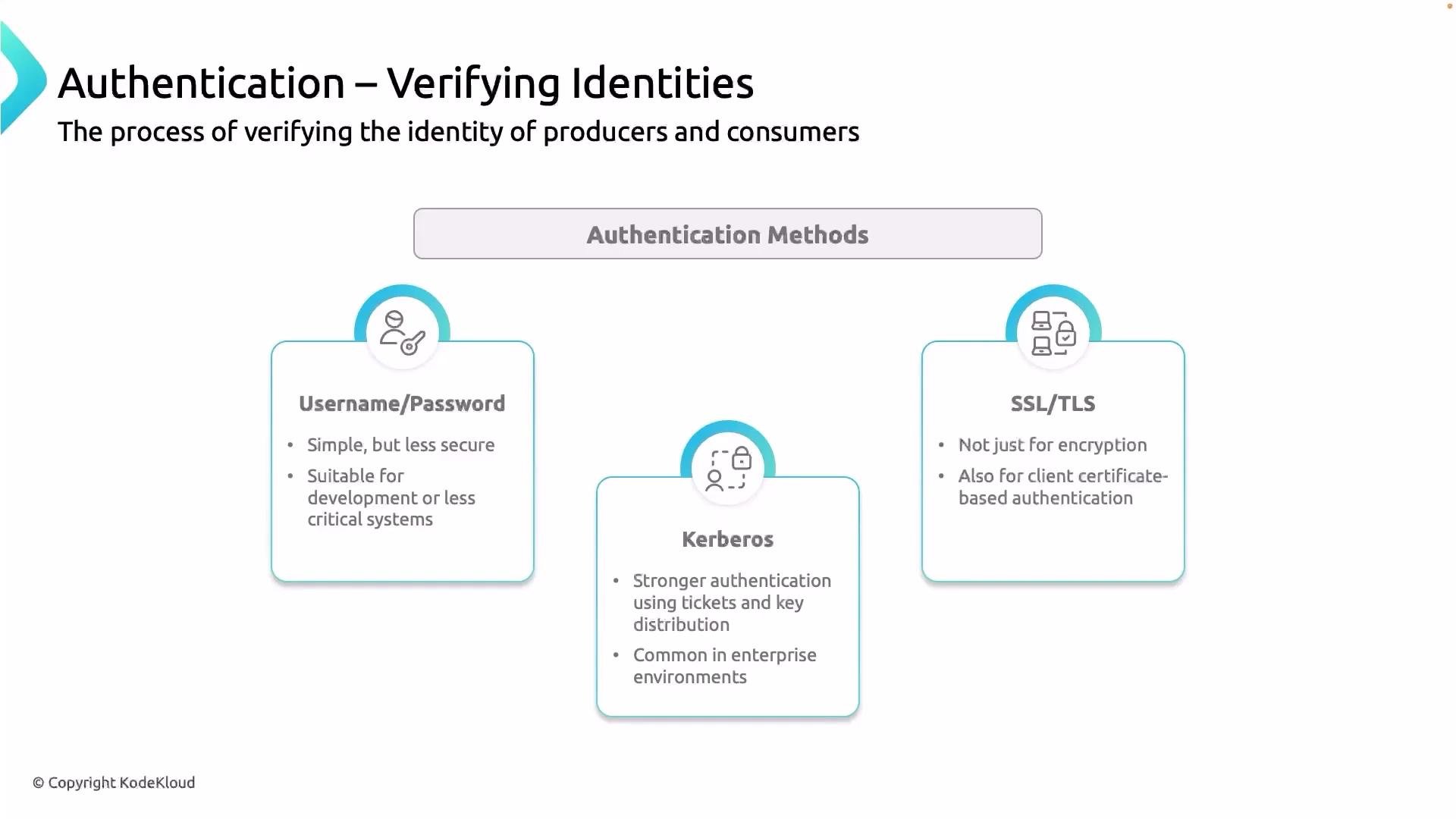
- Username/password (SASL/SCRAM): Simple to configure and common for development or small deployments. Works well with existing user stores but should be paired with network/TLS protections in production.
- Kerberos (SASL/GSSAPI): Enterprise-grade identity verification with strong single sign-on capabilities. Great for large, security-conscious organizations but requires running and maintaining a Kerberos infrastructure.
- TLS certificates (mutual TLS / mTLS): Certificate-based authentication using PKI. Widely adopted in production due to strong identity guarantees and compatibility with certificate rotation and automation tooling.
If you don’t have engineers experienced with Kerberos, prefer TLS-based certificate authentication (mTLS) for production. It provides strong identity assurance without the operational overhead of Kerberos.
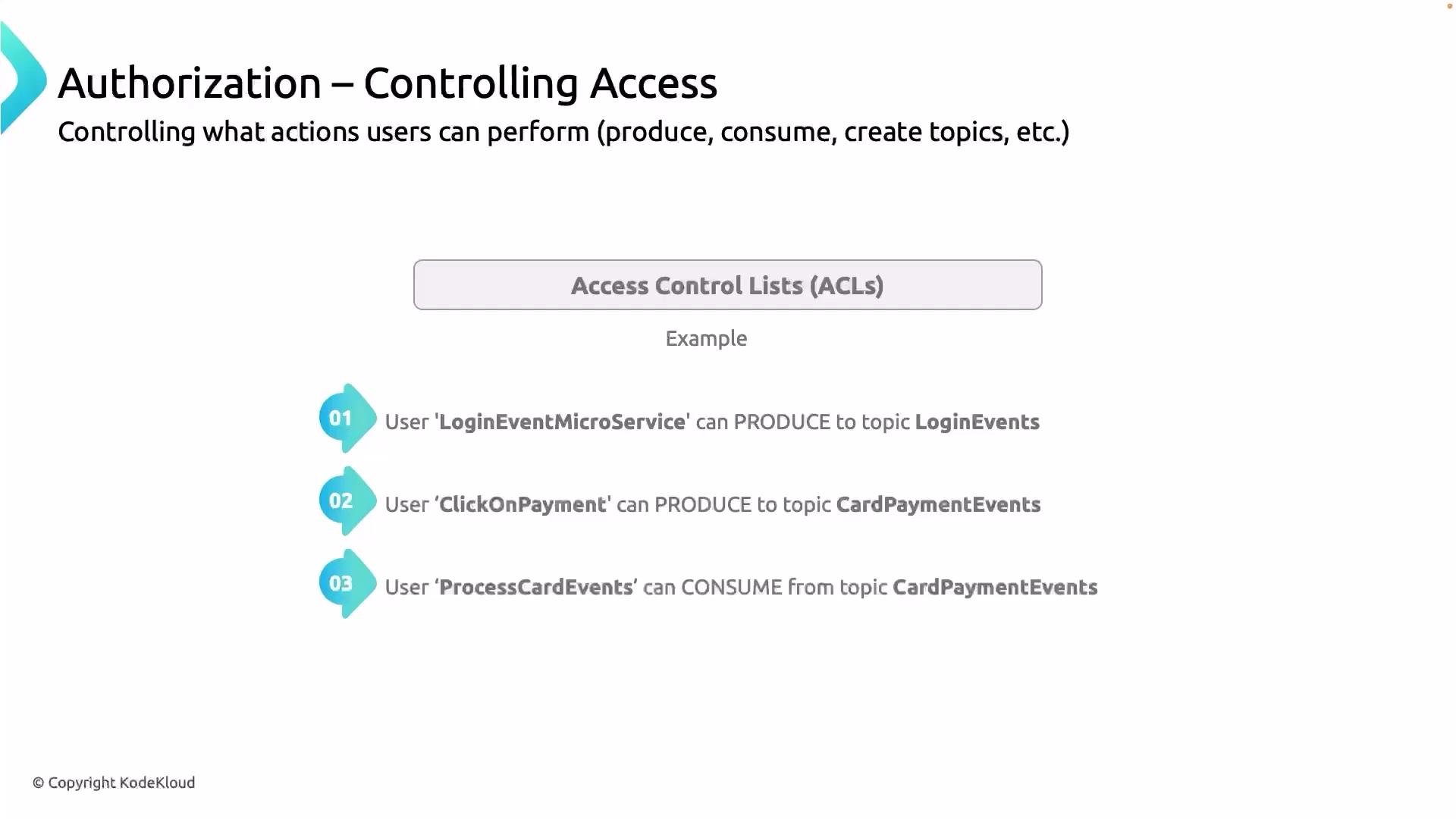
- Apply least privilege: grant each principal only the exact operations required (e.g., PRODUCE to a specific topic, not cluster-wide WRITE).
- Use distinct principals: assign unique usernames or certificate subjects per service to simplify ACL management and audits.
- Separate consumer and admin privileges: consumers typically need READ; avoid giving consumer principals DELETE or admin rights.
- Manage ACLs programmatically: store ACL intents in version control and apply them via automation to avoid drift.
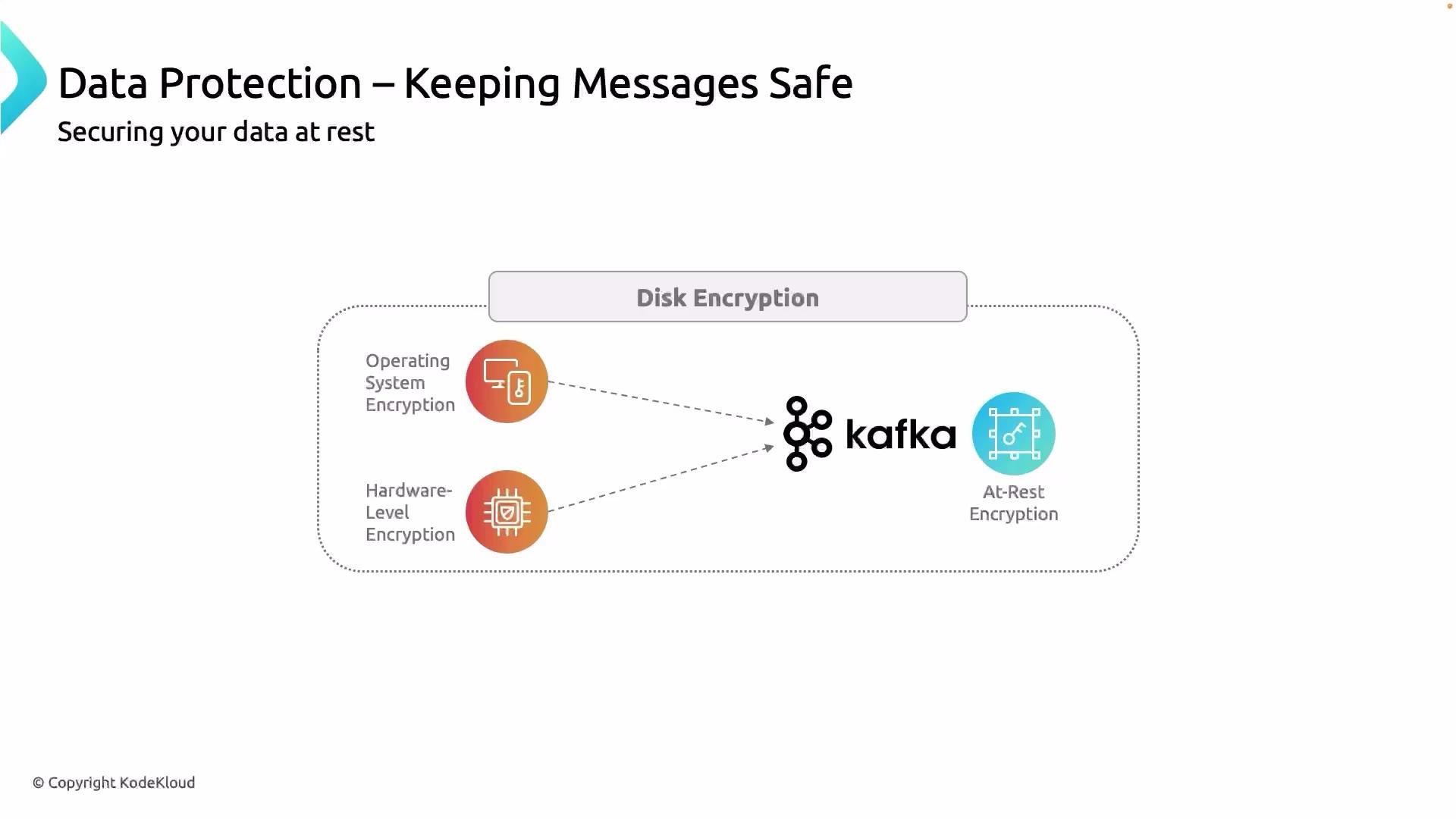
EBS encryption (see AWS docs) so the volumes storing Kafka logs are encrypted at rest. Managed Kafka services (e.g., Amazon MSK, Confluent Cloud) typically offer encryption-at-rest as a configurable option.
Putting it together
- Authenticate every client (producer or consumer) using an appropriate mechanism:
SASL/SCRAM,Kerberos, ormTLS. - Enforce ACLs so authenticated principals can perform only permitted actions (produce to specific topics, consume from specific topics, etc.).
- Protect data at rest via OS or storage-level encryption (disk, volume, or managed-service options).
- Keep staging and QA environments as close to production as practical: use the same auth model and similar ACLs to catch security misconfigurations early.
Apply strict ACLs and certificate-based authentication in QA and production to mirror production behavior. For simple local development you can loosen restrictions, but avoid wide-open access in shared QA environments.
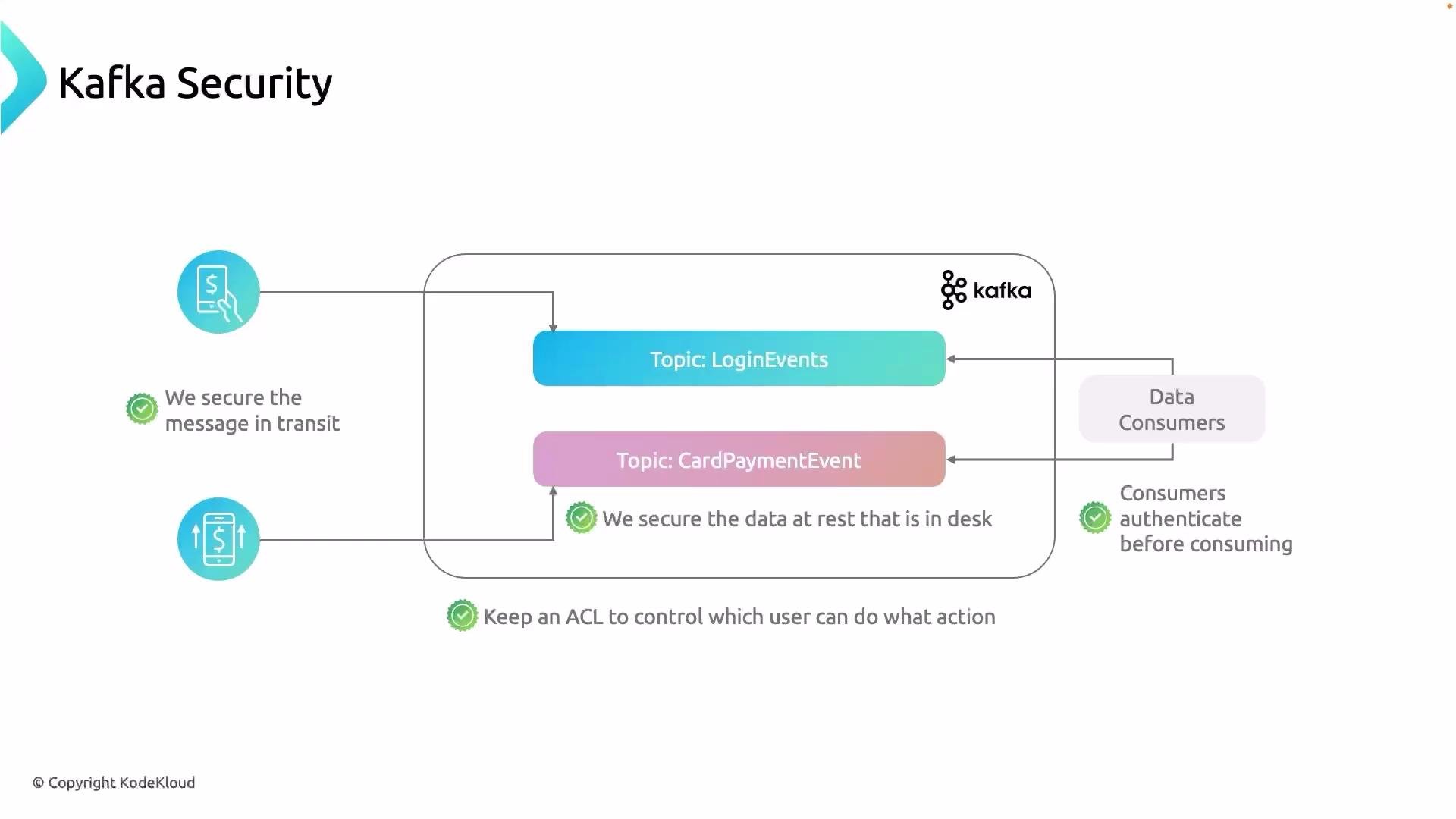
- Enable TLS for client-broker traffic and consider mTLS for strong client identity.
- Choose an authentication mechanism that matches your operational expertise.
- Implement least-privilege ACLs and automate their application.
- Ensure storage volumes are encrypted at rest and manage keys securely.
- Monitor and audit Kafka principals and ACL changes.