

kafka-python client, and the Kafdrop UI to inspect messages and partitions. Follow the steps in order to reproduce the demo in your lab environment.
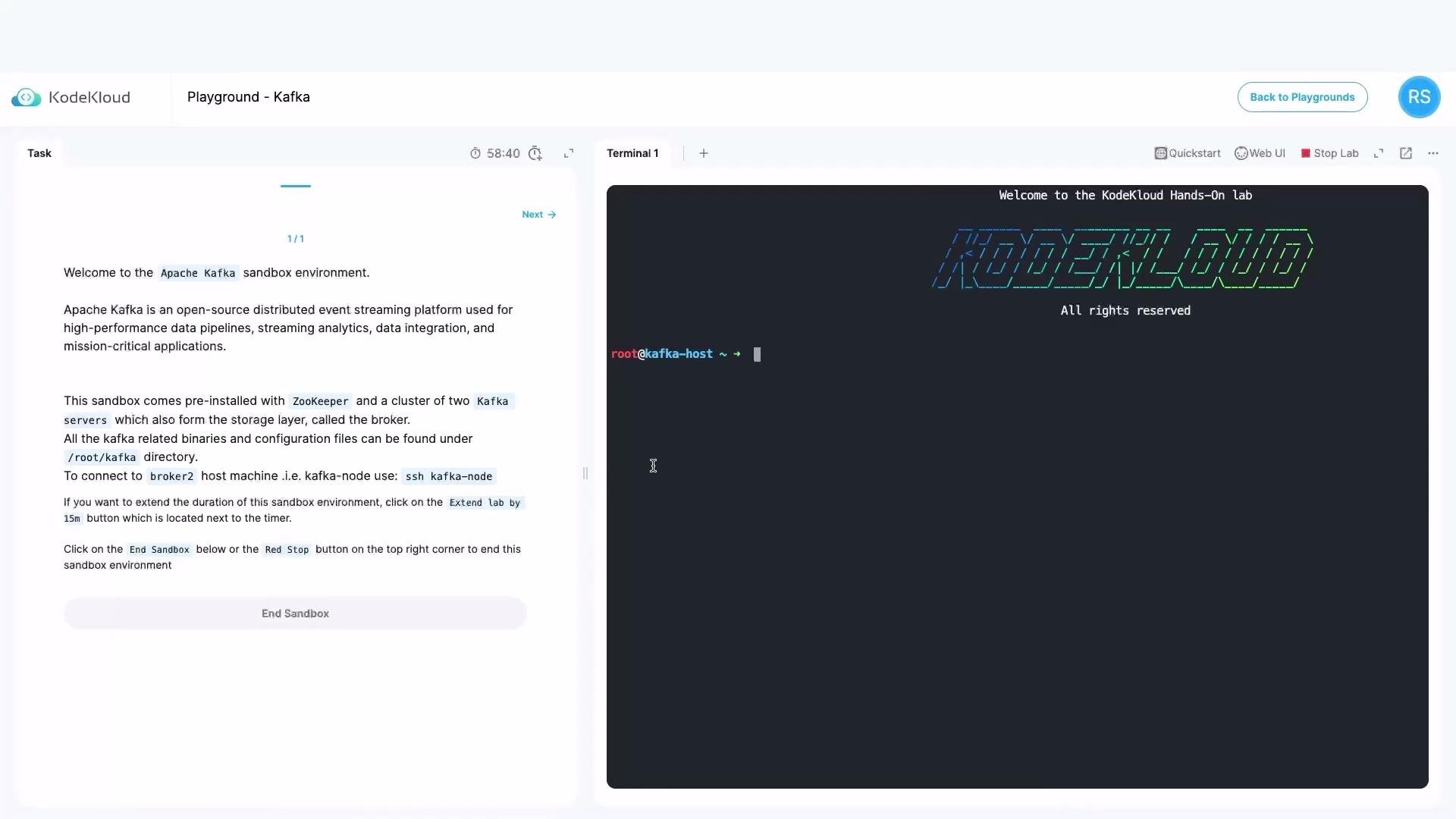
We are in our lab environment, where Apache Kafka is already up and running.
Prerequisites
- Kafka broker running on
localhost:9092 - Access to the Kafka installation directory (scripts live under
bin/) - Python 3 with
venvsupport (we’ll create an isolated virtual environment) kafka-pythonclient library (installed into the venv)- Optional: Kafdrop or another Kafka UI to inspect topics and messages
1) Inspect the Kafka CLI utilities
From the Kafka installationbin directory you can list the available CLI scripts. Example truncated output:
kafka-topics.sh to create and manage topics in the next step.
2) Create a topic with multiple partitions
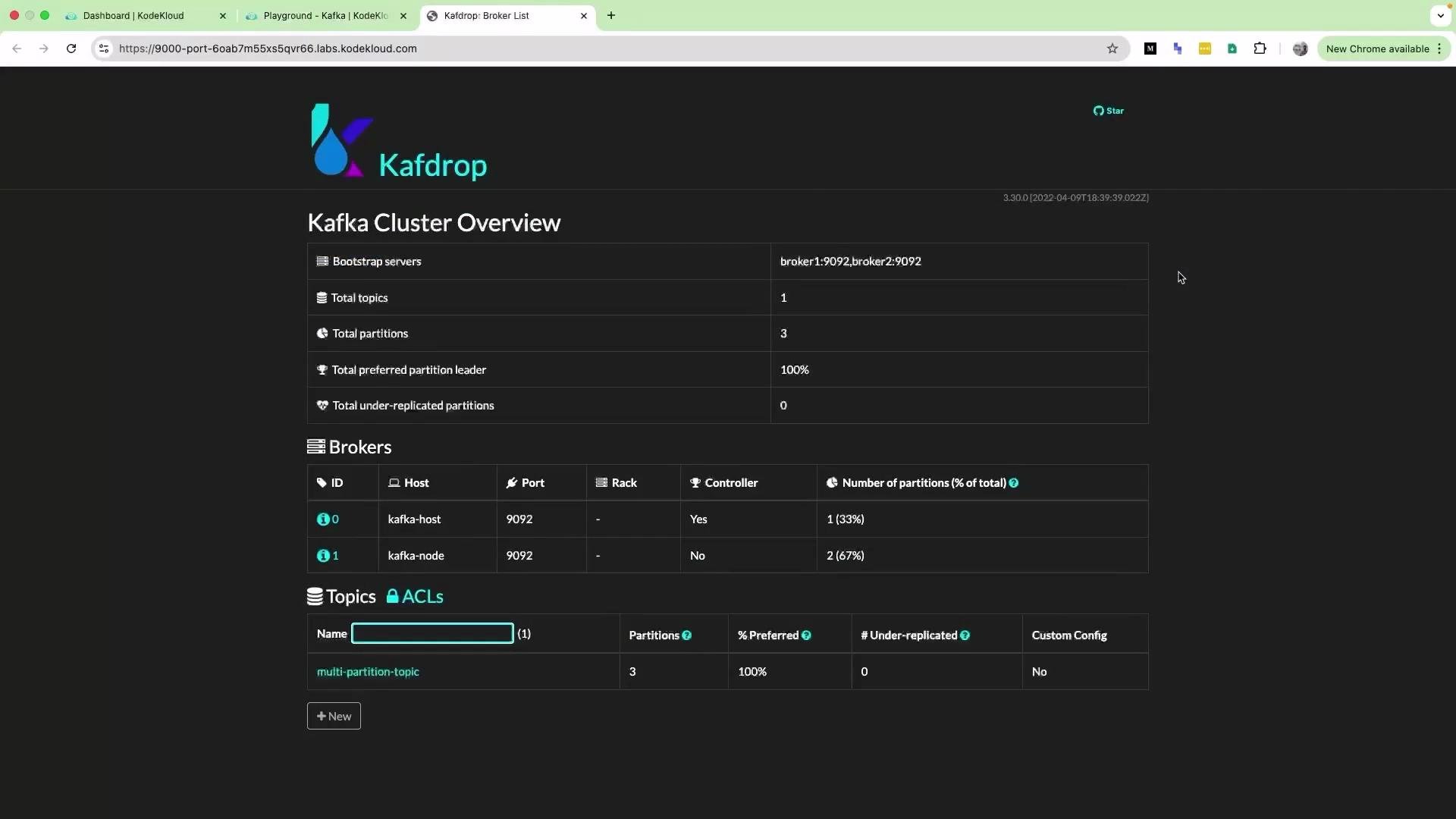
Create a topic namedmulti-partition-topic with 3 partitions and a replication factor of 1:
kafka-topics.sh --describe --topic multi-partition-topic --bootstrap-server localhost:9092 or inspect it visually with Kafdrop.
3) Prepare a Python virtual environment and install the client
To avoid modifying the system Python, create and activate a virtual environment and installkafka-python:
Update package lists (example):
4) Example Python producer script
Createkafka-producer-example.py. The script below:
- configures logging,
- creates a
KafkaProducerconnected tolocalhost:9092, - composes sample “coffee shop” messages,
- sends 10 messages to
multi-partition-topicwith an explicit key (so partitioning is deterministic for identical keys), - waits for each send to complete and flushes before exit.
Note: When you provide a message
key, Kafka’s partitioner uses it to determine the target partition. Messages with the same key are guaranteed to go to the same partition. Without a key, the producer distributes messages across partitions (modern producers may use sticky batching for throughput).5) Run the producer and observe delivery
Run the script from the activated virtual environment: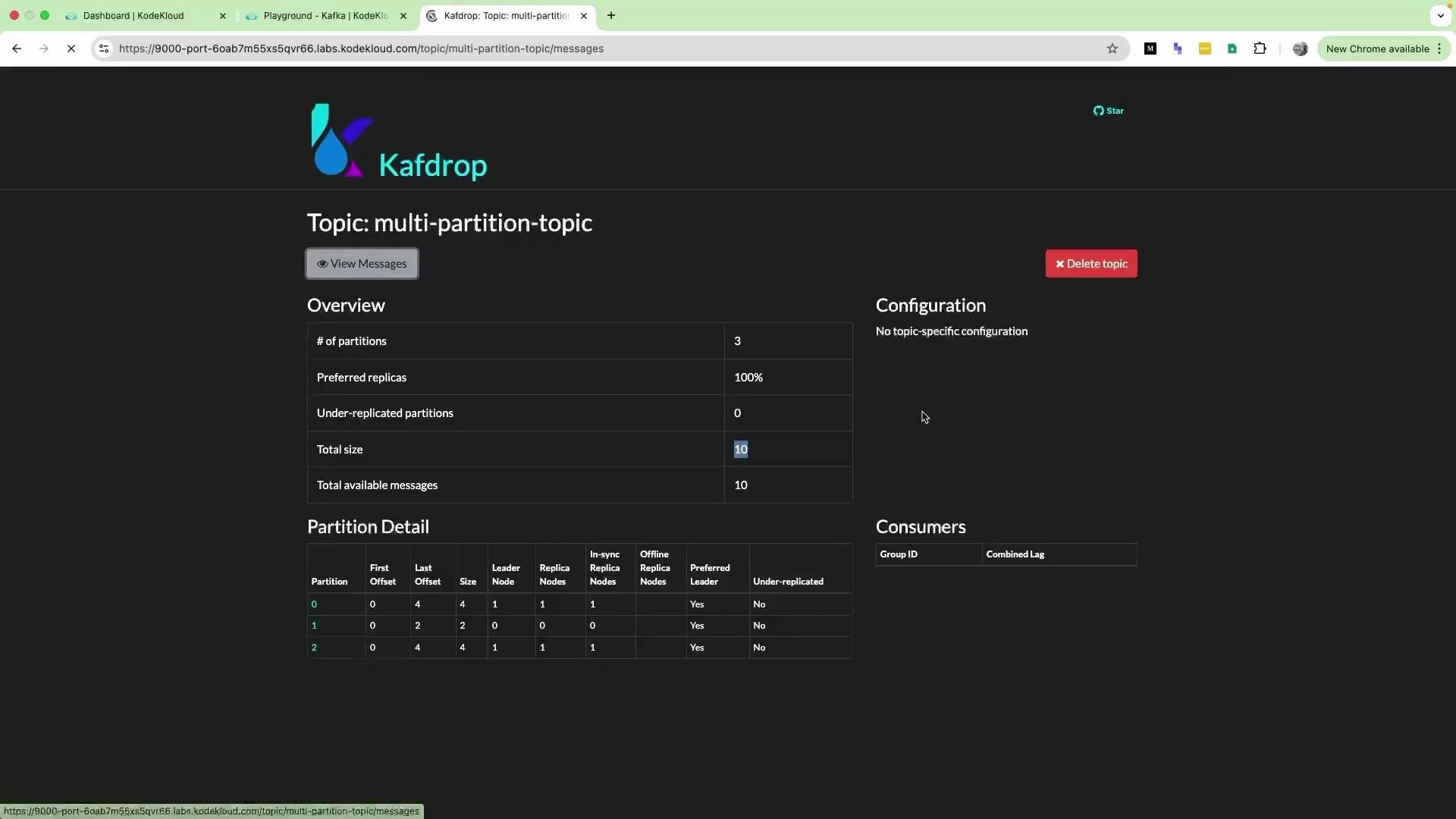
6) Verify messages in Kafdrop
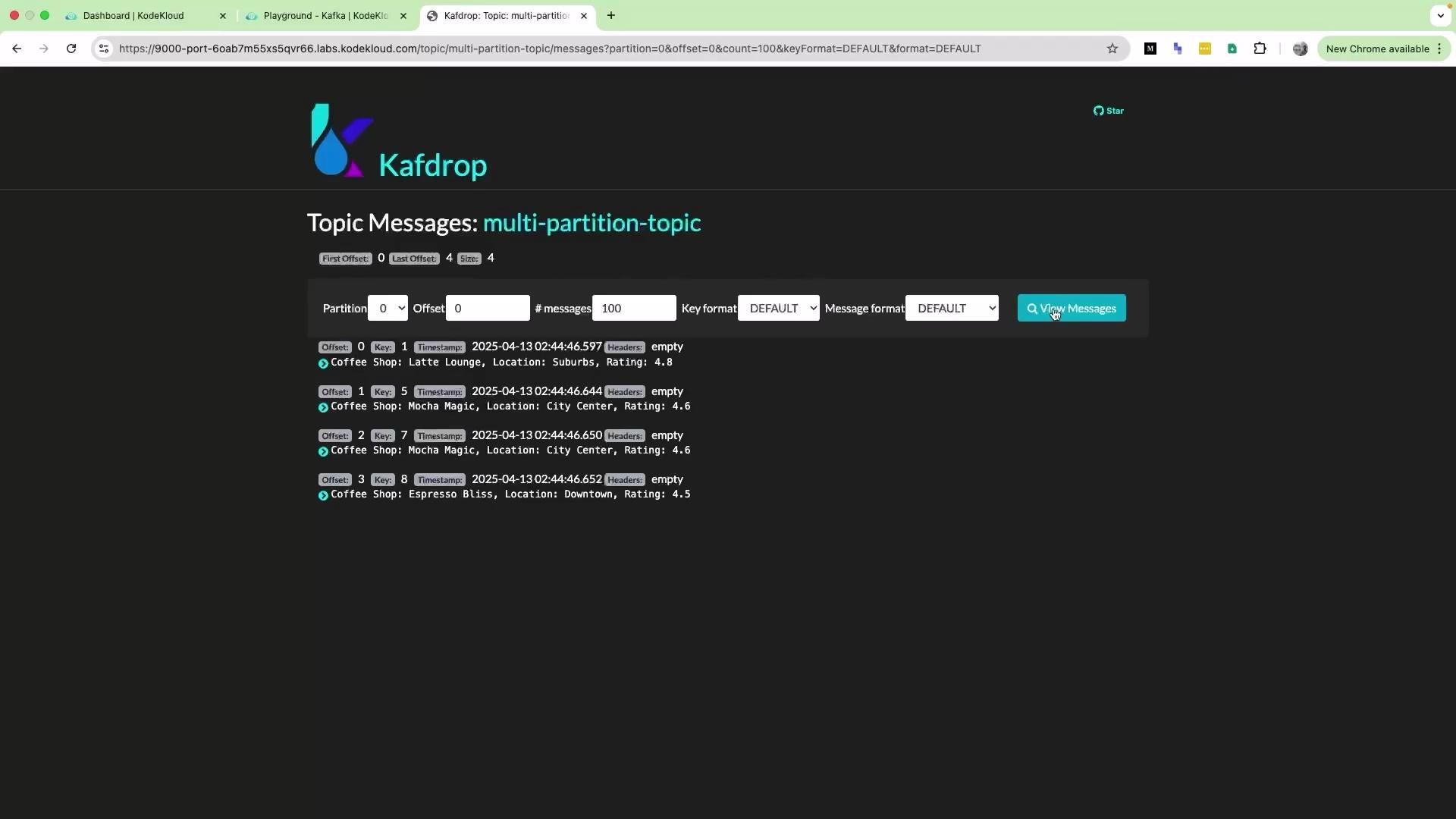
Refresh the Kafdrop UI and inspectmulti-partition-topic. The message count should reflect the number of messages you sent (10 in this demo). Click “View Messages” to inspect message contents.
Why partitions matter
- Partitions enable parallelism: multiple consumers in a consumer group can process partitions in parallel.
- Keys ensure ordering per key: records with the same key are written to the same partition and consumed in order.
Quick reference — Common commands
References
- Kafdrop (UI): https://github.com/obsidiandynamics/kafdrop
- kafka-python client: https://pypi.org/project/kafka-python/
- Kafka documentation: https://kafka.apache.org/documentation/