

- A consumer leaves the group (crash or graceful shutdown).
- A new consumer joins the group.
- Topic partition count changes, or subscription changes.
- Administrative changes that affect group membership or partition assignments.
- The group coordinator detects the membership change and pauses assignment while it computes a new mapping of partitions to consumers.
- Consumers may revoke their current partitions, then receive new partition assignments.
- After assignments are delivered, consumers resume processing the newly assigned partitions.
Cooperative rebalancing (introduced via KIPs such as KIP-429) reduces the scope of the pause by moving partitions incrementally. Eager rebalancing is simpler but causes a short “stop-the-world” pause for all consumers in the group.
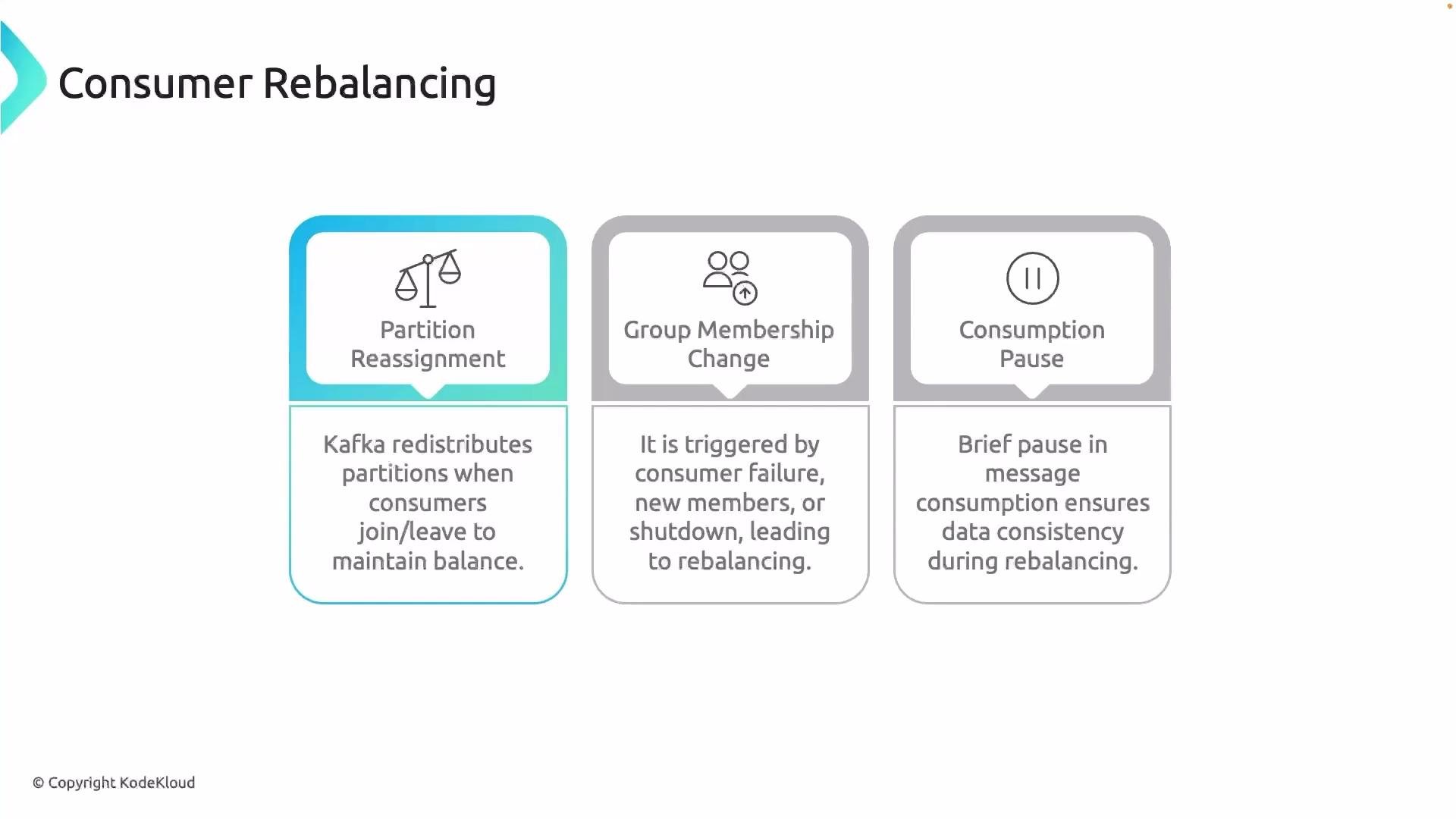
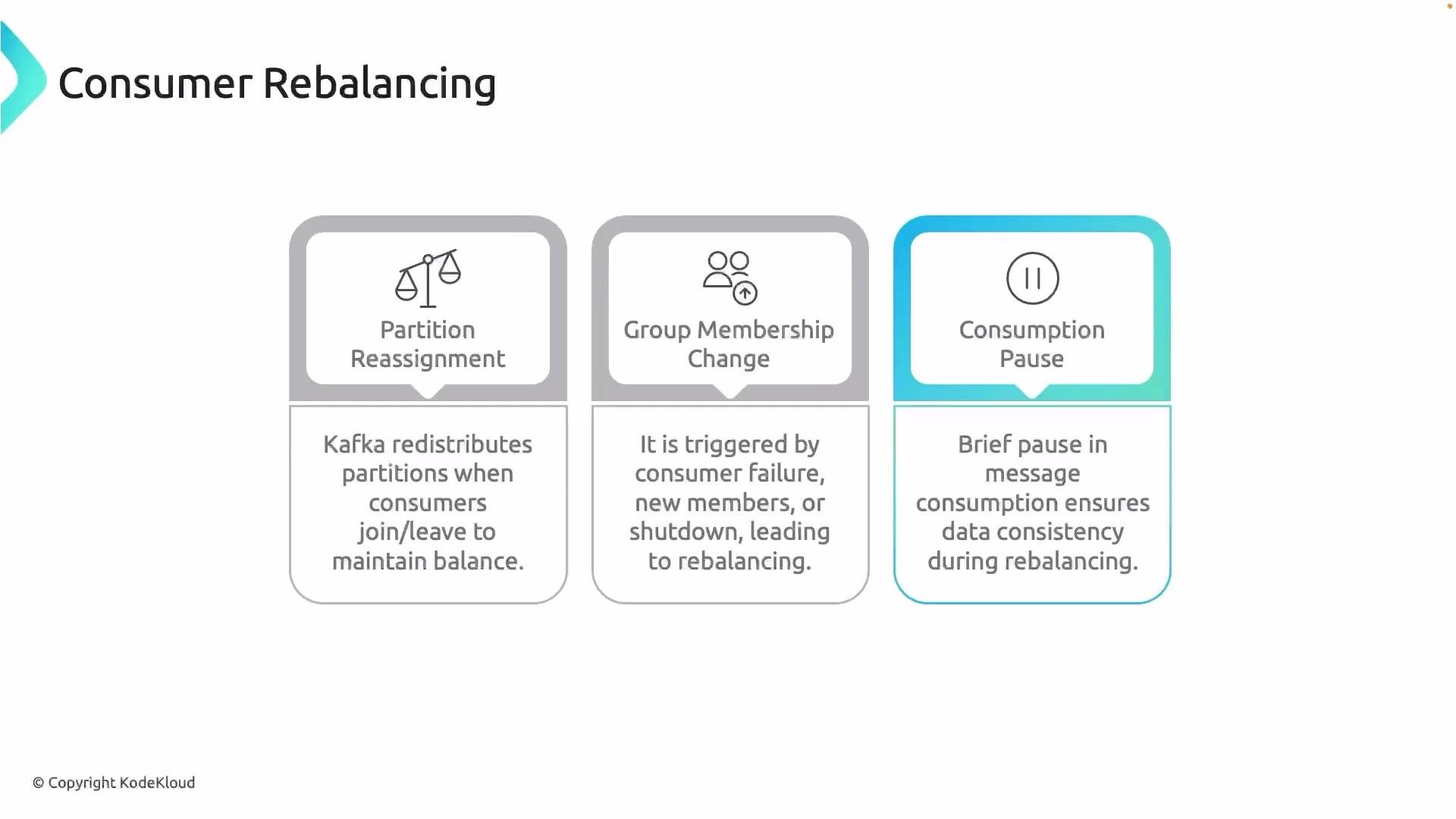
- Partition reassignment
Whenever consumers join or leave a consumer group, Kafka redistributes topic partitions among active consumers to maintain balanced processing and avoid idle or overloaded consumers.
-
Consumer group membership change
Any change in membership—crash, shutdown, or a new consumer joining—triggers the group coordinator to re-evaluate and reassign partitions to keep the consumer group healthy. -
Consumption pause
During the rebalance, Kafka temporarily pauses consumption for the affected consumers to ensure messages are not missed or duplicated. Cooperative rebalancing reduces the scope and duration of these pauses compared with eager rebalancing.
- Prefer cooperative rebalancing where supported by your client library to reduce disruption for high-availability consumers.
- Monitor consumer lag and group rebalances via metrics (consumer_lag, rebalance_count) to detect frequent churn.
- Ensure consumers commit offsets appropriately (either automatically or explicitly) before and after rebalances to avoid reprocessing or data loss.
- Test consumer behavior under node failures and scaling events to understand rebalance impact on your workload.