

- An offset in Kafka is a partition-scoped, monotonically increasing integer that identifies a message’s position within a partition.
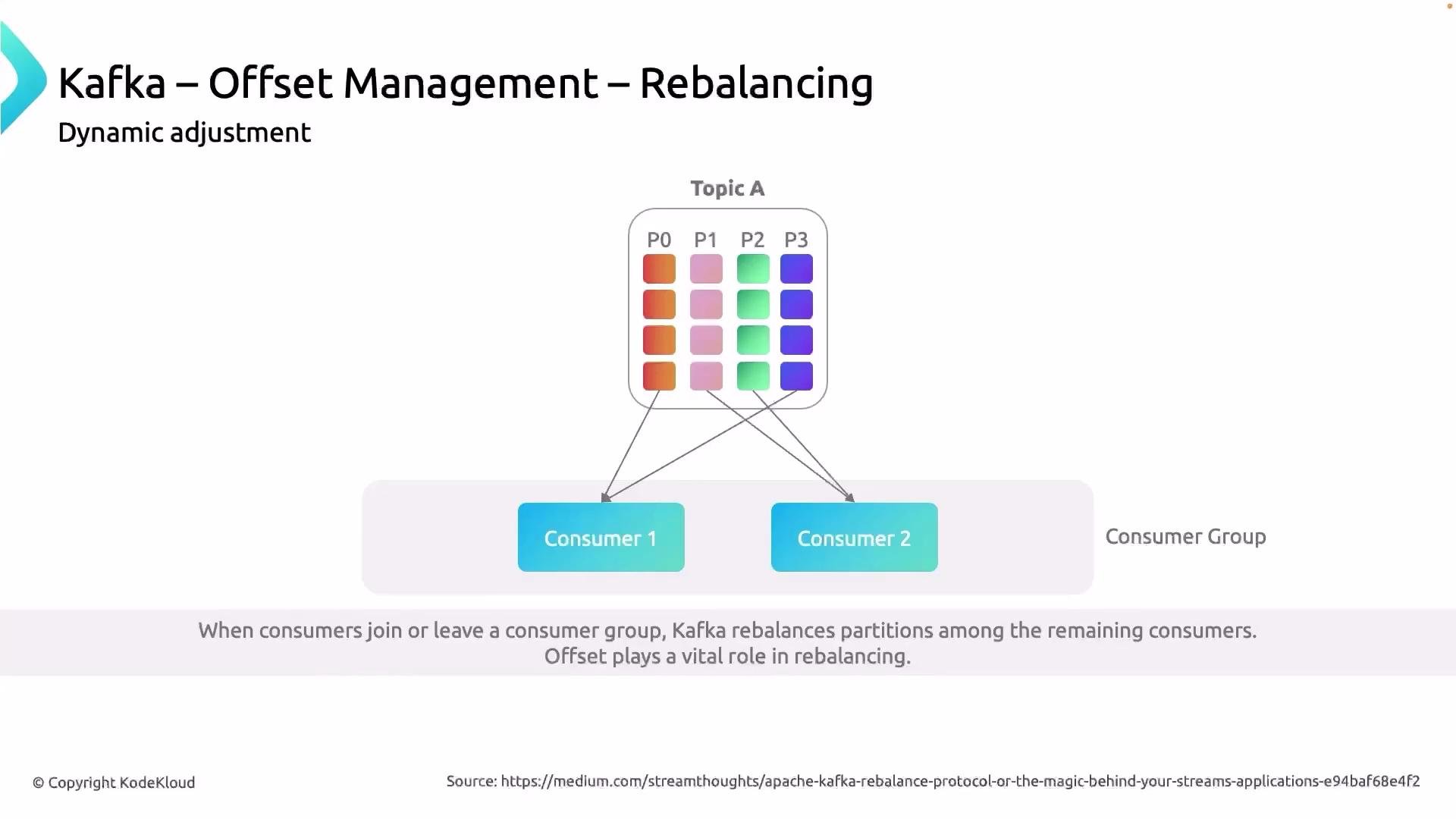
- Consumers use offsets as a “bookmark” to remember where to resume reading after a restart or after a rebalance.
- Proper offset management prevents duplicate processing and data loss in downstream systems.
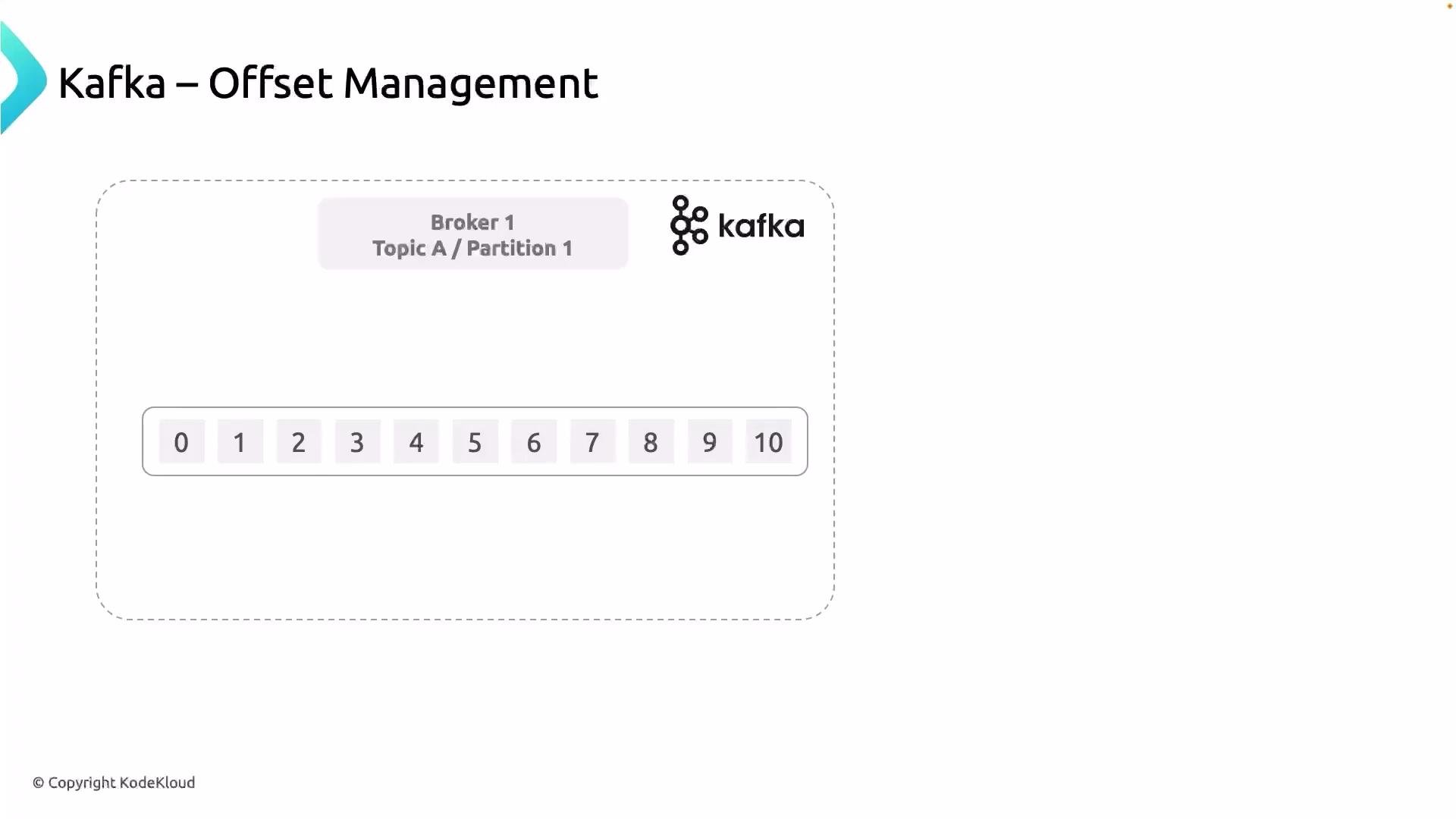
- Offsets start at 0 for each partition and increase monotonically for that partition.
- Offsets are scoped to a partition — the same numeric offset can exist in multiple partitions but point to different messages.
- The offset identifies the position of a message; consumers use the offset of a processed message to determine the next message to read.
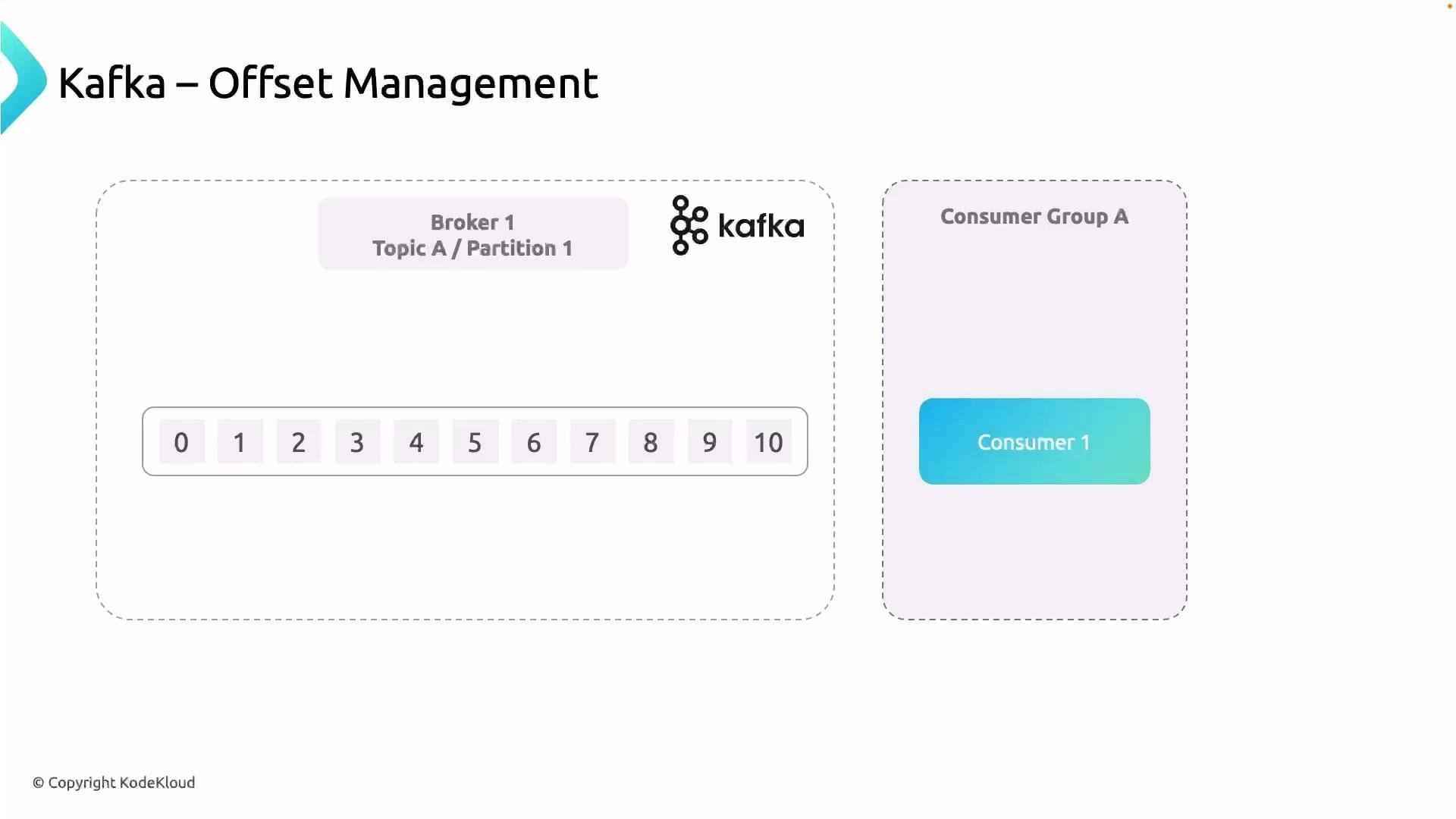
- Consumer polls messages from an assigned partition.
- Application processes each message (for example, writes a record to a commissions database).
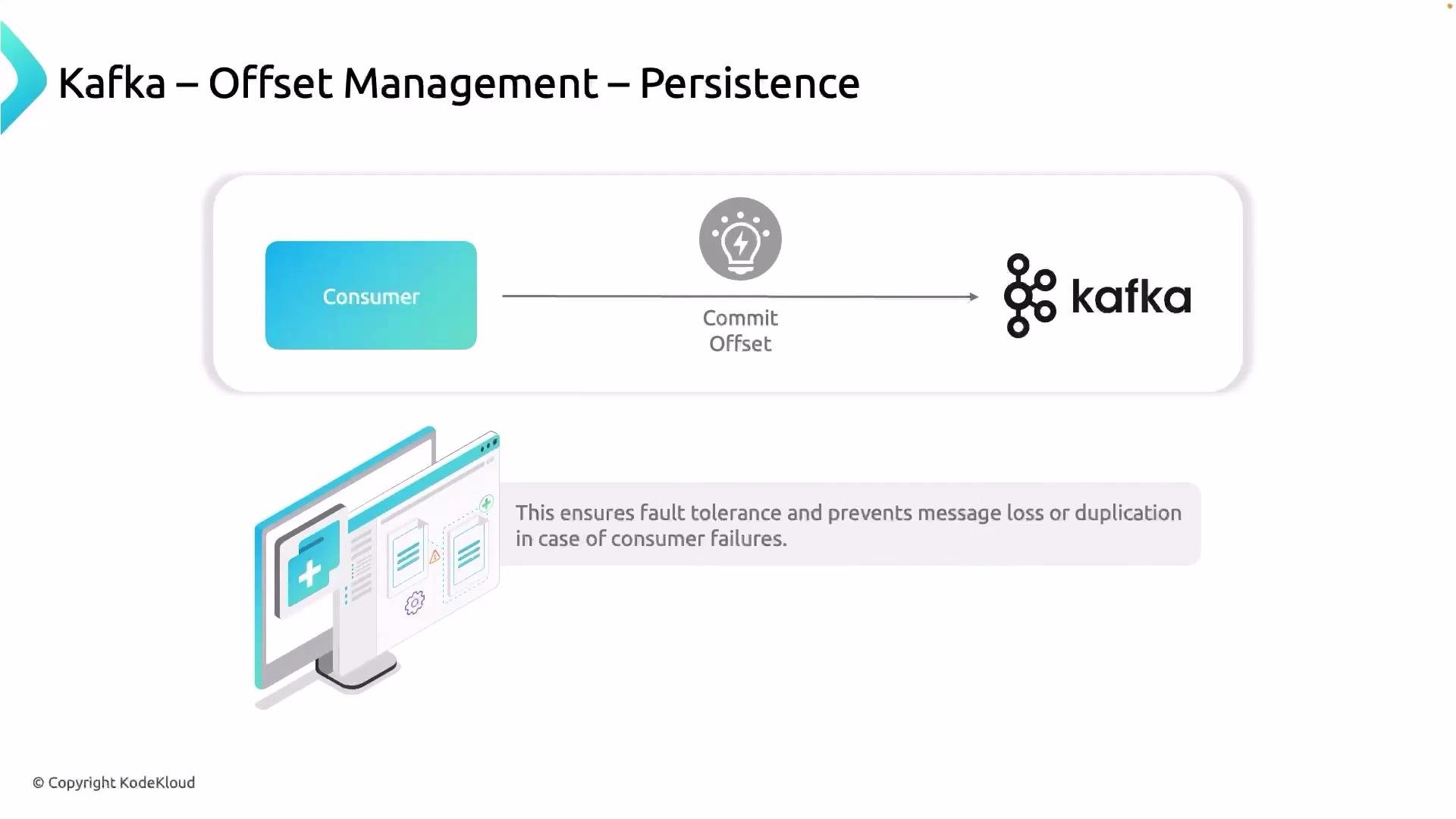
- After successful processing, the consumer commits the offset to indicate progress.
- If the consumer crashes, a new consumer that takes over will read the last committed offset and resume from there.
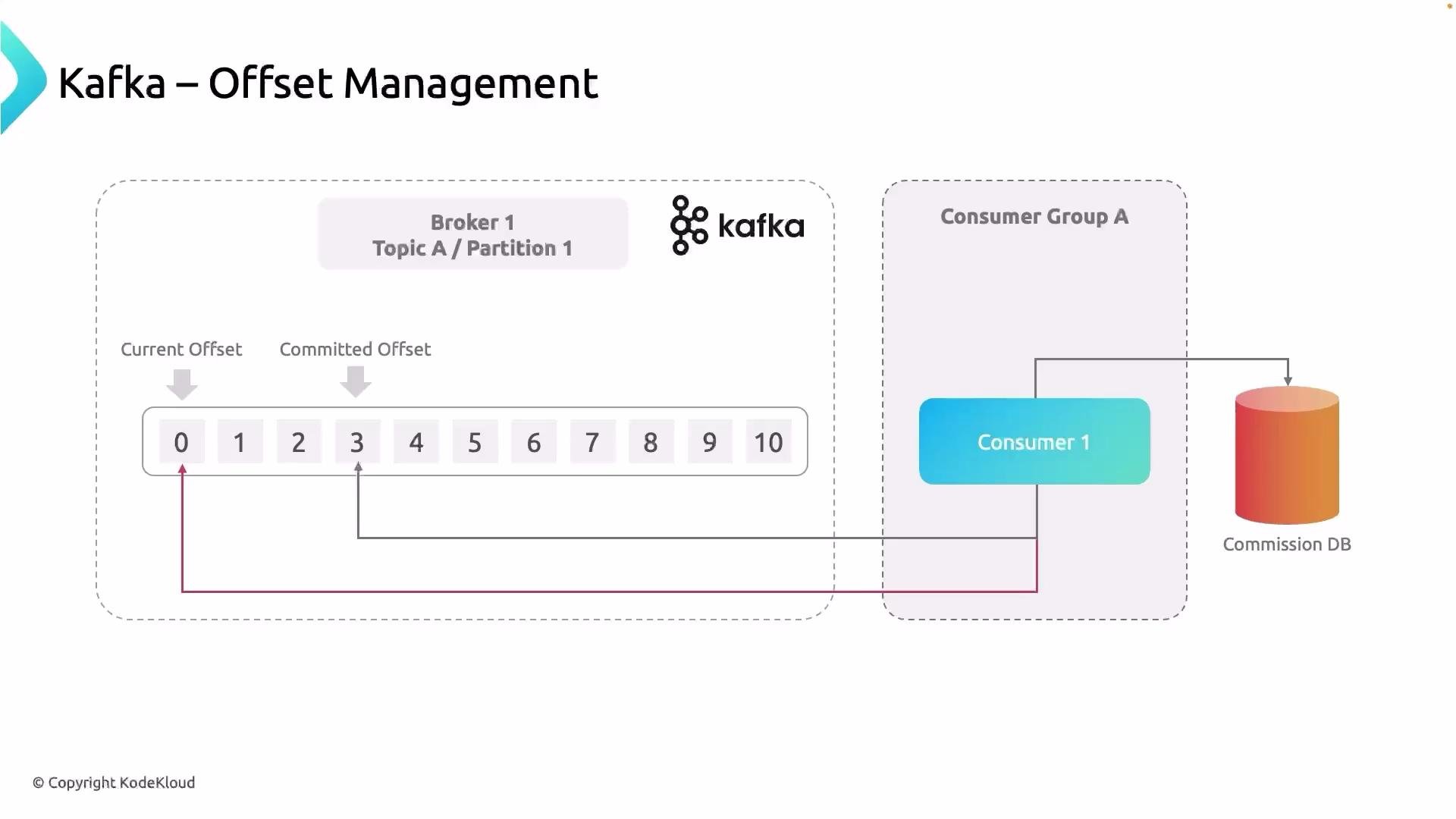
earliest or latest depending on configuration, which can lead to duplicates or missing data in downstream stores.
Imagine the commissions database is used to pay restaurant owners. If reprocessing occurs due to incorrect offset handling, you could accidentally pay vendors twice — a real financial risk. Proper offset management prevents this by letting the replacement consumer resume exactly where the previous one left off (for example, starting at offset 4 if 0–3 were already processed and committed).
Offset management is therefore critical: Kafka assigns offsets and stores messages, but it is the consumer’s responsibility to record how much it has processed.
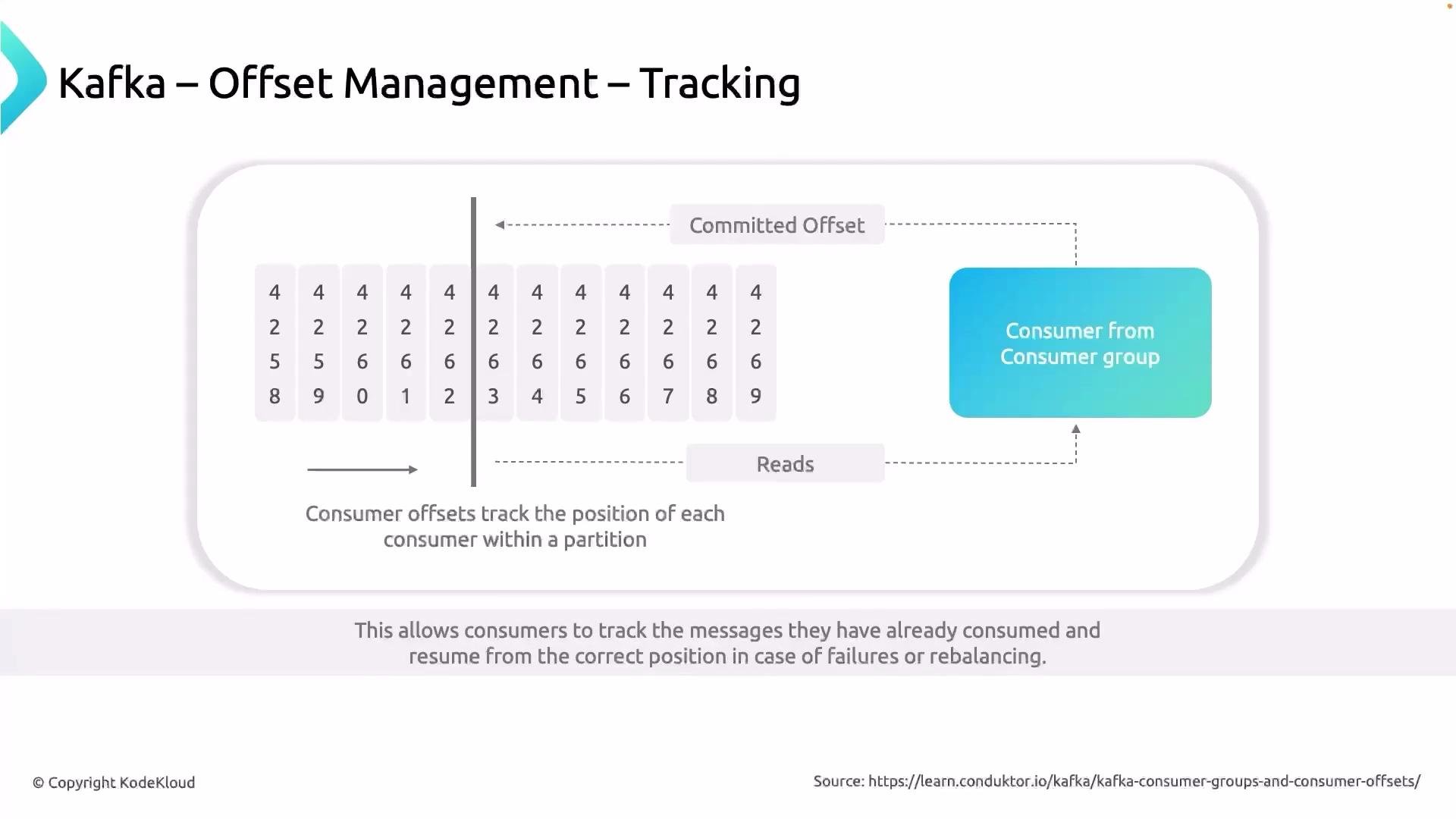
- By default, consumers commit offsets to Kafka’s internal offsets storage, the
__consumer_offsetstopic. - Some applications prefer to persist offsets externally (for example, in a relational database or a durable key-value store) when they need tight coupling between processing and offset commits or custom recovery semantics.
Configuration examples
- Enable automatic commits (Java properties):
- Manual commit (Java example):
- Manual async commit:
Best practice: if your processing is not idempotent (i.e., you cannot safely reprocess the same message twice), prefer manual commits after successful processing or use exactly-once processing patterns (transactions or idempotent sinks) to avoid duplicates.
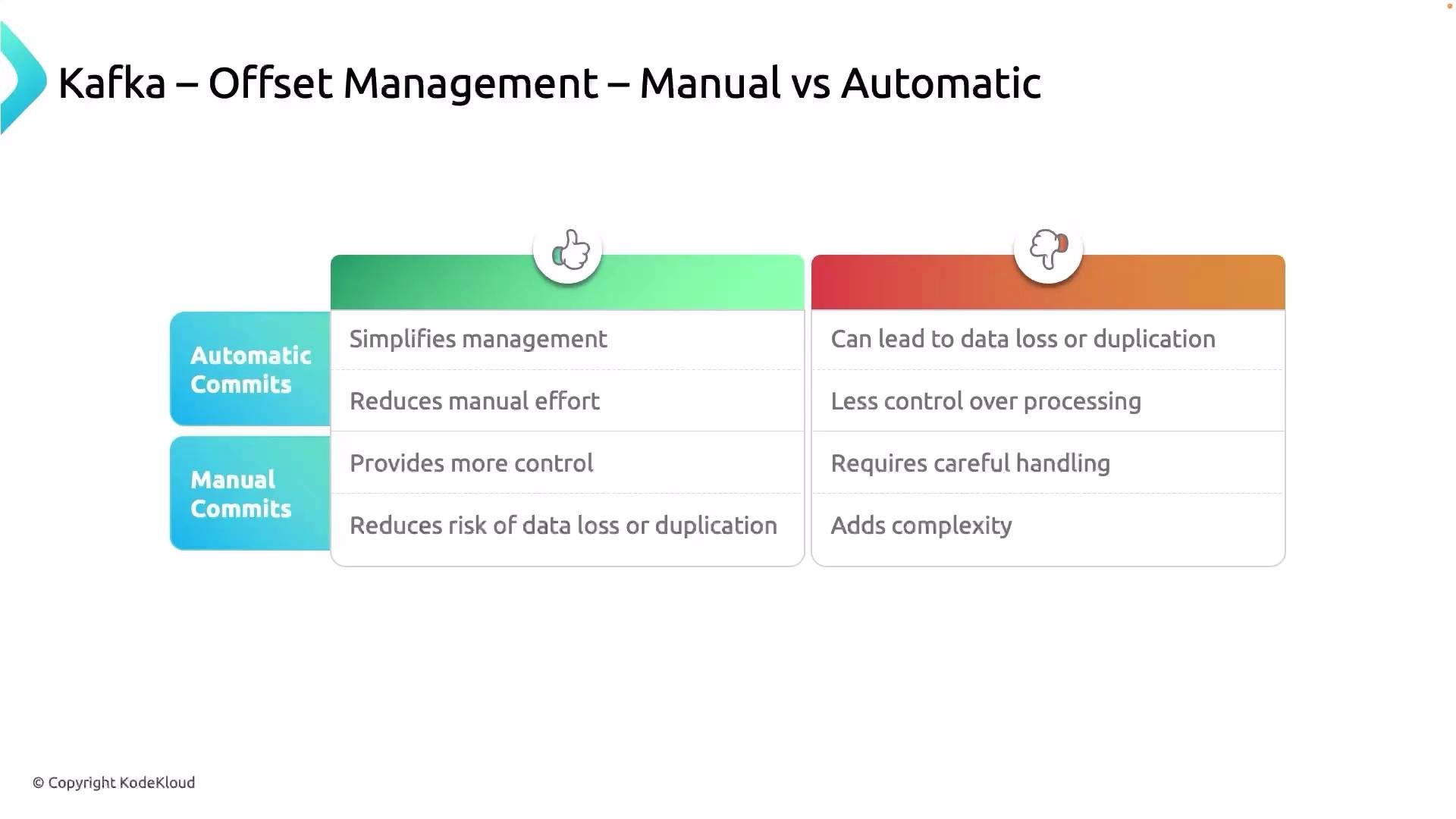
- For non-idempotent sinks (billing, transfers), always commit offsets only after the downstream write has succeeded.
- Consider using transactions (exactly-once semantics) for end-to-end guarantees when producing to Kafka and consuming from it in the same transactional unit.
- If using external offset storage, ensure atomicity between processing and offset persistence, or use two-phase commit patterns where appropriate.
- Monitor
__consumer_offsetslag and consumer group rebalances — frequent rebalances can increase duplicate processing and complicate offset management.
- Offsets are unique integers per partition that identify the position of messages.
- Consumers track and commit offsets to record how far they have processed.
- Committed offsets (by default stored in Kafka’s
__consumer_offsetstopic) allow new consumers to resume from the correct position after failures or rebalancing. - Automatic commits are convenient but risk duplicates or data loss; manual commits offer more control and should be used when precise guarantees are required.
- Apache Kafka consumer configuration: https://kafka.apache.org/documentation/#consumerconfigs
- Kafka consumer groups and offsets: https://kafka.apache.org/documentation/#consumerapi
- Exactly-once semantics in Kafka: https://kafka.apache.org/documentation/#design_ebe