

charging_station_status. Some of that topic’s data may live on broker 1, which leads to key operational questions:
- What happens if that broker goes down?
- How do we scale consumption of this data?
- Can a single broker handle many concurrent consumers or large throughput?
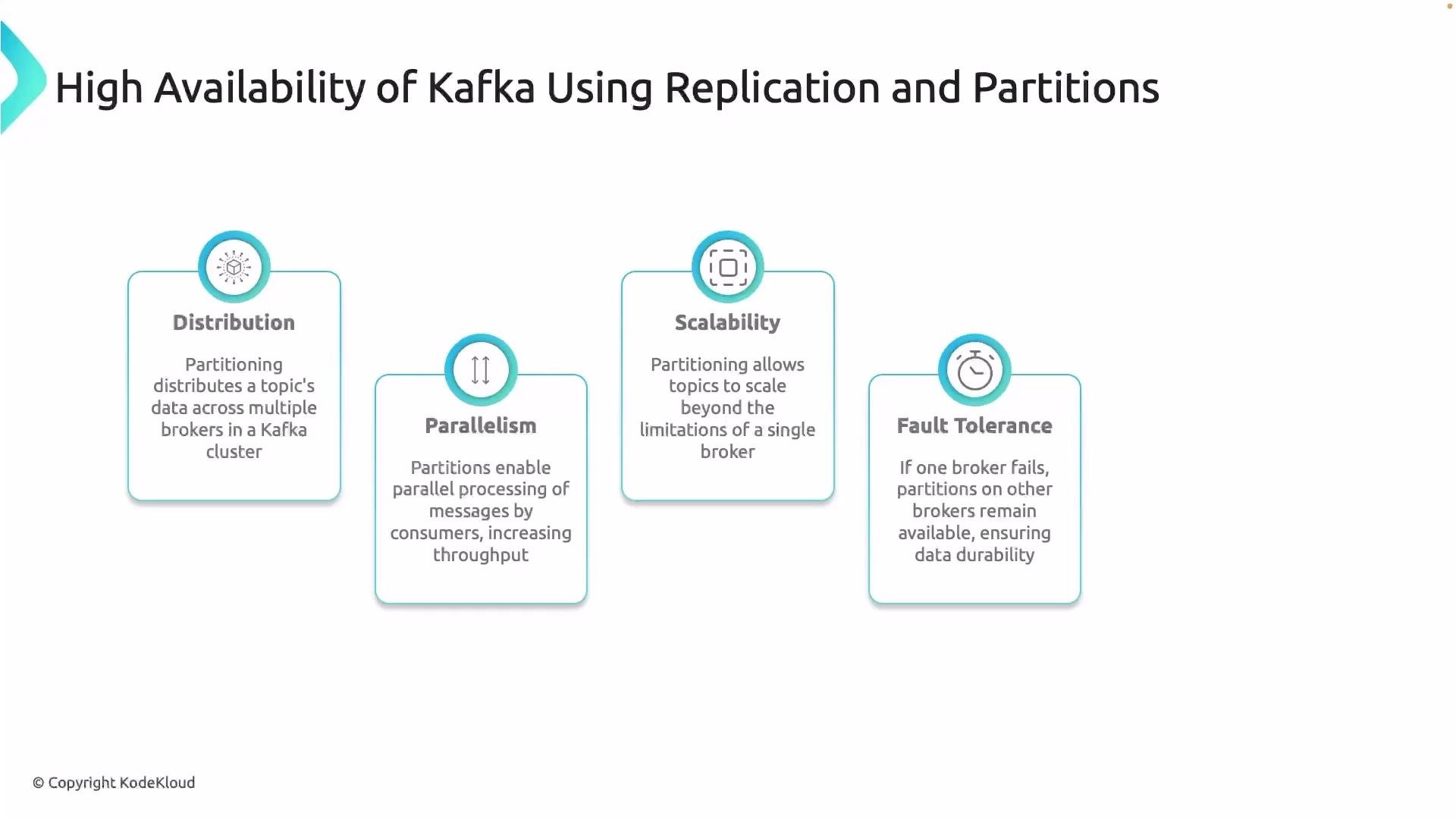
- Distribution: Partitions spread a topic’s data across brokers, preventing any single broker from becoming a throughput or availability bottleneck.
- Parallelism: Each partition can be read independently; multiple consumers can process different partitions concurrently.
- Scalability: Partitions allow load to be distributed as data and consumer demand grow.
- Fault tolerance: When combined with replication, partitions ensure data remains available if a broker fails.
- Ordering: Kafka guarantees ordering only within a partition; messages with the same key remain ordered.
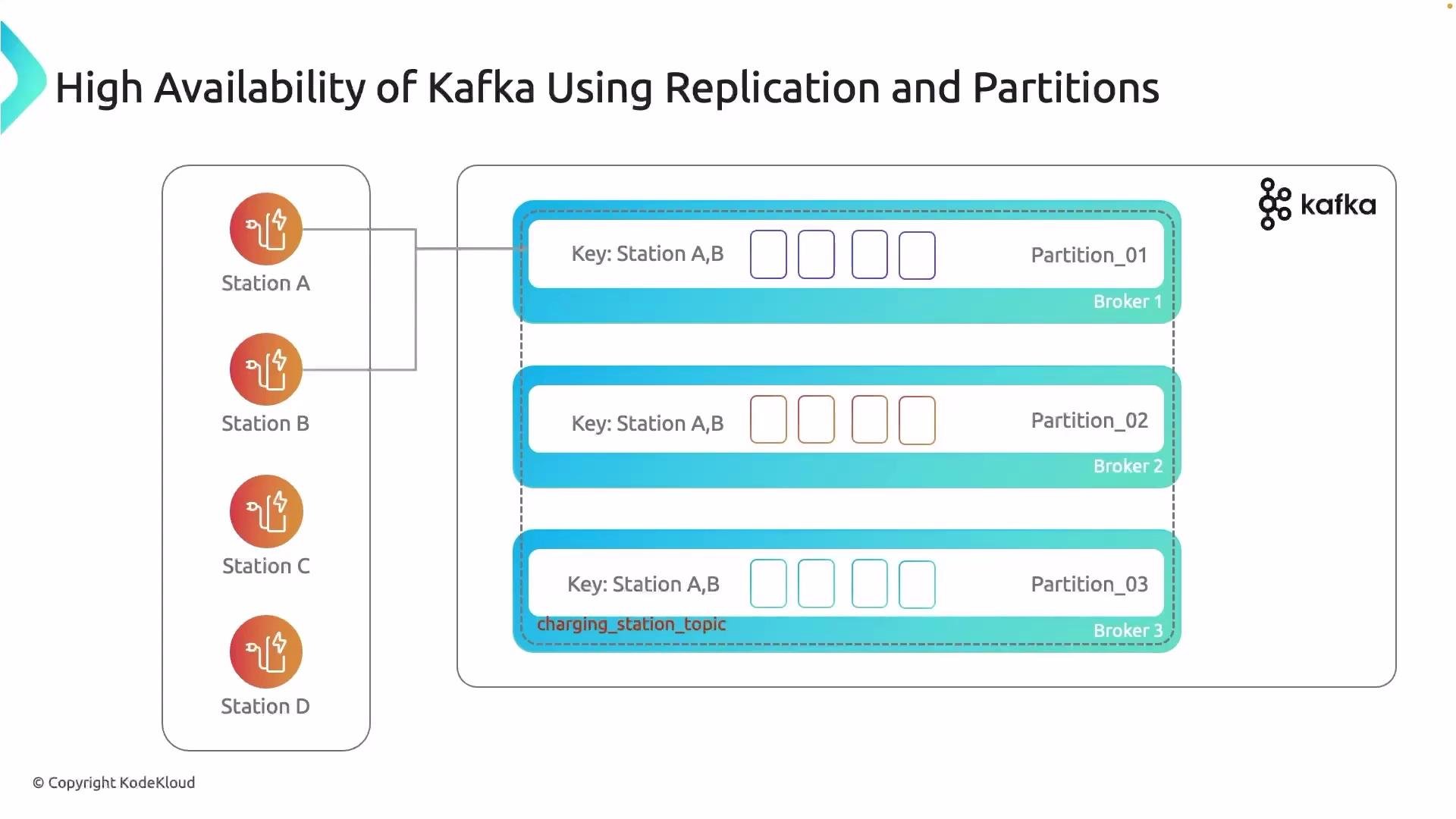
charging_station_status topic split into three partitions. Messages include keys (e.g., stationA, stationB) which influence partition assignment.
- You can provide a partition key when producing messages to control distribution. Using a
user_idorstation_idensures all events for that entity land in the same partition, preserving order for that entity. - Keys keep related data together (data locality), simplifying stateful processing and reducing cross-partition coordination.
Over-partitioning vs under-partitioning
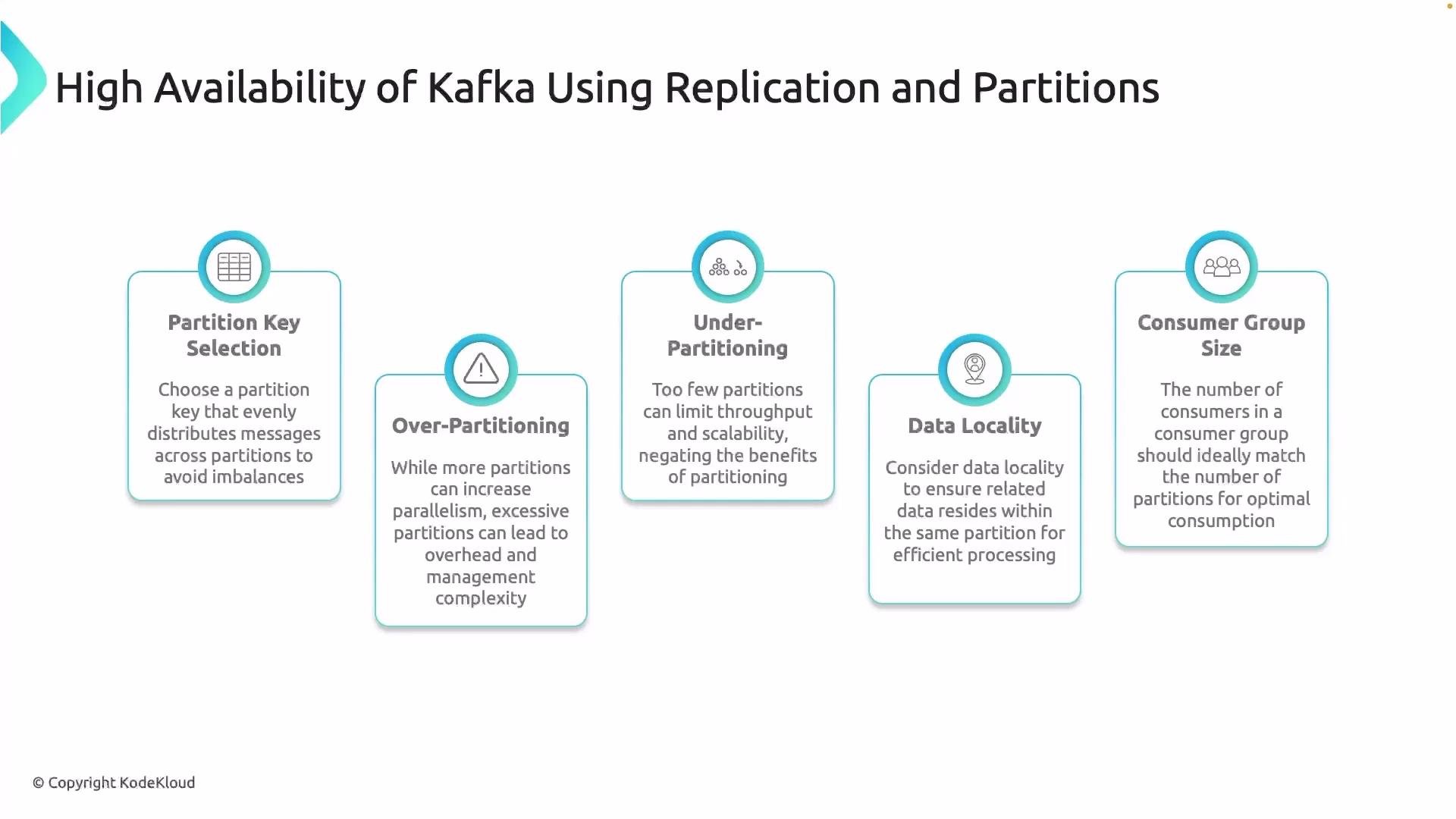
- Over-partitioning: Too many partitions lead to higher coordinator overhead, larger replication metadata, and more memory required on brokers and clients.
- Under-partitioning: Too few partitions limit concurrency; consumers can’t parallelize work effectively, creating throughput bottlenecks.
- Choose a partition count based on expected throughput, number of consumers, and operational limits. Start with a reasonable number and monitor metrics (throughput, latency, consumer lag) to adjust.
- Select partition keys so related records remain in one partition (e.g., all events for a station or user).
- Proper keys reduce cross-partition joins and simplify stateful stream processing.
- Each partition is consumed by at most one consumer instance in a consumer group.
- If there are more partitions than consumers, some consumers will handle multiple partitions.
- If there are more consumers than partitions, some consumers will be idle.
Match consumer group size to the partition count to maximize utilization and throughput.
- Choose keys that keep related events together to preserve ordering and simplify processing.
- Start with a conservative number of partitions based on expected throughput, then scale partitions as needed (note: increasing partitions later can affect ordering semantics).
- Align consumer group size with partition count to avoid idle consumers or underutilized partitions.
- Monitor broker and client metrics (CPU, memory, disk I/O, consumer lag) and tune partition counts accordingly.
Match the number of partitions to your expected concurrency and throughput. Too many partitions increase operational overhead; too few limit parallelism.
- Partitioning spreads data across brokers. With replication (covered in the next lesson), Kafka ensures partitions are duplicated on multiple brokers so the topic remains available if a broker fails.
- Apache Kafka documentation — Partitioning: https://kafka.apache.org/intro
- Kafka consumer groups and partition assignment: https://kafka.apache.org/documentation
- Designing partition keys and capacity planning (blogs & best practices): refer to your platform’s Kafka guides and operational runbooks