

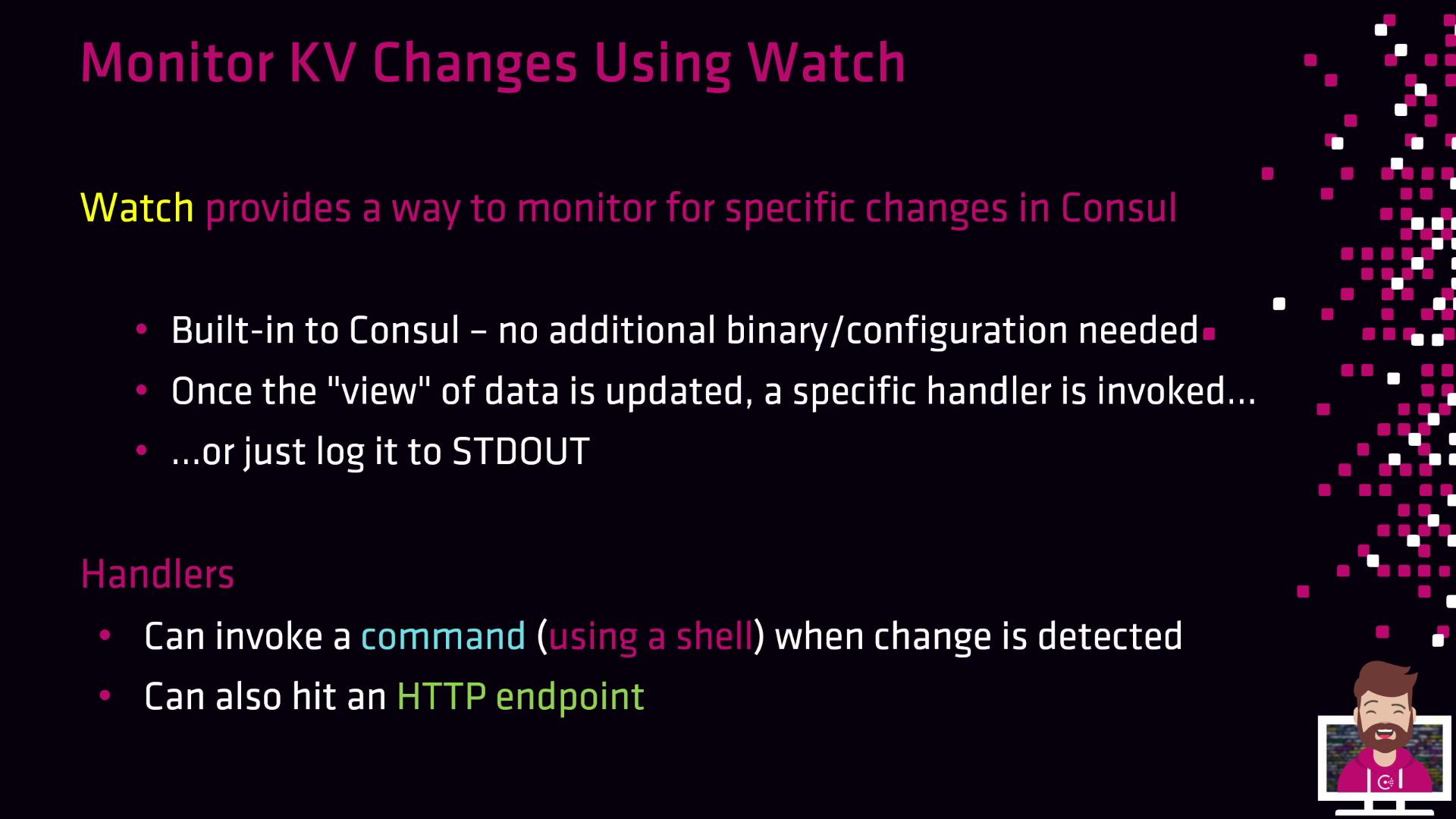
- Log the event for downstream processing by log-collection tools.
- Execute a shell command or custom script via the
scripthandler. - Send an HTTP request to an API, webhook, or service endpoint via the
httphandler.
Ensure your handler scripts have executable permissions (e.g.,
chmod +x /path/to/script.sh), and verify that the Consul agent user can invoke them.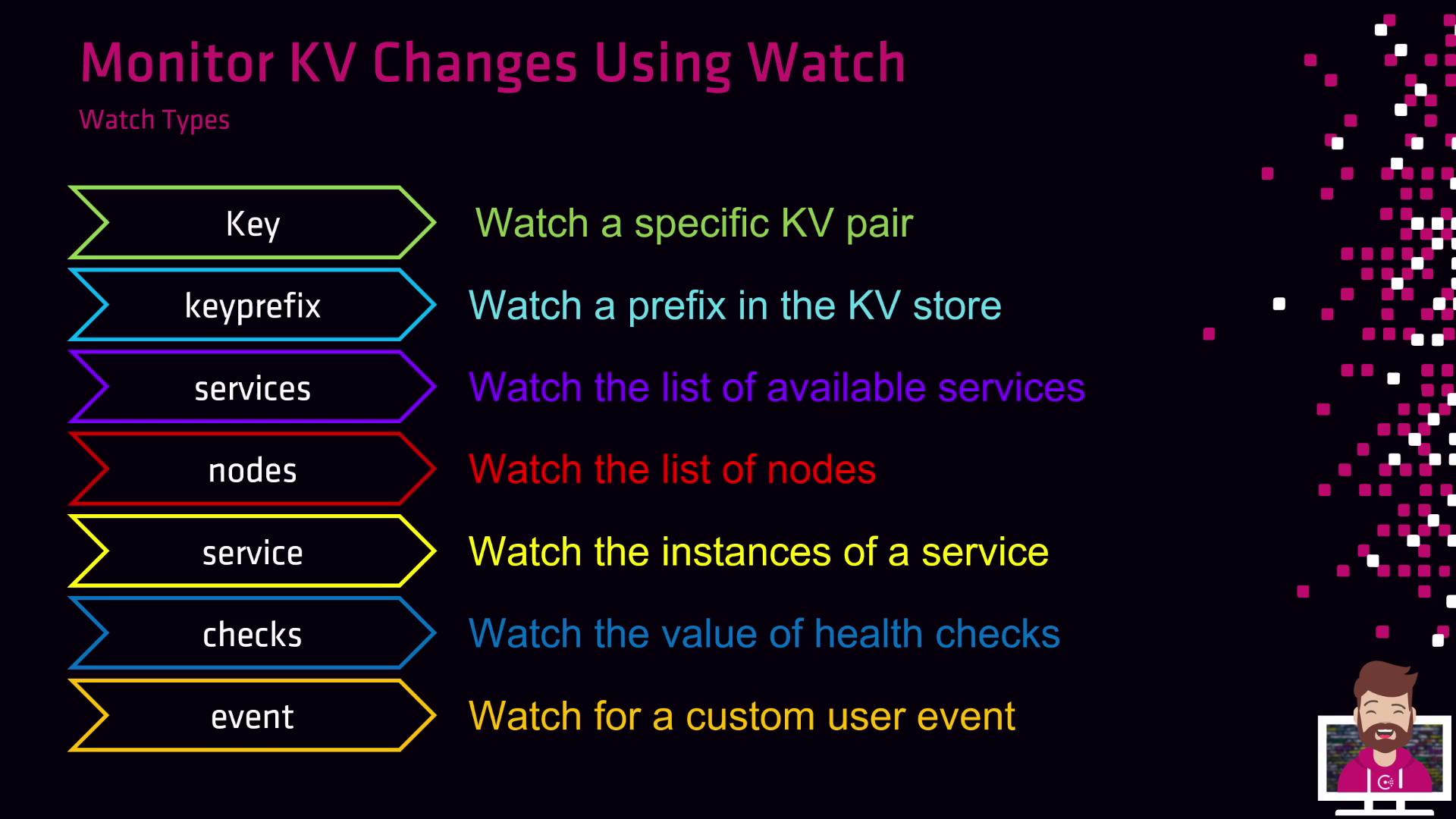
Under the hood, Consul Watch leverages the blocking query feature of the HTTP API. You can configure and run watches in two ways:
- In the agent’s JSON configuration file
- With the
consul watchCLI command
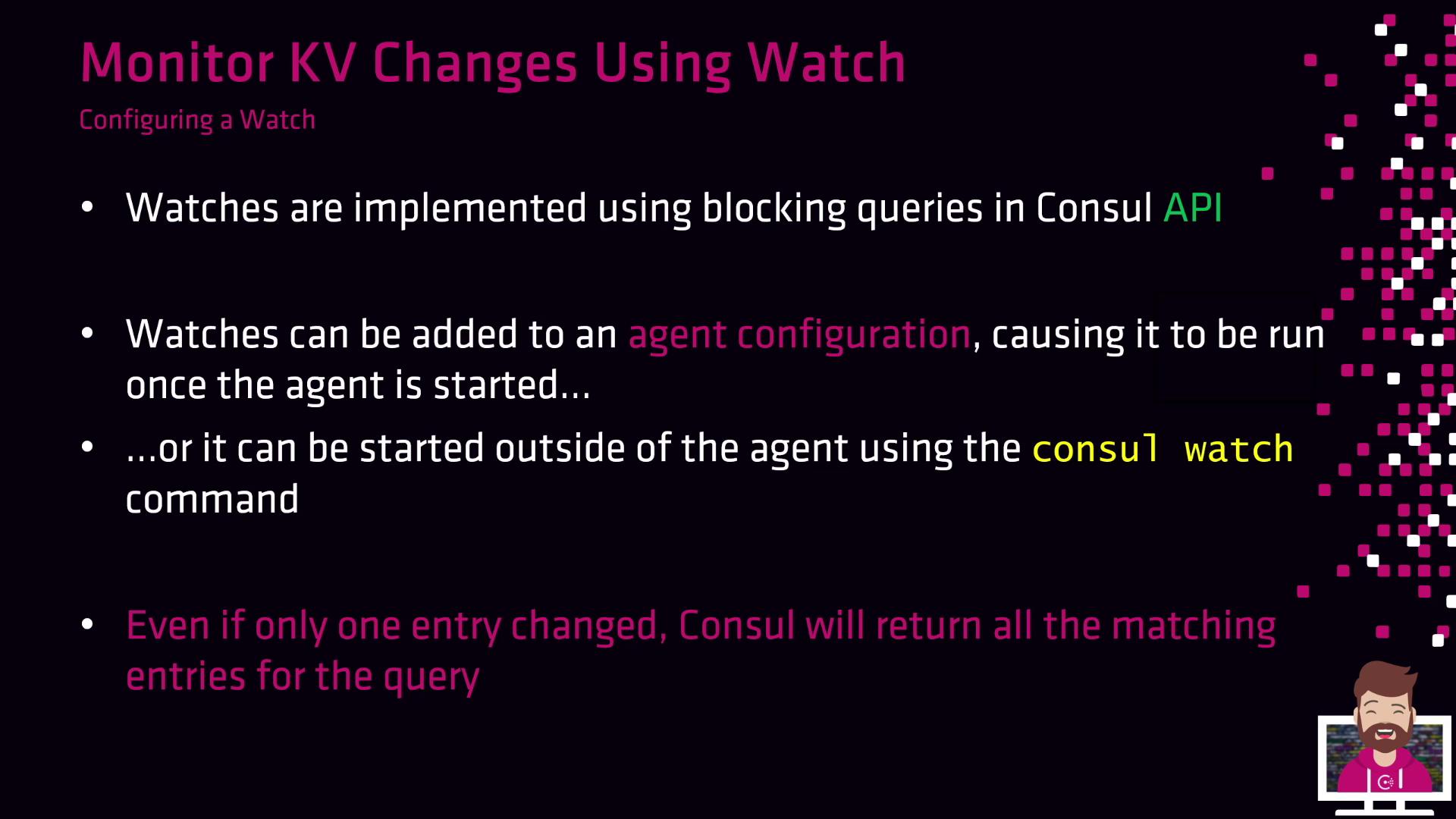
1. Configure a Watch in the Agent Configuration
Edit your Consul agent’s JSON config (e.g.,/etc/consul.d/agent.json) and add a watches block:
2. Start a Watch from the Command Line
You can also spin up a watch on the fly without touching config files:prod/database/mysql KV entry changes, Consul Watch executes your script—automatically rolling out updated credentials to your application.