Consul’s gossip protocol communicates in clear text by default, making it unsuitable for production clusters. Enabling gossip encryption ensures all cluster communication remains confidential and tamper-proof.Documentation Index
Fetch the complete documentation index at: https://notes.kodekloud.com/llms.txt
Use this file to discover all available pages before exploring further.
Never expose an unencrypted Consul gossip layer to public or untrusted networks. Always enable encryption in production.
Initial Configuration
To activate gossip encryption on a new Consul agent, add theencrypt key to your agent’s JSON configuration (e.g., /etc/consul.d/agent-config.json):
- Generate a new gossip key:
- Copy the output and paste it into the
"encrypt"field above. - Restart or start the Consul agent:
Key Parameters Overview
| Parameter | Description |
|---|---|
| encrypt | Base64-encoded key for gossip encryption |
| verify_incoming | Validate incoming TLS connections |
| verify_outgoing | Validate outgoing TLS connections |
| verify_server_hostname | Enforce server hostname verification |
| leave_on_terminate | Gracefully leave cluster on agent shutdown |
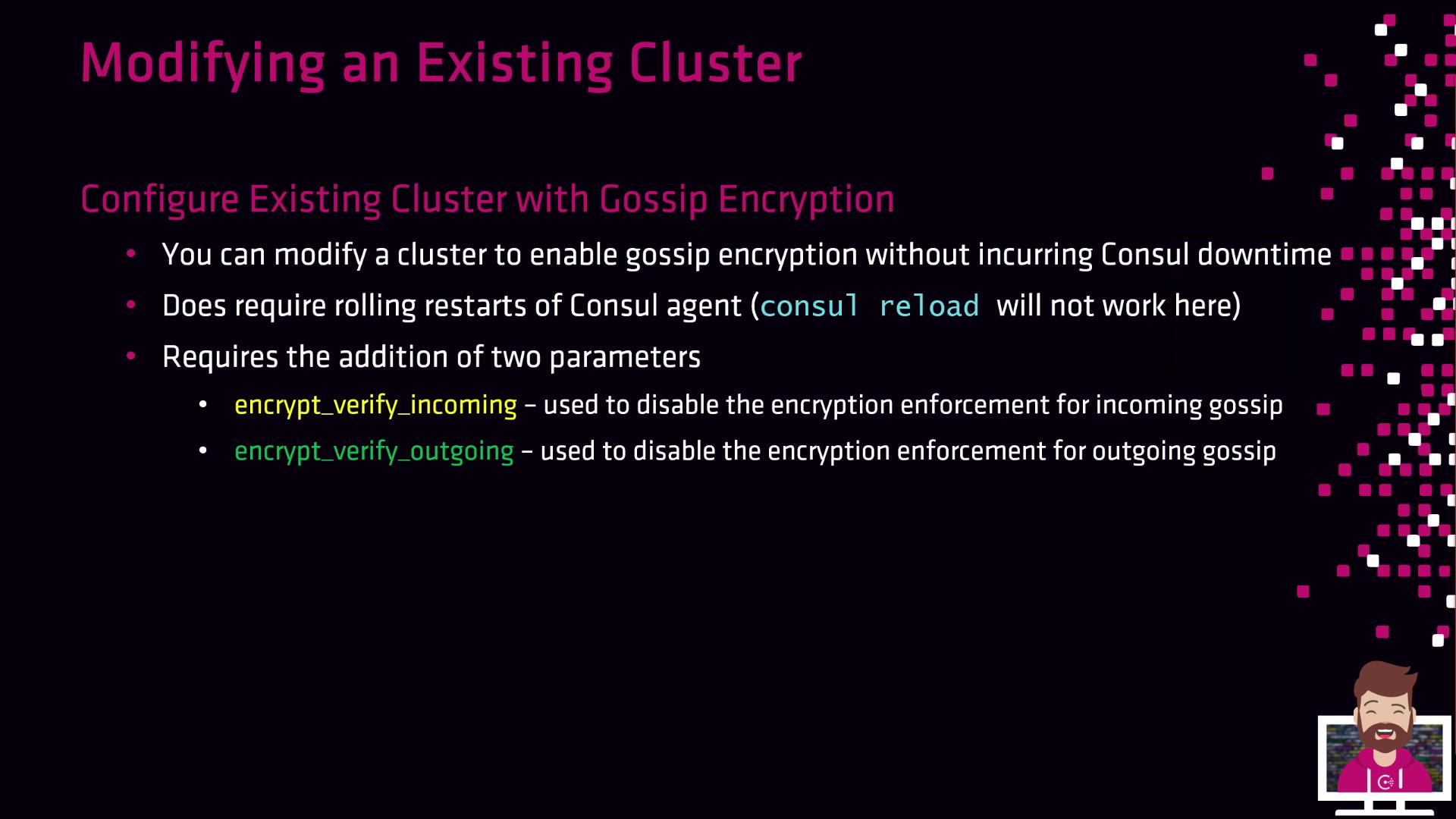
Modifying an Existing Cluster

consul reload does not apply encryption changes—you must restart each agent (systemctl restart consul).
Two flags manage the transition phase:
| Flag | Purpose |
|---|---|
| encrypt_verify_incoming | Enforce encryption for incoming messages |
| encrypt_verify_outgoing | Enforce encryption for outgoing messages |
-
Generate a new encryption key
-
Distribute the key and disable enforcement
Update each agent’s config: -
Rolling restart #1
-
Enable outgoing encryption
-
Rolling restart #2
-
Enable incoming encryption
-
Rolling restart #3