In this lesson, you’ll learn how to register a service in Consul, watch it appear in the UI, test it without a health check, and finally deregister it. Our environment consists of two Consul servers and one web client node (web-server-01).

Verify Cluster Membership

On one of the Consul servers (consul-node-a), confirm that all nodes have joined the cluster:
Switch to the web client node (web-server-01) to define and register your service. You can watch these changes propagate instantly in the Consul UI:
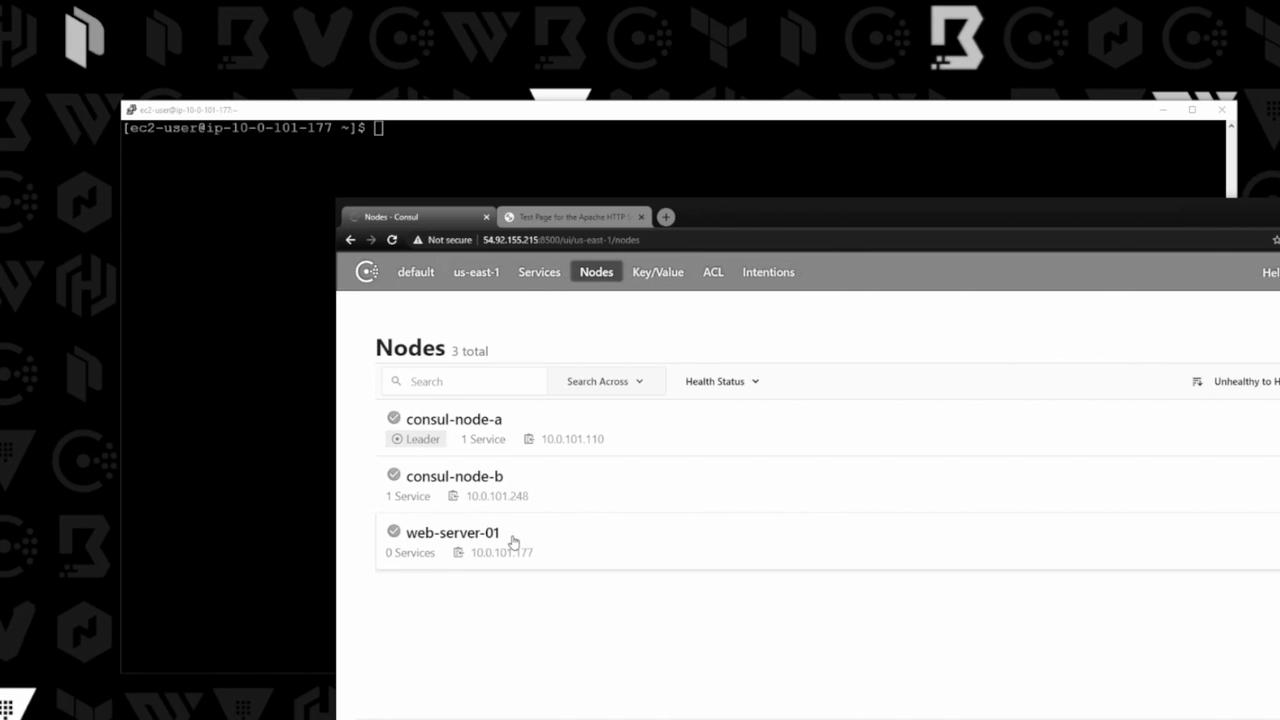
The image shows a terminal window and a web browser displaying a Consul interface with a list of nodes, including "consul-node-a," "consul-node-b," and "web-server-01."

Service Definition File

On web-server-01, create a JSON file to describe your service:
Add the following content:
The service.json file follows Consul’s service definition schema. You can extend it later with health checks under the "Check" block.

Service Definition Fields

Register the Service

Register your service definition with Consul:
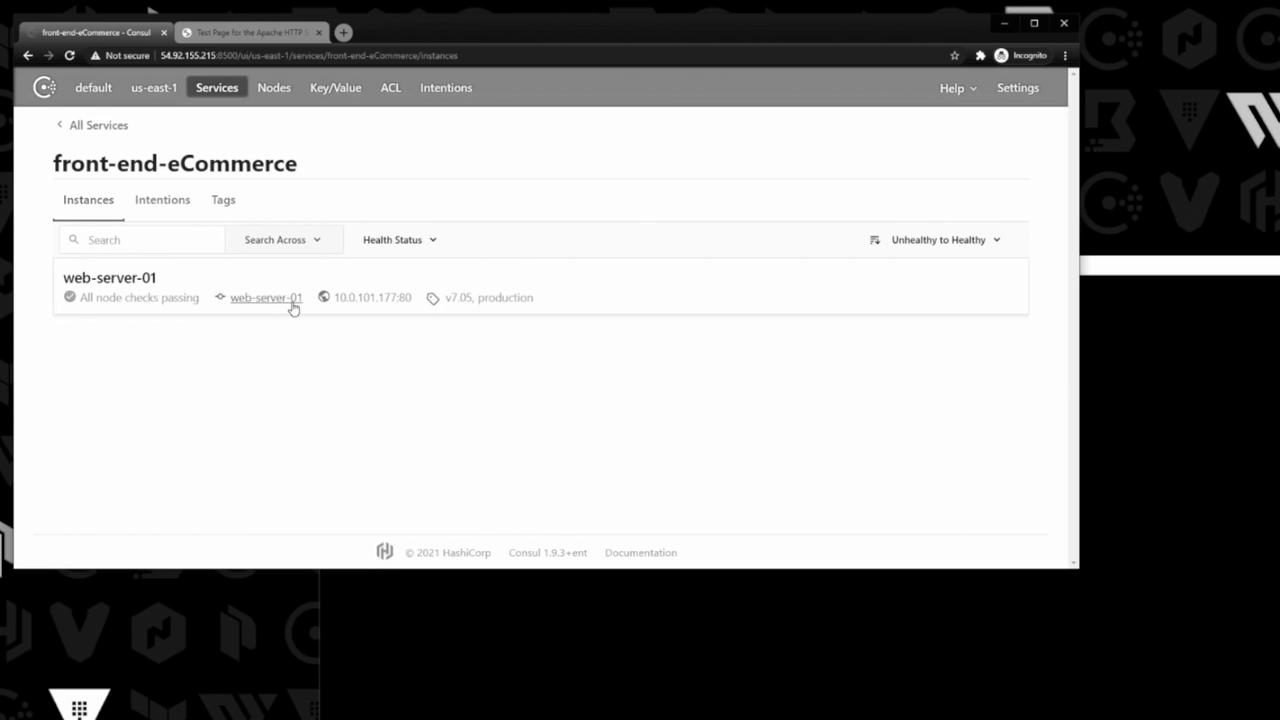
In the Consul UI, the new service appears under Services with a healthy status:
The image shows a web interface for managing services, specifically displaying details for a service named "front-end-eCommerce" with a healthy status for "web-server-01." It includes options for searching and filtering by health status.
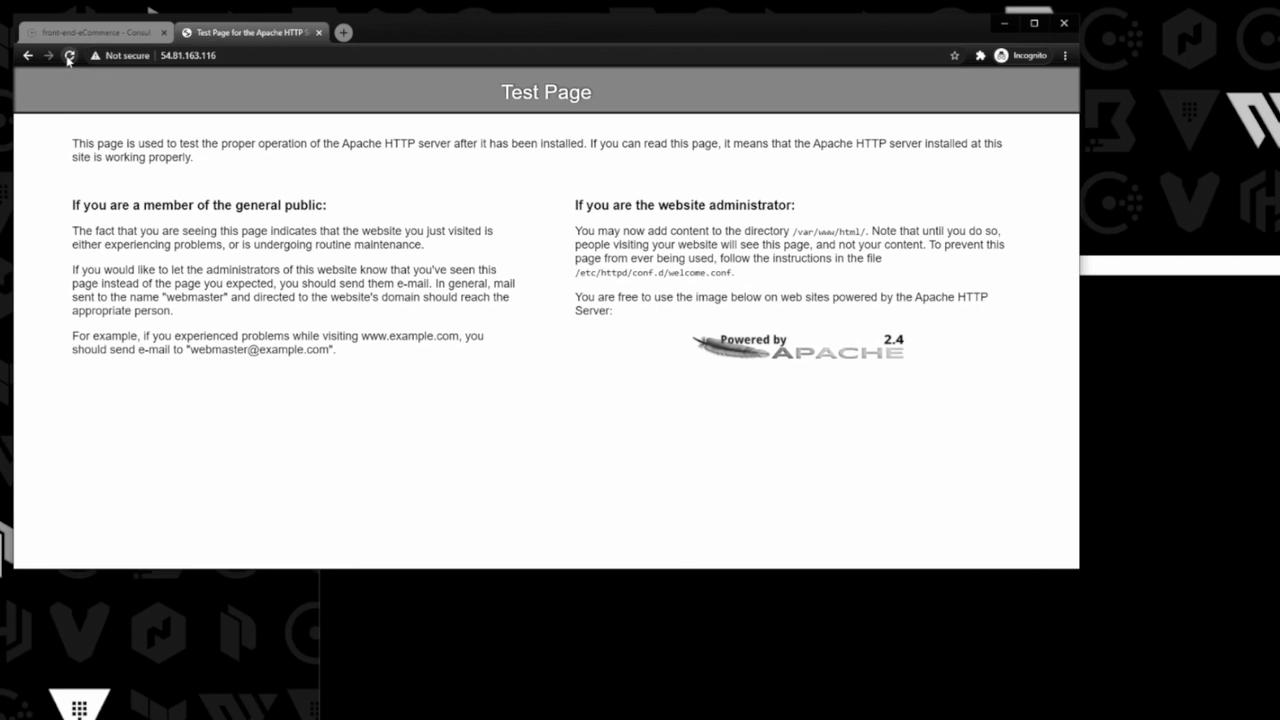
Meanwhile, Apache is serving its default test page:
The image shows a default Apache HTTP server test page, indicating the server is installed but not yet configured with content.

Testing Without a Health Check

Stop the Apache HTTP server:
Reloading the test page in your browser times out, but in Consul, the front-end-eCommerce service still shows as passing because no application-level health check is defined.
Without a defined health check, Consul cannot detect application failures. Always configure checks to get accurate health status!
Restore the default page by restarting Apache:

Deregister the Service

To remove the service from Consul:
You can also deregister services via the Consul UI or the HTTP API by specifying the service ID.
The front-end-eCommerce entry disappears from the Consul UI.

Watch Video