

- Starting a Consul server in dev mode on your local machine
- Bootstrapping two AWS EC2 instances into a Consul cluster
1. Running Consul in Dev Mode
Running Consul in dev mode is intended for local testing only. Data is ephemeral and not suitable for production.
Start the Dev Agent
Open PowerShell (or your preferred shell) and launch the Consul agent:Verify the Local Agent
In a new shell, confirm the agent is running: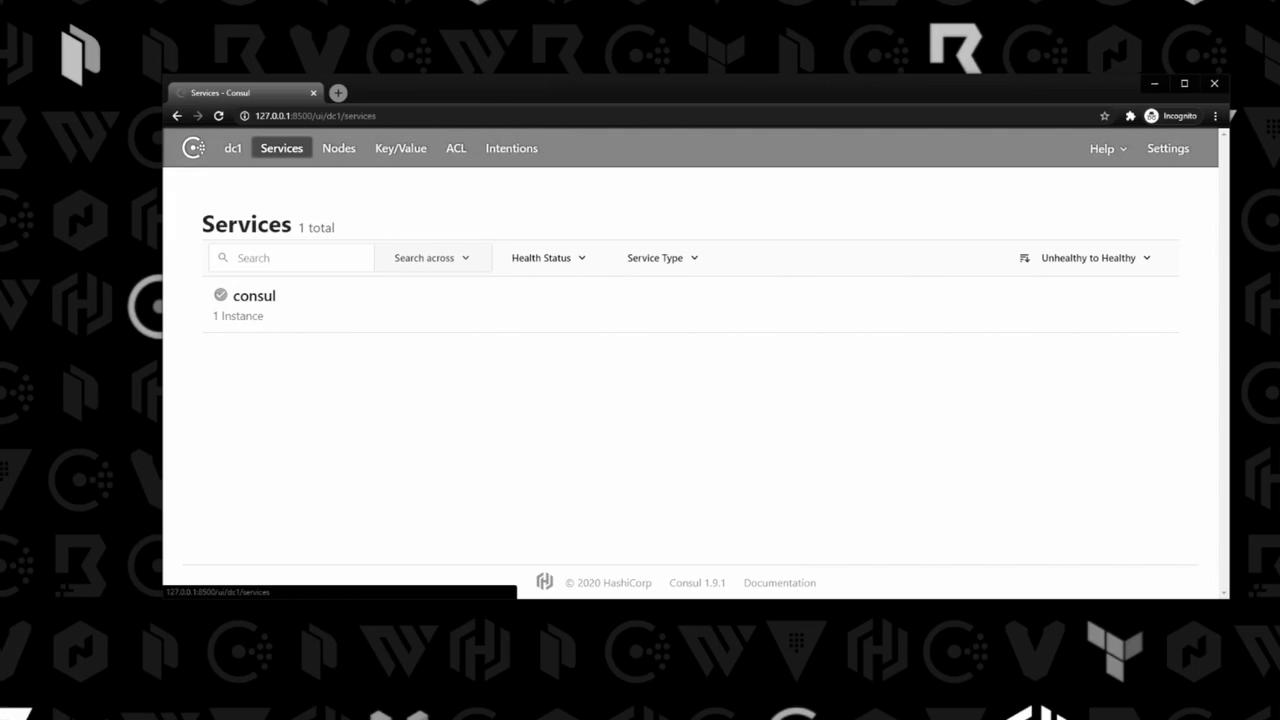
Ctrl+C in the shell where it’s running.
2. Preparing AWS EC2 Instances
I’ve provisioned two EC2 instances and used Packer to install Consul under/usr/local/bin. Let’s verify everything:
consul.service and consul-snapshot.service.
3. Reviewing the Systemd Service File
Open/etc/systemd/system/consul.service to inspect how Consul is managed:
4. Reviewing the Consul Configuration (Node A)
Below is the JSON-based configuration at/etc/consul.d/config.hcl for node A (10.0.101.110):
5. Starting Consul on Both Nodes
Open required ports (8300–8302, 8500, 8600) in your security groups before proceeding.Node A
Node B
On the second instance (10.0.101.248), the /etc/consul.d/config.hcl is identical except for IP addresses and node_name:
Verify Cluster Membership
Run on either node:
Because of the
retry_join settings, both servers automatically discover each other and form a cluster.
That concludes this lab. You’ve learned how to:
- Run Consul in dev mode locally
- Prepare EC2 instances and verify Consul installation
- Inspect systemd service and configuration files
- Bootstrap a two-node Consul server cluster on AWS
Links and References
- Consul Documentation
- Consul Agent Overview
- Consul Web UI
- AWS EC2 Documentation
- Packer by HashiCorp
- Systemd Service Files Best Practices