

What Is a Consul Service?
In HashiCorp Consul, a service represents any workload or application—web servers, microservices, databases, APIs, and more—that provides functionality within your infrastructure. Consul’s service discovery catalogs these services, enabling clients to locate them through DNS queries or HTTP API calls. Once registered, services can also discover their own dependencies.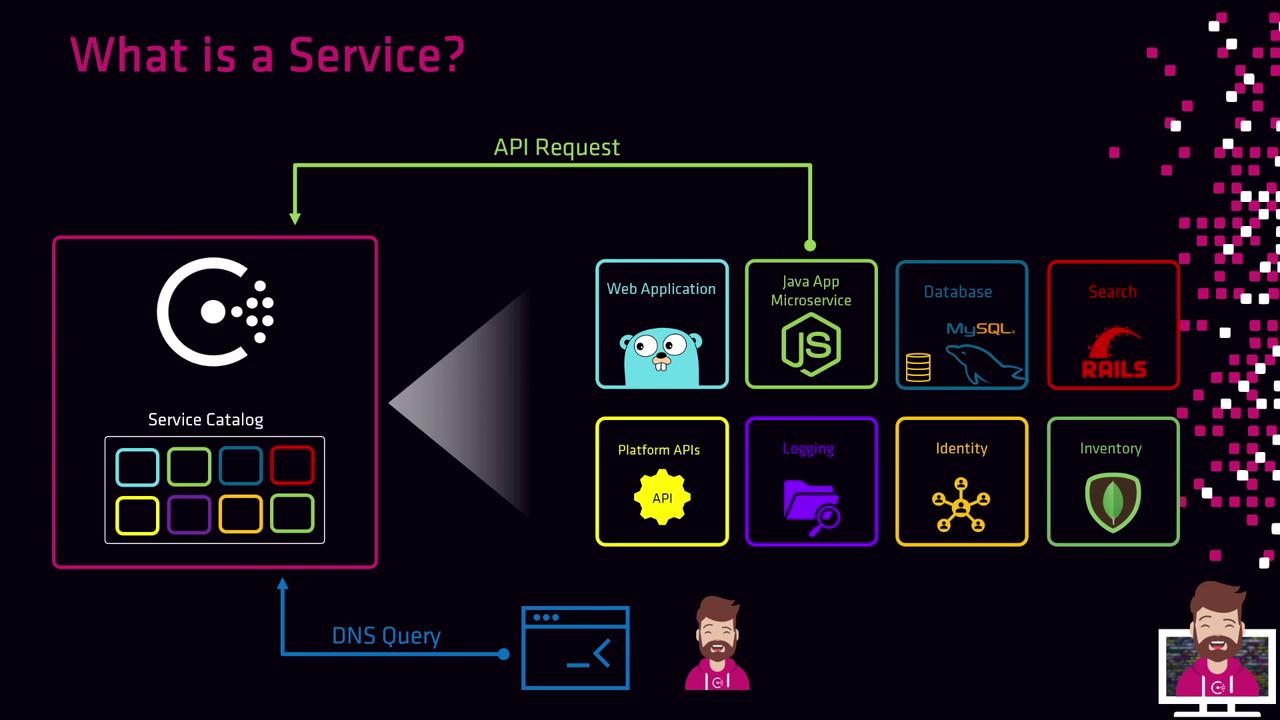
- Calling the Consul HTTP API
- Placing a service definition file on disk
Consul automatically initiates health checks for each registered service. Ensure your checks are correctly configured to prevent unhealthy nodes from serving requests.
Service Registration Methods
Choose one of the following approaches to register services with your Consul agent:1. Register via the HTTP API
Send a PUT request to the agent’s registration endpoint with your service definition:payload.json):
- Name: A unique identifier for the service in Consul’s catalog.
- Port: The TCP port on which the service listens on localhost.
2. Register via a Service Definition File
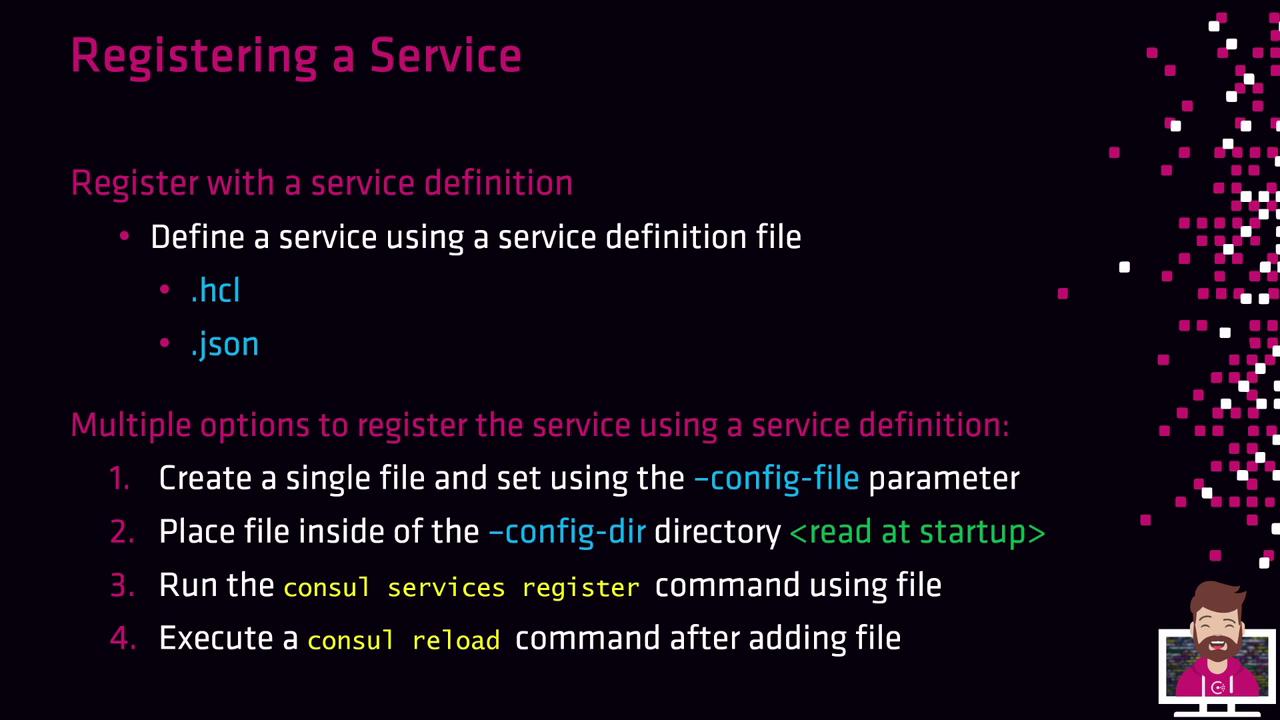
Service definitions can be authored in HCL or JSON. The Consul agent loads these files at startup or when reloaded:-
Single config file
Launch the agent with-config-file=/path/to/config.hclto include both agent and service settings. -
Config directory
Place one or more.hclor.jsonfiles into/etc/consul.d/. The agent reads all definitions at startup. -
CLI registration
-
Agent reload
Example: Registering Multiple Service Instances
In a high-availability setup, you might run identical web applications on three client nodes, each registering asretail-web. Each client uses the same service name and port but can differ in tags or health checks. For instance, on each node: