

Overview of Agent Membership
Consul agents use the Gossip Protocol to share membership updates. When a new agent joins, it contacts an existing member; the protocol then propagates that change across the entire cluster. You can even merge two independent clusters by having an agent in one contact a node in the other.1. Joining via the CLI
You can manually join an agent to the cluster by specifying any existing member’s hostname or IP:consul-node-a.example.com with an IP address if preferred. CLI joins are best suited for testing or small labs—automated config is recommended in production.
2. Joining via Configuration
Add join settings directly to your agent’s JSON or HCL config. There are two options:
Example (
config.json):
Use
If you need a single attempt only, use the
retry_join for environments where agents start in an unpredictable order.If you need a single attempt only, use the
join option instead.3. Cloud Auto-Join
Cloud auto-join uses provider metadata (tags or labels) to discover peers automatically. Supported providers include AWS, Azure, GCP, Kubernetes, and more. You must grant the agent appropriate API permissions (for example, via an AWS IAM role).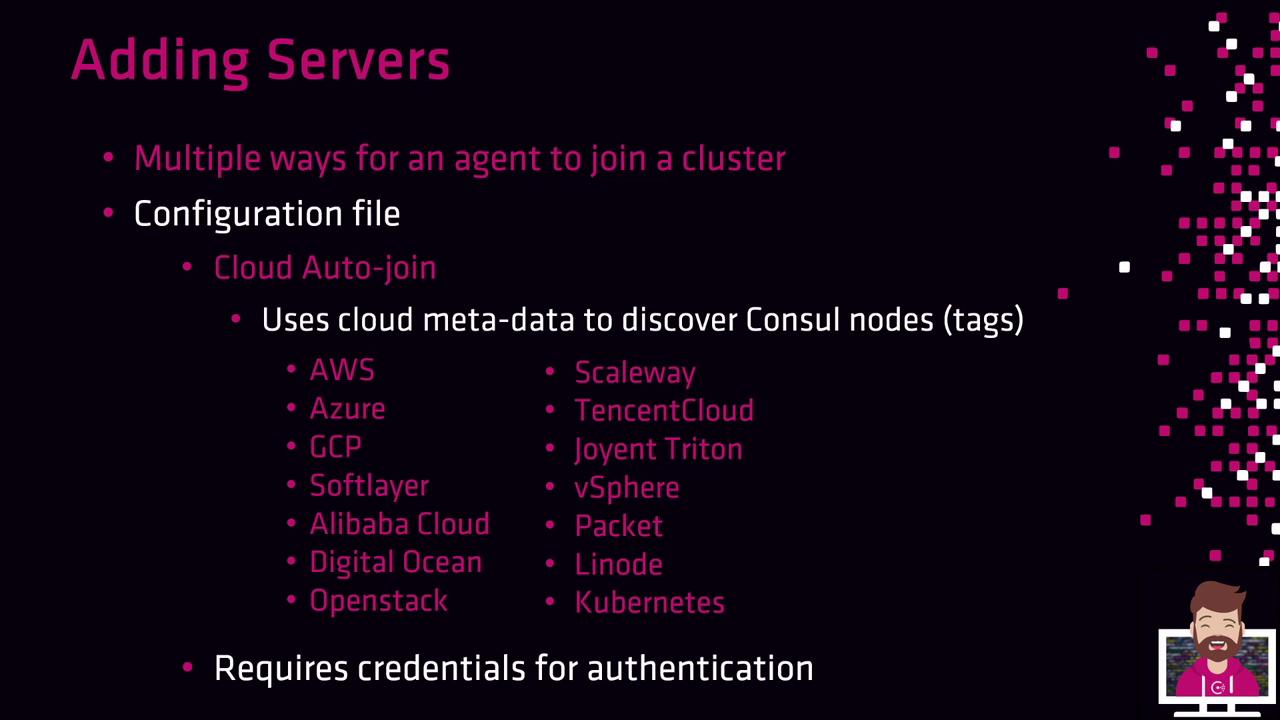
consul=true and attempts to join them.
Ensure your cloud credentials or IAM roles only grant enough permissions to list instances—avoid overly broad access.
Removing Agents from the Cluster
To gracefully remove an agent and inform the cluster:Listing Cluster Members
Use themembers command to see all servers and clients: