Sample JSON Configuration
Below is a baseline JSON file for a Consul server inus-east-1. You can also write this in HCL; refer to the Consul Configuration Documentation for HCL examples.
Understanding Configuration Sources
You can provide configuration through:- JSON/HCL files
- Command-line flags (e.g.,
-server,-bootstrap-expect) - Environment variables prefixed with
CONSUL_
Environment variables are useful for overrides in containerized or CI/CD environments. For complex configurations, maintain a single JSON or HCL file.
Key Options in a Server Configuration File
Below is a summary of the most common server directives. Adjust these values to match your deployment topology and security requirements.Keep your gossip encryption key (
encrypt) confidential. If exposed, rotate it immediately using consul keygen and reconfigure all agents.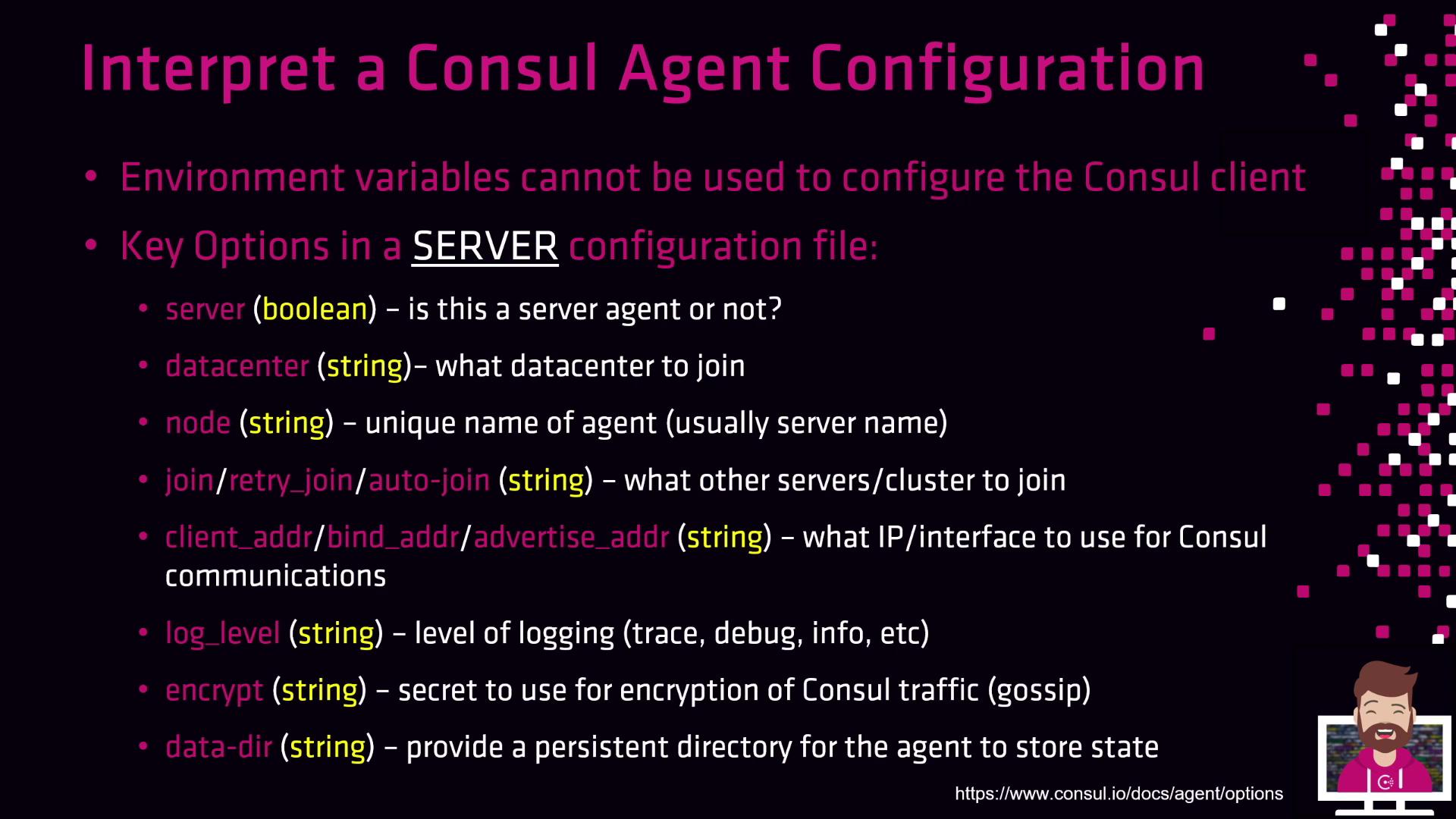
acl block), syslog integration (enable_syslog), or cloud-specific auto-join settings.
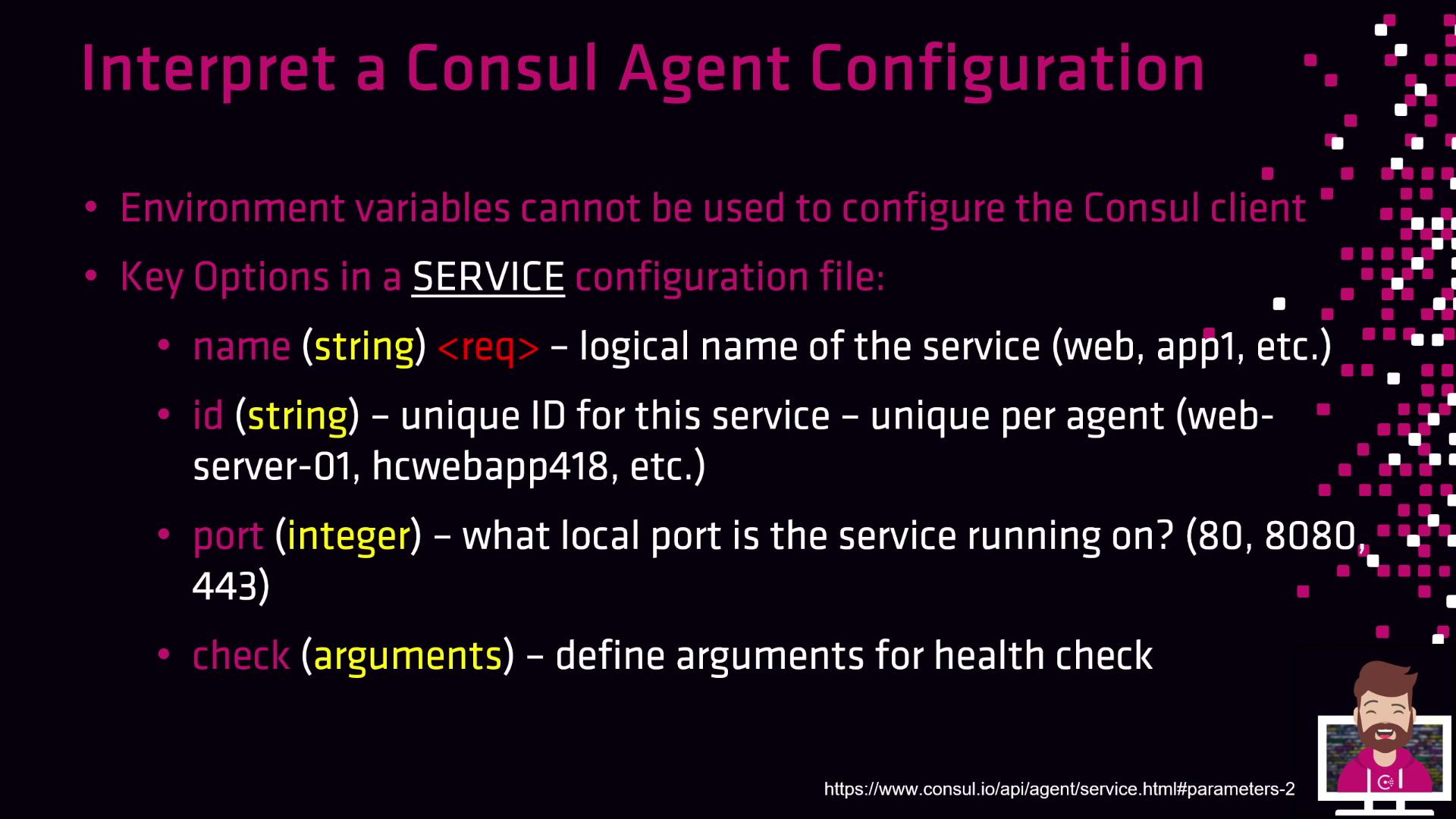
Key Options in a Service Configuration File
Service definitions register application endpoints with Consul for discovery and health checking. Below is an overview of essential fields:You can define multiple health checks per service. Use
deregister_critical_service_after to automatically remove unhealthy instances.