

Why Use Envconsul?
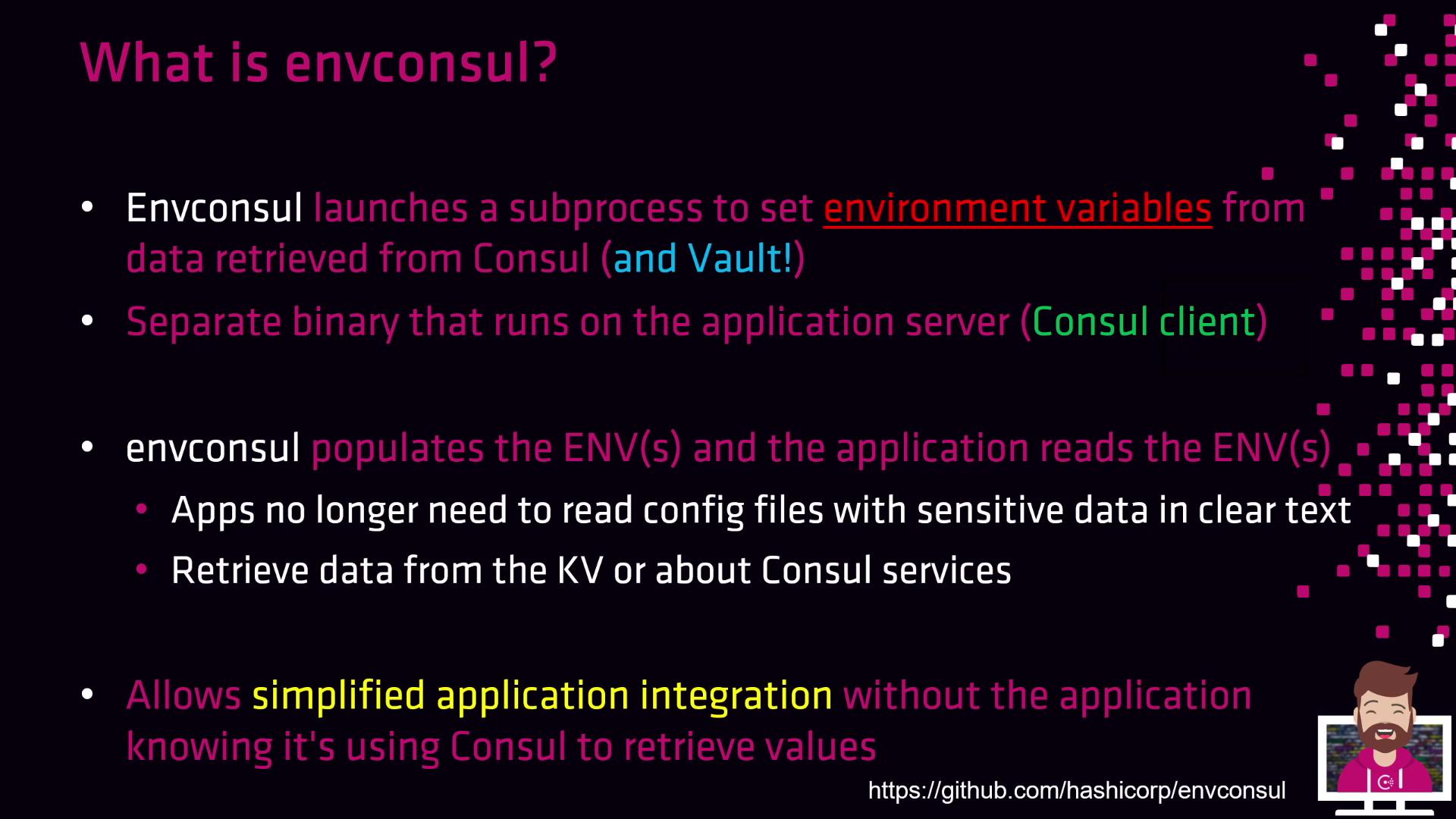
- Eliminates clear-text config files containing secrets
- Works with both Consul KV and Vault secrets
- Requires no modifications to application source code
- Compatible with containers (Docker, Kubernetes) and bare-metal deployments
Envconsul only needs network access to your Consul or Vault cluster. You don’t need a full Consul agent on every host if you use a remote Consul server.
Key Features
Example: Loading Database Configuration
First, write sample KV entries into Consul:-prefix flag to export all db01 keys:
When running inside containers, ensure your orchestration platform passes through the envconsul‐set environment variables to your application process. Failing to do so will result in missing config at runtime.
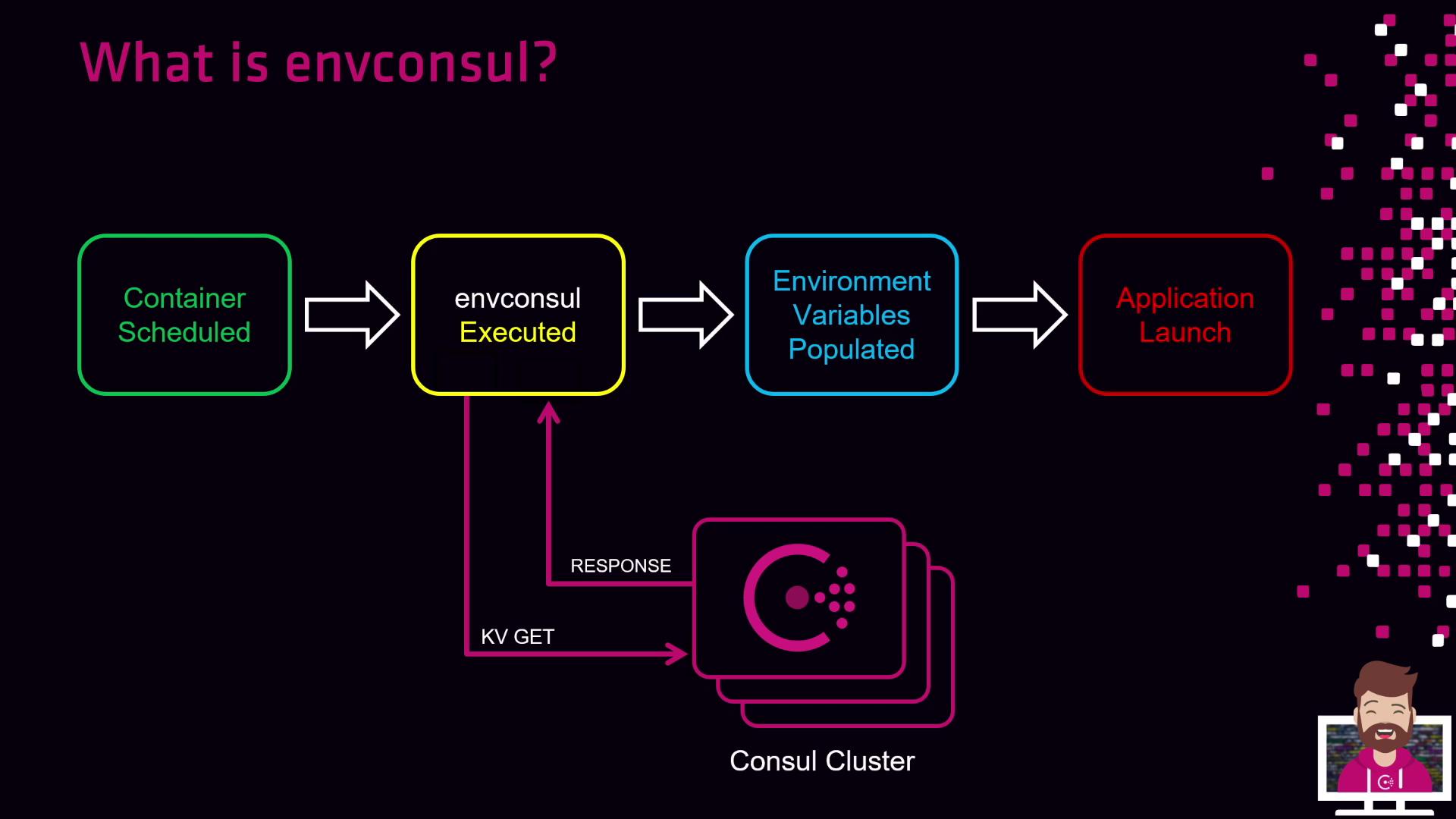
Envconsul Workflow
- Schedule or start a container (Docker, Kubernetes) or launch on the host.
- Execute envconsul as the entrypoint or sidecar alongside your application.
- Envconsul queries Consul KV store (or Vault) for requested keys.
- Consul (or Vault) returns the secret values.
- Envconsul exports these key–value pairs as environment variables.
- Your application starts and reads the environment variables normally.
Links and References
- Consul KV Documentation
- Vault Secrets Engines
- Envconsul GitHub Repository
- Consul Integration Patterns