

Workflow
- Define a template file with placeholders (e.g.,
app.ctmpl). - Start the Consul agent on your server:
- Launch the
consul-templateprocess, specifying the template and target: - The daemon retrieves key/value pairs from Consul.
- Placeholders in the template are replaced with live data.
- The rendered file is saved to disk.
- An optional
command(like a service reload) is executed to apply updates.
By default, Consul Template polls Consul every two seconds. Adjust the interval with the
-wait flag or in HCL.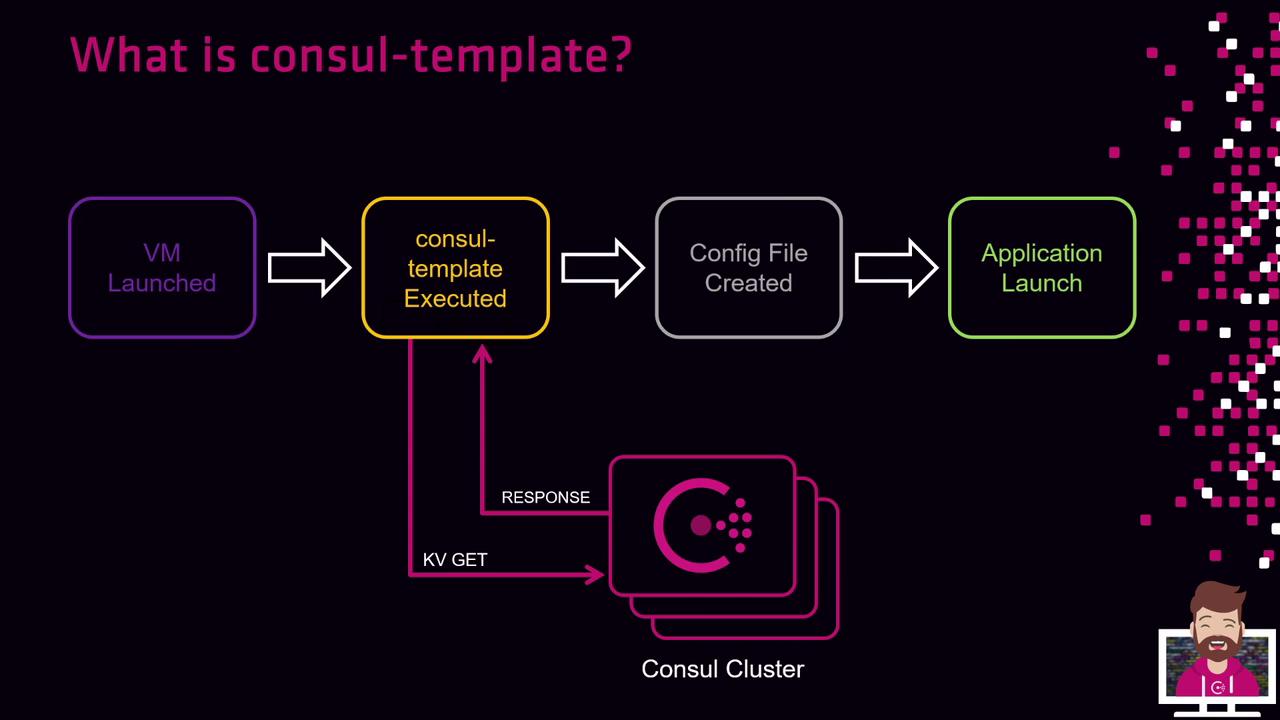
Key Benefits
Example HCL Configuration
Create/etc/consul-template/config.hcl:
Ensure the Consul agent is running and reachable. When ACLs are enabled, include the
token parameter in your HCL or CLI invocation.