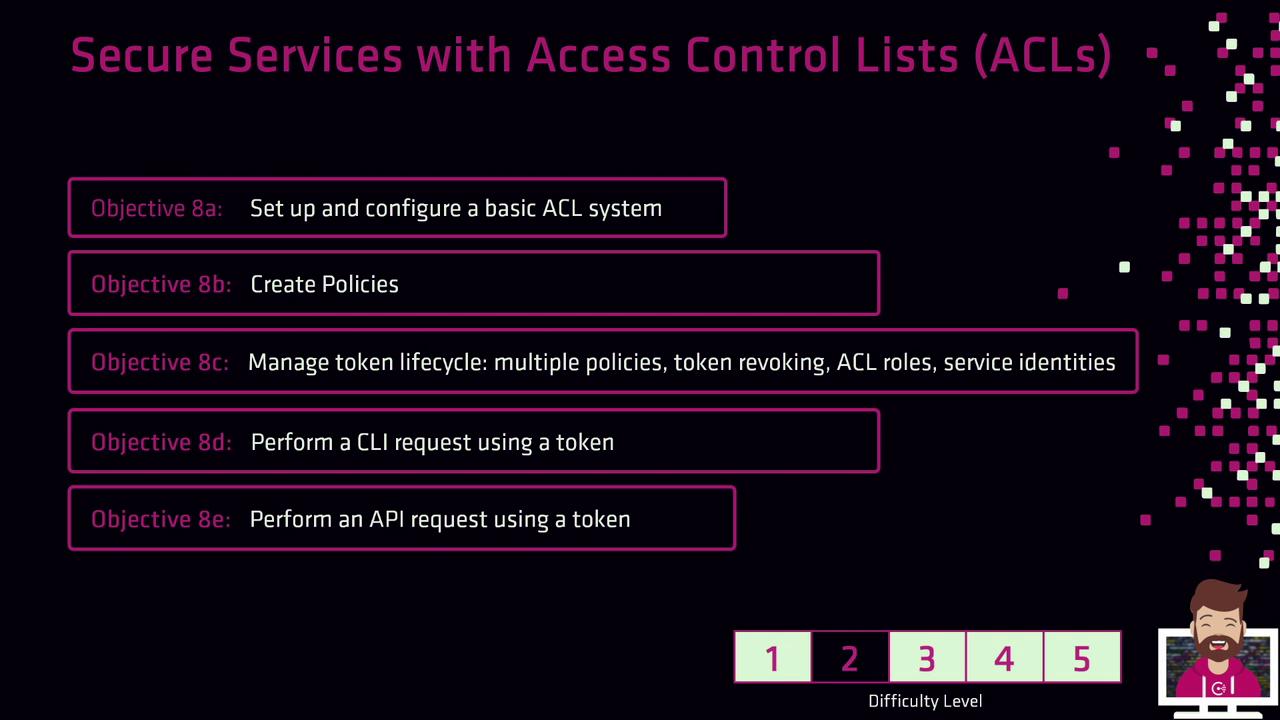
Welcome to Objective 8 of the HashiCorp Certified Consul Associate certification. In this lesson, you’ll discover how to secure your Consul environment using the Access Control List (ACL) system, ensuring fine-grained access control across services.Documentation Index
Fetch the complete documentation index at: https://notes.kodekloud.com/llms.txt
Use this file to discover all available pages before exploring further.

Lesson Objectives
| Task | Description |
|---|---|
| Setup and Configuration | Enable ACLs (disabled by default), bootstrap the system, and explore core ACL components |
| Policy Creation | Define permission rules, write HCL or JSON policies, and attach them to tokens |
| Token Lifecycle Management | Create tokens with single or multiple policies, configure automatic revocation, assign identities |
| Authenticated Operations | Perform authorized CLI, HTTP API, and UI requests using valid tokens |
Consul ACLs are disabled by default. You must enable and bootstrap the ACL system before creating policies or issuing tokens.
For more details, see the Consul ACL documentation.
- Enable and bootstrap the Consul ACL system
- Author and attach ACL policies
- Manage token lifecycles, including automatic revocation
- Execute authenticated operations via CLI, API, and UI