

- Enable Consul Connect for TLS encryption
- Register counting and dashboard services
- Launch services with sidecar proxies
- Verify mutual TLS traffic
- Manage service intentions

1. Enable Consul Connect
First, activate Consul Connect on each server node so sidecar proxies can establish mutual TLS.– Consul 1.7+ installed
– Systemd or another init system
– Network connectivity between nodes
– Systemd or another init system
– Network connectivity between nodes
/etc/consul.d/config.hcl on consul-node-a:
node_name, bind_addr, advertise_addr, and retry_join. When both nodes are up, verify membership:

2. Register and Configure Services
Now register the two application services on separate web servers: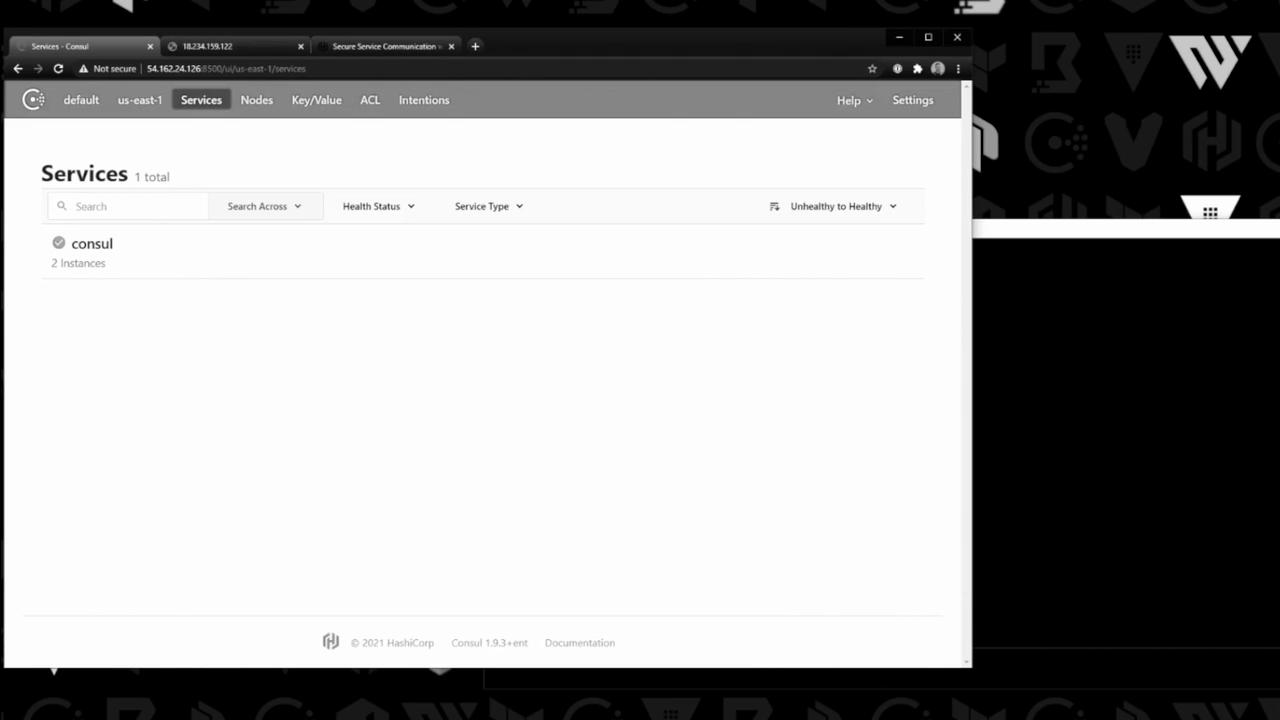
2.1 Counting Service
On the counting server, createcounting.hcl:
2.2 Dashboard Service
On the dashboard server, createdashboard.hcl:
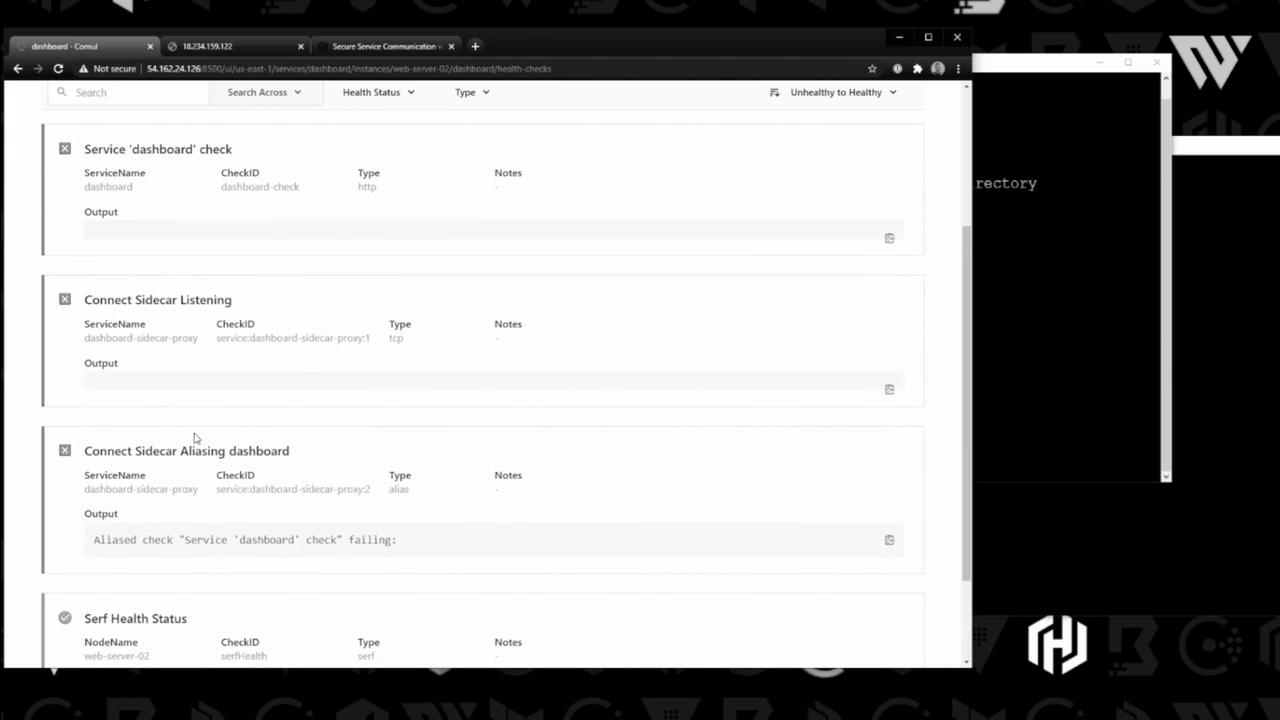
Services are registered immediately but not yet running—health checks will show “critical” until the application and proxy start.
3. Start Services and Sidecar Proxies
Launch each application and its sidecar proxy so traffic is routed via Consul Connect.3.1 Counting Service & Proxy
On the counting server: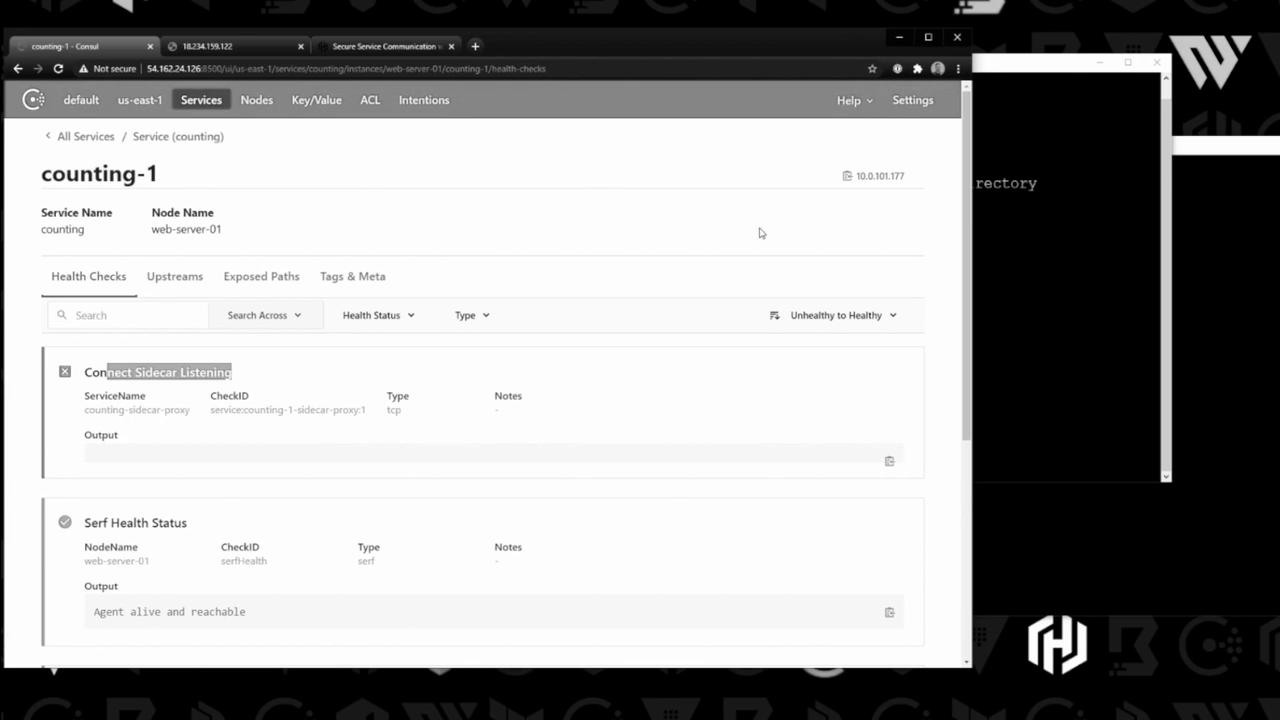
3.2 Dashboard Service & Proxy
On the dashboard server:4. Verify Connectivity
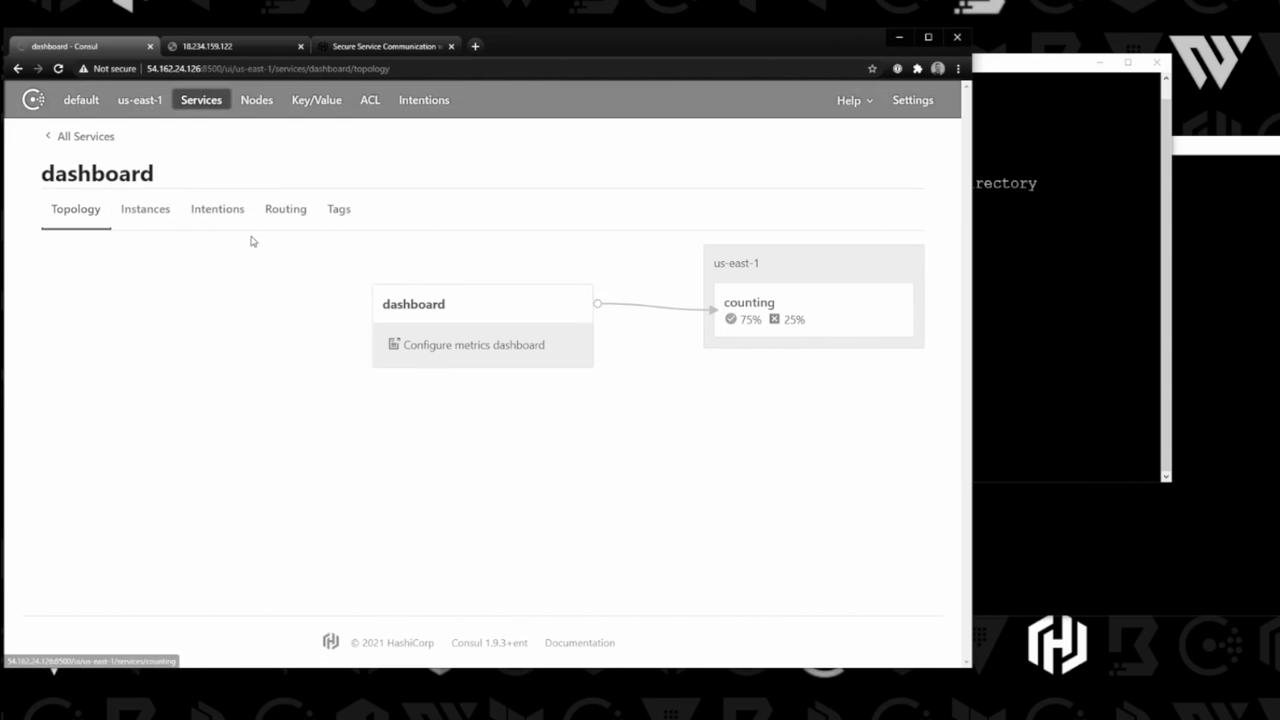
Open your browser tohttp://<dashboard-node-ip>:9002 and refresh the page. You should see the counter increment via the proxy:

5. Manage Intentions
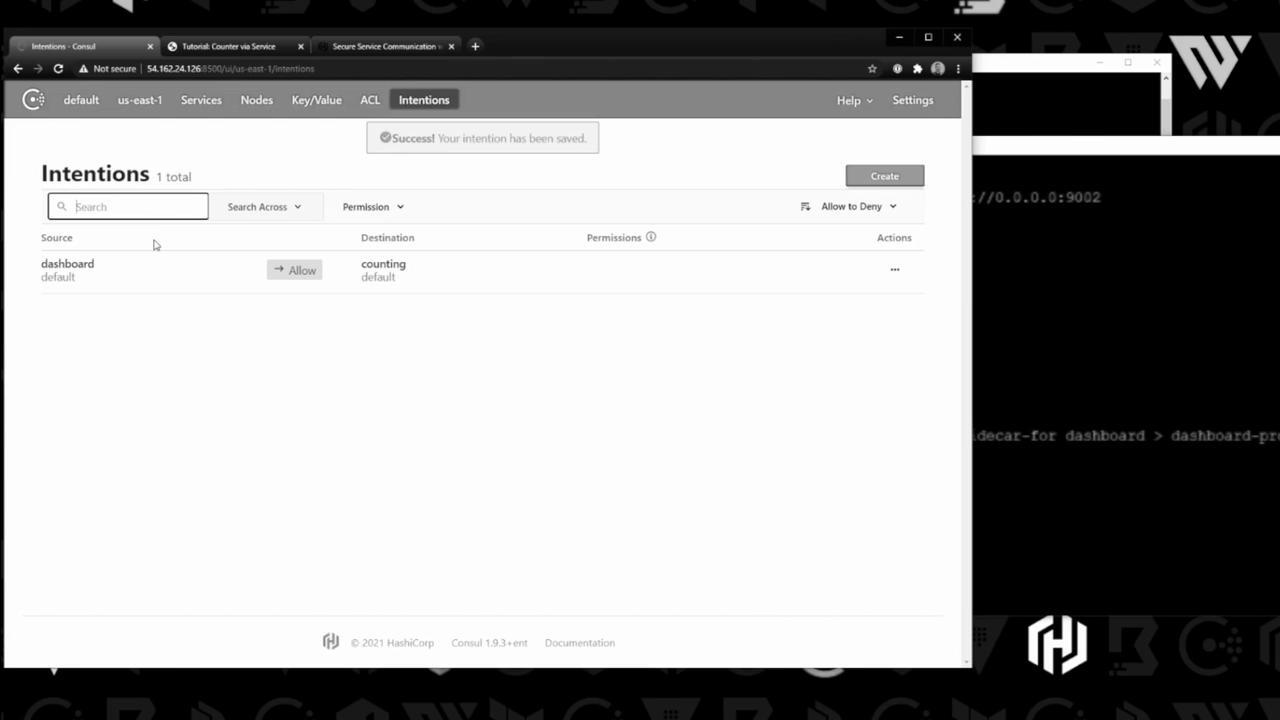
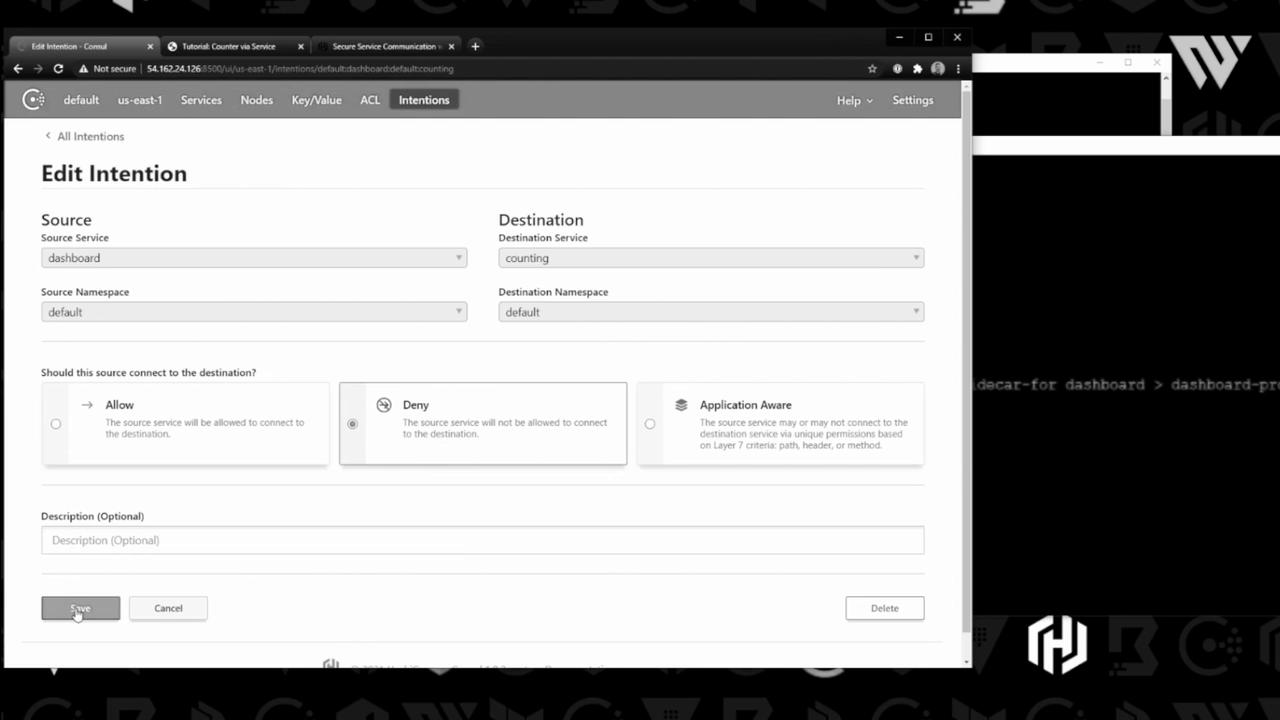
By default, Consul permits all service-to-service calls. Use intentions to enforce allow/deny policies. Create a new intention to allow dashboard → counting: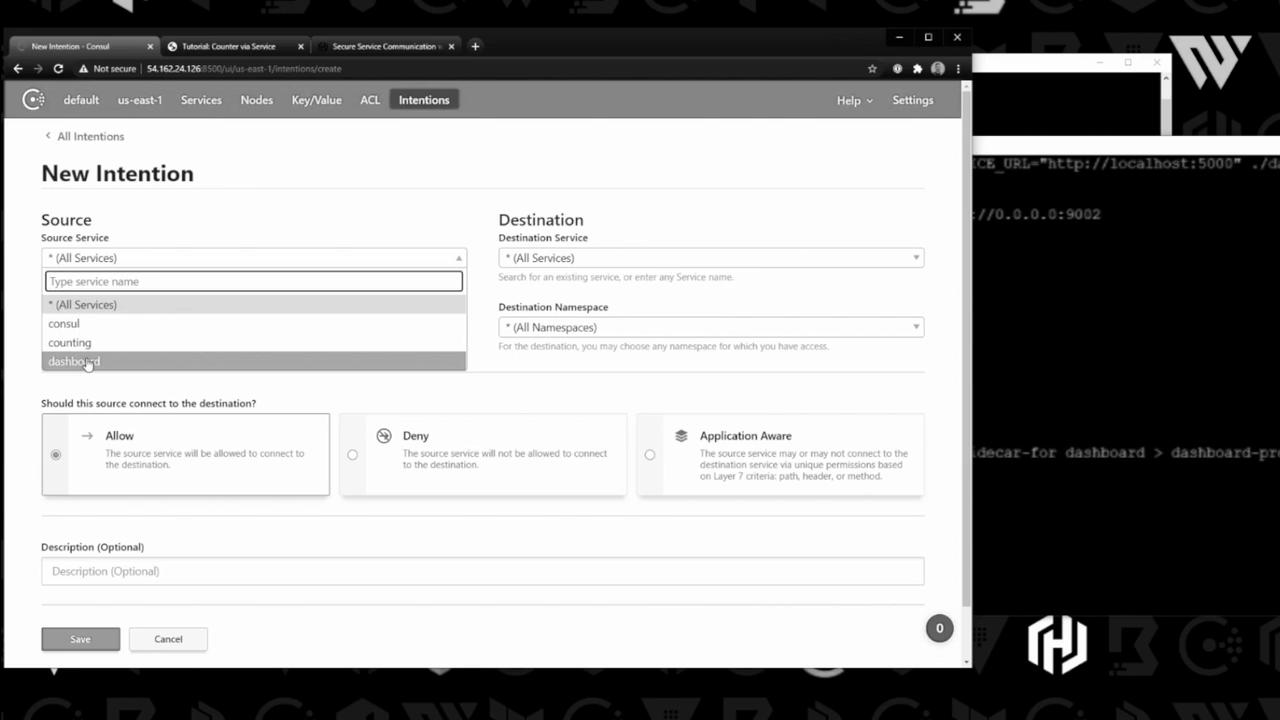
Conclusion
You’ve successfully:- Enabled Consul Connect for mutual TLS service mesh
- Registered services with sidecar proxies
- Started applications and proxies
- Verified secure communication
- Managed traffic via intentions
Links and References
- Consul Connect Documentation
- Intentions in Consul
- HashiCorp Learn: Service Mesh Tutorial
- Consul CLI Reference