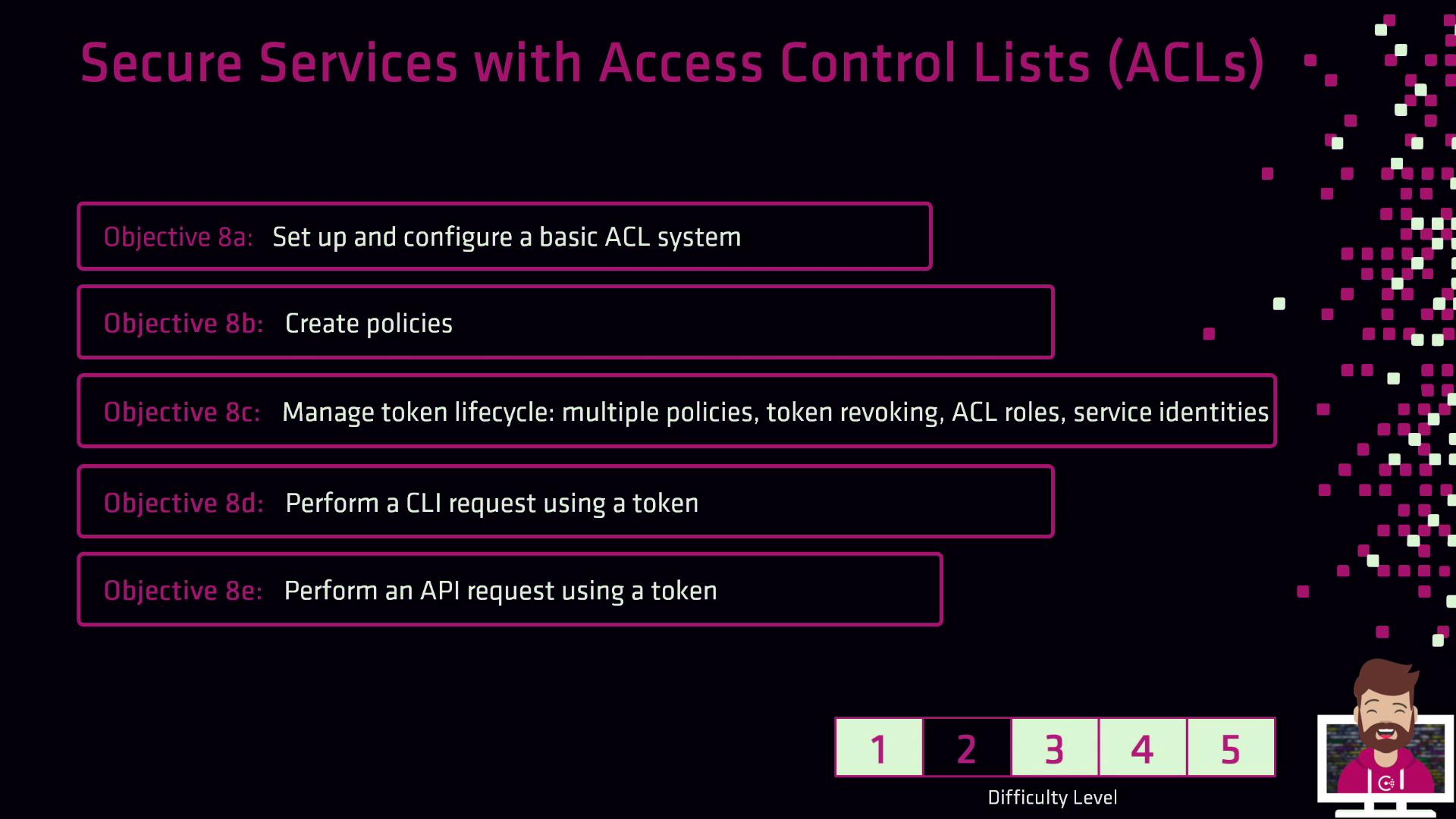
Key Topics Overview
Detailed Recap
1. Bootstrapping and Configuration
- Enable ACL enforcement in your Consul configuration.
- Initialize the ACL system to generate the management token.
- Confirm ACL mode with:
If you’re running Consul in a cluster, ensure all agents join with
-enable-agent and share the same ACL configuration.2. Creating and Managing Policies
- Define policies in HCL or JSON syntax.
- Apply policies with the CLI:
- Or via HTTP API:
- You can also manage policies inside the Consul UI under Access Control → Policies.
3. Token Lifecycle Management
- Create Tokens: single-policy, multi-policy, role-attached, or service-identity tokens.
- Set Expiration: use the
-expire-timeflag for time-to-live. - Revocation: revoke unused or compromised tokens immediately:
Always revoke tokens as soon as they’re no longer needed to minimize security risks.
4. Authenticating Requests
- CLI:
Or pass
--token=<your-token>. - HTTP API: include the header:
or
- UI: log in using a browser session token via Access Control → Tokens.