

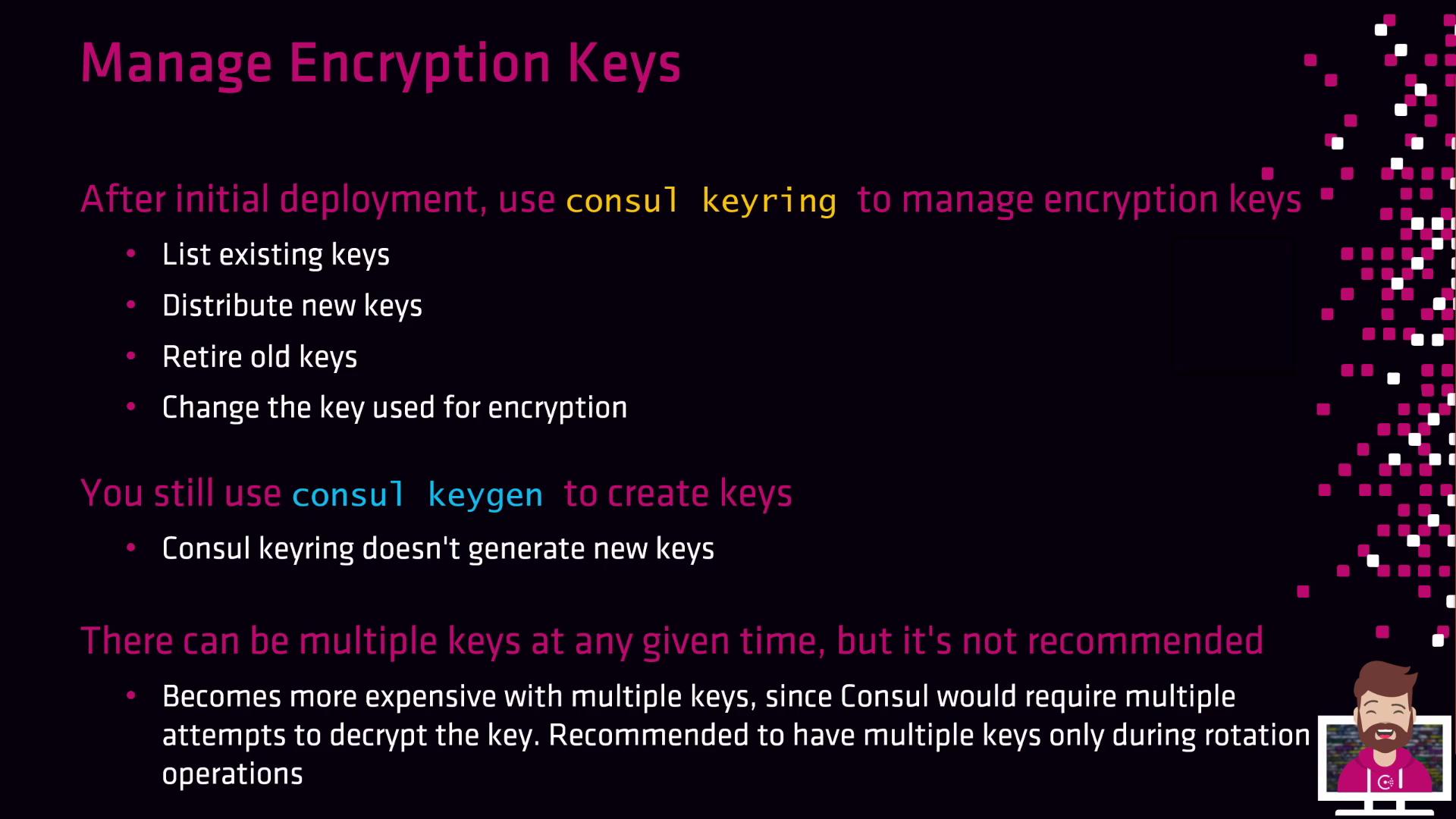
consul keyring and consul keygen commands provide a straightforward day-two workflow for these tasks.
Why Rotate Gossip Encryption Keys?
- Ensures forward secrecy and mitigates the impact of key compromise
- Aligns with security best practices and compliance requirements (e.g., PCI-DSS, HIPAA)
- Operates transparently, maintaining cluster availability during rotation
Consul’s gossip encryption uses a 32-byte Base64 key. You can generate this key with any tool, but
consul keygen guarantees compatibility.1. Generate a New Key
Leverage the built-in key generator to produce a 32-byte Base64 string:2. Consul Keyring Commands
Useconsul keyring to manage keys across your Consul agents. The four primary subcommands are:
Avoid running with multiple active keys longer than necessary. Each Consul agent will attempt decryption with every key on inbound messages, increasing CPU overhead.
3. Example Rotation Workflow
Follow these steps to rotate keys seamlessly:4. Rotation Workflow Cheat Sheet
This process incurs zero downtime for Consul servers and clients. Automate these commands via scripts or integrate into your CI/CD pipeline to enforce more frequent rotations (daily, weekly, or monthly).