Autopilot is exclusive to the enterprise release of Consul. It is not available in the open-source distribution.
Default Autopilot Configuration
When you install the enterprise binaries, Autopilot is enabled with the following defaults:set-config. For example, to turn off dead server cleanup:
Dead Server Cleanup
When a Consul server fails unexpectedly, Autopilot prunes the dead member once its replacement reaches a healthy state. Without this feature, you would have to wait up to 72 hours for the automatic reap or manually remove the node using the CLI or API.Keep dead server cleanup enabled to prevent stale entries in your cluster membership list.
Server Stabilization
Server stabilization prevents new nodes from immediately joining the Raft quorum. It requires servers to pass health checks for a configurable grace period before receiving voting rights.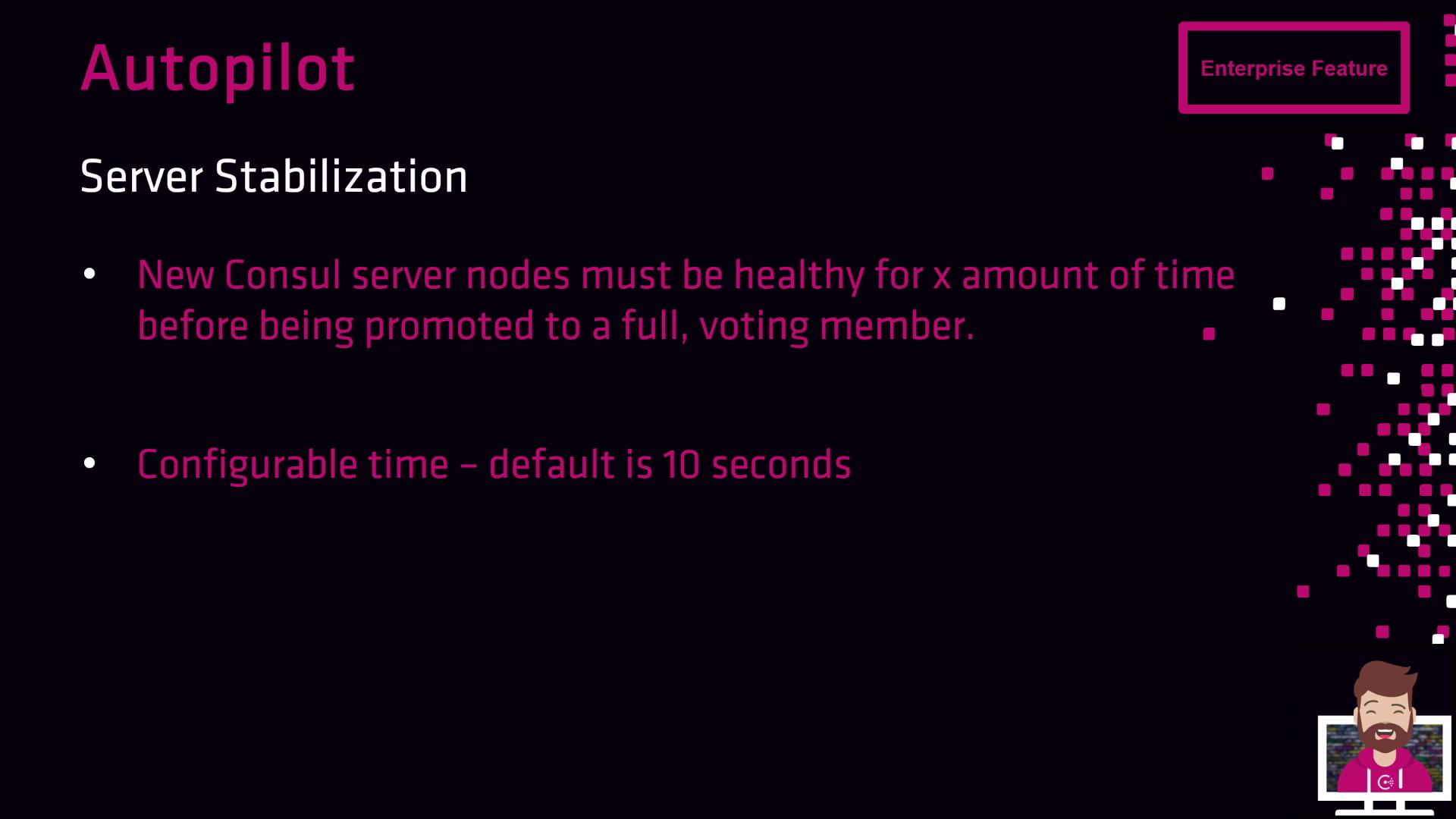
ServerStabilizationTime is set to 10s. Adjust this value to suit your cluster’s startup profile:
Redundancy Zone Tags
Use theRedundancyZoneTag metadata to distribute voting members across fault domains. For example, tagging each node with its AWS Availability Zone (AZ) ensures an even spread of voters and increases cluster resilience.

Automatic Upgrade Migrations
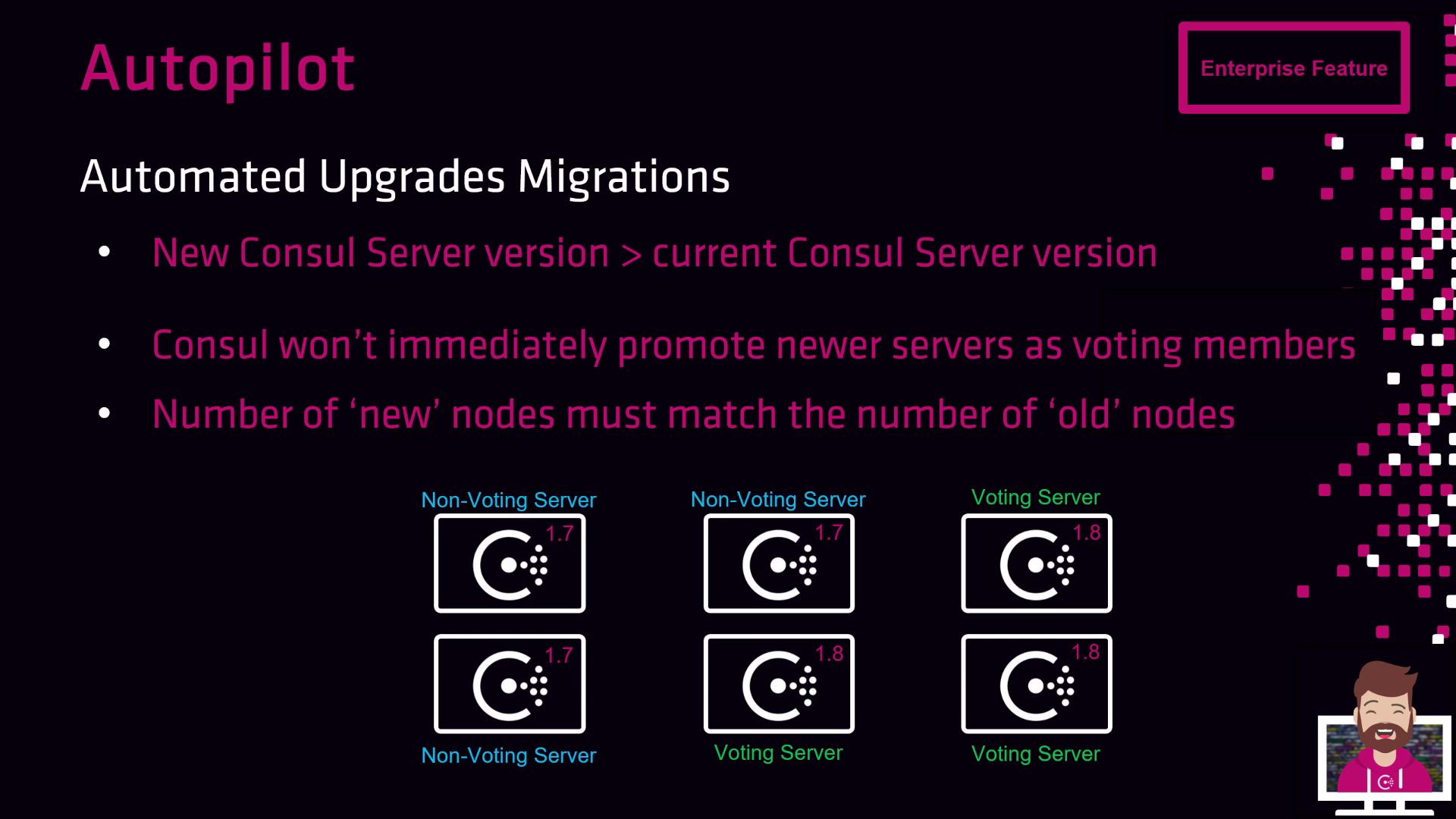
Autopilot’s upgrade migration feature automates leadership handoff during rolling version upgrades:- New servers join as non-voting members.
- Autopilot holds promotion until newer-version nodes equal the older-version count.
- It then promotes new servers to voters and demotes the old servers.