

- Example application to build
- Docker build strategy
- Source-to-Image (S2I) strategy
- Custom/artifact builds overview
- ImageStreams and why they matter
- Inspecting and creating BuildConfigs (S2I and Docker examples)
- Importing YAML via the web console
- Best practices and summary
Example application
Here is a minimal Flask web application that we will use as the example source to build into a container image:Build strategies overview
OpenShift supports several build strategies. Choose the one that best fits your workflow and control needs.Docker build strategy
A Docker build uses aDockerfile placed alongside your application sources. OpenShift’s Docker build strategy runs the Docker build and pushes the resulting image to the internal registry.
A minimal Dockerfile for the Flask app (using Python 3) might look like this:
Source-to-Image (S2I) build strategy
Source-to-Image (S2I) is a higher-level build strategy. Instead of aDockerfile, S2I injects your source into a pre-built builder image (for example, an official Python builder). The builder image contains scripts (assemble/run) that create the final image.
If you use the OpenShift web console and select the Python application from the catalog, OpenShift commonly creates an S2I BuildConfig automatically.
Custom builds and artifact builds
When you need to produce build artifacts (for example, JARs, Python wheels, or other packaged outputs) rather than a finished container image, consider a custom build. Custom builds allow arbitrary build tooling and are suitable for CI workflows that output artifacts consumed by other parts of your pipeline.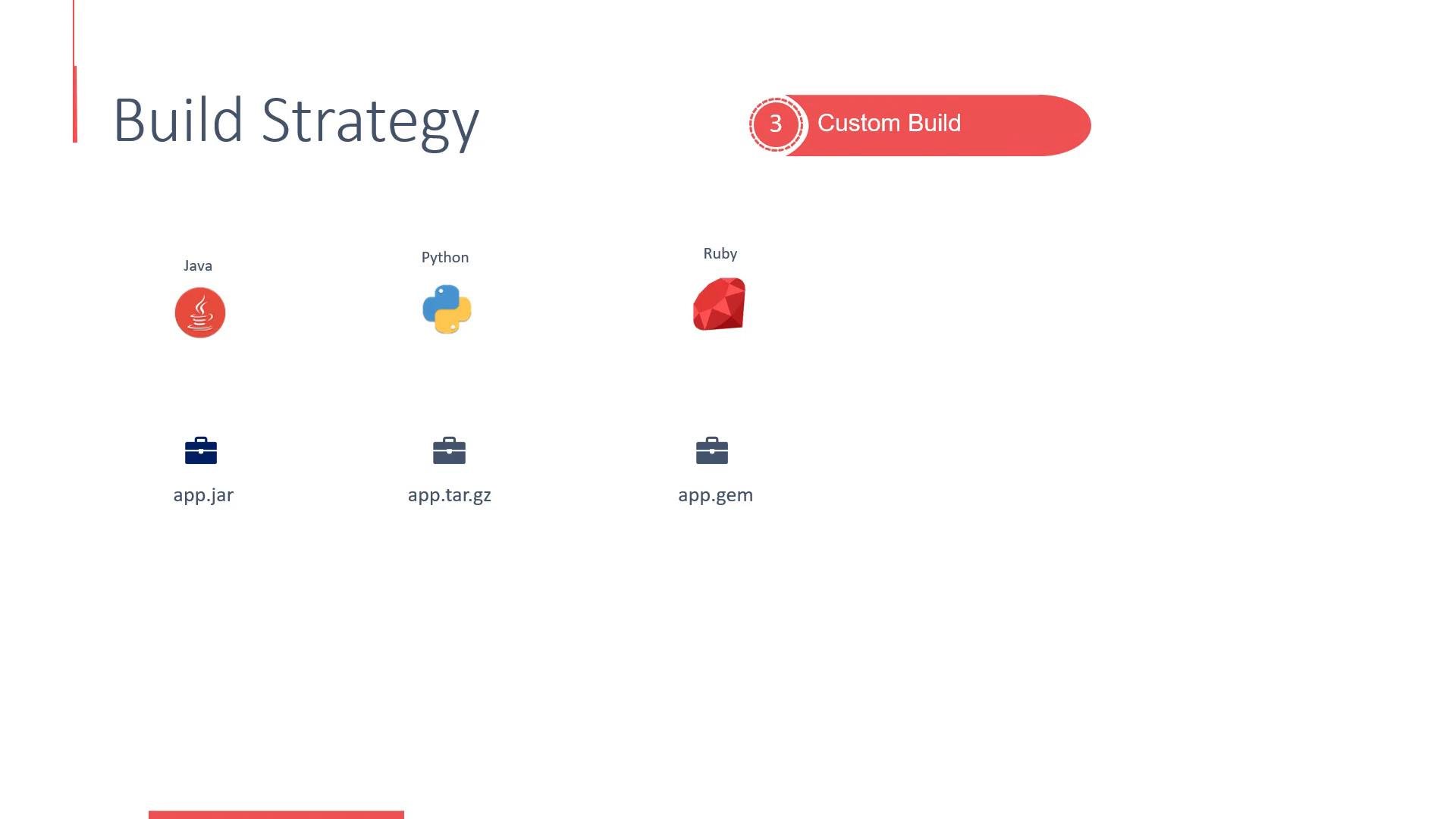
ImageStreams
Builds (S2I, Docker, custom) depend on builder images. These images can originate from Docker Hub, a private registry, or the OpenShift internal registry. Relying directly on external image names and tags can be brittle because tags can change upstream. ImageStreams provide an abstraction: they map an internal image name (for example,python:3.6) to a particular image reference (or digest). This lets BuildConfigs and DeploymentConfigs refer to a stable, internal name while you control exactly which external image that name maps to.
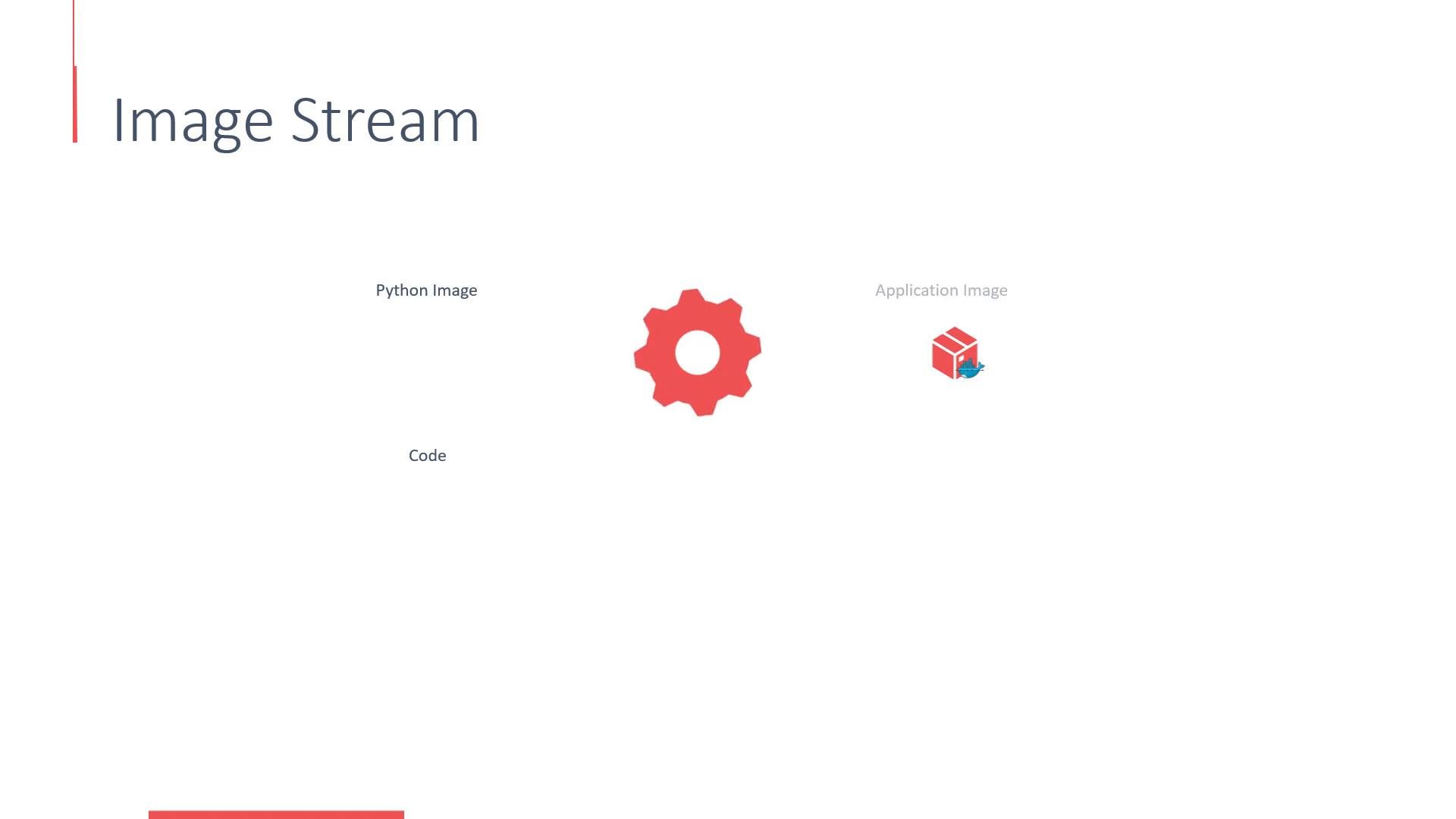
172.30.1.1:5000/myproject/java:latestdocker.io/centos/python-27:latestother-registry.example.com/ruby/ruby:2.0
Viewing a BuildConfig
OpenShift’s web console provides a BuildConfig view with important details:- Build strategy (Source, Docker, Custom)
- Source repository and ref (branch/tag)
- Builder image or ImageStream used
- Output ImageStream
- Run Policy (e.g., Serial, Parallel)
- Build triggers (GitHub, Generic, ImageChange)
Example S2I BuildConfig (yaml)
Here is a complete S2I BuildConfig for the Flask app. Save this ass2i-build-config.yaml to create or inspect the BuildConfig in your project.
Creating a Docker build BuildConfig
To switch from an S2I build to a Docker build, create a BuildConfig that setsstrategy.type to Docker and points source.git.uri to a repository with a Dockerfile.
Save the following example as docker-build-config.yaml or paste it into the console Import YAML dialog:
Importing the YAML in the web console
Follow these steps to create a BuildConfig from YAML using the OpenShift web console:- In your project view, click Add to Project → Import YAML.
- Paste the contents of the desired BuildConfig YAML (for example,
docker-build-config.yaml) into the editor. - Click Create.
Note about image references and updates
Use ImageStreams to decouple your BuildConfigs and DeploymentConfigs from external registry tag churn. ImageStreams let you control when to update to a newer image by updating the ImageStream mapping rather than changing multiple BuildConfigs or DeploymentConfigs.
Summary
- Docker builds require a
Dockerfileand give you fine-grained control of image layering and contents. - Source-to-Image (S2I) uses a builder image to assemble your application without requiring a
Dockerfile. - Custom builds are useful for producing artifacts or integrating bespoke build tooling.
- ImageStreams provide a stable, internal reference to images and ensure builds and deployments are repeatable by tracking image IDs.
- BuildConfig YAMLs can be authored manually and imported via the web console or created and managed via the
ocCLI.
Links and References
- OpenShift Builds and BuildConfigs — https://docs.openshift.com/
- Source-to-Image (S2I) — https://github.com/openshift/source-to-image
- Kubernetes Basics — https://kubernetes.io/docs/concepts/overview/what-is-kubernetes/