

- Inspect an existing BuildConfig in the web console
- Export and simplify the BuildConfig YAML
- Change the strategy to Docker and create a matching ImageStream
- Start the build and validate the result
Inspect the existing BuildConfig
In the OpenShift console, navigate to the project and open Builds → Build Configs. For this demo the existing BuildConfig issimple-webapp-docker. Clicking the build shows each run, logs, and the Configuration tab where you can inspect details such as:
- Build strategy (e.g. Source / Source-to-Image)
- Source repository (Git URL)
- Output location (ImageStreamTag)
- Webhooks that can trigger builds
- Environment variables and build events
Export the BuildConfig YAML and simplify it
Use the console Actions → Edit YAML to export the BuildConfig. The exported YAML contains generated metadata and many fields you don’t need for creating a new BuildConfig (annotations,creationTimestamp, resourceVersion, selfLink, uid, etc.). Strip out these generated fields and keep only the fields required for your new BuildConfig.
Example of an exported BuildConfig (full of generated metadata):
Prepare the repository
Before switching to Docker strategy, ensure your Git repo contains a Dockerfile at the repository root (or at the path you reference). DockerStrategy builds use the repository Dockerfile to perform the build.DockerStrategy builds require a Dockerfile in the repository. Make sure your repo has a valid Dockerfile committed before triggering the Docker build.
Minimal BuildConfig using Docker strategy
After removing unnecessary metadata and updating fields, create a minimal BuildConfig that:- Uses the same Git repository
- Outputs to
simple-webapp-docker:latest - Uses
Dockeras the build strategy
strategy.type: Dockerspecifies the Docker build strategy.dockerStrategy: {}is acceptable when the Dockerfile in the repo defines the build. Add properties such asforcePullif needed.- The
output.toimage stream tag must exist (or be creatable) in the project before the BuildConfig can start a build.
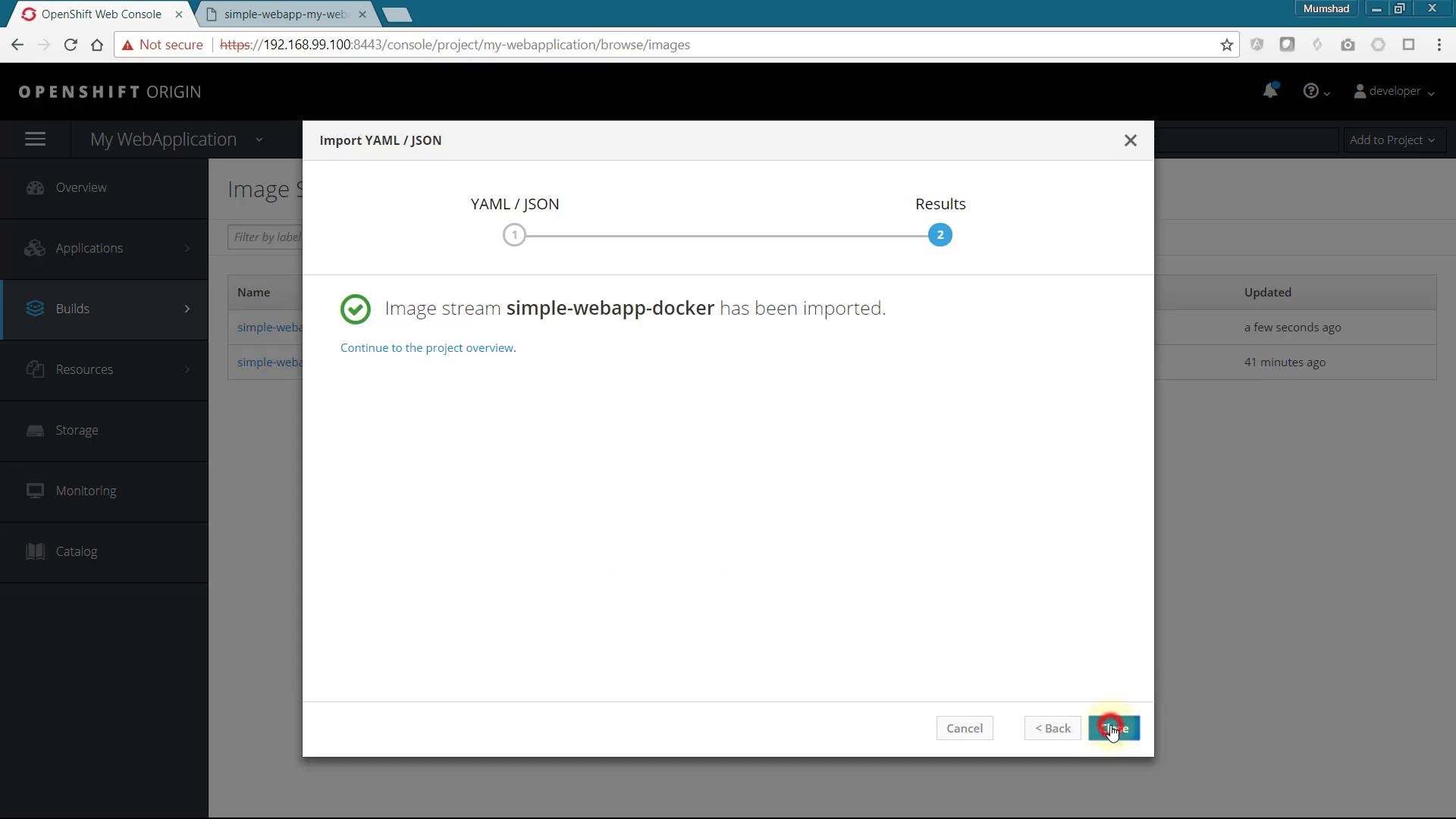
Create the ImageStream for the output
If the BuildConfig refers to an ImageStreamTag that doesn’t yet exist (e.g.simple-webapp-docker:latest), the web console may show an error like “invalid output reference” when you try to import the BuildConfig YAML. Create the ImageStream first.
Minimal ImageStream YAML:
oc apply -f imagestream.yaml.
Start the build
Once the ImageStream exists and the BuildConfig is applied, start the build manually or wait for a webhook/trigger:simple-webapp-docker:latest ImageStreamTag and can be consumed by DeploymentConfigs or other resources.
Troubleshooting
- Error importing BuildConfig: create the referenced ImageStream first.
- Docker builds failing: verify the repository contains a valid Dockerfile and the Dockerfile path matches
spec.source.contextDirif used. - Image pull or push permission issues: ensure the project has permissions and the internal registry is reachable.
Links and references
- OpenShift Builds overview: https://docs.openshift.com/container-platform/latest/builds/understanding-builds.html
- OpenShift BuildConfig API: https://docs.openshift.com/container-platform/latest/rest_api/build_apis/buildconfig-build-openshift-io-v1.html
- oc CLI reference: https://docs.openshift.com/container-platform/latest/cli_reference/openshift_cli/getting-started-cli.html