

- Identify and collect all Kubernetes/OpenShift objects required by the app (Secrets, ImageStreams, BuildConfigs, DeploymentConfigs, Services, Routes).
- Consolidate and clean each object’s YAML into a single Template file.
- Create the Template in your project (CLI or console).
- Deploy and test the Template from the catalog.
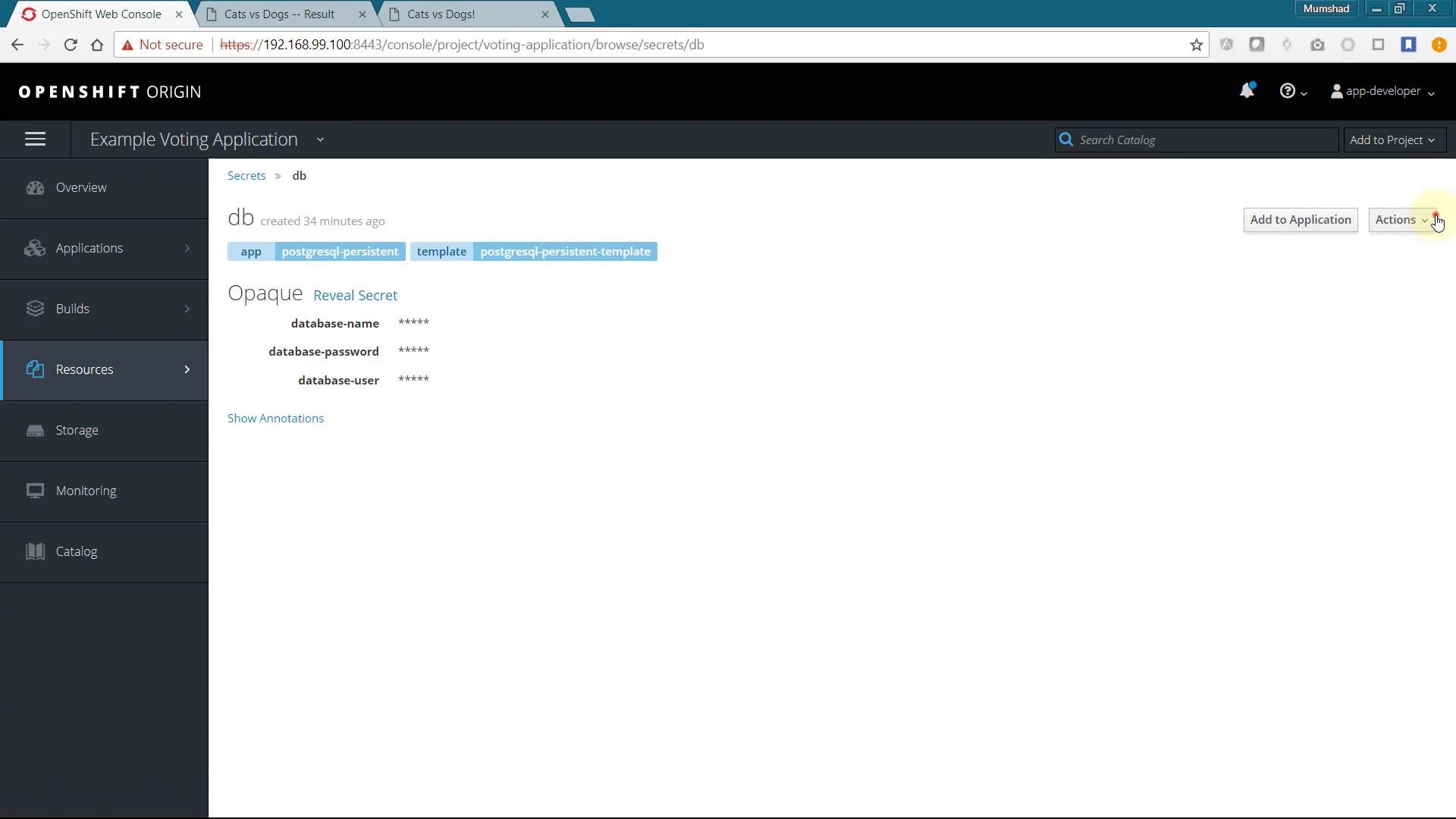
- Inspect resources in the project and copy their YAML definitions.
- Remove runtime fields (status, creationTimestamp, resourceVersion, selfLink, uid, labels that are not required).
- Replace base64-encoded secrets with
stringDatafor readability (you can parameterize later). - Add
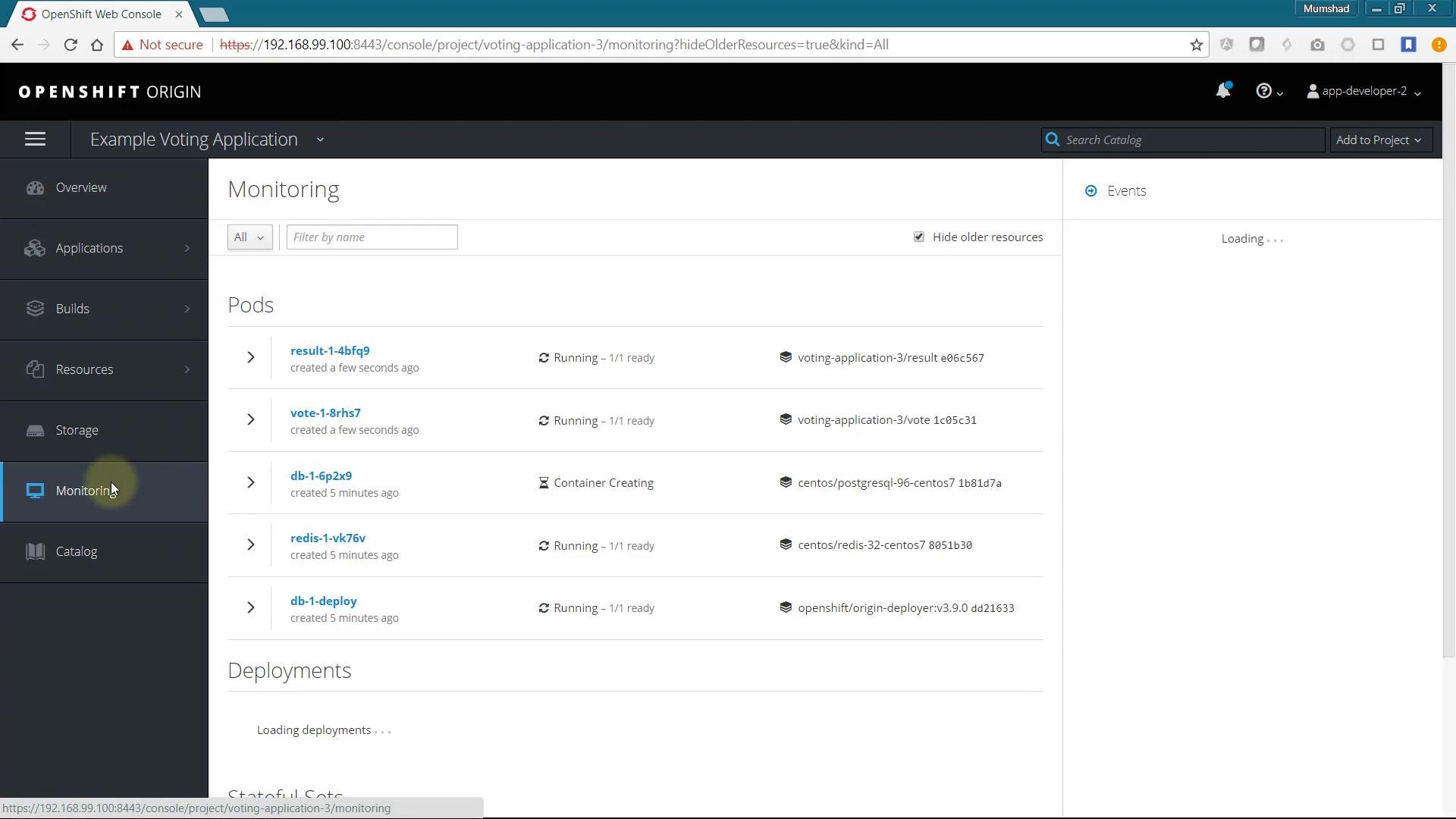
parametersto the Template for reusability (Git repo, tags, passwords, namespace). - Create the Template and verify via Builds/Pods/Routes.
example-voting-app-template.yml.
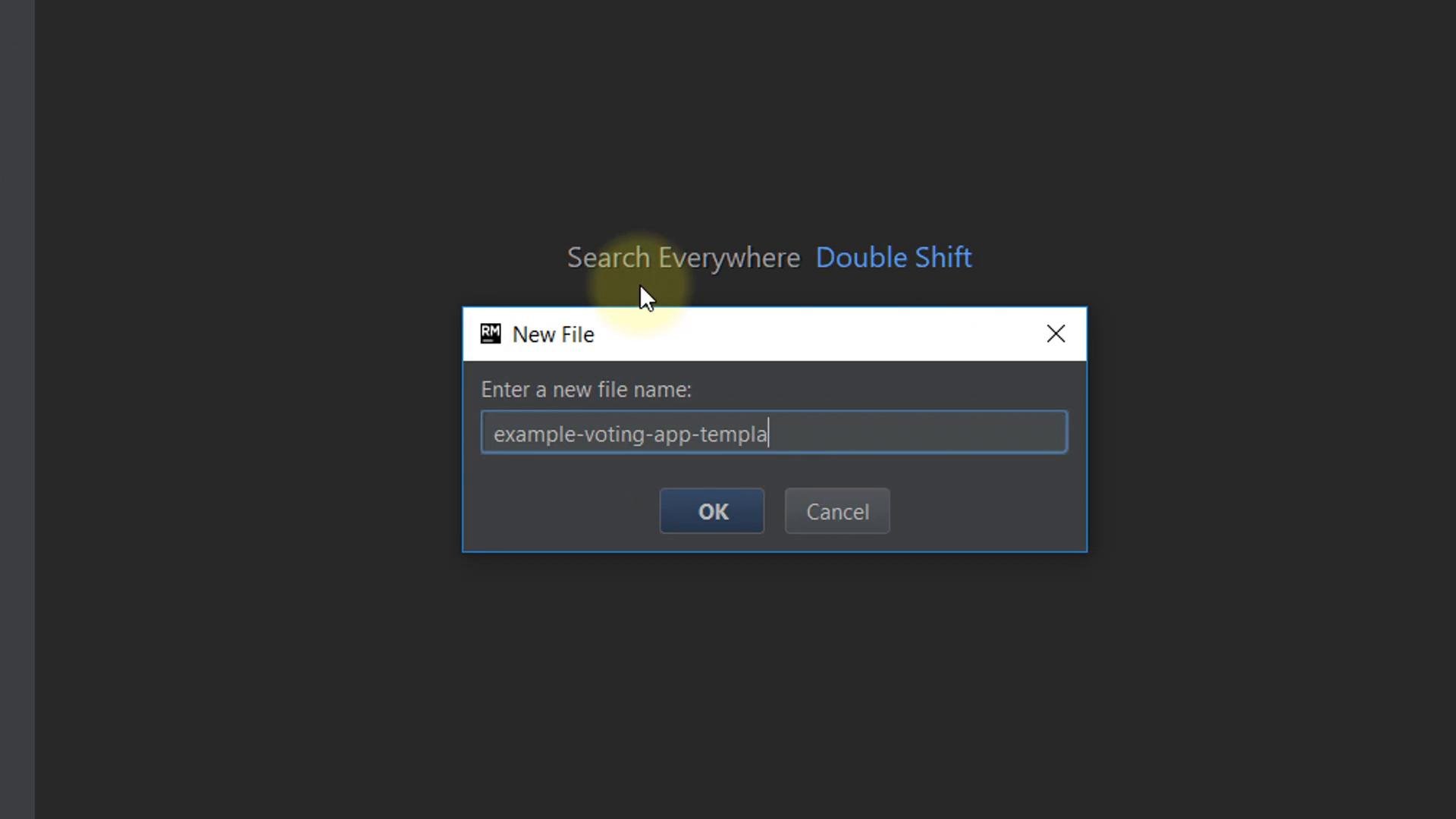
objects array that will contain all resources:
Secrets
Start the Template with Secrets so other objects can reference them. In the OpenShift Console go to Resources → Secrets, select the DB and Redis secrets and choose “Edit YAML” to copy. Remove fields like
creationTimestamp, resourceVersion, selfLink, uid, and unnecessary labels. Use stringData to provide readable values; OpenShift converts them to base64 when creating the Secret.
Example cleaned DB Secret:
spec.source (git URI and contextDir), spec.strategy, spec.output, and spec.triggers. Remove the status section and other runtime metadata. You can initially hard-code the repository URL and later move it to Template parameters.
Example BuildConfig for result:
vote and worker BuildConfigs.
ImageStreams
Add minimal ImageStream objects (one per application image). Keep only essential metadata.name and spec.lookupPolicy:
status and ephemeral metadata. Keep spec.replicas, spec.selector, and the spec.template.spec.containers definition (image, env, ports, probes). Reference secrets with valueFrom.secretKeyRef so the deployed pods pick up credentials from the Secrets added above.
Example DeploymentConfig for PostgreSQL (db):
status from copied YAML.
Services and Routes
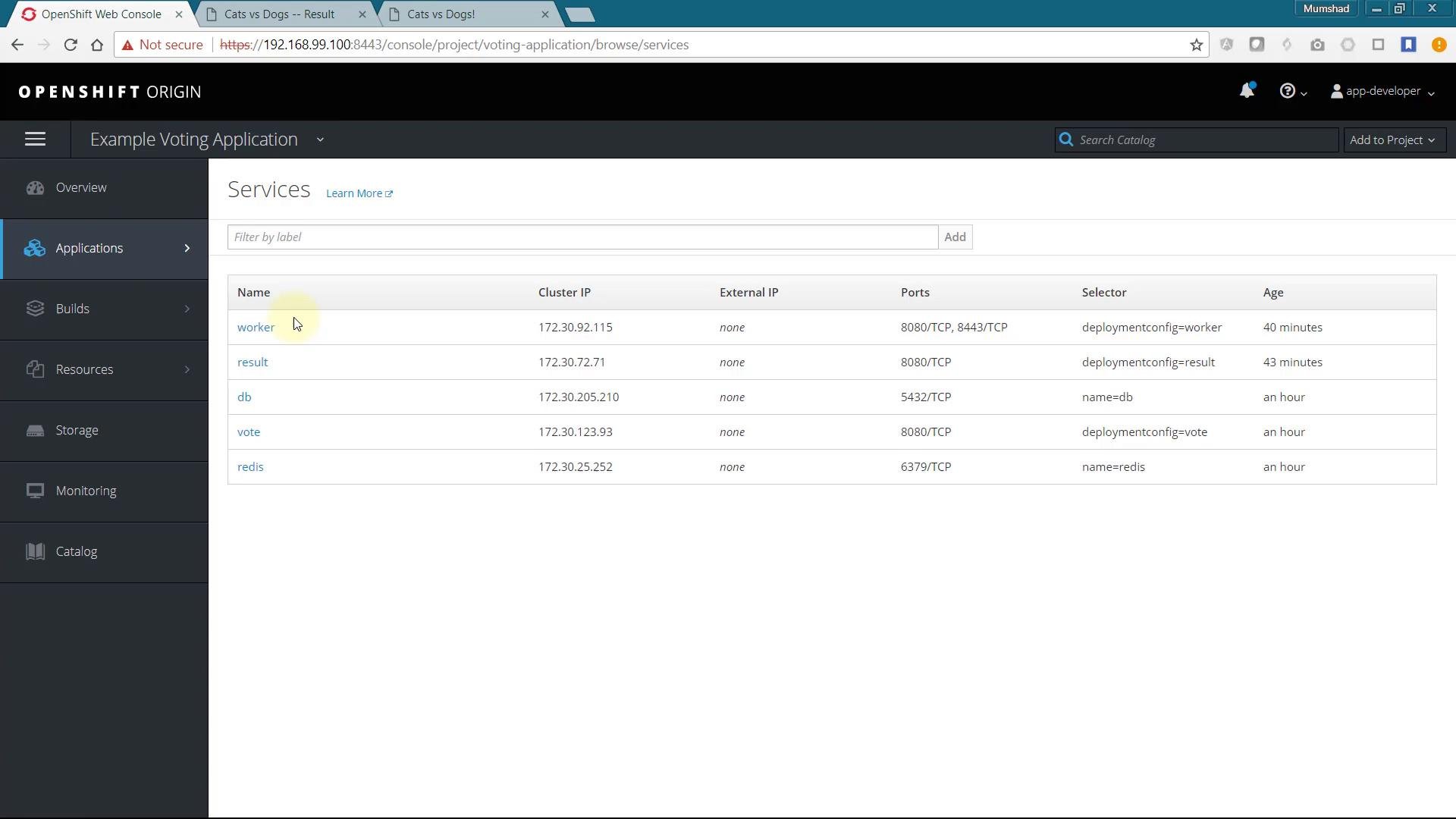
Add Service objects for components that must be addressable inside the cluster. The worker may not need a Service unless another component connects to it — but including Services in the Template preserves expected topology.
Example Service for worker:
result, vote, db, and redis as required by your app.
Create minimal Route objects for externally exposed services (one per app you want publicly accessible). Example Route for vote:
parameters. Typical parameters:
- Git repository URL and ref
- Image tags (e.g.
result:latest) - Secret values (
database-password,redis-password) - Target namespace/project (or avoid hard-coding namespace and let users deploy into current project)
- Resource sizes or replica counts
${PARAM_NAME} substitution.
Creating the Template with oc (CLI)
After finalizing example-voting-app-template.yml, create the Template with oc. The example below demonstrates configuring oc via Minishift on Windows, logging in, and creating the Template in a project.
Add oc to PATH (example Minishift output):
default without the right permissions, you’ll see a forbidden error. Create the Template in a project where you have rights or specify -n <project>.
Example (insufficient privileges):
voting-application-3):
example voting app template (or the display name set in your Template’s metadata/annotations). Click it and follow the wizard to deploy the application stack. During the wizard you can supply the parameter values you defined.
- Parameterize values (Git URLs, secrets, image tags, replica counts, namespace) and provide defaults and descriptions for a good catalog experience.
- Reuse parameter names and patterns from builtin OpenShift templates for consistency.
- Test the Template by creating from the catalog and by
oc create -flocally. - Keep sensitive defaults empty; require users to input credentials or generate them securely.
Tip: Review existing OpenShift templates in the cluster (
oc get templates -n openshift) to learn common parameter names and patterns you can reuse.- OpenShift Templates: https://docs.openshift.com/
- Kubernetes Concepts: https://kubernetes.io/docs/concepts/overview/what-is-kubernetes/
- Example voting app repository: https://github.com/mmumshad/example-voting-app