

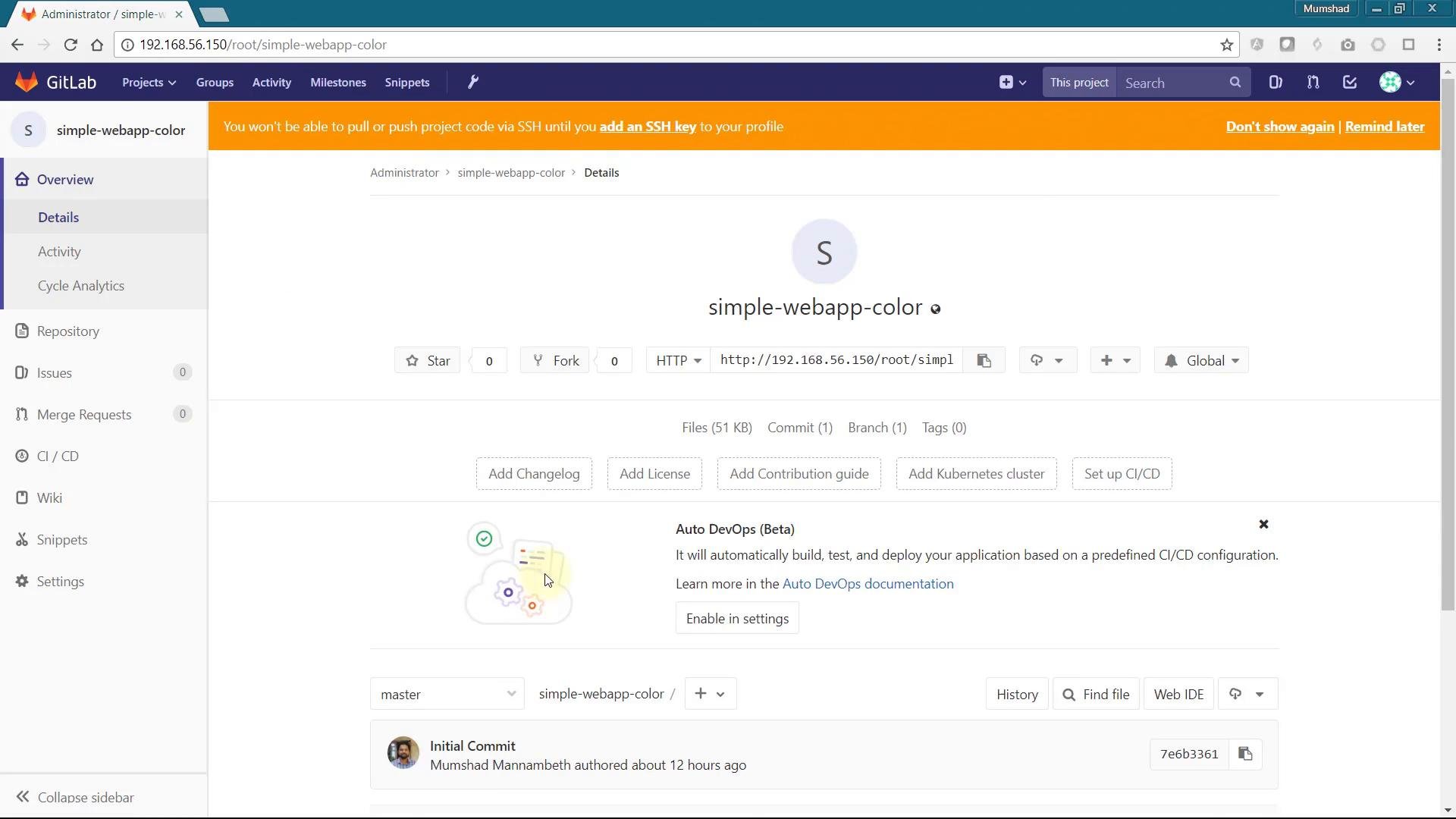
simple-webapp-color that displays a random background color at startup. Because each pod picks its color when it starts, running multiple replicas makes it easy to observe load balancing in action.
Application overview
The application is a small Flask app. When the container starts it selects a color (or uses one from theAPP_COLOR environment variable) and renders a page containing the container hostname and the selected color.
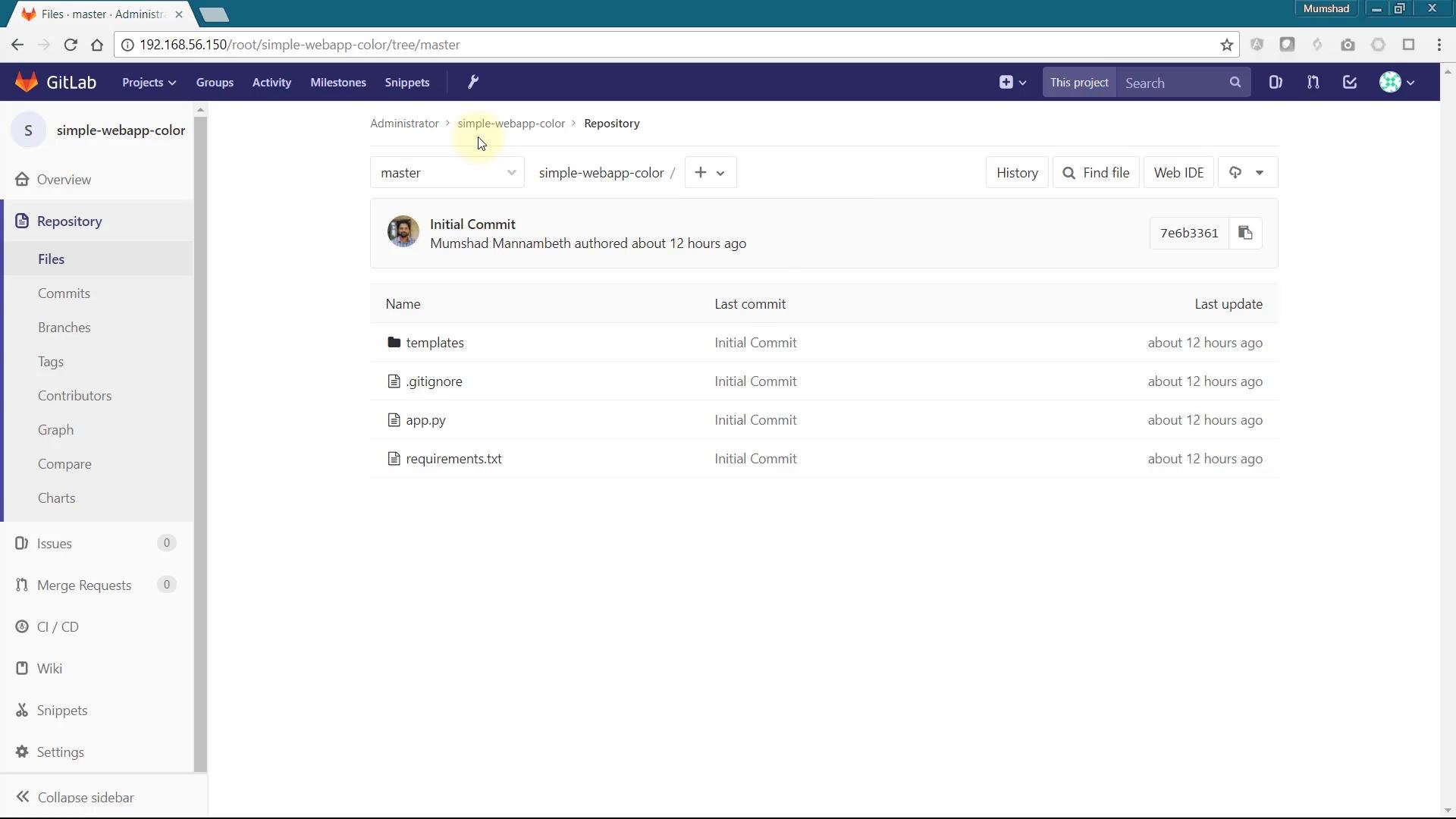
app.py:
Deploying to OpenShift
Steps (UI or CLI):- Create a new project/namespace for the demo.
- Add an application and provide the Git repository URL for
simple-webapp-color. - OpenShift will build a container image, create a Deployment (or DeploymentConfig on older versions), a Service, and a Route that exposes the app.
How scaling, Services, and Routes work together
- Scaling a Deployment increases/decreases the number of replicas (pods).
- The Service (ClusterIP) selects pods by label selector; any new pods that match automatically become endpoints for that Service.
- The OpenShift Router (HAProxy) exposes the Service externally via a Route and load-balances across the Service endpoints (the pod IPs).
Quick commands
Wrap placeholders like
<n> or <route-name> in backticks when using them in CLI examples or docs.
Session affinity (sticky sessions)
You may notice that refreshing the same browser tab repeatedly sometimes keeps you on the same pod. This is session affinity (sticky sessions) implemented by the OpenShift router. Many router configurations use the “source” affinity strategy (source IP) to route the same client consistently to the same pod. OpenShift routes support annotations to control HAProxy behavior and balancing strategy. Example annotation keys include:metadata.annotations, for example:
If your application requires session persistence (for example, sessions stored in-memory on a pod), do not disable cookies or change the balance strategy to a non-sticky mode. Instead use an external session store (Redis, database, etc.) or implement sticky sessions deliberately for your workload.
Notes and best practices
- Use an external session store for horizontally-scaled apps that need consistent session state.
- Test route annotation changes in a staging environment before applying to production routers.
- If you need fine-grained HAProxy tuning, refer to router/HAProxy docs and the OpenShift router operator documentation.
Links and references
- OpenShift documentation: https://docs.openshift.com/
- OpenShift Routes and HAProxy annotations: https://docs.openshift.com/container-platform/latest/networking/routes/route-configuration.html
- HAProxy documentation: https://www.haproxy.org/