

- Use the HTTP Request node to integrate external APIs and services.
- Build AI-powered agents that automate tasks like email replies, research, and Slack conversations.
- Generate images and videos directly from text or media inputs.
- Organize complex logic into reusable sub-workflows to keep systems modular and maintainable.
- Host n8n where it fits your needs — n8n Cloud, Docker, or Amazon EC2 — so your automations run in the environment that suits your requirements.
We also explored more advanced topics that help productionize automations:
- RAG (Retrieval-Augmented Generation) agents backed by Pinecone vector databases to provide memory and contextual responses.
- Shared sub-workflows and reusable components to scale across projects.
- Best practices for error handling, retries, and using the n8n template marketplace to accelerate development.
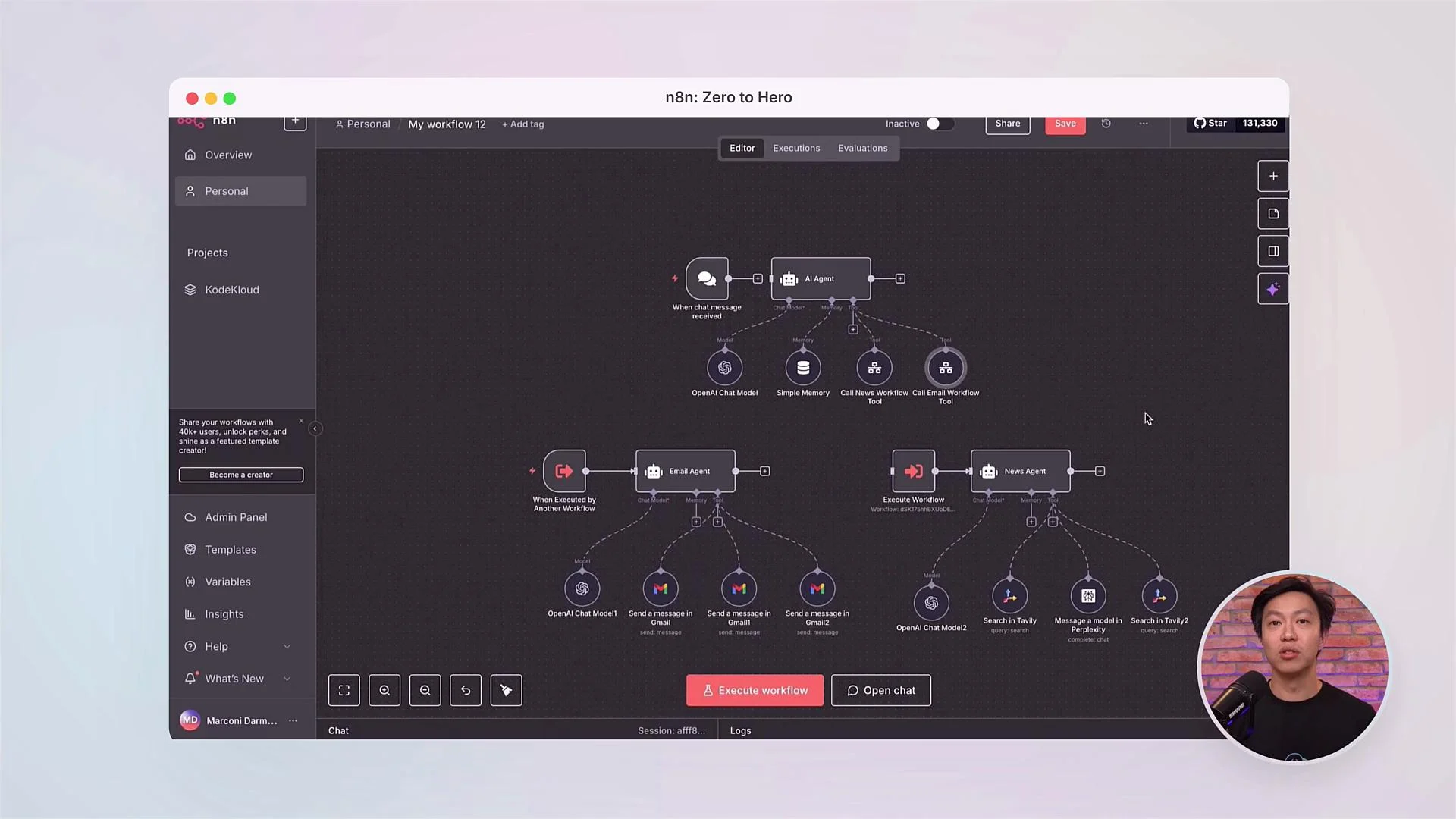
Keep exploring. The workflows you learned are a solid foundation — extend them by integrating new APIs, building custom nodes, and composing multiple AI agents to solve increasingly complex problems.
- Continue experimenting with new APIs and external services to broaden your toolset.
- Share and learn with the community at KodeKloud: ask questions, showcase workflows, and get inspiration.
- Apply n8n to real problems in your role: embed automations into DevOps pipelines, replace manual reports with AI-driven summaries, or scale customer support with automated triage and responses.