

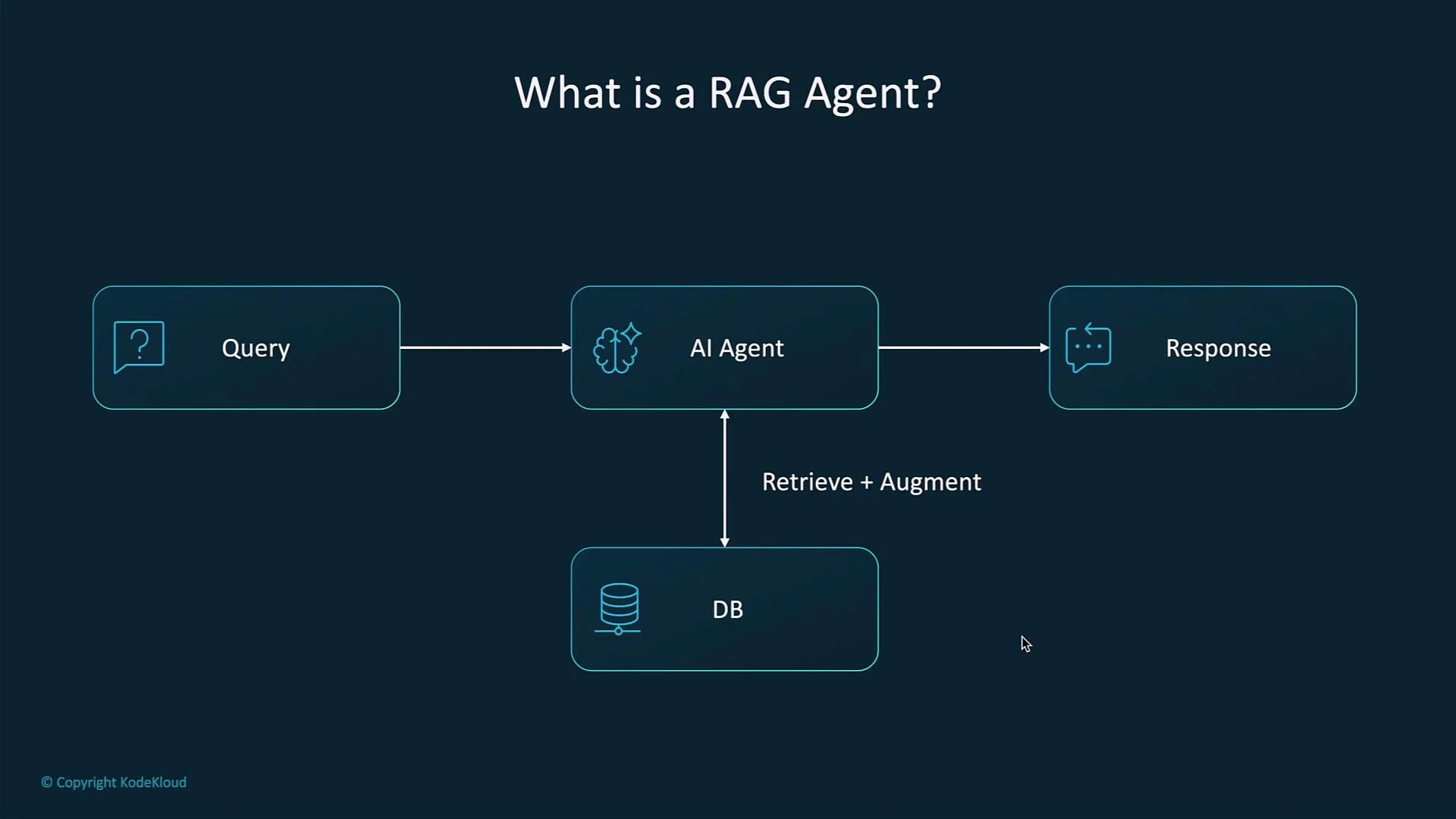
- User issues a query.
- System retrieves the most relevant documents or passages from an external knowledge base.
- Retrieved content is provided to the LLM as contextual input.
- The LLM generates a response augmented by the retrieved material.
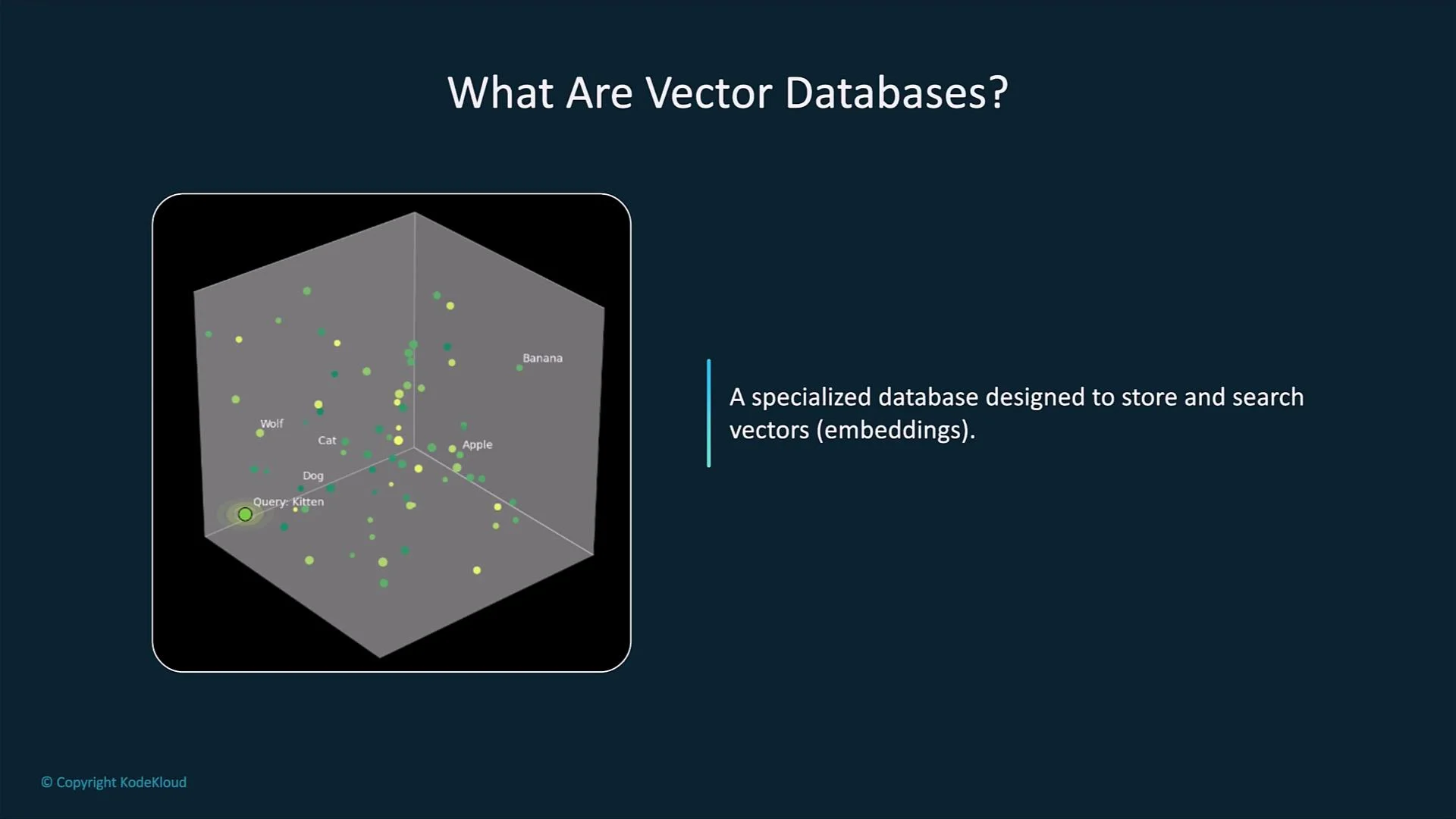
- A vector database stores embeddings: high-dimensional numeric vectors that encode the semantics of text, images, or other media.
- Embeddings capture meaning rather than surface tokens, so semantically related items map to nearby vectors in embedding space.
- Vector stores are optimized for nearest-neighbor / similarity search over high-dimensional vectors so queries return relevant content quickly.
- Keyword search looks for exact tokens and phrase matches. Searching for “car” may miss content that uses “automobile” or related concepts.
- Vector-based semantic search finds conceptually similar content by comparing vector distances (e.g., cosine similarity), returning items that are relevant even when exact words differ.
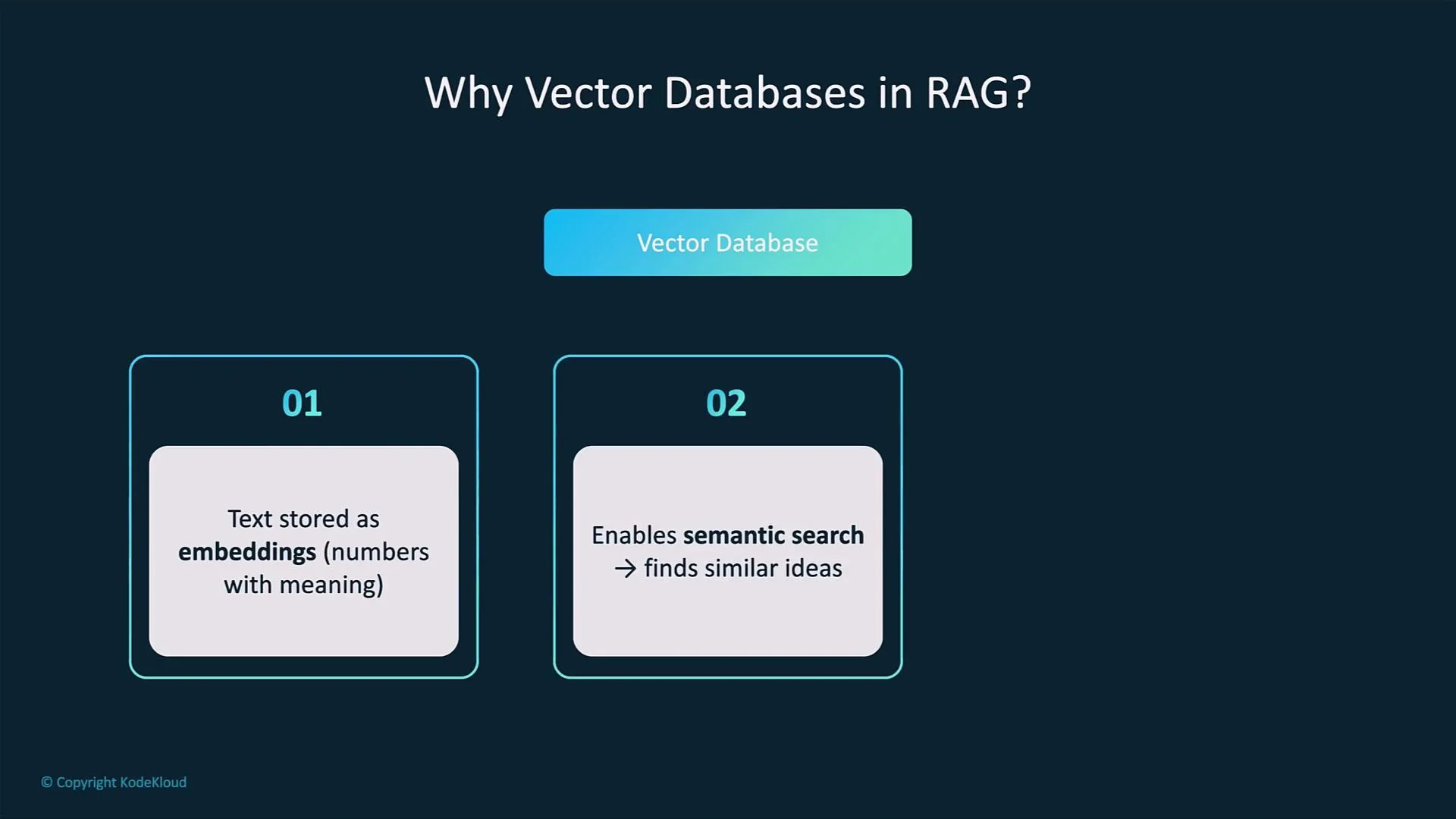
- Embeddings are numeric arrays (common sizes: 512, 768, 1024, or 1536 dimensions) produced by an encoder model.
- Similarity search uses metrics such as cosine similarity, dot product, or Euclidean distance.
- For large collections, vector databases use Approximate Nearest Neighbor (ANN) algorithms and indexes (e.g., HNSW, IVF) to return fast, high-quality matches while trading a small amount of recall for speed.
Vector databases store embeddings and provide fast nearest-neighbor search using specialized indexes. Typical similarity metrics include cosine similarity and dot product. Approximate algorithms (HNSW, IVF, etc.) trade a tiny amount of recall for significant speed and scale improvements.
Typical RAG pipeline (practical steps)
- Chunk and preprocess source documents (split long documents into smaller passages).
- Convert each passage into an embedding using an embedding model (e.g., OpenAI embeddings, or open-source encoders).
- Insert embeddings into the vector database along with metadata (document ID, snippet, source URL, timestamps).
- When a user asks a question, convert the query into an embedding.
- Perform a similarity search in the vector store to retrieve the top-k most relevant passages.
- Provide those retrieved passages to the LLM (usually via a prompt template) so the model can generate a grounded response.
- Access control: limit who and which services can query or export vectors and metadata.
- Data minimization: avoid storing sensitive fields in raw form when not needed.
- Encryption: encrypt data at rest and in transit for both vectors and metadata.
- Audit logging: record retrievals and updates to detect inappropriate access.
Be cautious about storing sensitive data in vector stores. Embeddings can reveal information about the underlying text, and retrieval may expose private content. Apply access controls, encryption, and data governance policies as needed.
- RAG agents combine LLMs with an external retrieval step to produce more accurate, verifiable, and current answers.
- Vector databases enable semantic search by storing embeddings and performing nearest-neighbor lookups, not just keyword matches.
- The core RAG pipeline is: chunk → embed → index → retrieve → augment → generate. This approach reduces hallucinations and improves relevance for document-grounded tasks.
- Retrieval-Augmented Generation (overview)
- Approximate Nearest Neighbors (ANN) algorithms — HNSW, IVF
- [Open-source vector databases: Milvus, Faiss, Annoy, Weaviate]