

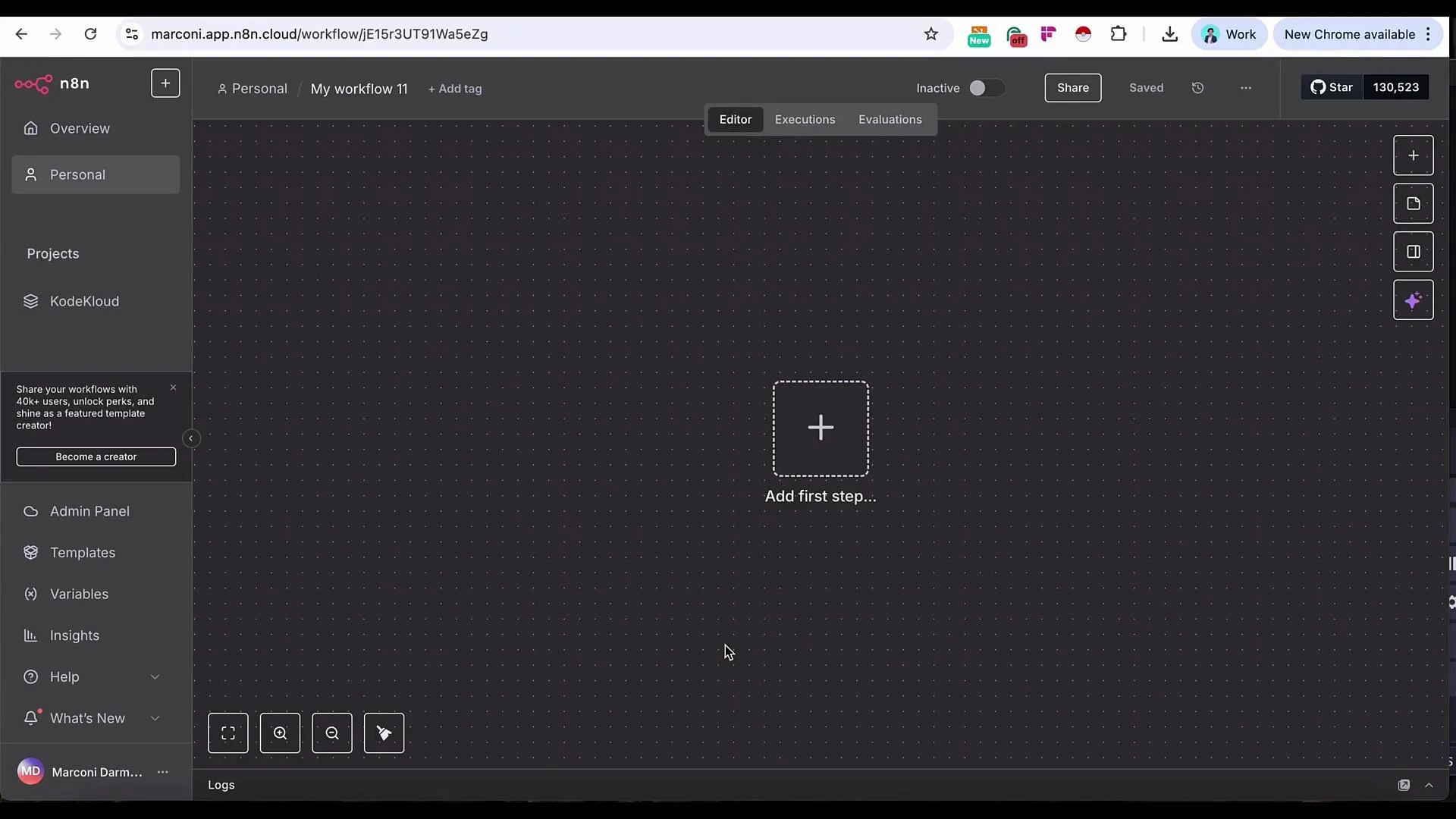
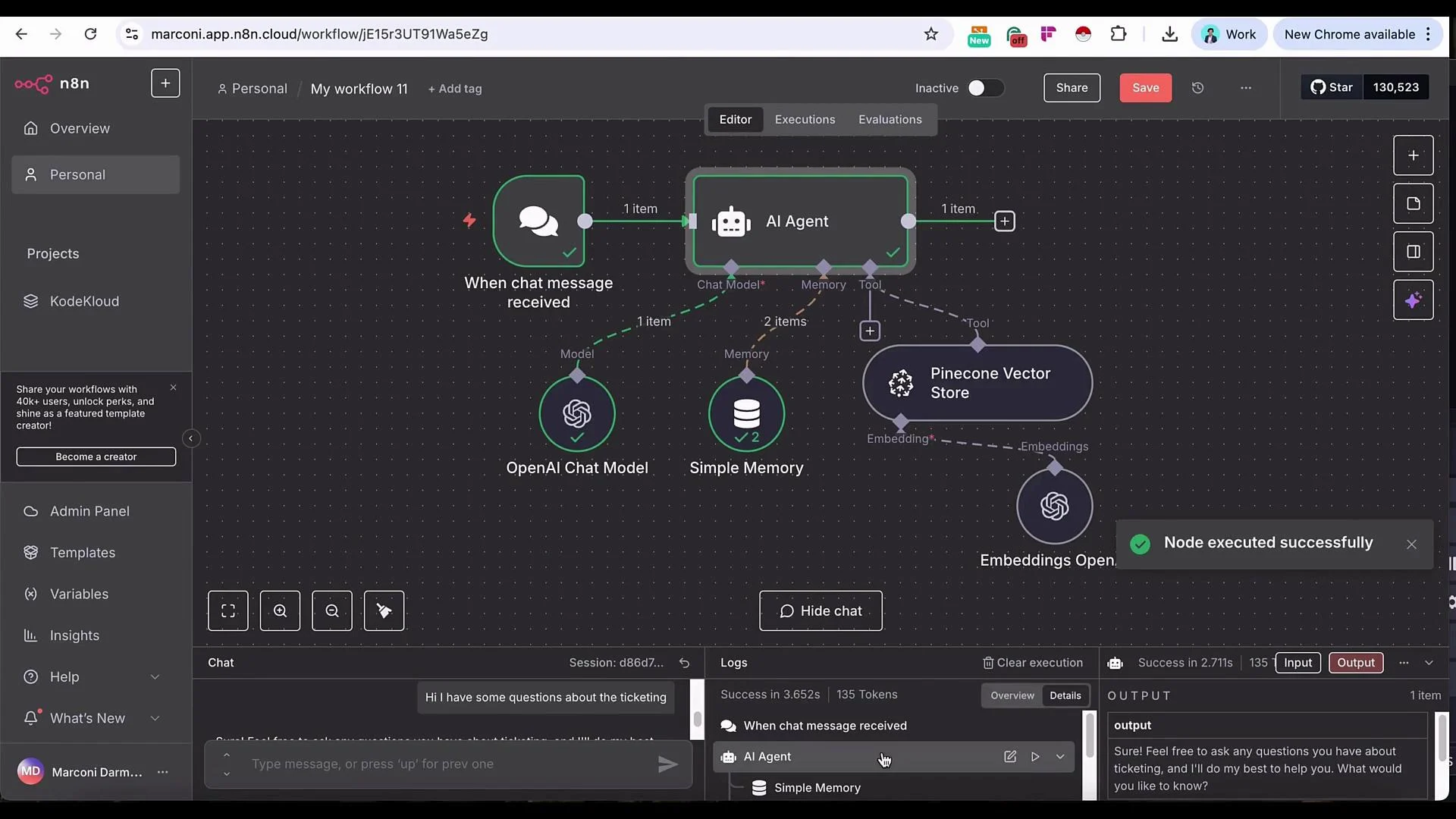
- Add a Chat Trigger to accept messages (great for testing; later swap in Slack, Telegram, or an embedded chat widget).
- Add an AI Agent node that uses an LLM (OpenAI used in this example).
- Attach a Simple Memory so the agent retains recent context.
- Add the Pinecone Vector Store as a retrieval tool so the agent can fetch SOP excerpts.
- Configure embeddings (OpenAI
text-embedding-3-small) and retrieval parameters (limit, reranker).
- Add a Chat Trigger node first — it’s the fastest way to interactively test the workflow and shared variables. You can replace it with your production channel later.
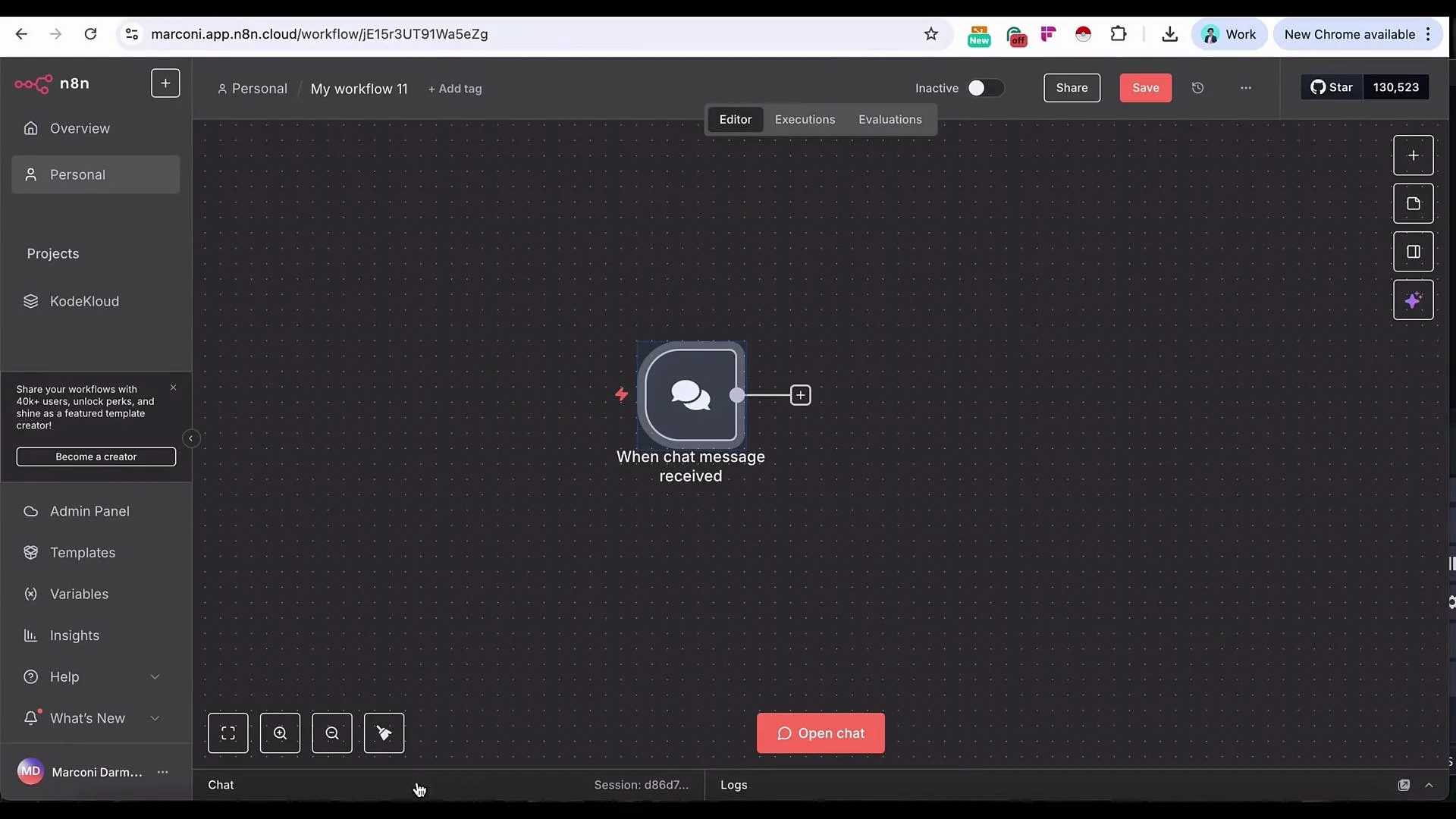
- Connect the Chat Trigger to an AI Agent node. The trigger provides the incoming message text so you can reference that variable inside the agent prompt and tool calls.
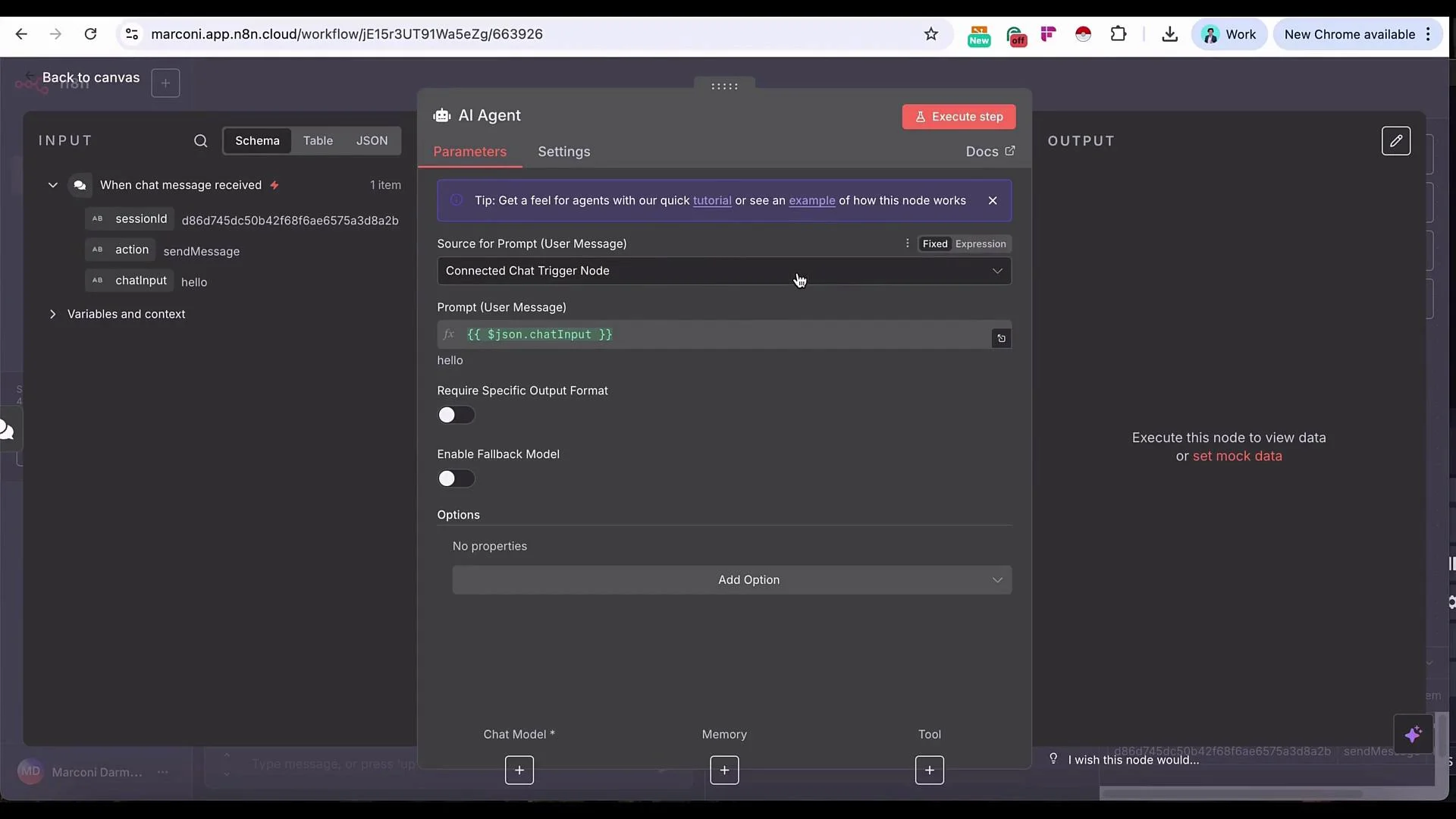
- Model: Choose your preferred LLM (OpenAI recommended for this demo).
- Memory:
Simple Memoryto retain recent conversational context. Increase memory length for longer sessions. - Tools: Add the Pinecone Vector Store tool so the agent can retrieve relevant SOP chunks.
- System message: Provide clear instructions about role and retrieval expectations (example below).
- Embeddings: Use OpenAI embeddings and the
text-embedding-3-smallmodel for vectorization.
- The agent execution log shows runtime values used for context (session id, vector store id, memory length). Example values shown during demo execution:
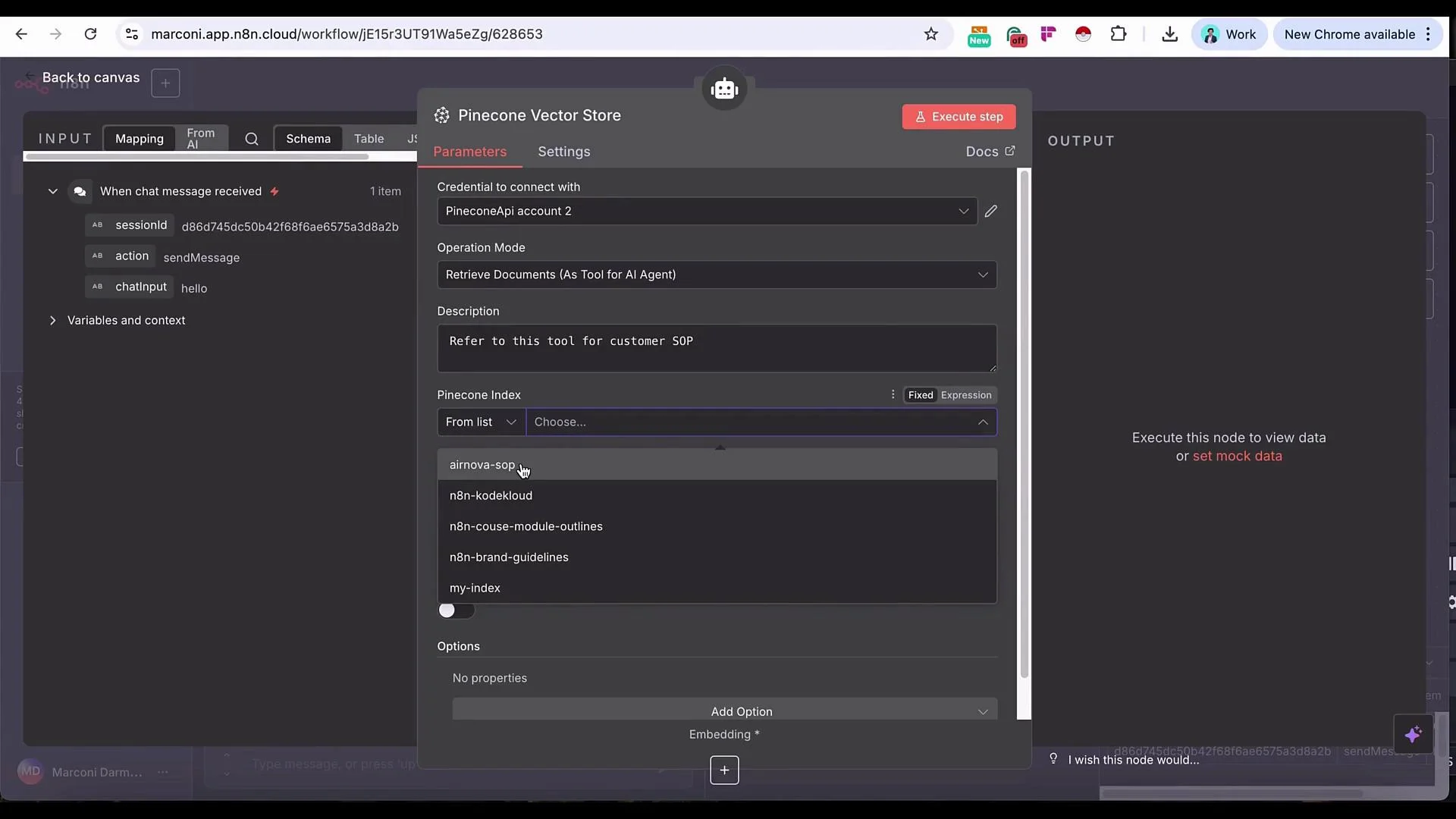
- Configure the Pinecone Vector Store tool
- Index: Select the AirNova SOP index you upserted earlier.
- Limit: Number of results to retrieve (start with 4).
- Include metadata: Enable if you stored metadata at upsert (titles, section IDs, dates).
- Rerank results: Optional — useful to improve precision on large datasets.
- Use OpenAI embeddings and set the model to
text-embedding-3-small. - Ensure you have configured your OpenAI API key and Pinecone API key in n8n Credentials before testing.
- Securely store API keys and rotate them per your security policies.
Make sure credentials (OpenAI key, Pinecone API key) are configured in n8n before running the workflow. Exposing keys in logs or public repositories can lead to unauthorized usage.
- If you send a generic greeting (“Hello”), the agent will normally respond without calling the vector store.
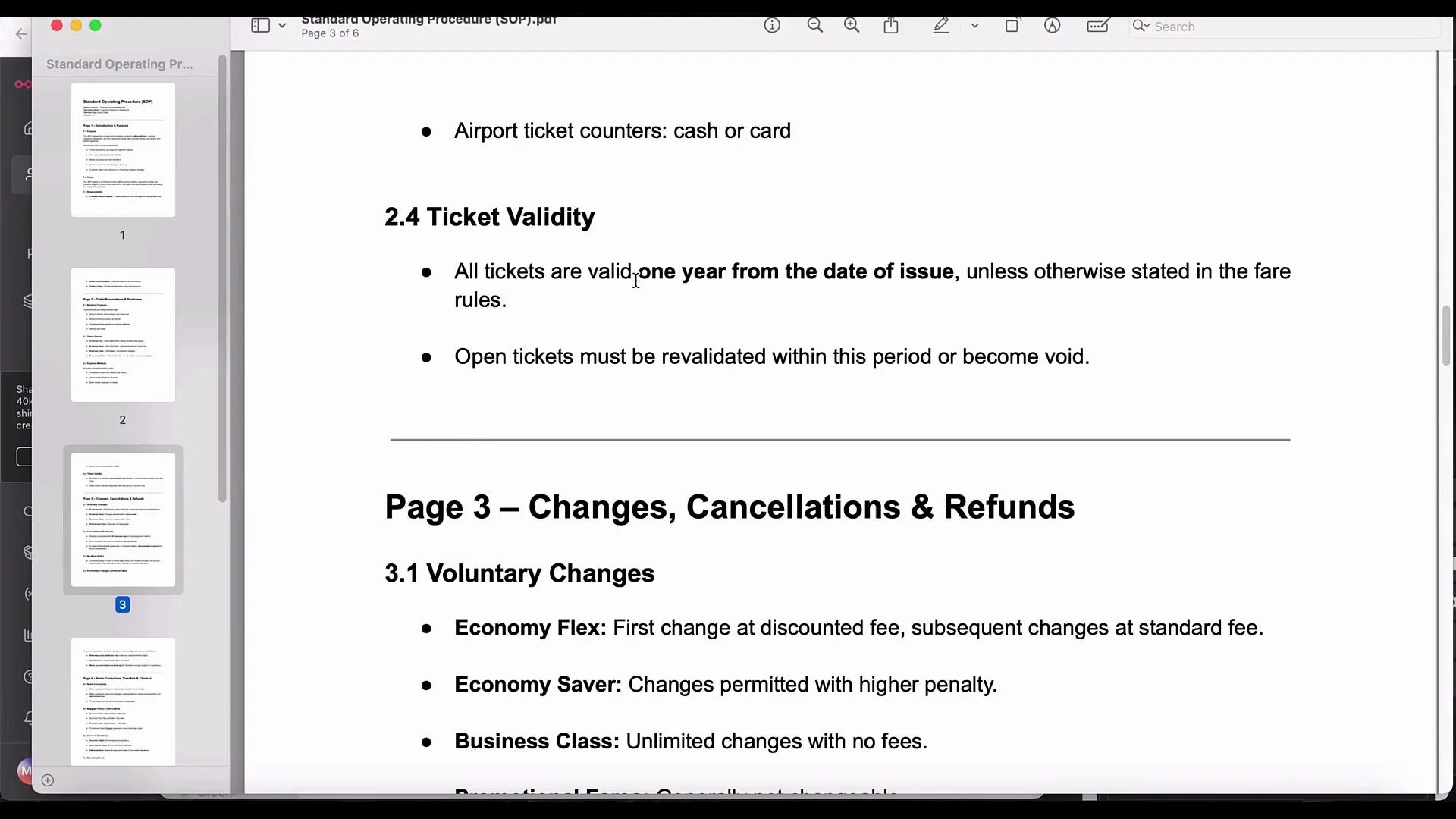
- For SOP-specific questions (e.g., “What is the period of my ticket validity?”), the agent should query Pinecone and return the relevant excerpt.
- The agent queried Pinecone and returned an SOP excerpt that produced the reply:
- Replace the Chat Trigger with production channels (Slack, Telegram, in-app chat widget). Ensure the agent replies on the same channel.
- Tune retrieval parameters (limit, reranker) as your index grows — balance relevance vs. latency.
- Save useful metadata at upsert (document titles, sections, effective dates) to filter and present results more precisely.
- Consider adding a post-retrieval filter that only surfaces results above a similarity threshold to avoid spurious matches.
- Reuse this RAG pattern for other domains: legal advisors, HR policy assistants, product docs helpdesk, etc.
Useful links and references
Tip: Test with both general conversational queries and specific document-related questions to verify the agent decides correctly when to call the vector store. Monitor retrieval logs to refine the number of chunks and reranking strategy.