

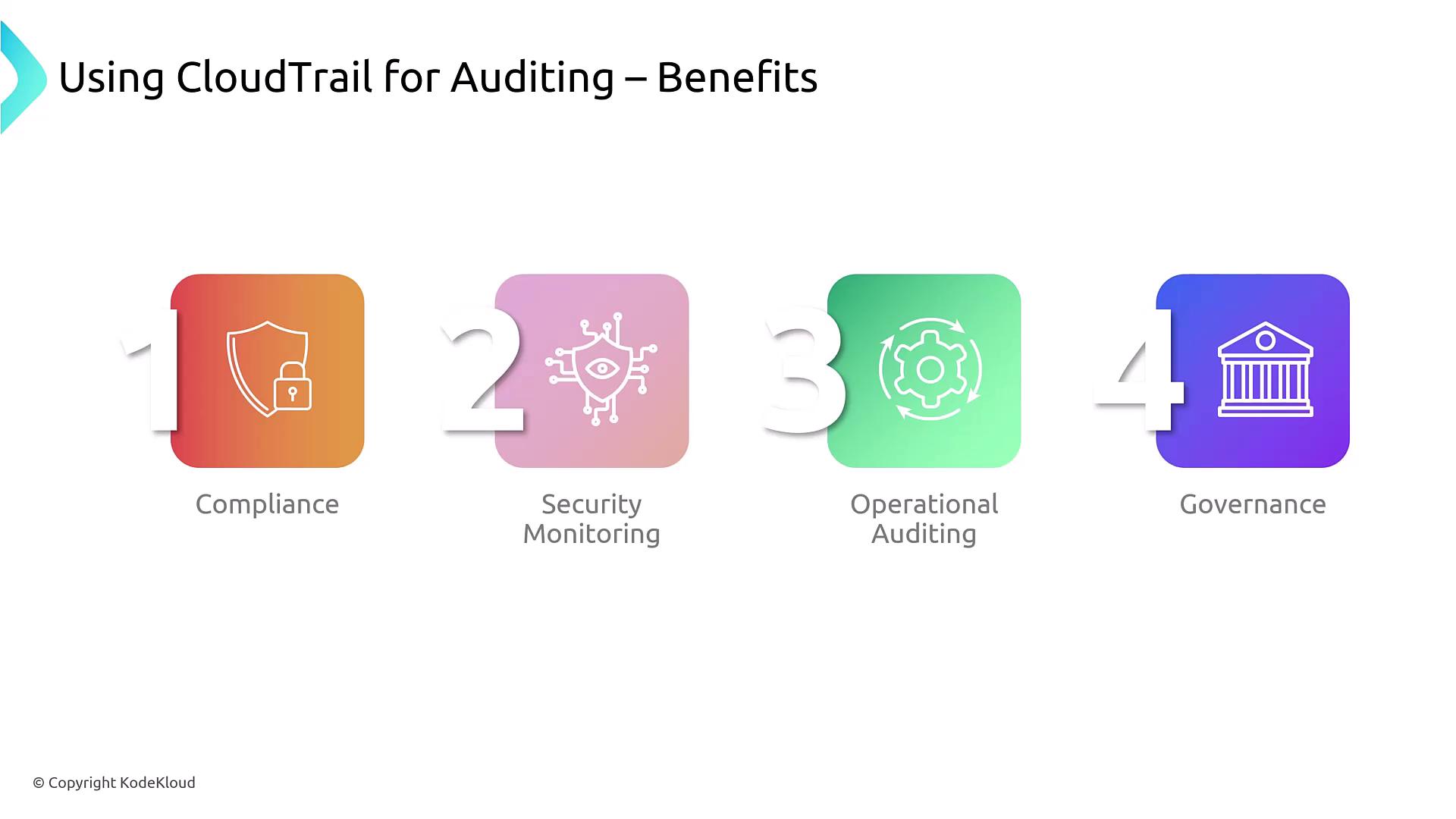
- Compliance: Demonstrates adherence to industry regulations.
- Security Monitoring: Detects unauthorized access and abnormal API activity.
- Operational Auditing: Tracks changes within the AWS environment.
- Governance: Offers comprehensive visibility and accountability.
Setting Up CloudTrail for Auditing
Configuring CloudTrail is straightforward. Begin by specifying a meaningful trail name and selecting a destination, such as an S3 bucket, for log storage. If needed, you can enable CloudWatch Logs to leverage CloudWatch Logs Insights for a more detailed analysis. CloudTrail allows you to filter the types of events that are captured, including management events, data events, and other specific event types.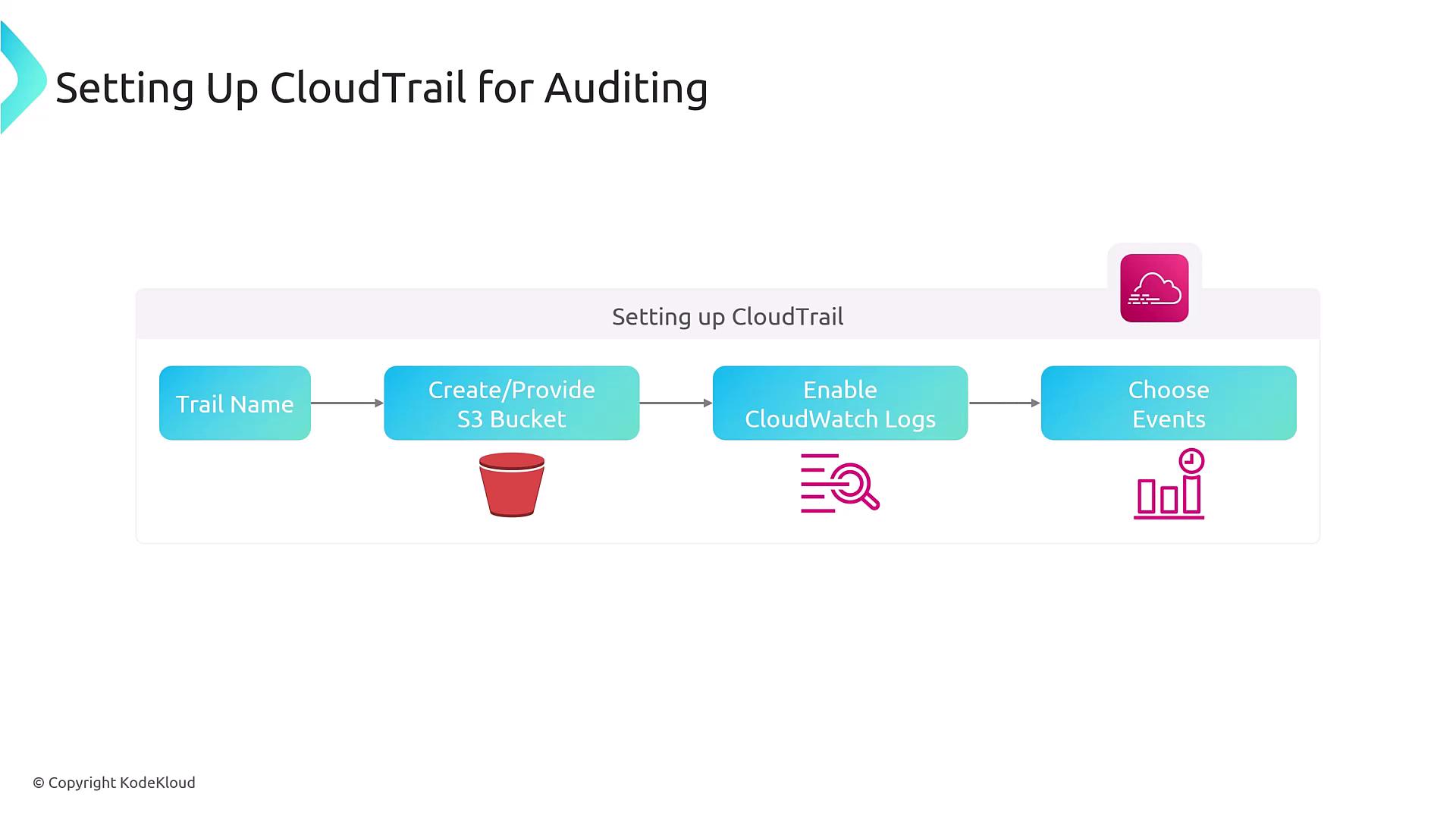
- Region Settings: Choose a single-region or multi-region setup.
- Account Scope: Utilize multi-account settings if AWS Organizations is configured.
- Security Best Practices: Encrypt your logs, enable log validation, and consider using governance locks.
For enhanced security, ensure that your CloudTrail logs are encrypted and that log validation is enabled to detect any potential tampering.
An Example Scenario
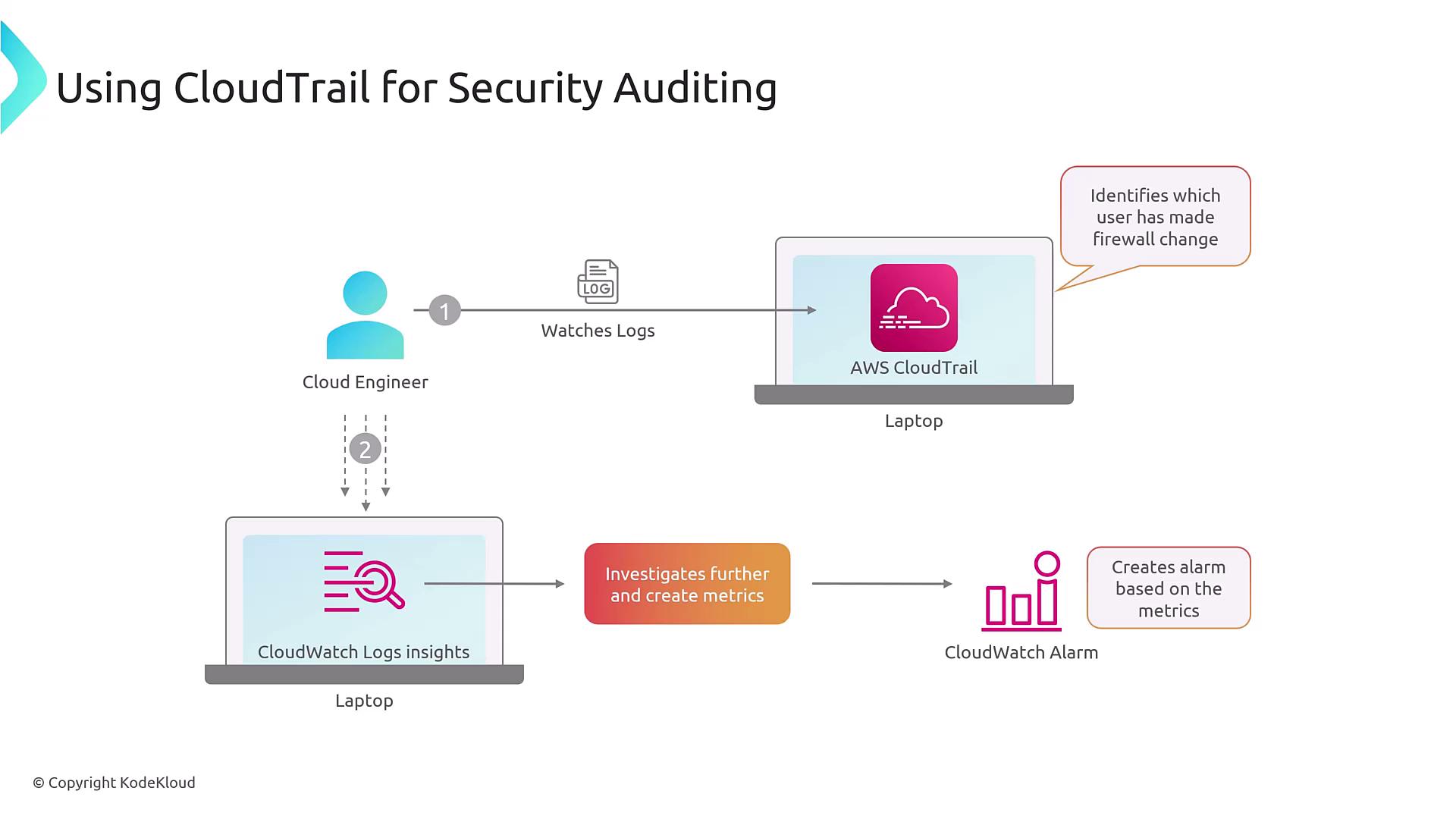
Consider a scenario where an insecure configuration change is made—such as modifying a security group associated with an EC2 instance to allow SSH access (port 22) from any IP address (0.0.0.0/0). This misconfiguration can expose your infrastructure to security risks, especially if the instance is not a hardened jump box. In such cases, a security engineer can leverage CloudTrail to:- Identify the user who made the change.
- Analyze the sequence of actions by reviewing the CloudTrail logs via the console or command line.
- Utilize CloudWatch Logs Insights for a more in-depth exploration of the logs.
- Configure CloudWatch alarms to trigger notifications for similar future anomalies.
Integration with CloudWatch
Integrating CloudTrail logs with CloudWatch Logs unlocks additional monitoring capabilities, including:- Metrics Conversion: Transform logs into metrics for easy monitoring.
- Pattern Searching: Identify patterns such as errors or unauthorized access attempts.
- Custom Dashboards: Create visual dashboards to track the frequency of critical changes in your infrastructure.