


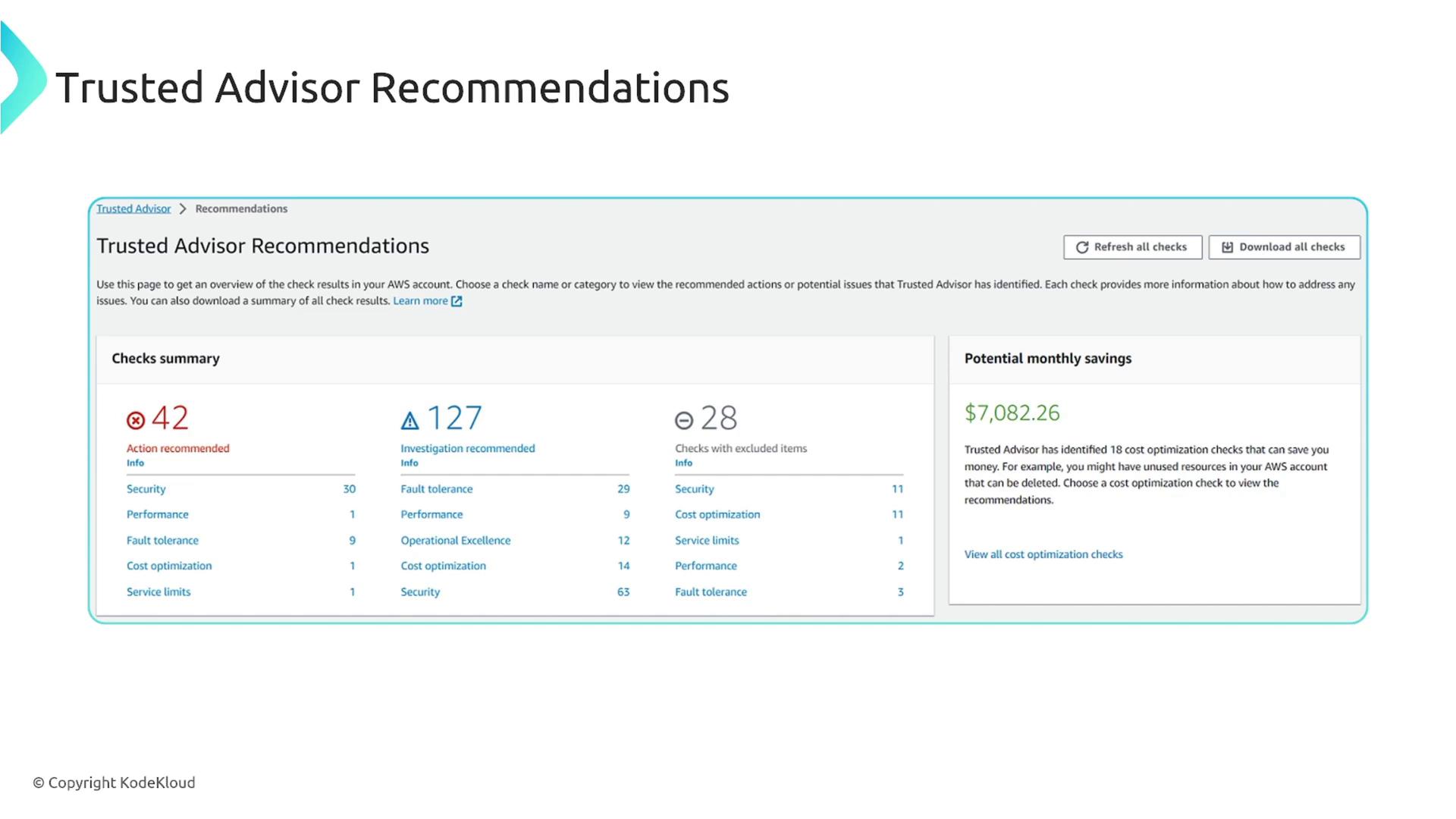
Full access to Trusted Advisor is available only with specific AWS support plans. The Basic and Developer plans offer limited checks, primarily focused on security and service limits. In contrast, the Business, Enterprise On-Ramp, and Enterprise plans provide complete functionality—with the Business plan being the minimum requirement for full access.
- Cost Optimization:
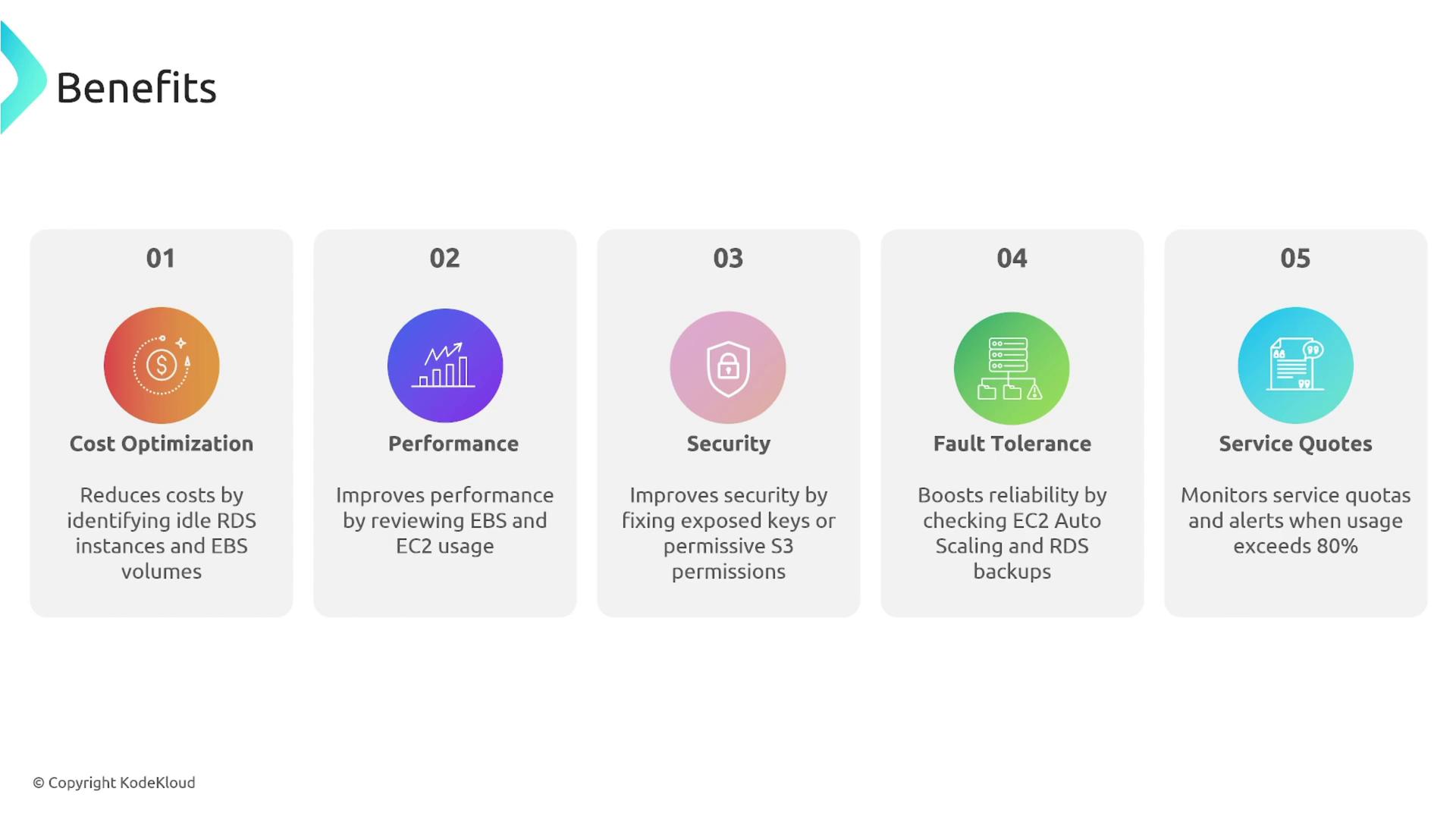
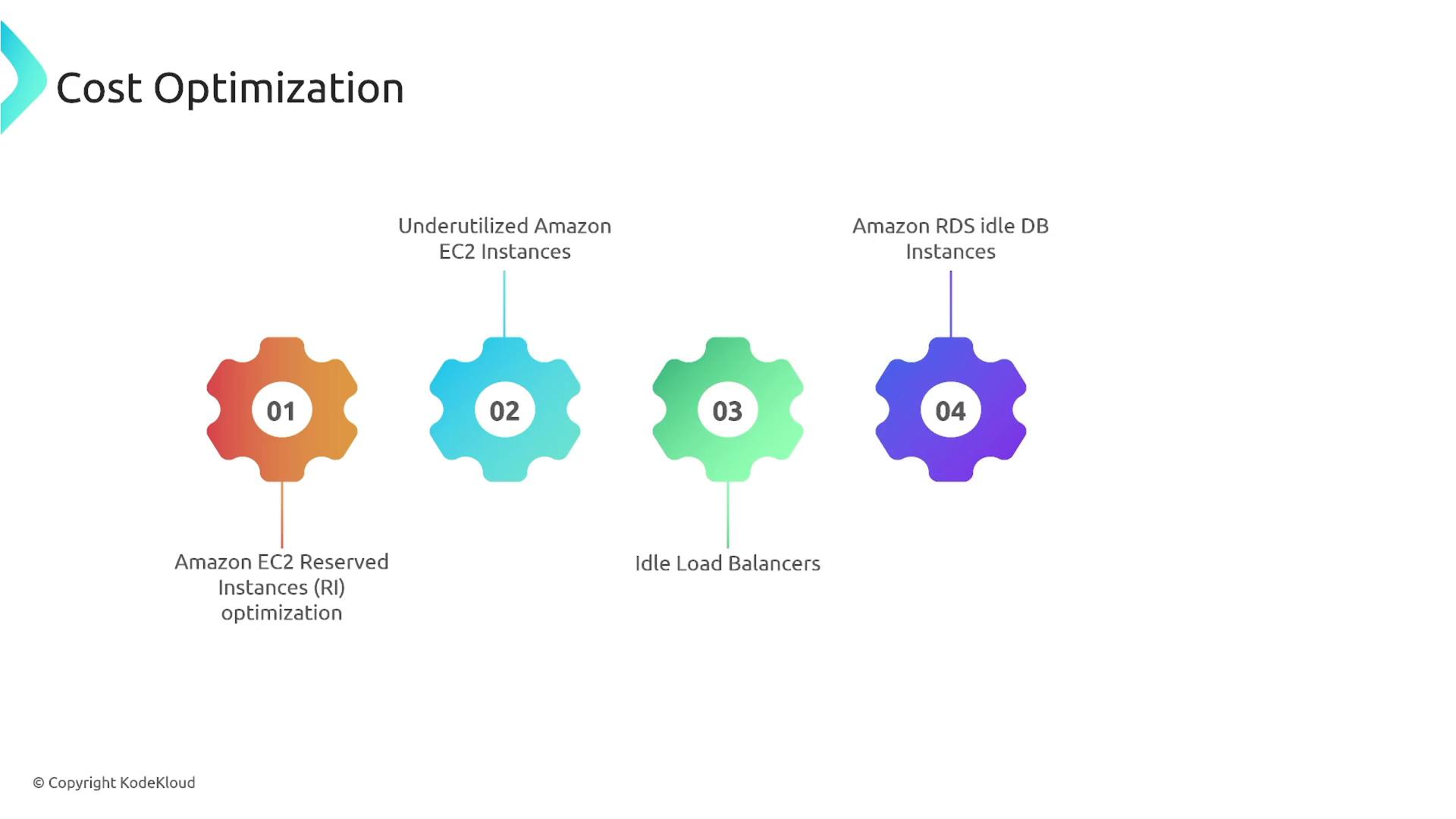
Trusted Advisor helps you identify opportunities for cost savings. It highlights areas such as:- Underutilized EC2 instances
- Opportunities to use reserved instances
- Idle load balancers
- Excessive storage usage and redundant S3 buckets
- Performance:
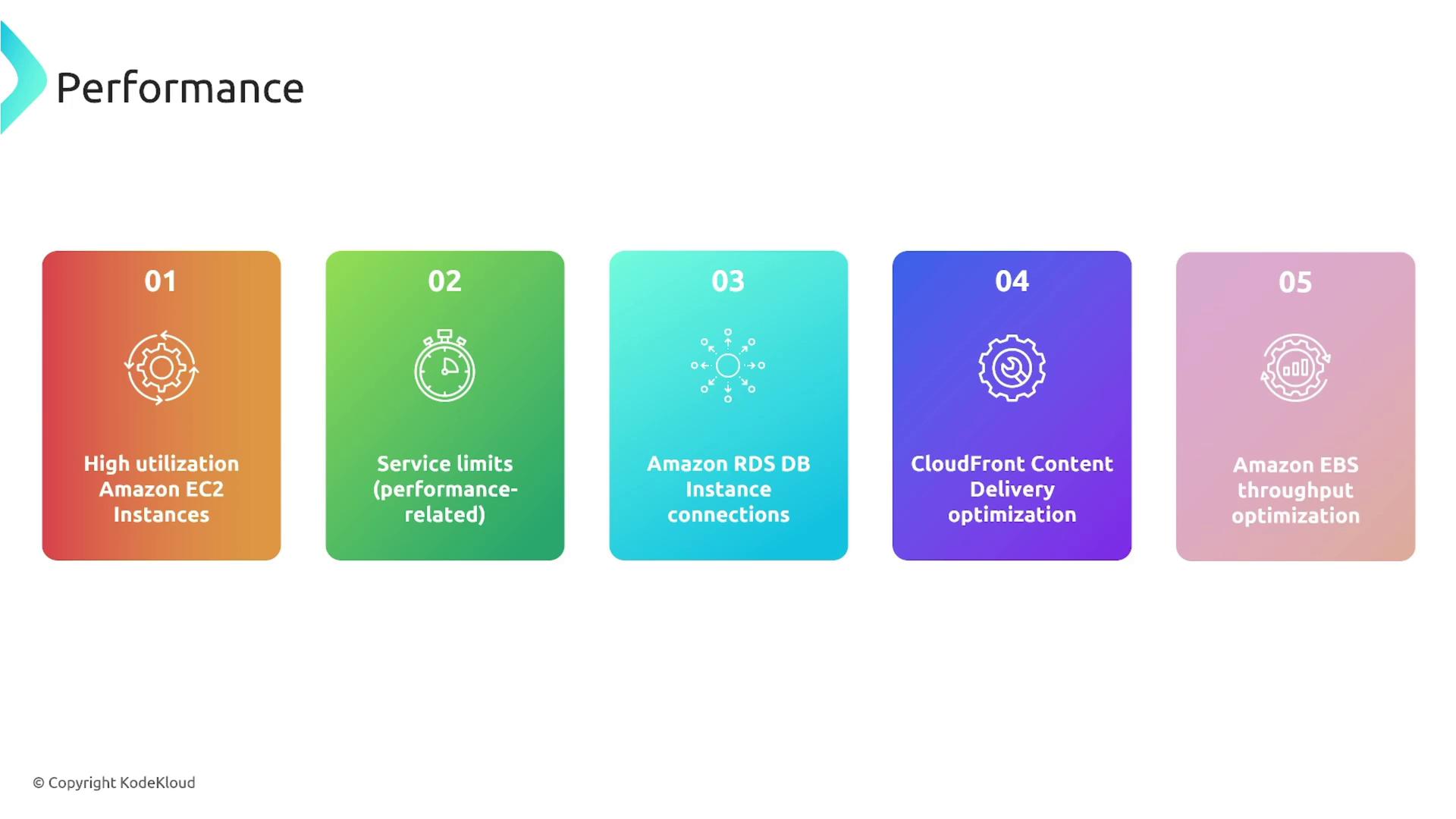
This category covers issues that may affect the responsiveness or efficiency of your applications. It inspects:- High resource utilization
- Approaching service limits
- Excessive database connection counts
- CloudFront configuration needs
- EBS throughput usage
- Security:
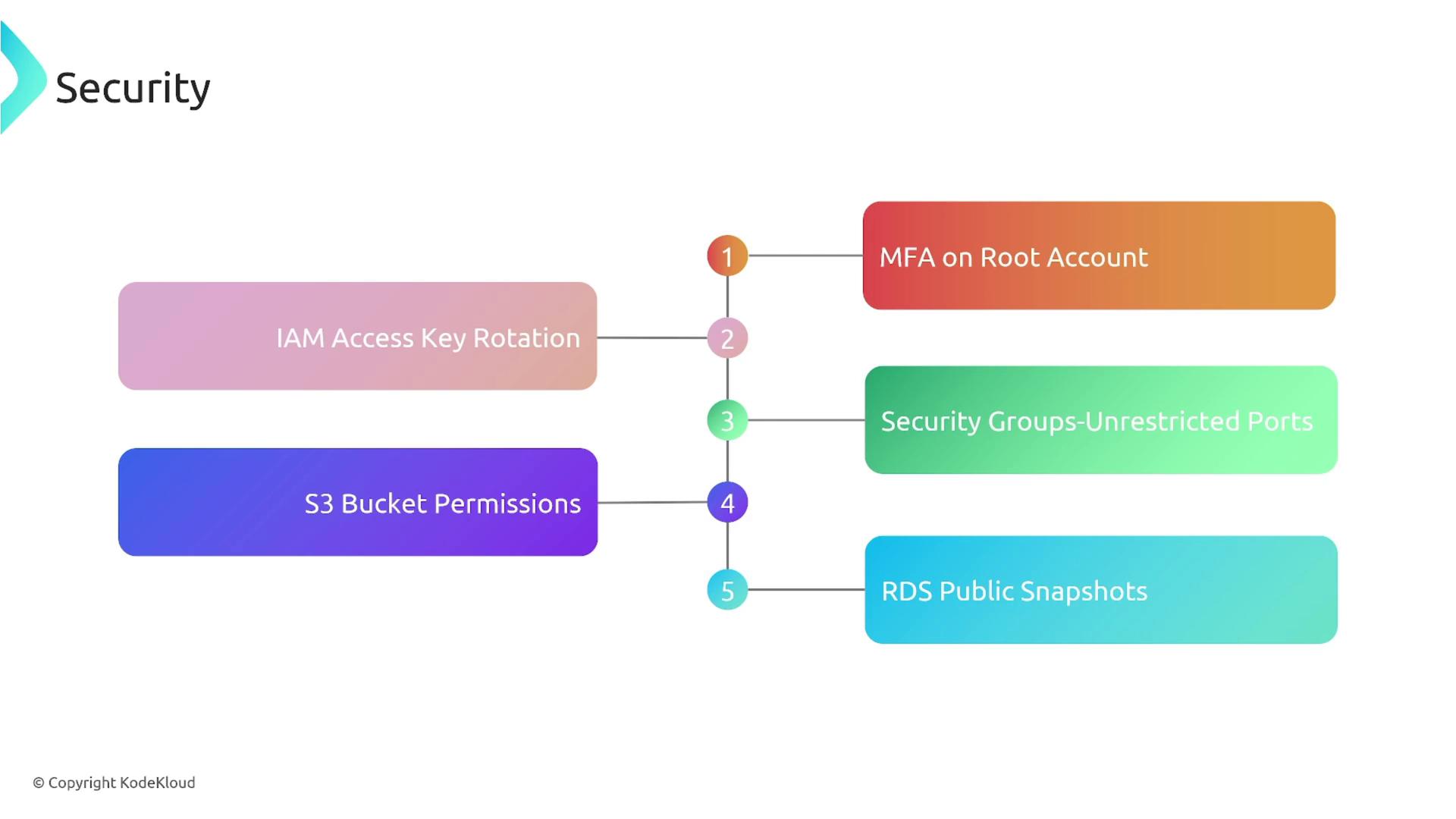
Trusted Advisor enhances your security posture by flagging potential vulnerabilities such as:- Absence of multi-factor authentication (MFA)
- Outdated IAM access keys
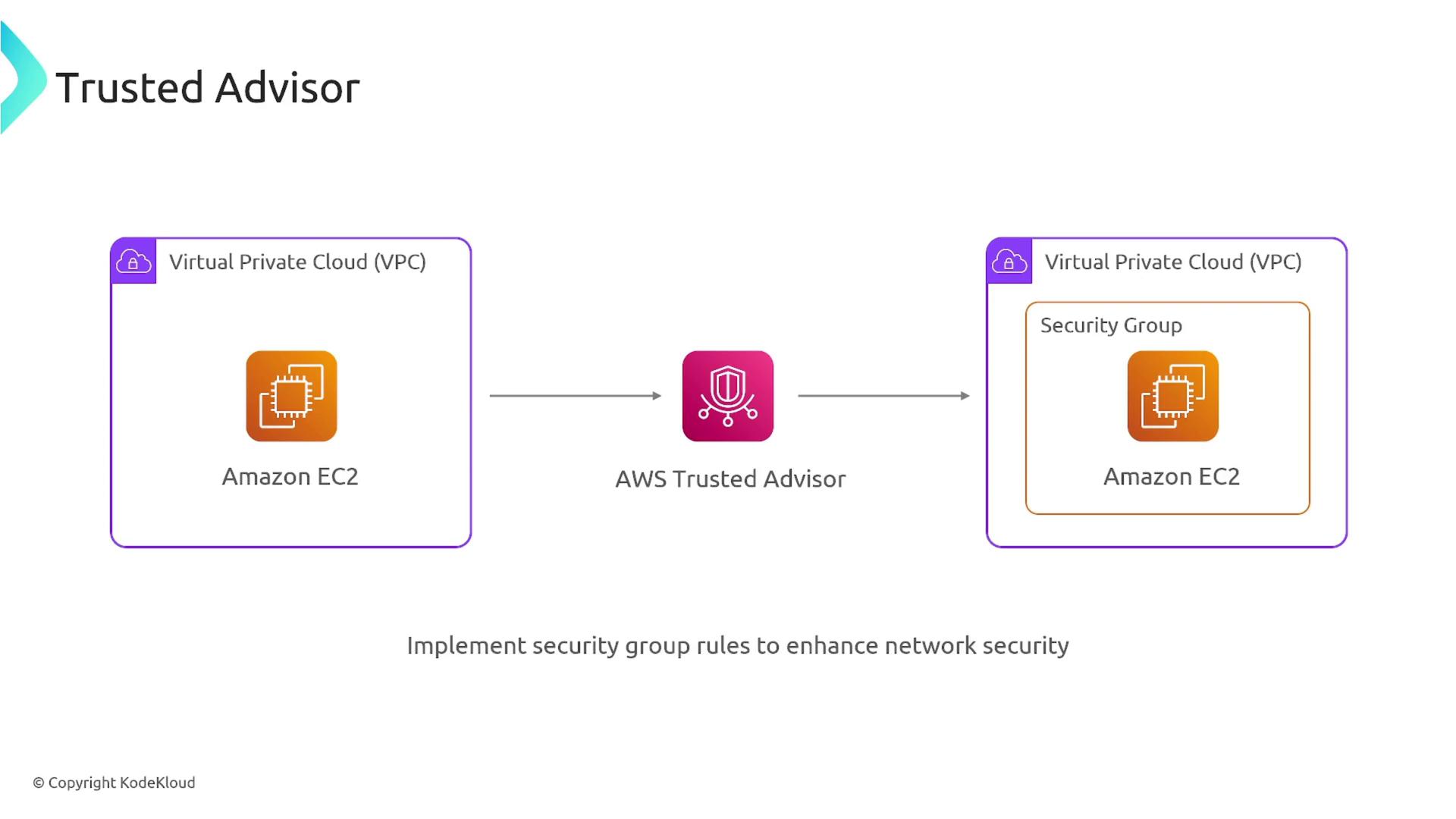
- Overly permissive security groups
- Broad S3 bucket permissions
- Lack of backups or publicly accessible snapshots
- Fault Tolerance:
Checks in this category ensure your environment is robust and can withstand failures. They may detect:- Imbalanced distribution of EC2 instances across availability zones
- Lack of versioning on S3 buckets
- Oversized load balancers
- Insufficient database redundancy
- Misconfigured auto-scaling groups

- Service Limits:
This straightforward category keeps you informed when you’re nearing AWS resource limits, such as:- EC2 virtual machines
- Load balancers
- VPCs
- Database instances
AWS Trusted Advisor’s full functionality is available exclusively on the Business, Enterprise On-Ramp, and Enterprise support plans. Ensure you have the appropriate plan to leverage all of its capabilities.