Overview of EC2 Purchasing Options
AWS offers several purchasing options for EC2 instances. Below is an overview of these models:- On-Demand Instances
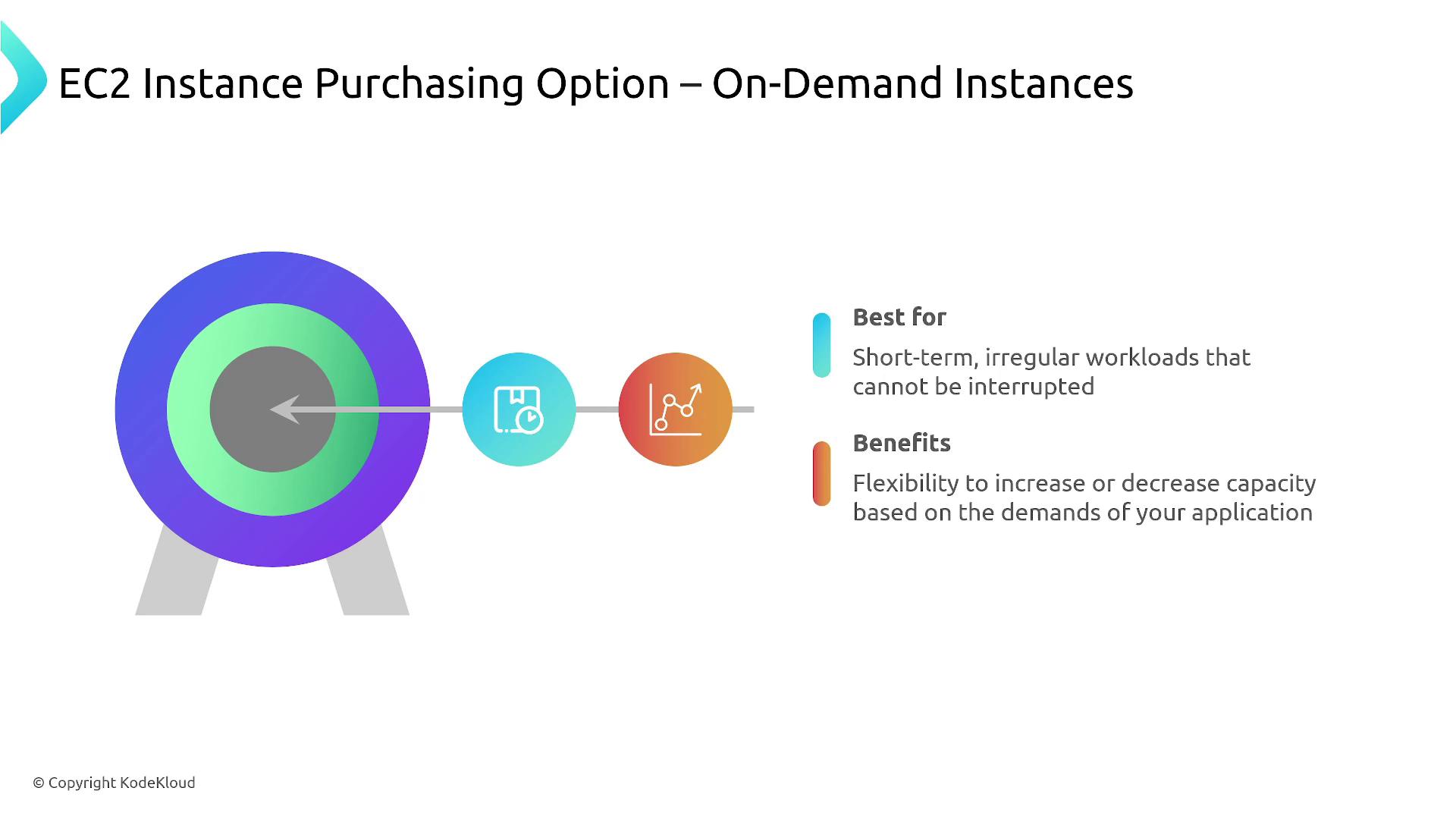
On-Demand Instances work like buying a cup of coffee at the regular price whenever you need it. They are ideal for short-term or unpredictable workloads since you only pay for what you use.
- Spot Instances
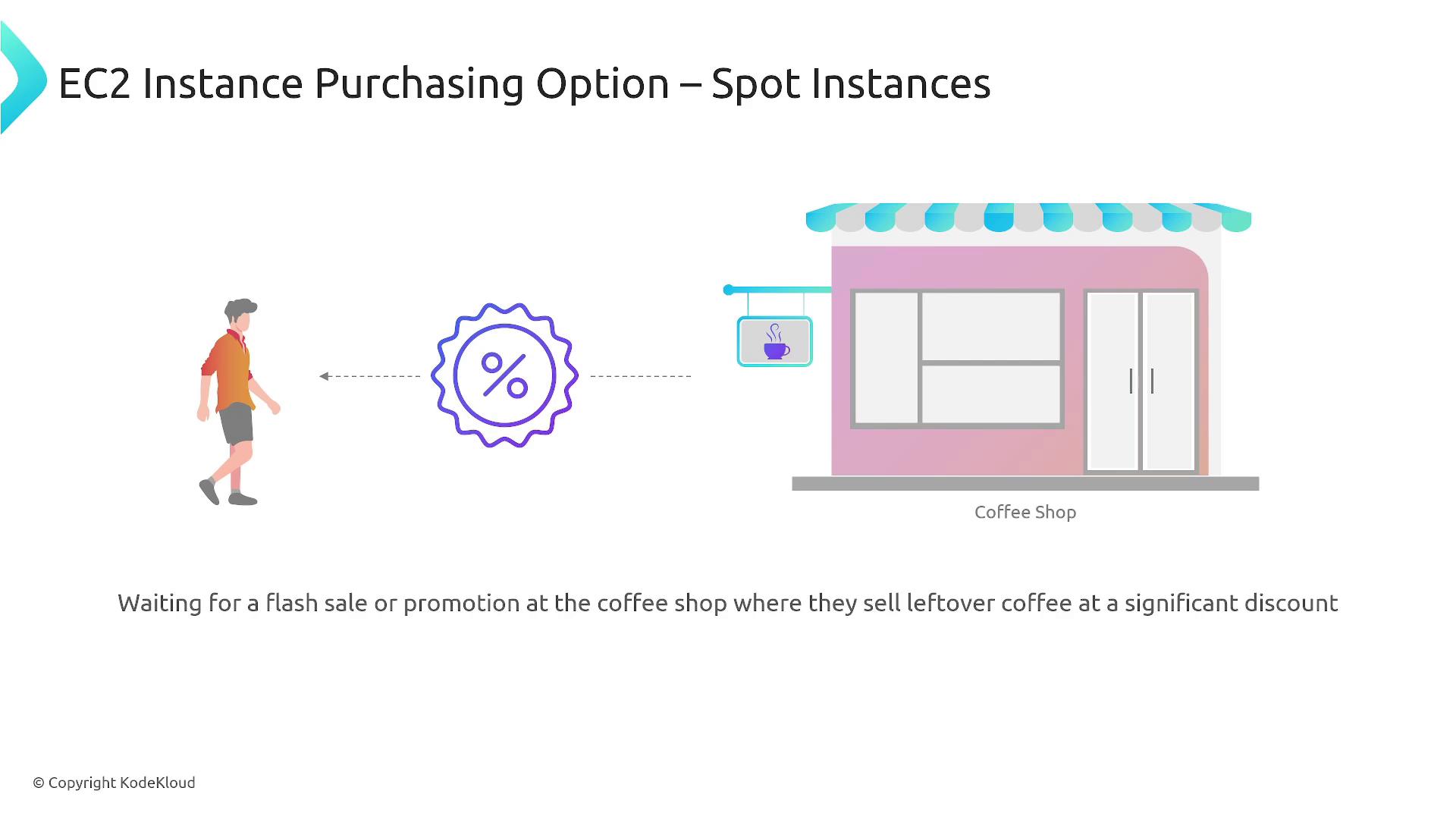
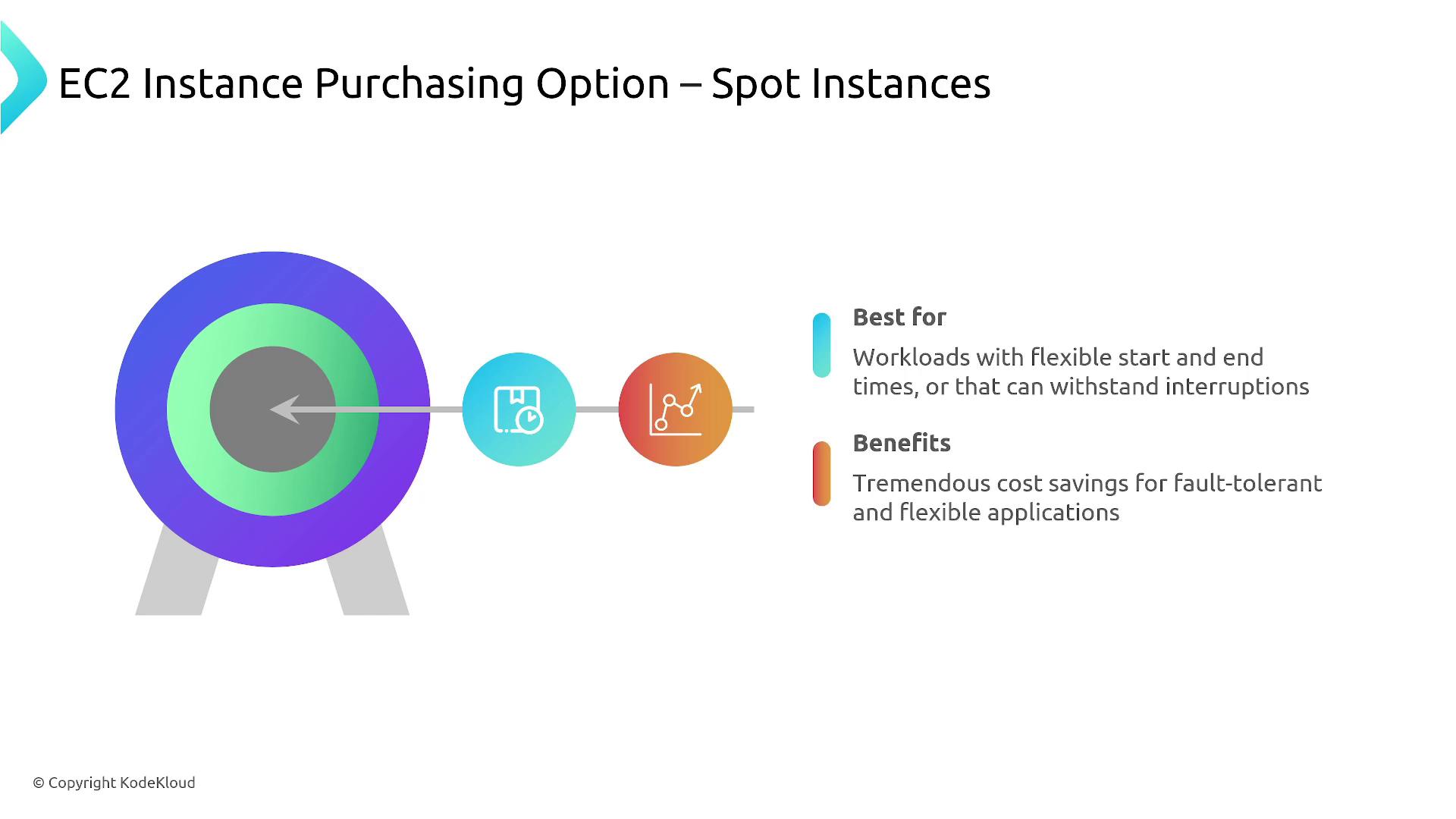
Spot Instances are similar to waiting for a flash sale at your local coffee shop—when leftover inventory is available at a discount. With Spot Instances, you bid on unused AWS capacity at prices up to 90% lower than on-demand rates. However, these compute resources can be interrupted if AWS needs the capacity back, so they are best suited for workloads that can tolerate interruptions.
- Savings Plans
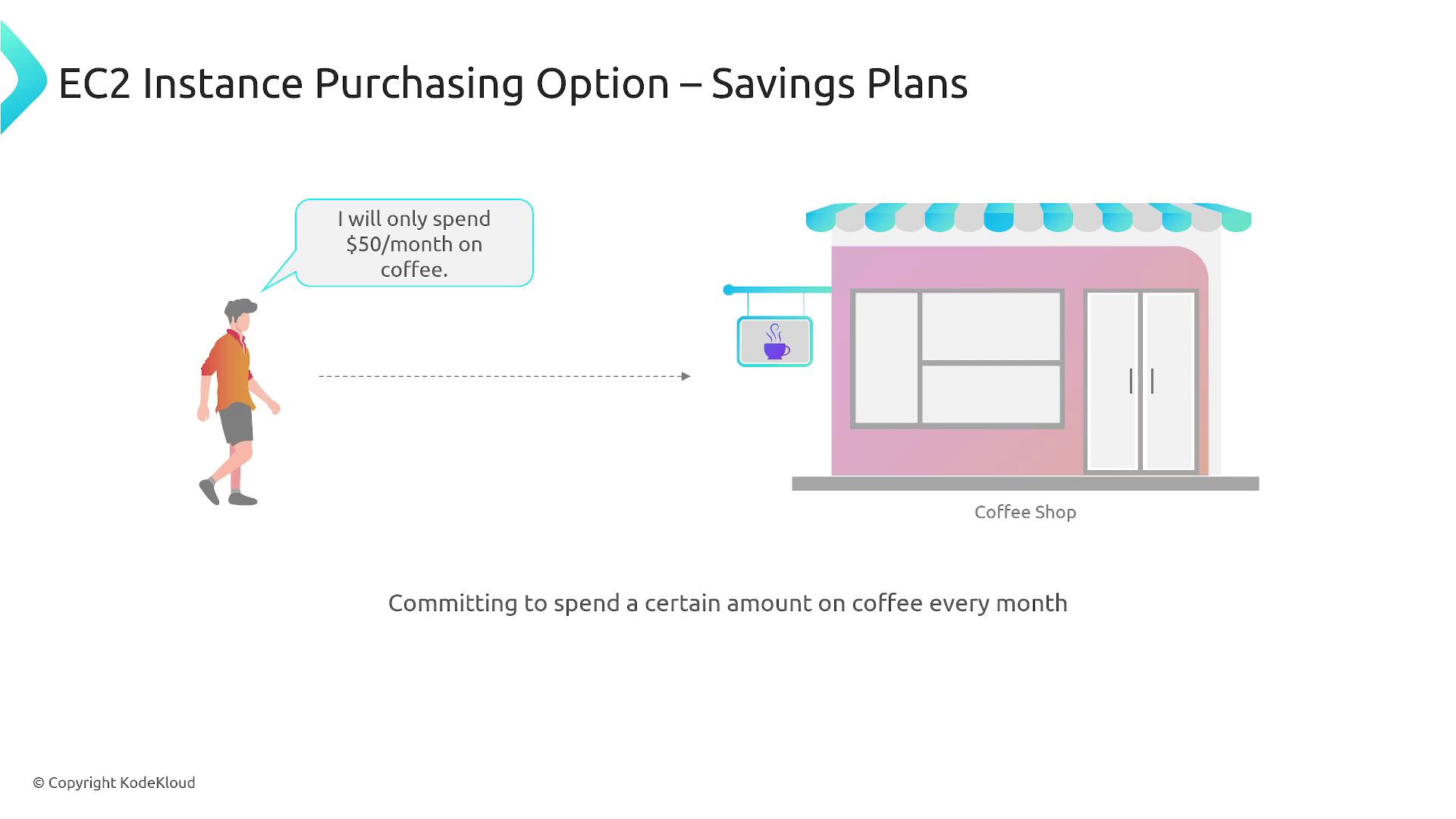
Savings Plans allow you to commit to a fixed monthly spend in exchange for discounted rates. Think of it as paying a fixed amount, like 75 worth of resources. Savings Plans apply not only to EC2 but also to container-based Compute offerings, Fargate, Lambda, and in some cases, SageMaker.
- Reserved Instances
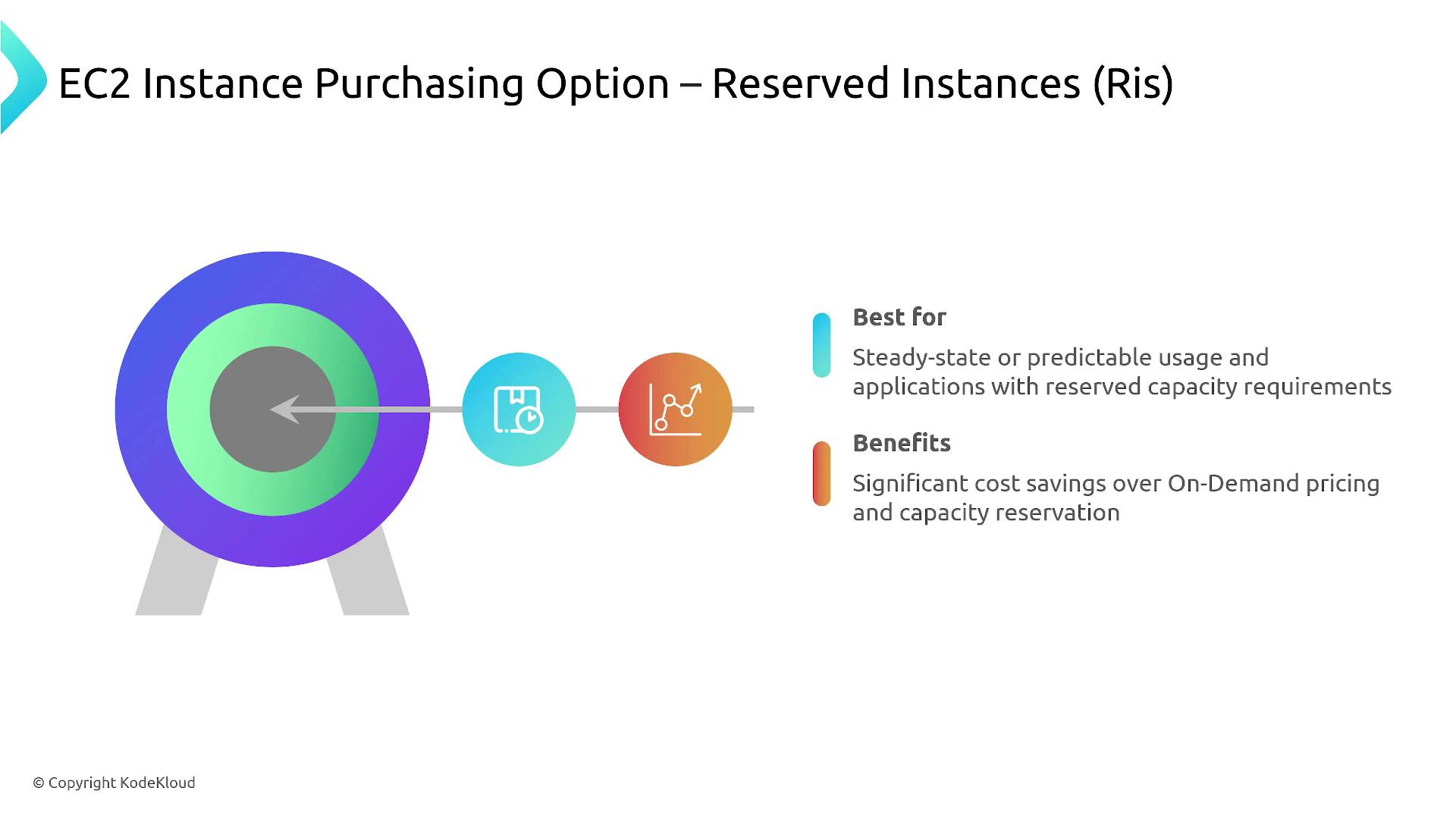
Reserved Instances require a commitment for one, three, or more years in a specific region, similar to subscribing to a monthly coffee service—you pay regardless of usage. They offer up to 75% discounts compared to on-demand pricing and come in several types: standard (inflexible), convertible (more flexible), and scheduled (time-specific).
- Dedicated Hosts
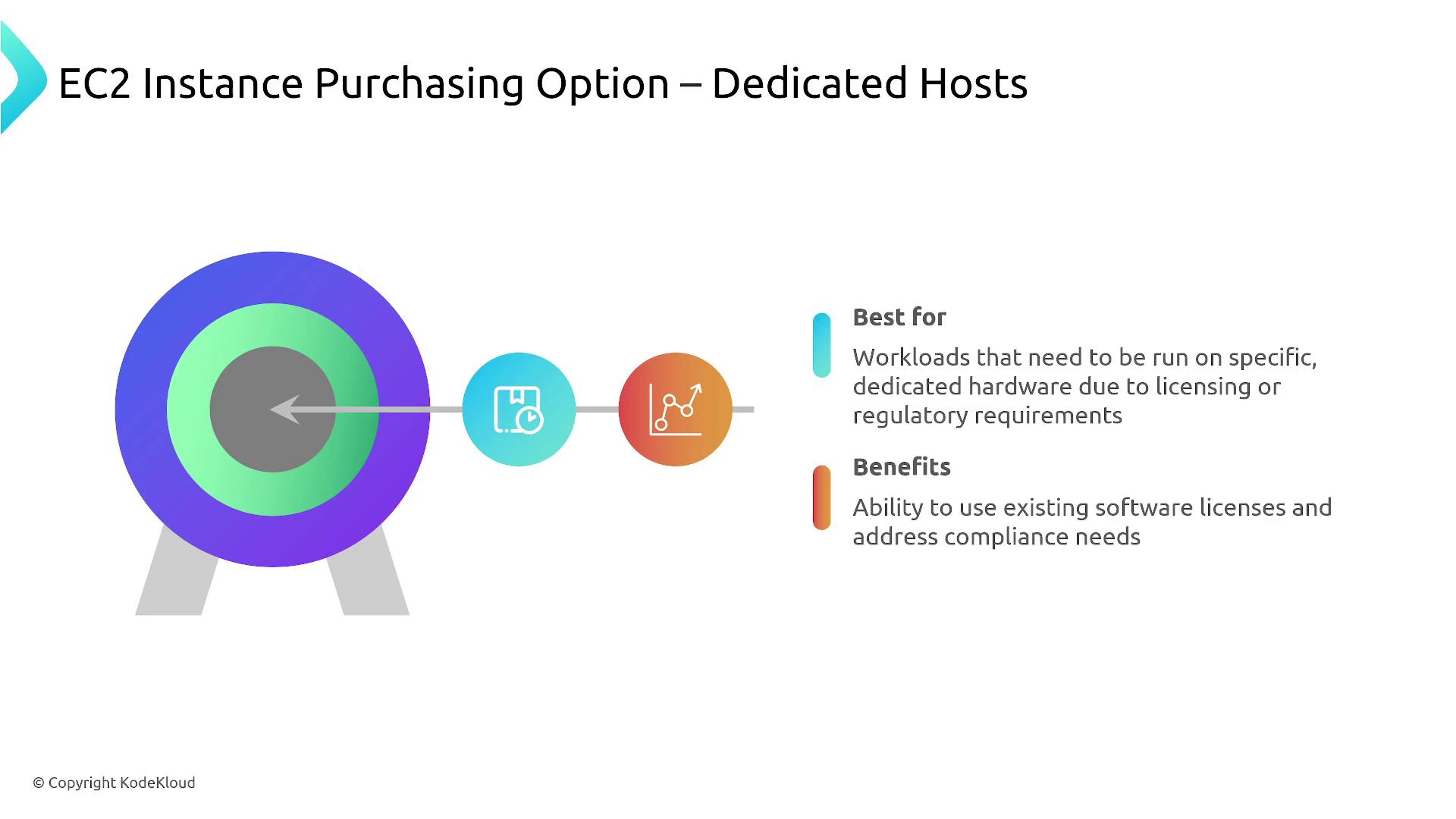
Dedicated Hosts provide an entire physical server exclusively for your use—much like renting a coffee machine solely for your business. This option is typically chosen when specific licensing or security requirements must be met. Due to renting a full physical server, it is the costliest option.
- Dedicated Instances
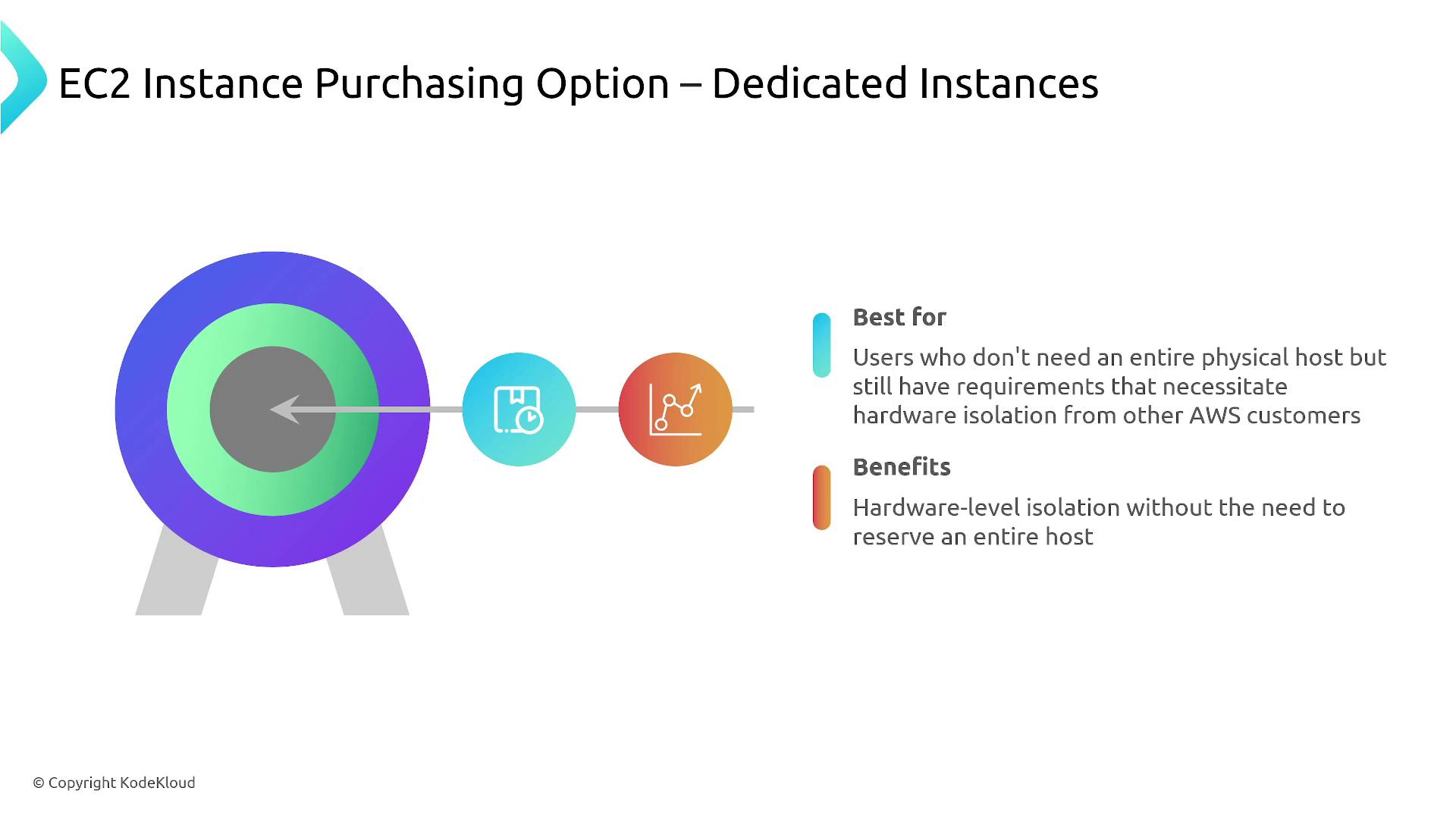
Dedicated Instances offer hardware isolation for your virtual machine, similar to reserving a private seat at a communal coffee setup. Though they do not involve an entire physical server, the instance runs on hardware dedicated to you, ensuring better isolation from other AWS customers. This option is typically the second most expensive after Dedicated Hosts.
Deep Dive: EC2 Spot Instances
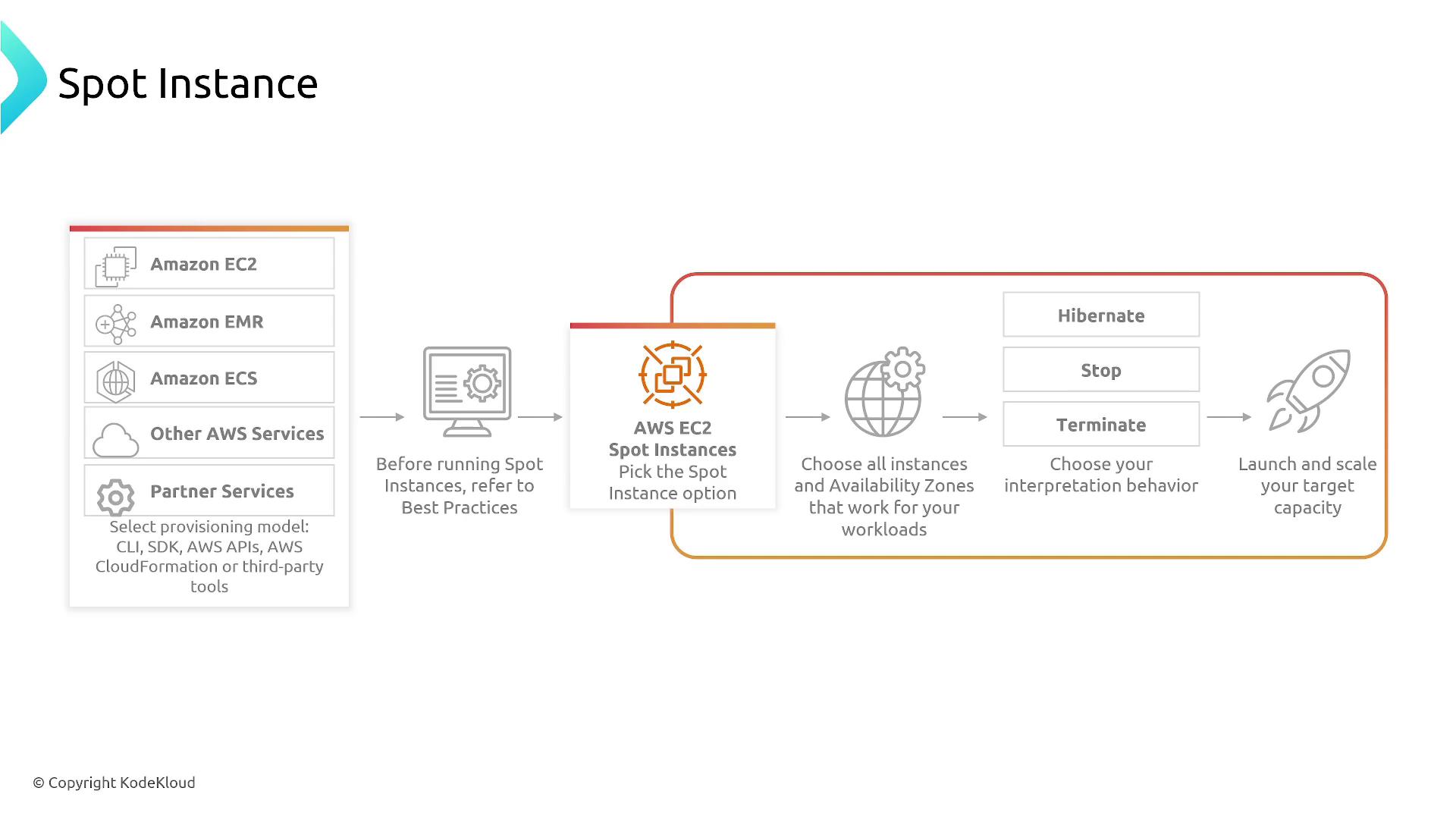
Let’s return our focus to Spot Instances. They deliver up to 90% savings compared to on-demand pricing by utilizing AWS’s excess compute capacity. However, AWS might reclaim these resources with a two-minute warning, so it is essential that your applications are designed to handle such interruptions gracefully.Ensure that your applications, especially batch processes or large-scale data analytics workflows, are built with fault tolerance in mind to benefit from Spot Instances.
Advantages of Using Spot Instances
- Significant cost savings by leveraging spare compute capacity.
- No long-term commitment, offering flexibility similar to on-demand usage.
- Seamless integration with other AWS services.
- Automatic capacity rebalancing for improved workload management.
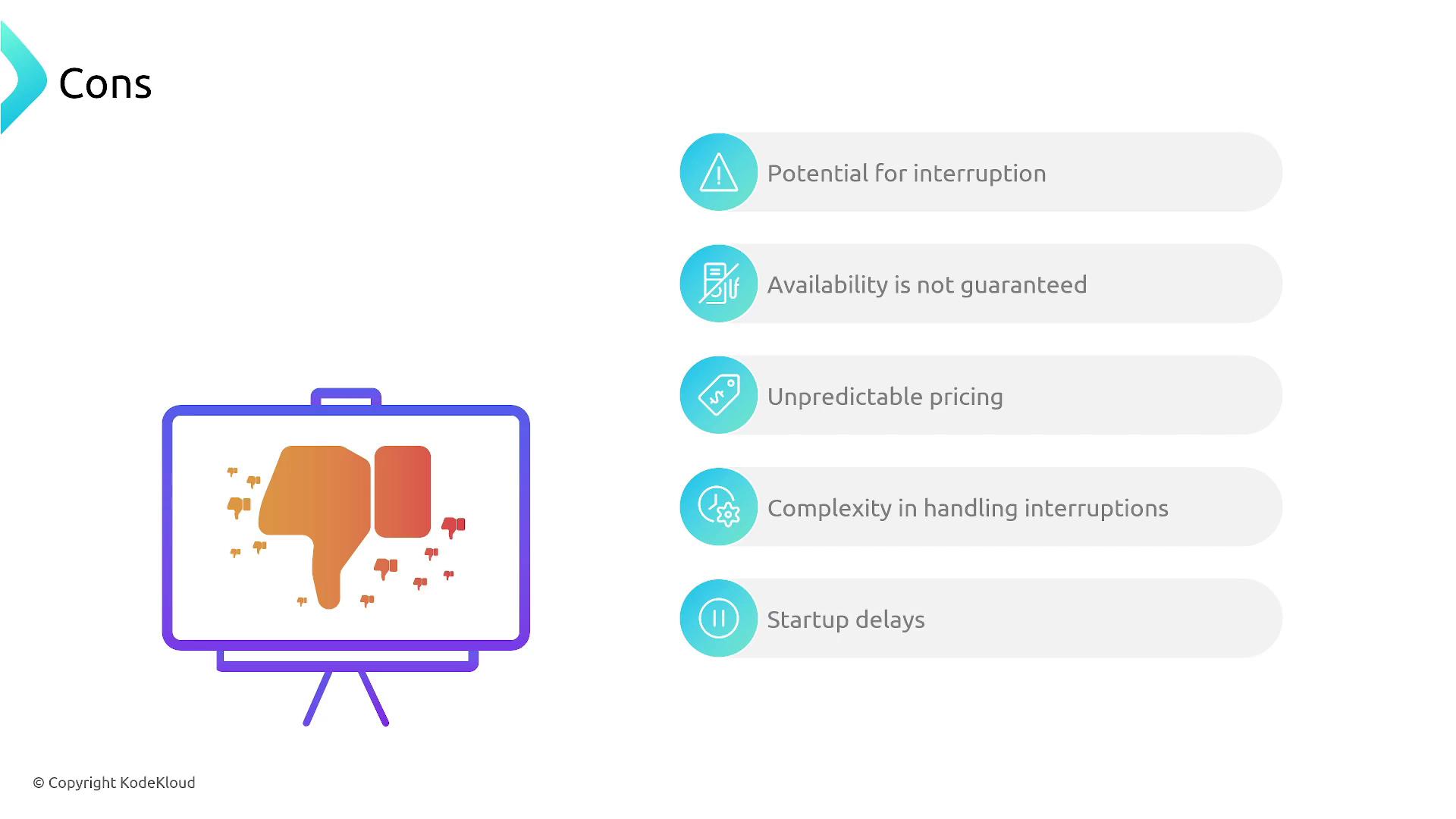
Challenges of Using Spot Instances
- Potential for instance interruption with only a two-minute warning.
- Variability in pricing based on current supply and demand.
- Occasional difficulty in acquiring capacity during peak times.
- Increased complexity in designing applications to handle interruptions.
- Possible startup delays.
Before deploying applications on Spot Instances, thoroughly review best practices and design strategies to ensure rapid recovery from unexpected terminations.
Best Practices
For best results with Spot Instances, consider using them to supplement an on-demand fleet. This approach enables scaling your capacity while keeping costs under control, provided you have the system resilience to manage sudden interruptions.