

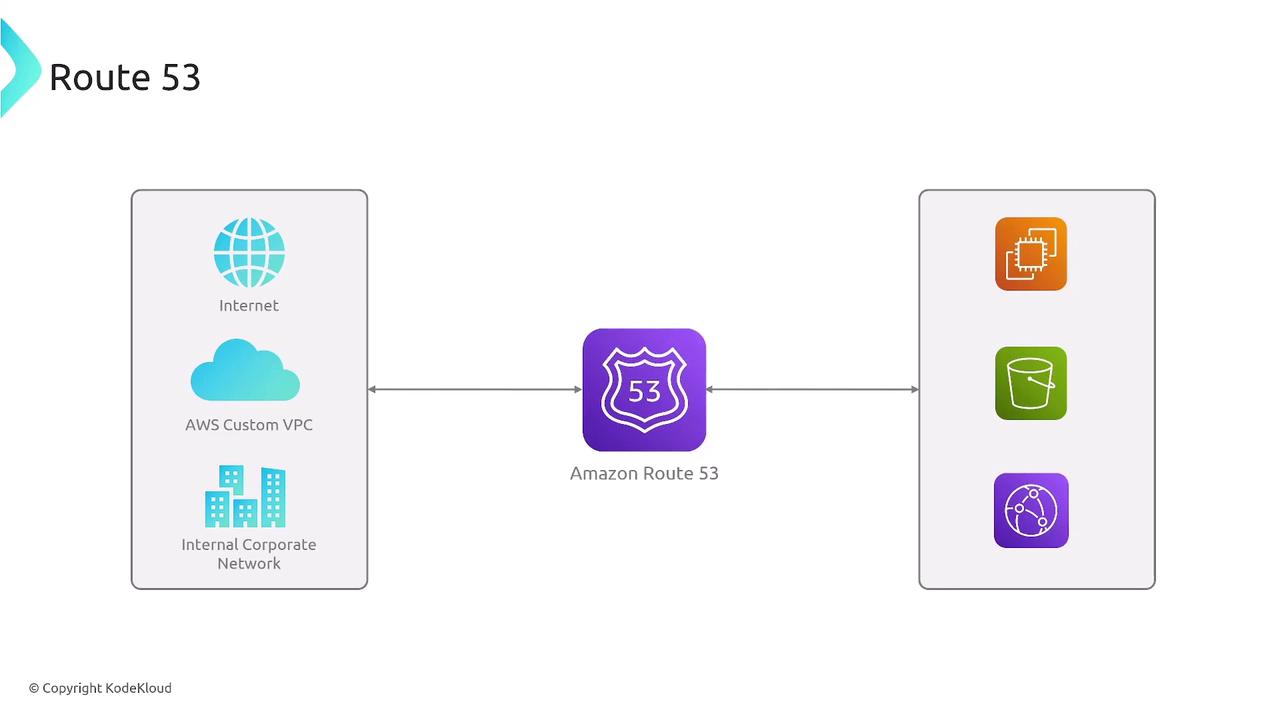
Key Features of Route 53
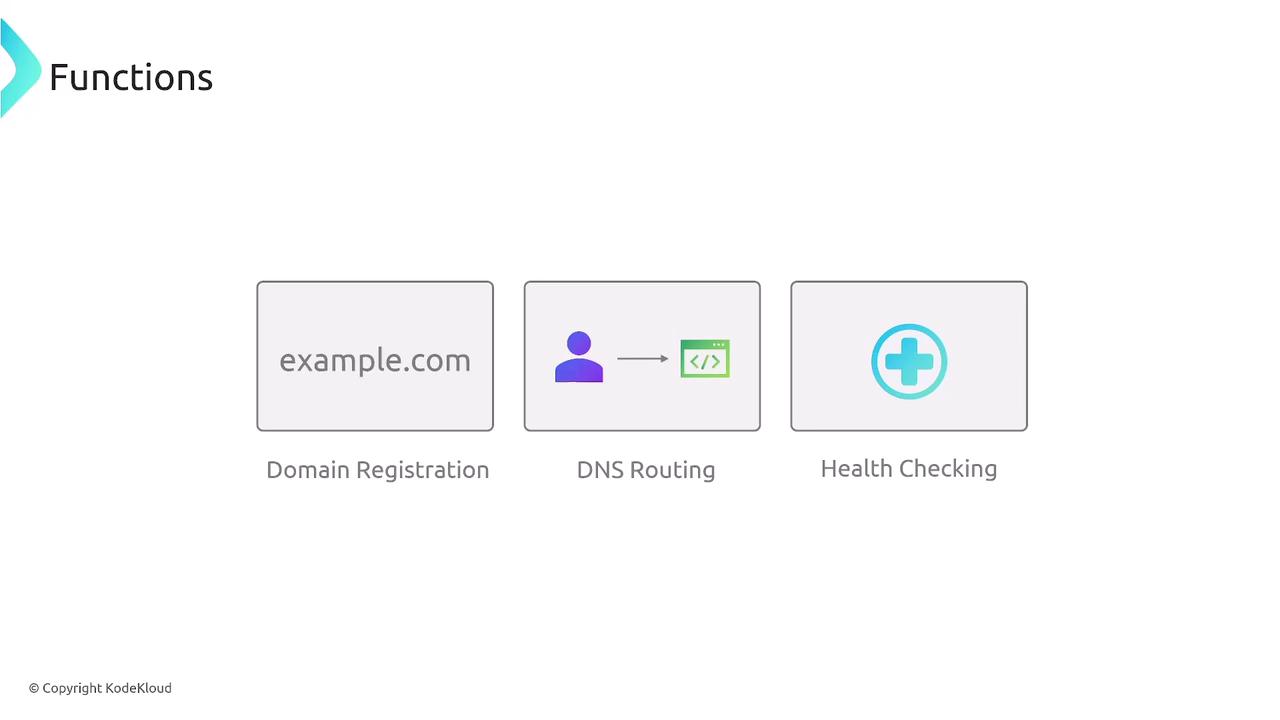
Route 53 provides three primary features that make it a powerful service for managing your DNS needs:- Domain Registration: Easily register your domain names.
- DNS Routing: Efficiently resolve domain names to IP addresses using a network of authoritative servers.
- Health Checking: Monitor endpoints to ensure they remain responsive, enhancing the reliability of your services.
How DNS Resolution Works with Route 53
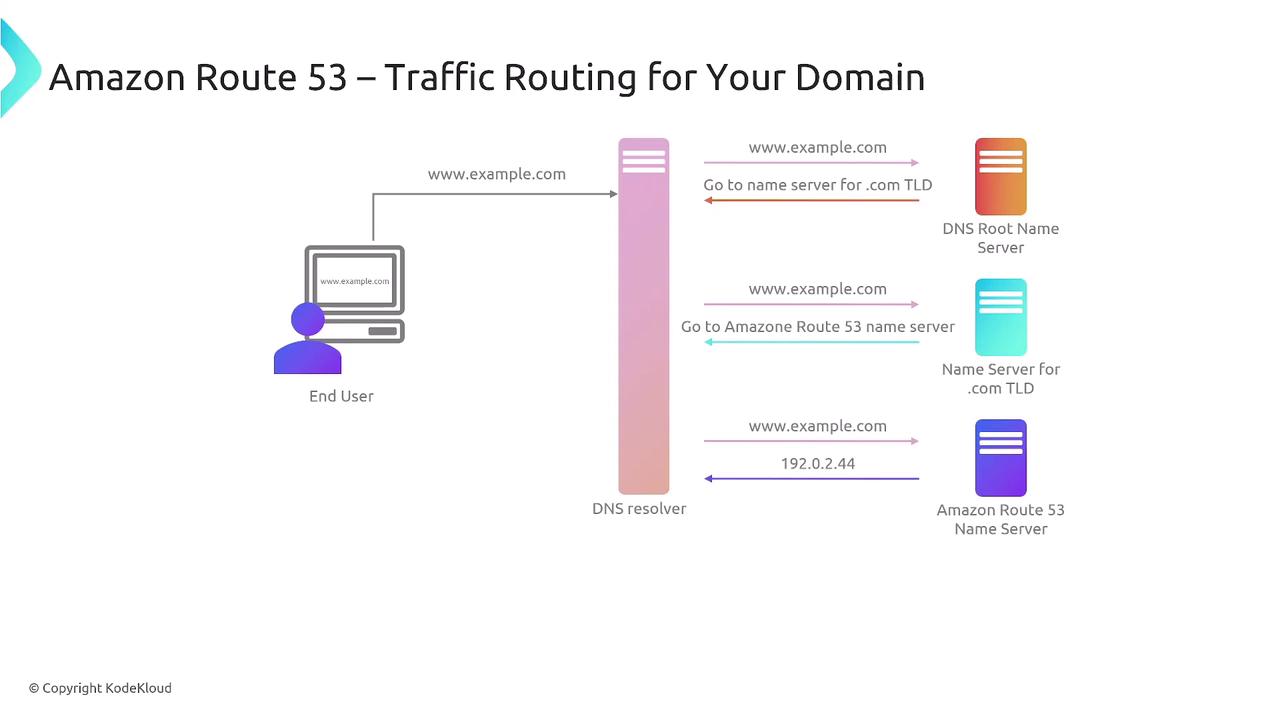
When a DNS query is initiated, the process follows these steps:- The resolver contacts a root name server.
- The root name server refers the query to an authoritative name server for the appropriate Top-Level Domain (TLD) such as .com, .io, or .ai.
- The authoritative server returns the corresponding IP address for the requested domain.
Pricing and Use Cases
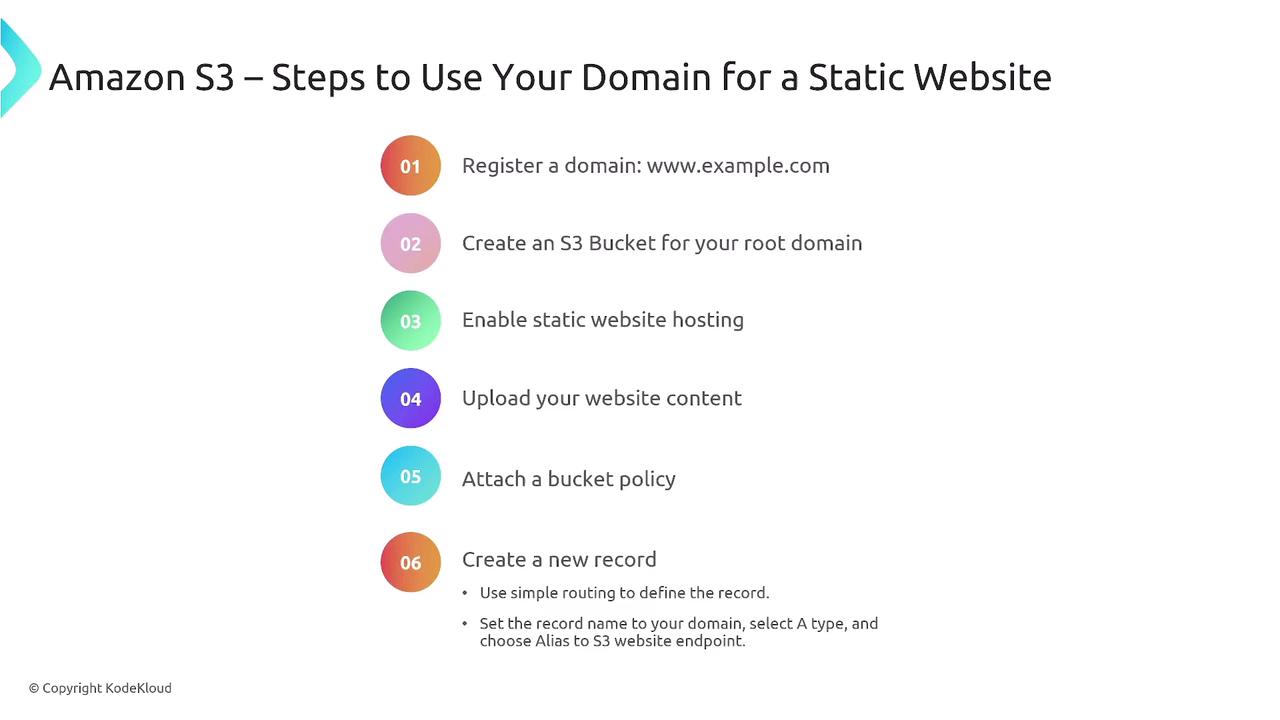
Route 53 pricing is based on domain registration, the number of hosted DNS queries, and health check requests. For example, consider hosting a static website on AWS:- Register your domain using Route 53.
- Create an S3 bucket configured with static website hosting for your root domain.
- Upload your website content.
- Configure the bucket policy to allow public access.
- Create a DNS record in Route 53 that points to your S3 website endpoint.
Health Checks and Integration with CloudWatch
For web servers running on EC2 or behind a load balancer, Route 53 can perform health checks. These checks involve sending request-response tests to configurable endpoints. Based on your set parameters—such as request intervals and failure thresholds—Route 53 can trigger Amazon CloudWatch alarms or notifications to alert you if an endpoint becomes unreachable.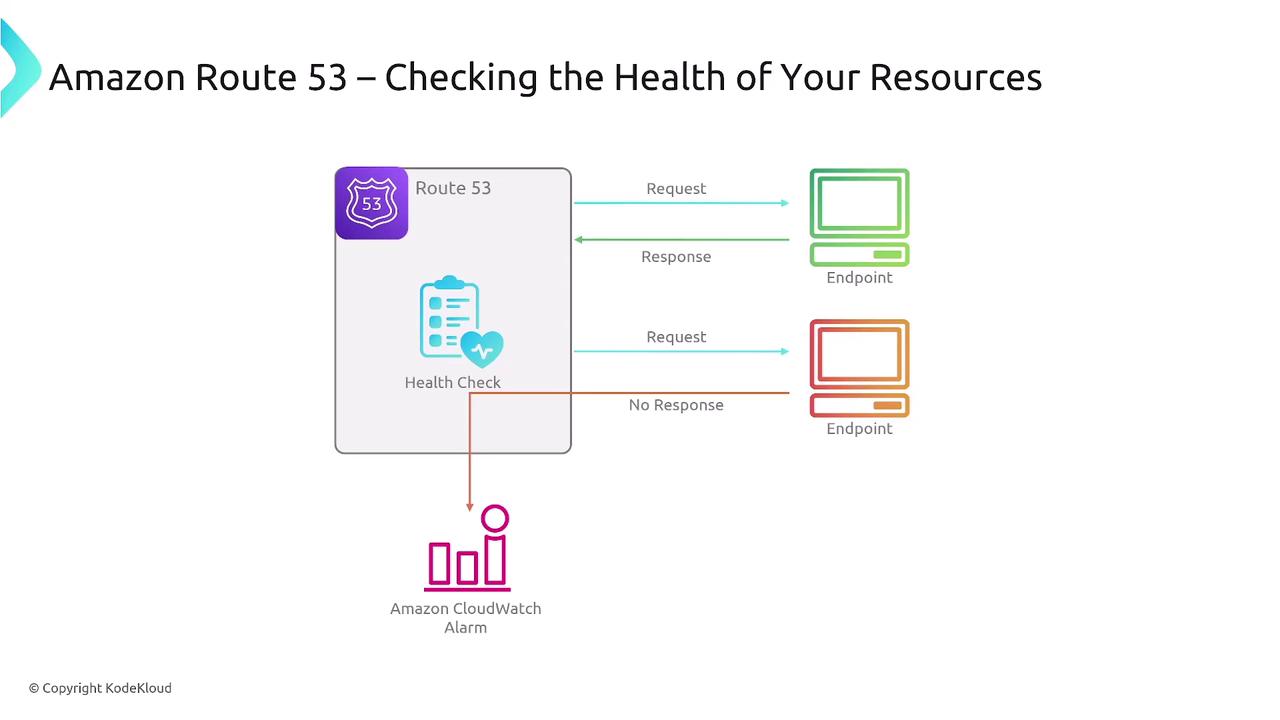
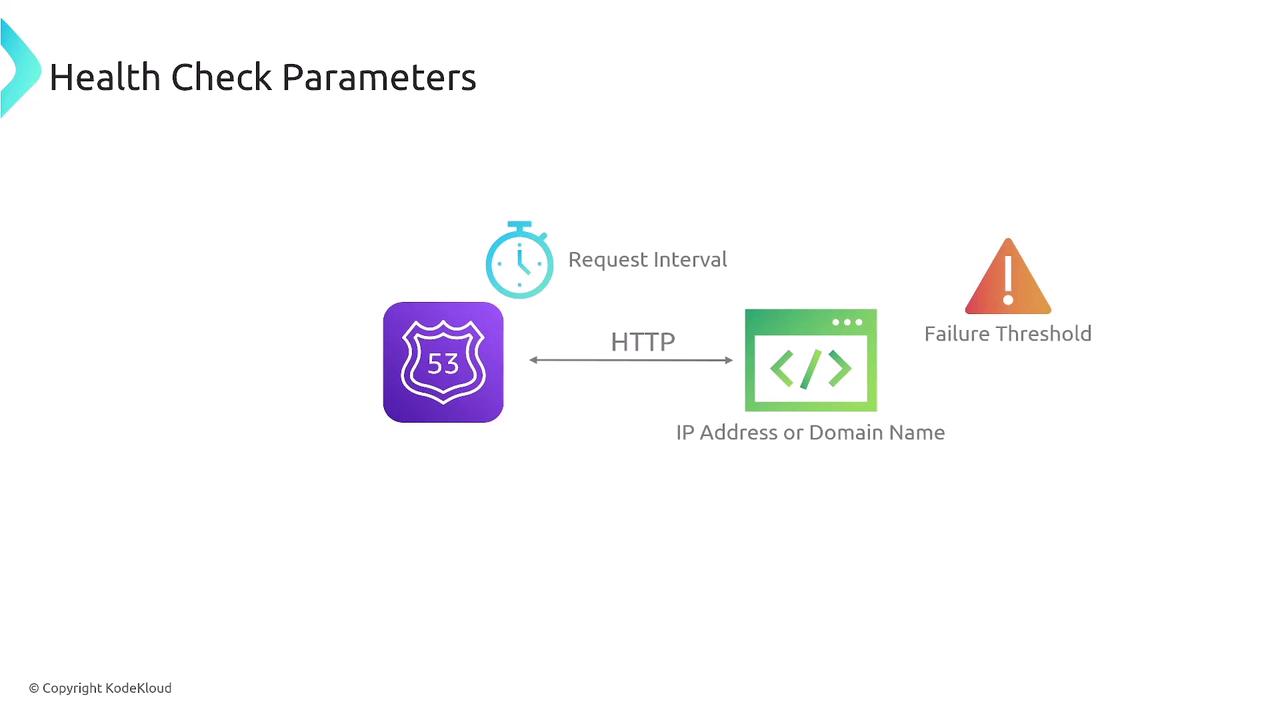
Route 53 health checks can be configured on an IP address, domain name, or a specific port, typically using Layer 7 protocols. The next diagram details parameters such as the request interval and failure threshold.
Summary
In summary, Amazon Route 53 is an advanced DNS service that offers:- Robust traffic routing
- Domain registration capabilities
- Customizable health checks
For more detailed information and best practices on using Route 53, please refer to the AWS Documentation.