Step 1: Identify the Source and Target Buckets
Currently, the source bucket is located in Ohio. Duplicate the active browser tab and switch to Virginia. Although Amazon S3 is a global service, our replication target will be the KodeKloud version demo replication bucket.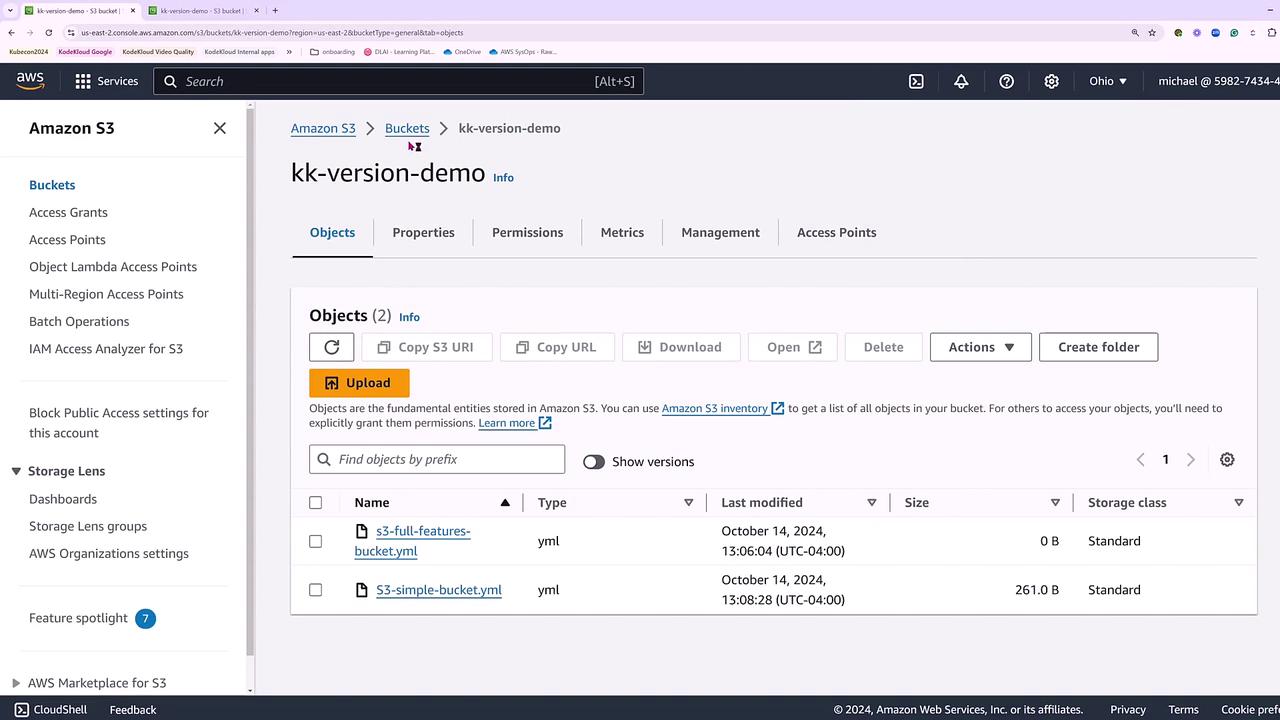
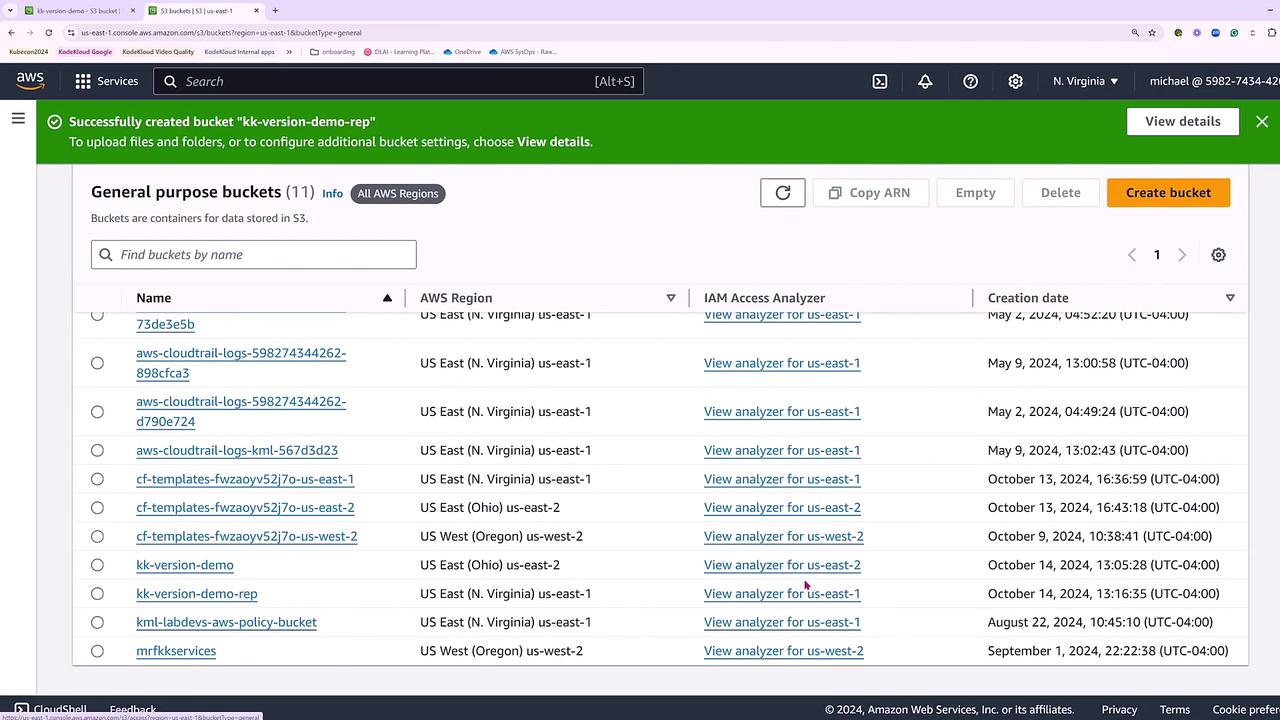
Step 2: Configure the Replication Rule
Return to the source bucket in Ohio. While settings like versioning, encryption, tiering, and logging are available under the Properties tab, the replication rule must be set up under the Management tab—not under Permissions or Metrics.- Under the Management tab, create a new replication rule.
- Set the rule ID to “one copy to Virginia”.
- Enable the rule with a priority of zero.
- Define the source bucket as the one in Ohio and specify the newly created replication bucket in Virginia as the destination.
If the destination bucket does not appear immediately (possibly due to console update latency), manually enter its name.
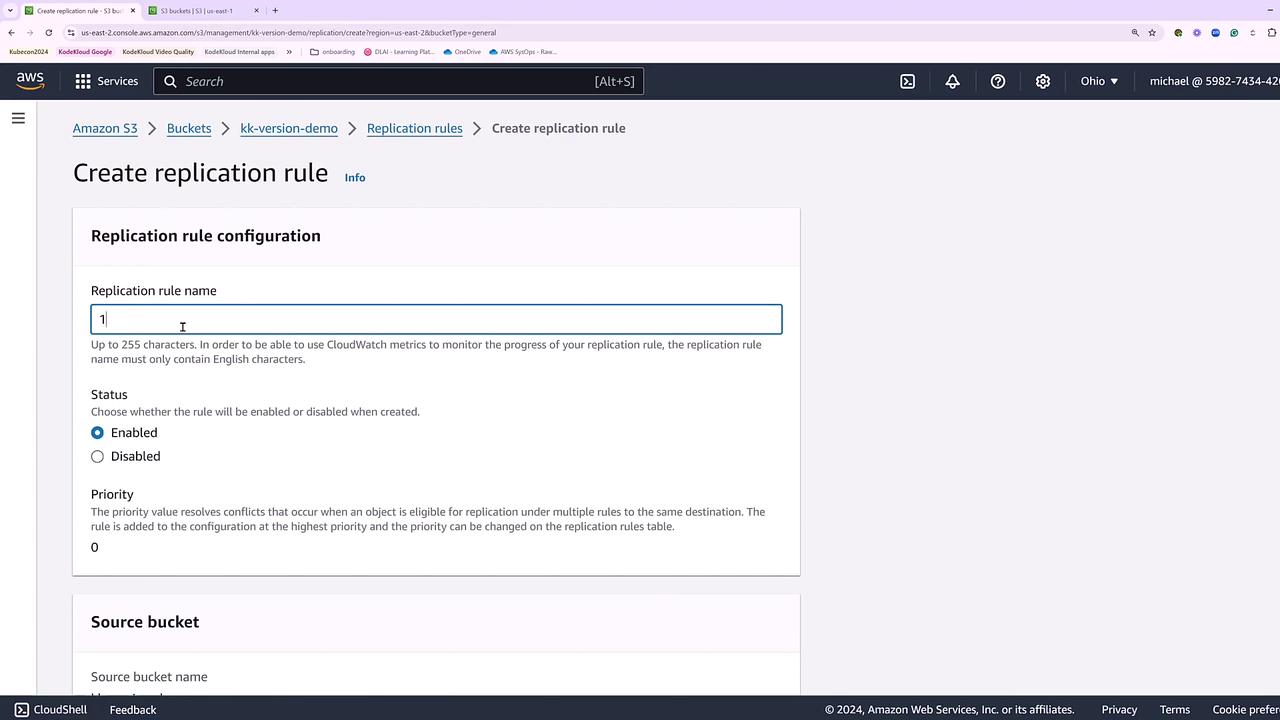
Step 3: Configure Additional Replication Settings
Proceed with the replication configuration by:- Entering the destination bucket name (if not auto-populated). The console will validate that the destination is in Virginia.
- Selecting or creating an appropriate IAM role. For simplicity in this demo, we will create a new role for S3 Batch operations.
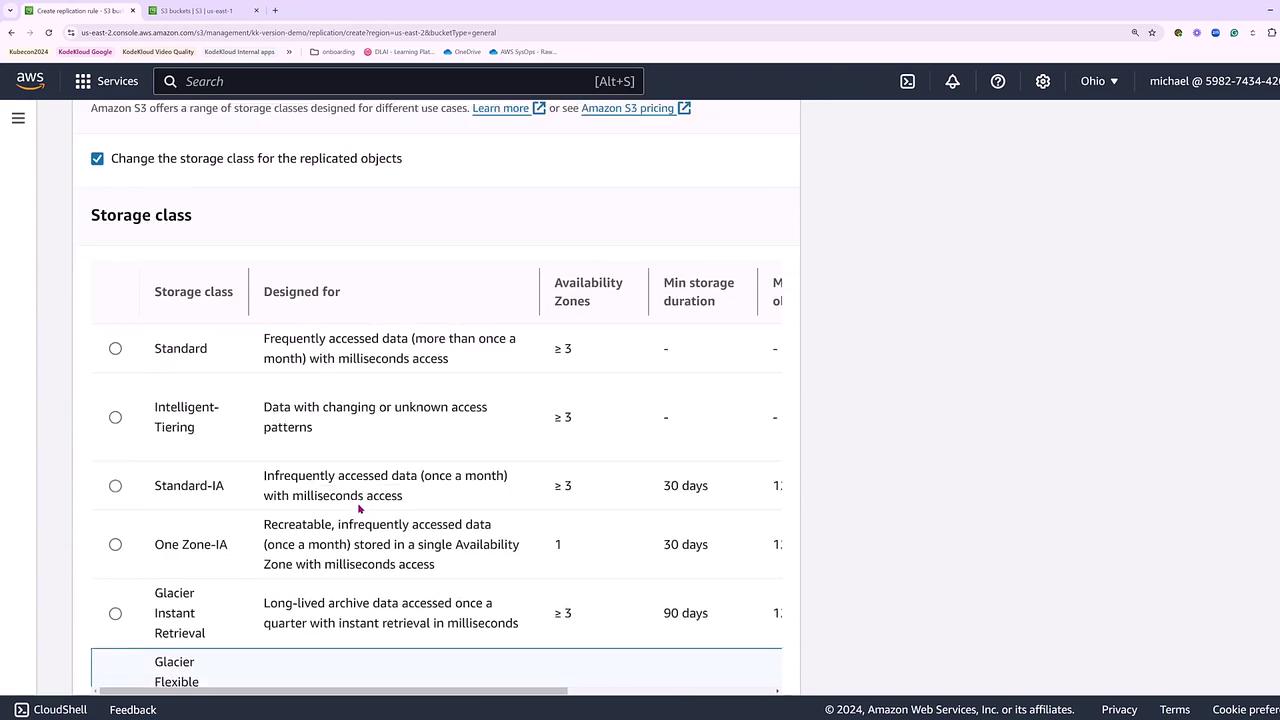
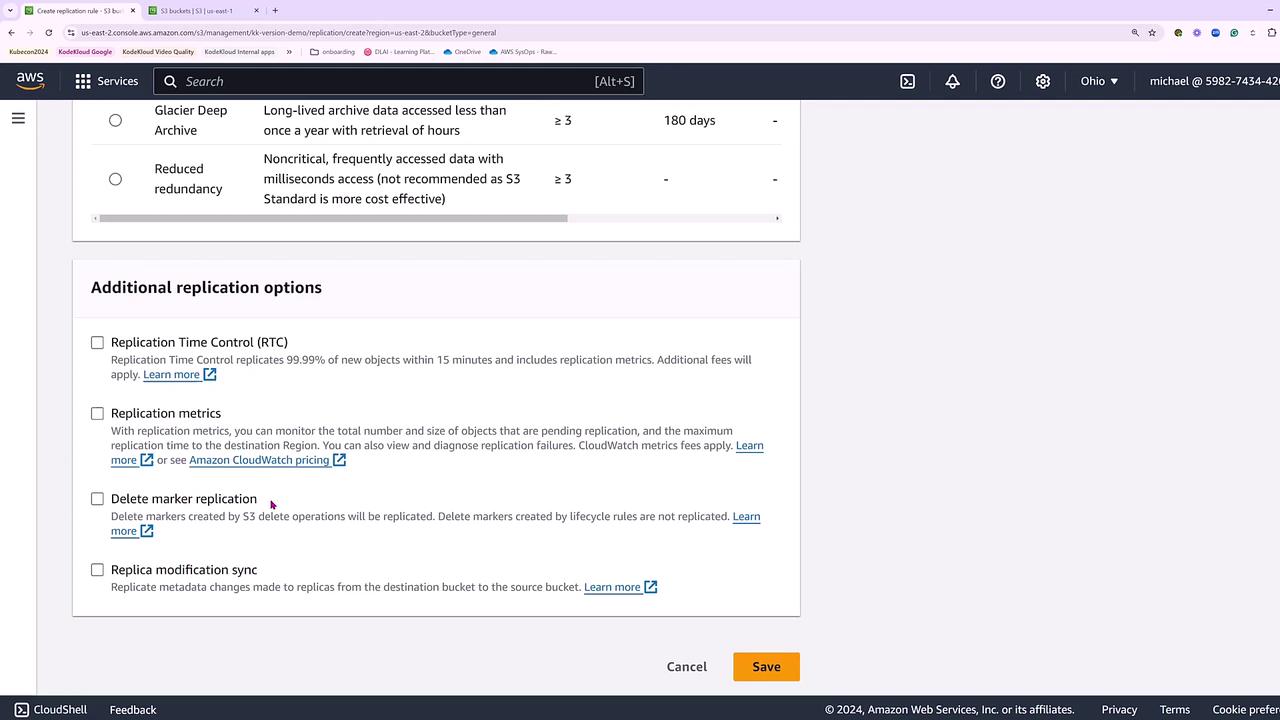
Step 4: Initiate Batch Operations for Existing Objects
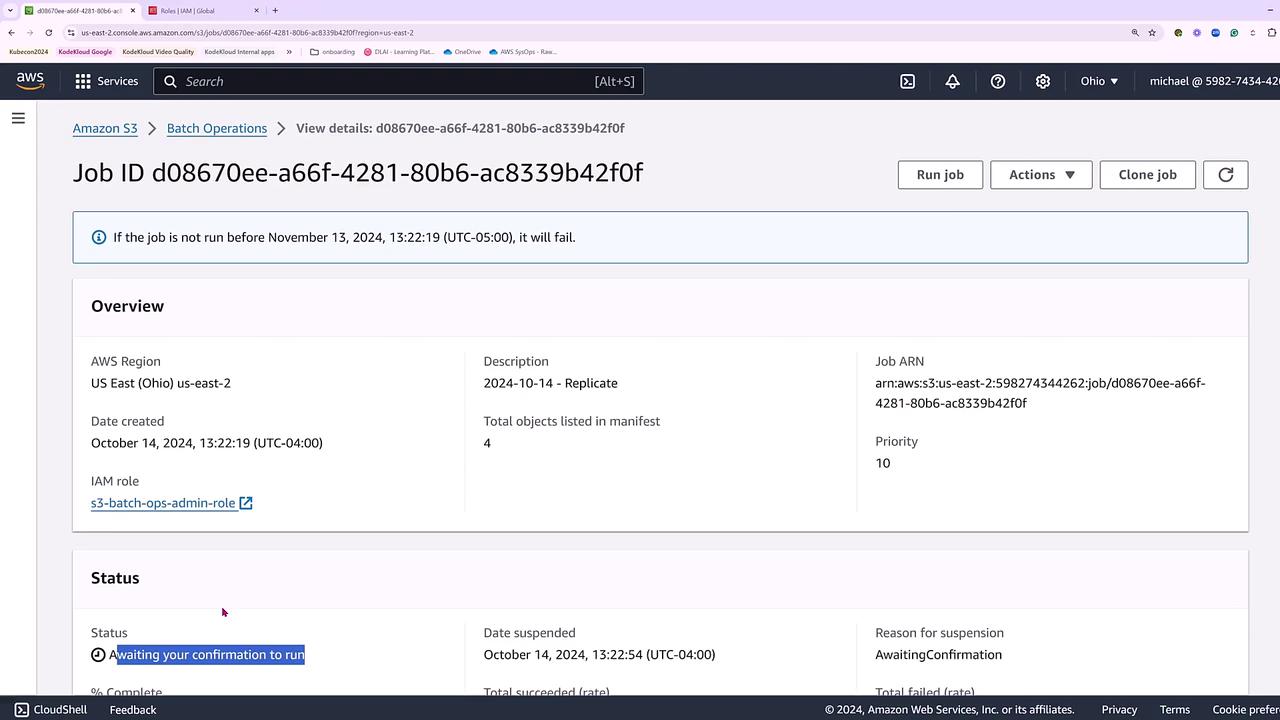
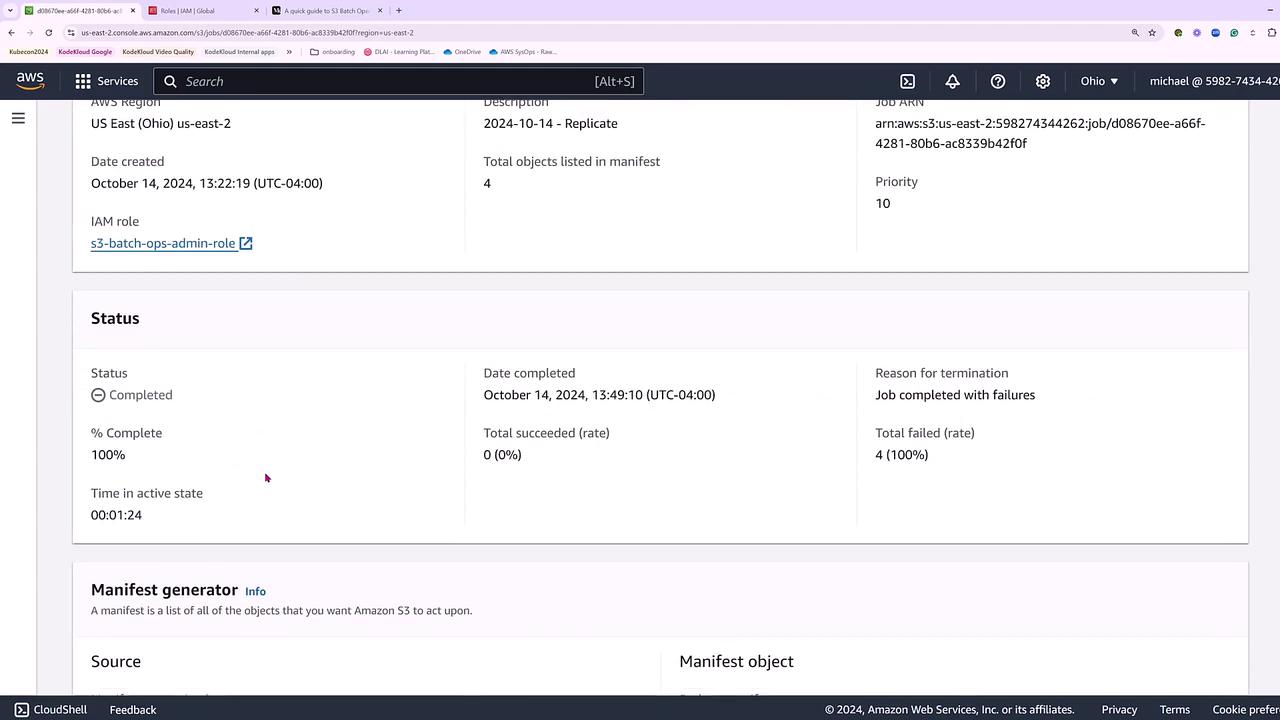
Because the source bucket already contains objects, Amazon S3 will prompt you to run a batch operations job to replicate the existing files. Click Submit to start this one-time copy job.If an existing IAM role is not available, a permission error may occur. In such cases, you must create a new IAM role with the required permissions.
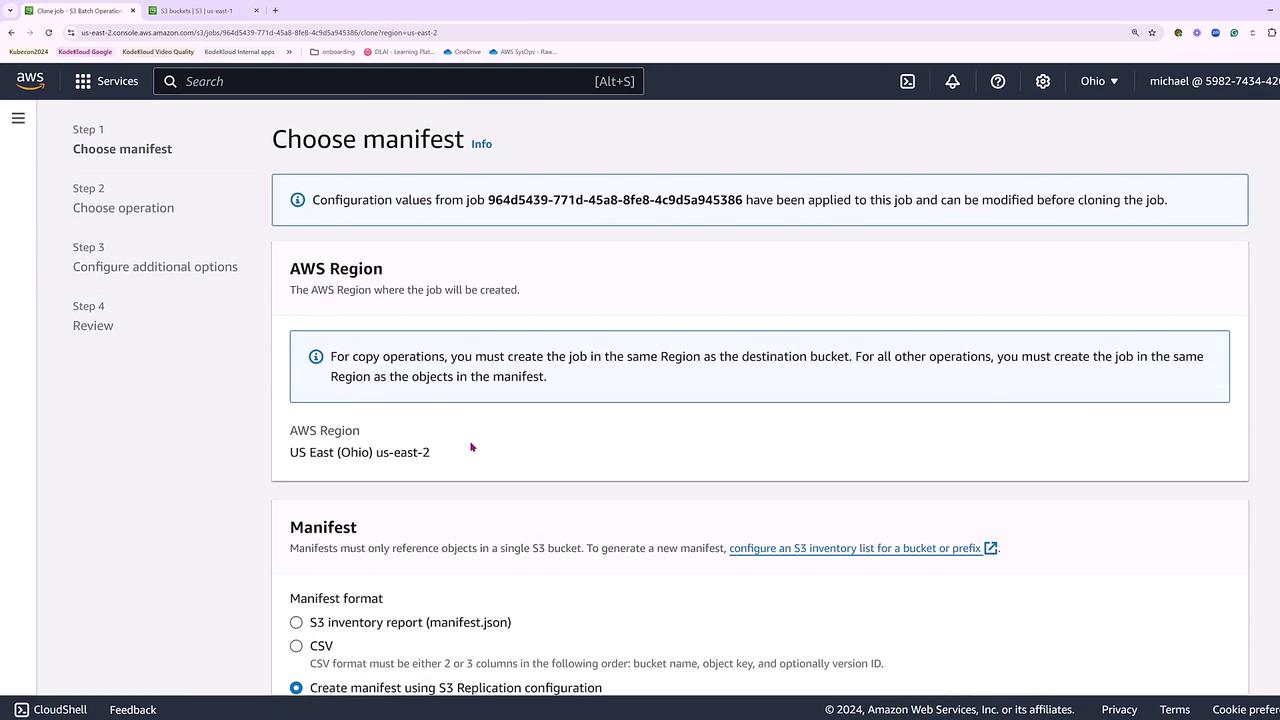
Creating an IAM Role for S3 Batch Operations
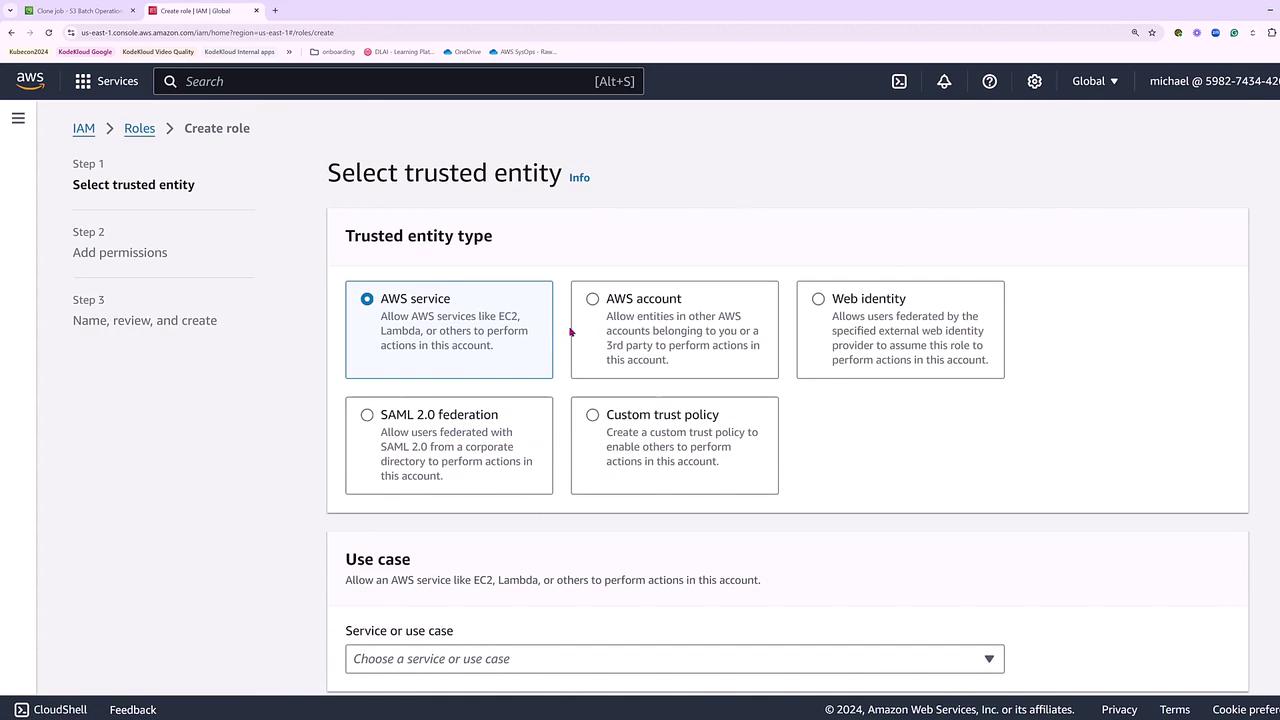
If the batch job fails due to insufficient role permissions, follow these steps to create a suitable IAM role:- Open the IAM console and select Create role.
- Choose S3 as the trusted entity for Batch operations.
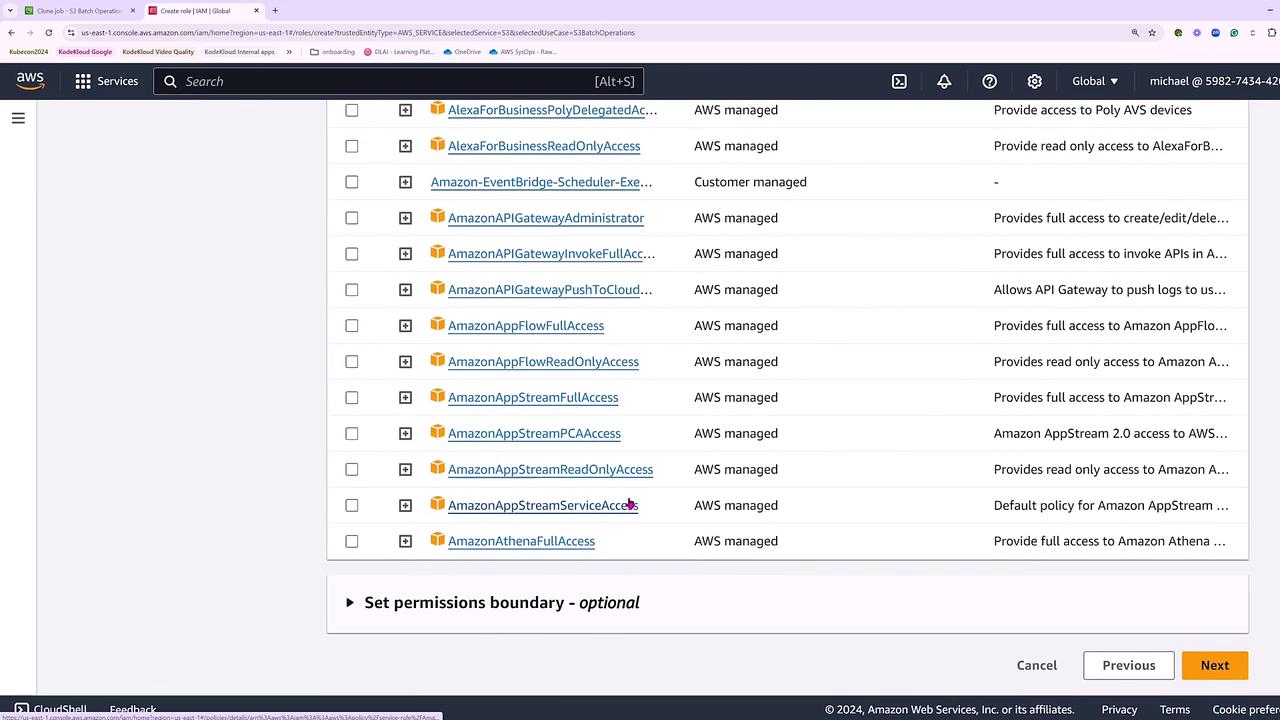
- For the demo, attach administrative access to facilitate cross-boundary replication actions (in a production environment, ensure you apply least privilege).
Step 5: Run the Batch Operations Job
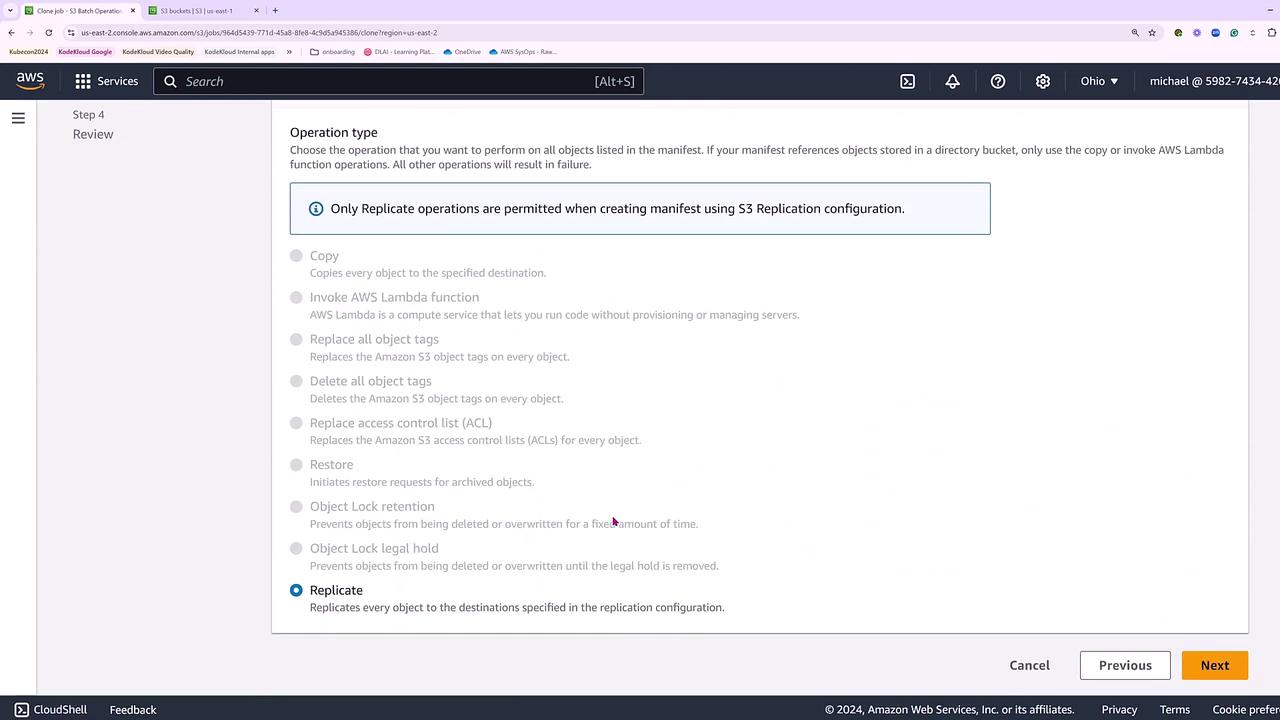
Proceed through the batch operations wizard:- Verify the manifest settings, permissions, and operation type.
- Ensure that “Replicate” is selected on the Operation type screen.