

Overcoming Latency Challenges with S3 Transfer Acceleration
When a user in one geographic region (such as the US) uploads large files to a storage bucket located in another region (like Malaysia), the long distance can lead to increased latency, slower upload speeds, and possible interruptions. This issue is typical for data transfers across major international routes, such as the Atlantic or Trans-Pacific. To overcome these challenges, Amazon Web Services offers S3 Transfer Acceleration. Instead of relying solely on the standard public internet, this feature routes data through AWS Edge Locations, leveraging AWS’s private and high-speed backbone network. Think of it as upgrading from standard mail to express delivery—ensuring quicker, more reliable, and faster data transfers. For instance, a media company transferring large video files from Asia to a US-based bucket can benefit significantly. Enabling S3 Transfer Acceleration directs uploads to the nearest AWS Edge Location first, from where data traverses the optimized AWS network, potentially reducing upload times by up to 50%. See the diagram below for a visual representation: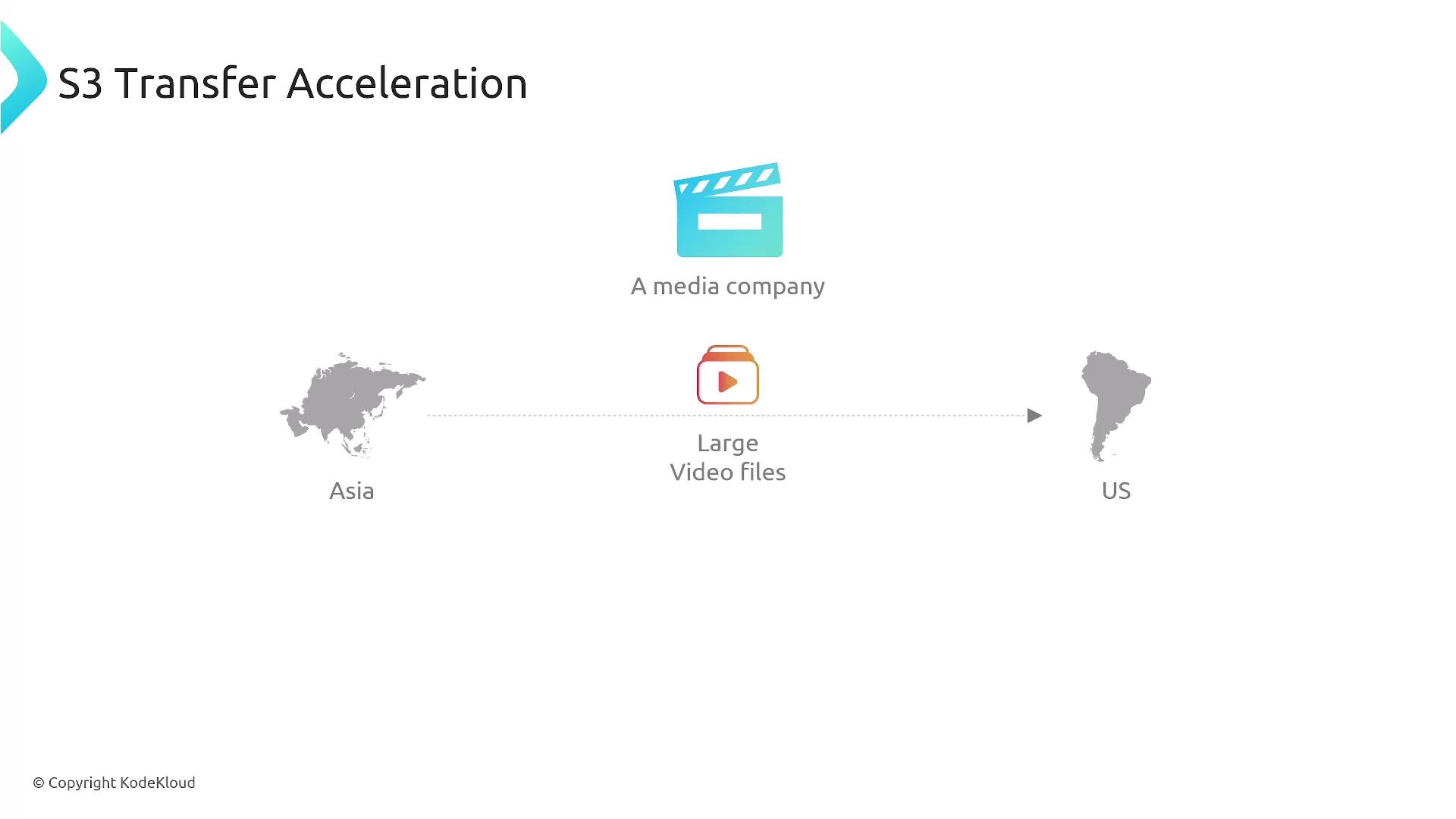
S3 Transfer Acceleration is particularly beneficial when transferring data over long distances, as it minimizes latency by routing data through AWS’s robust, private network.
Enhancing Performance with Multipart Upload
In addition to S3 Transfer Acceleration, Amazon S3 supports multipart uploads, which allow you to divide a large file into smaller parts and upload them concurrently over multiple connections. This parallel upload strategy can significantly reduce transfer times compared to sequential uploads. Consider a scenario with a one-terabyte file: using multipart upload, the file is segmented into multiple chunks (for example, six parts) and each part is uploaded in parallel. If any part fails, only that segment needs to be retried rather than the whole file. Once all parts are successfully uploaded, S3 reassembles them into the complete file. The diagram below illustrates this process: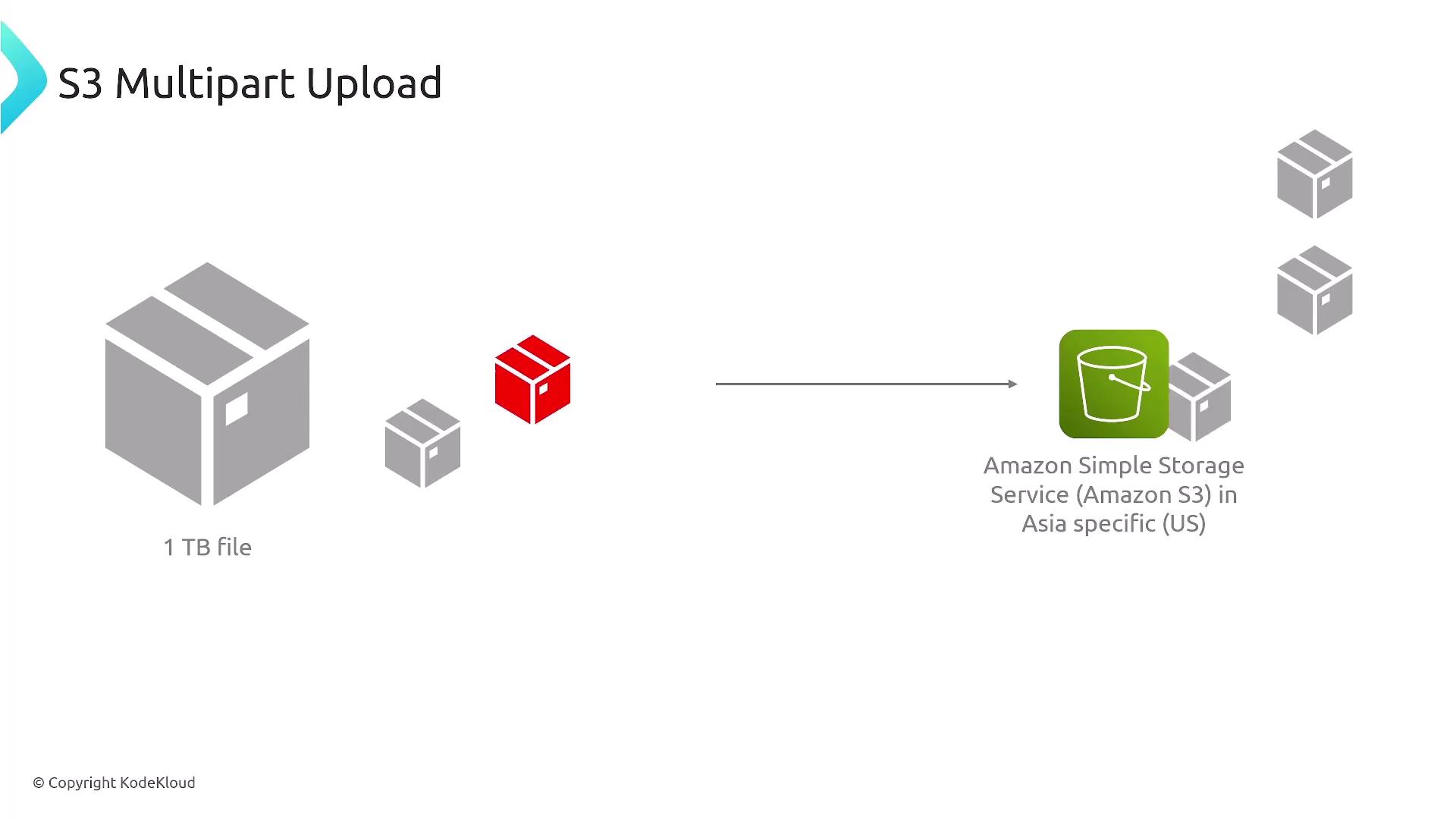
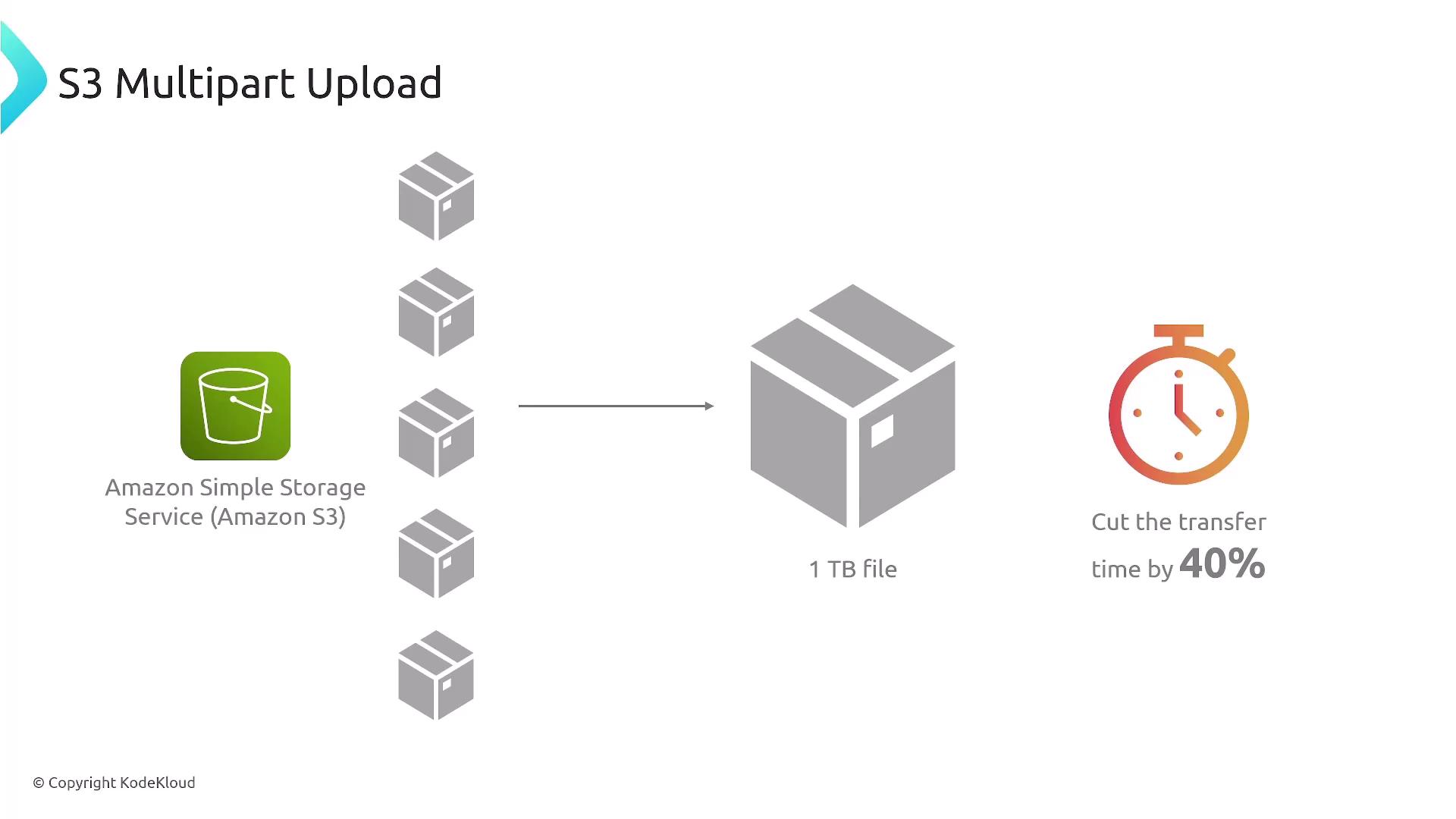
- Reduced Transfer Duration: Multipart uploads can cut transfer times by approximately 40% compared to sequential uploads.
- Fault Tolerance: Only the failed part needs to be retried, which saves time and resources.
- Scalability: Especially useful for files typically over 100 MB; many command line tools and SDKs automatically apply multipart upload for larger files.
Important Considerations
- Single Connection Performance: S3 Transfer Acceleration improves the performance of individual transfers by utilizing AWS’s global network of Edge Locations and its dedicated backbone.
- File Size Requirements: Multipart upload is instrumental when dealing with large files. Files larger than 100 MB are typically segmented for multipart upload. For files exceeding 1 TB, multipart upload becomes mandatory since S3 does not support single object uploads of that size.
- Maximum Object Size: An S3 object can be as large as 5 TB, making both these performance features well-suited within S3’s overall object size limits.