

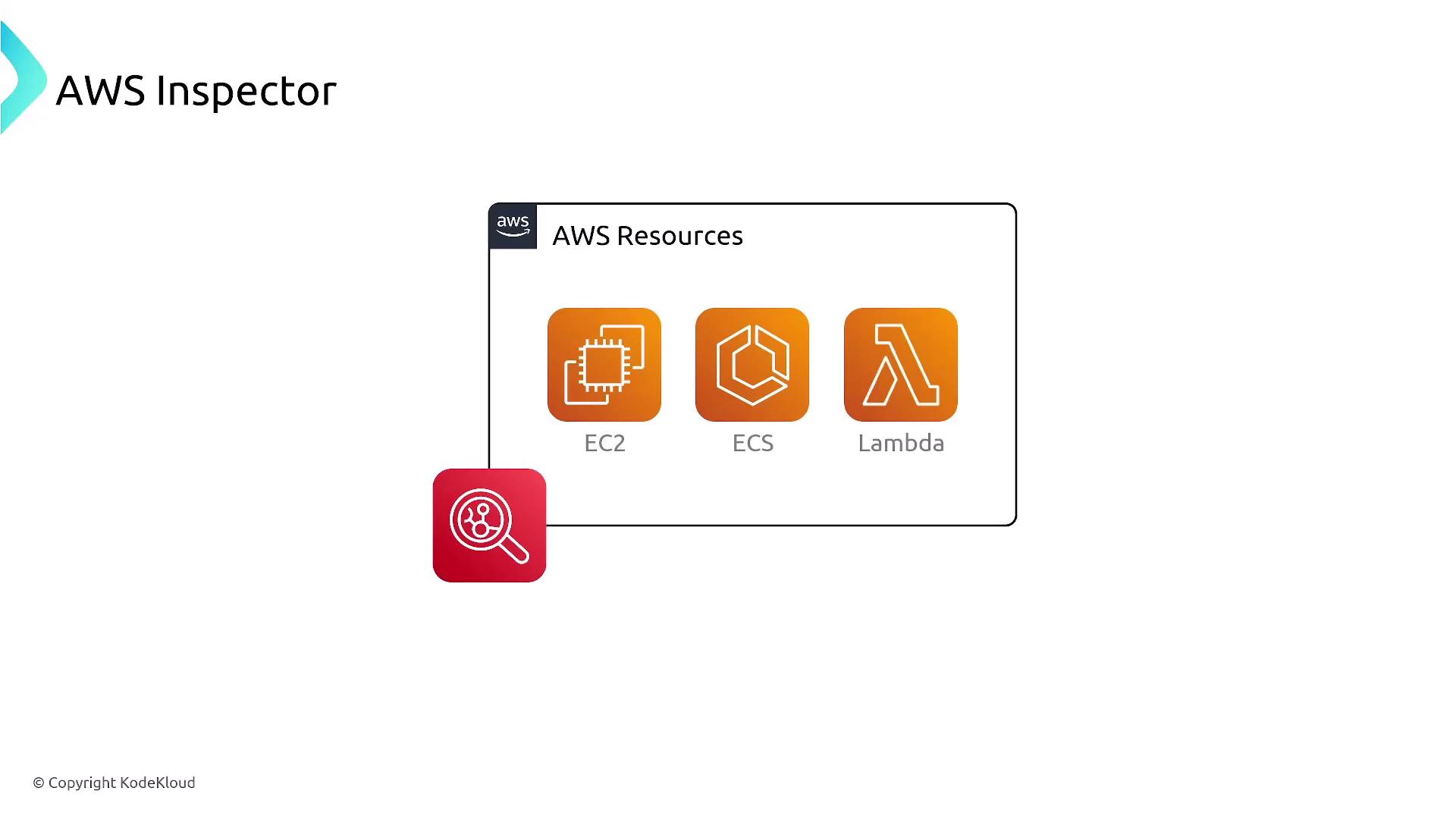
Getting Started with AWS Inspector
Begin your AWS Inspector journey by setting up a resource group based on AWS tags. This enables you to define which resources are included in the assessment. For EC2 instances, it is critical to install an agent on each instance. Without the agent, AWS Inspector limits its scan to the external view, which might overlook internal vulnerabilities.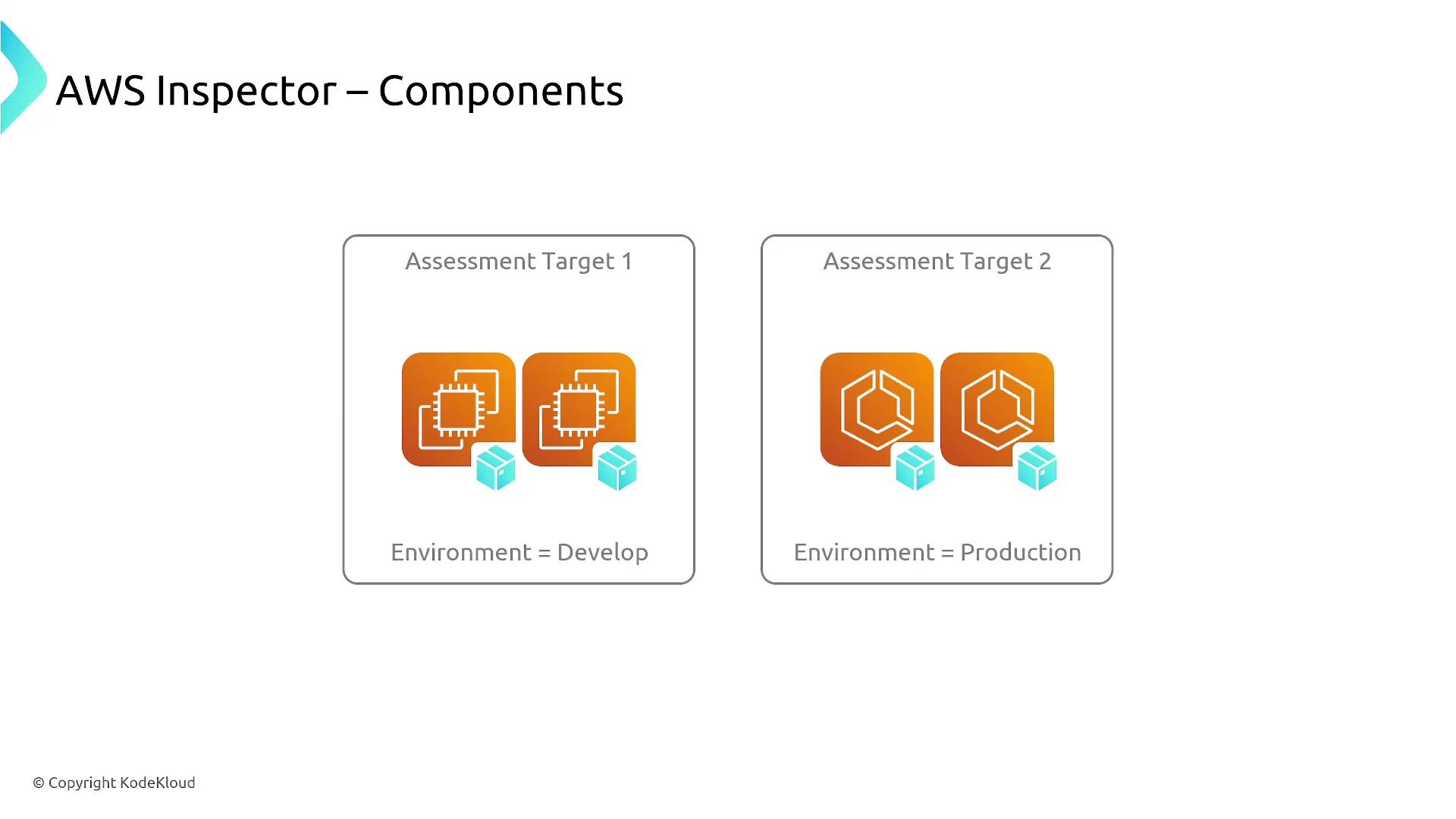
For EC2 instances, installing the agent is essential to ensure a comprehensive internal scan.
Continuous Scanning and Detailed Reporting
AWS Inspector continuously scans resources throughout their lifecycle. When there is any change—such as an update to a package or configuration—Inspector will issue a Common Vulnerabilities and Exposures (CVE) alert if a vulnerability is detected. These findings are then aggregated and stored in AWS Security Hub, complete with scoring and detailed reports accessible from a custom dashboard.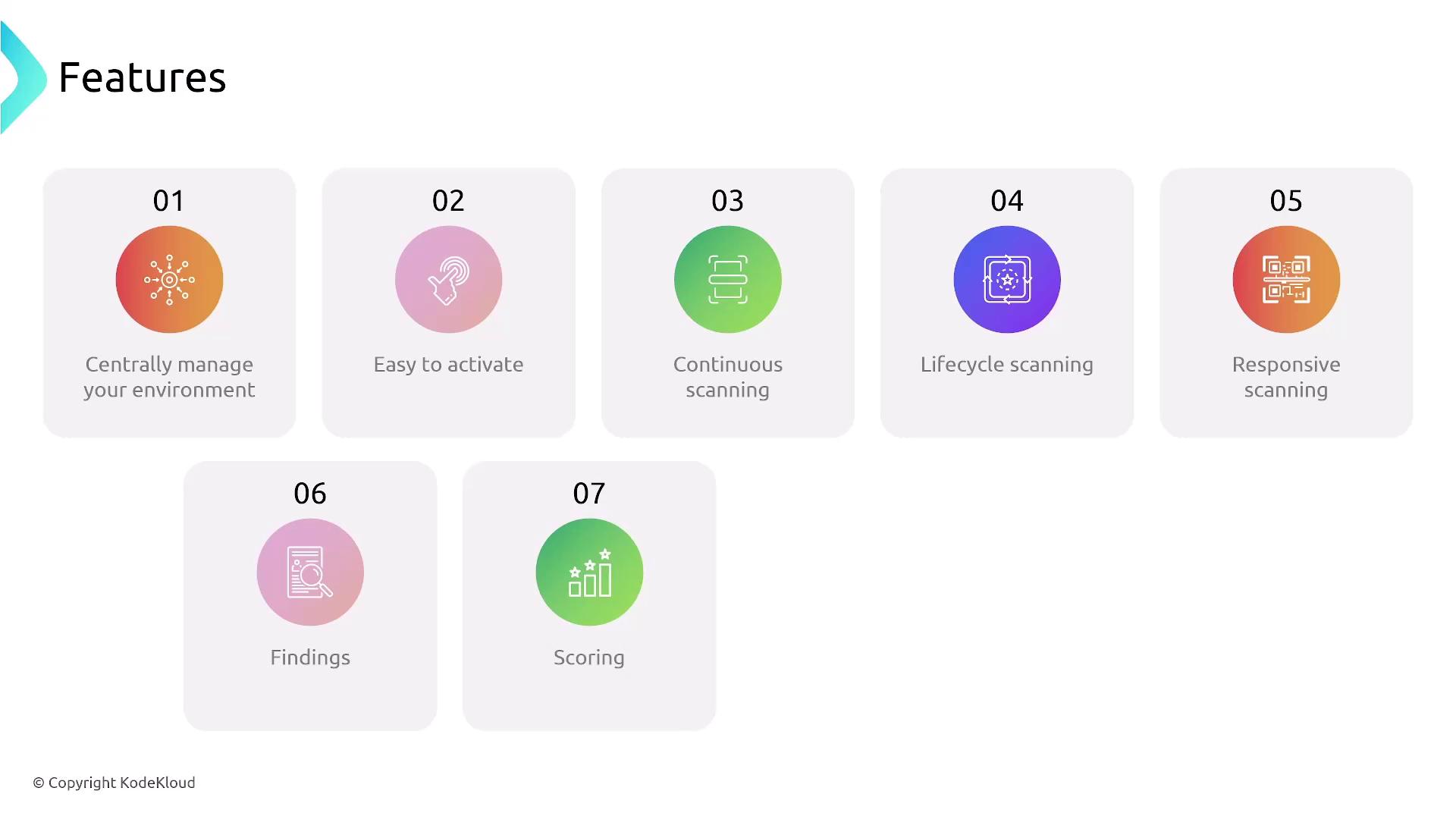
Assessment Rules and Findings
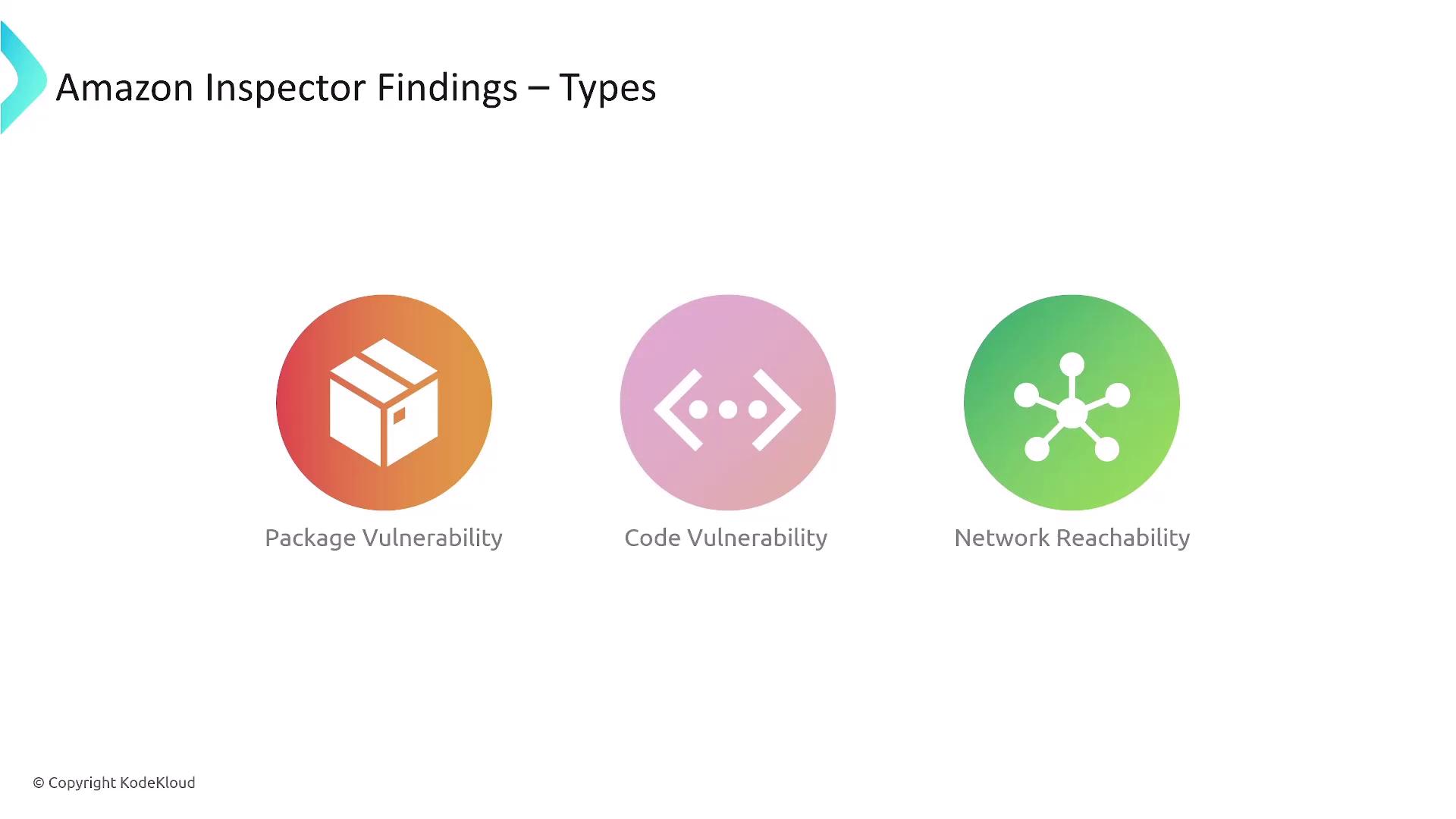
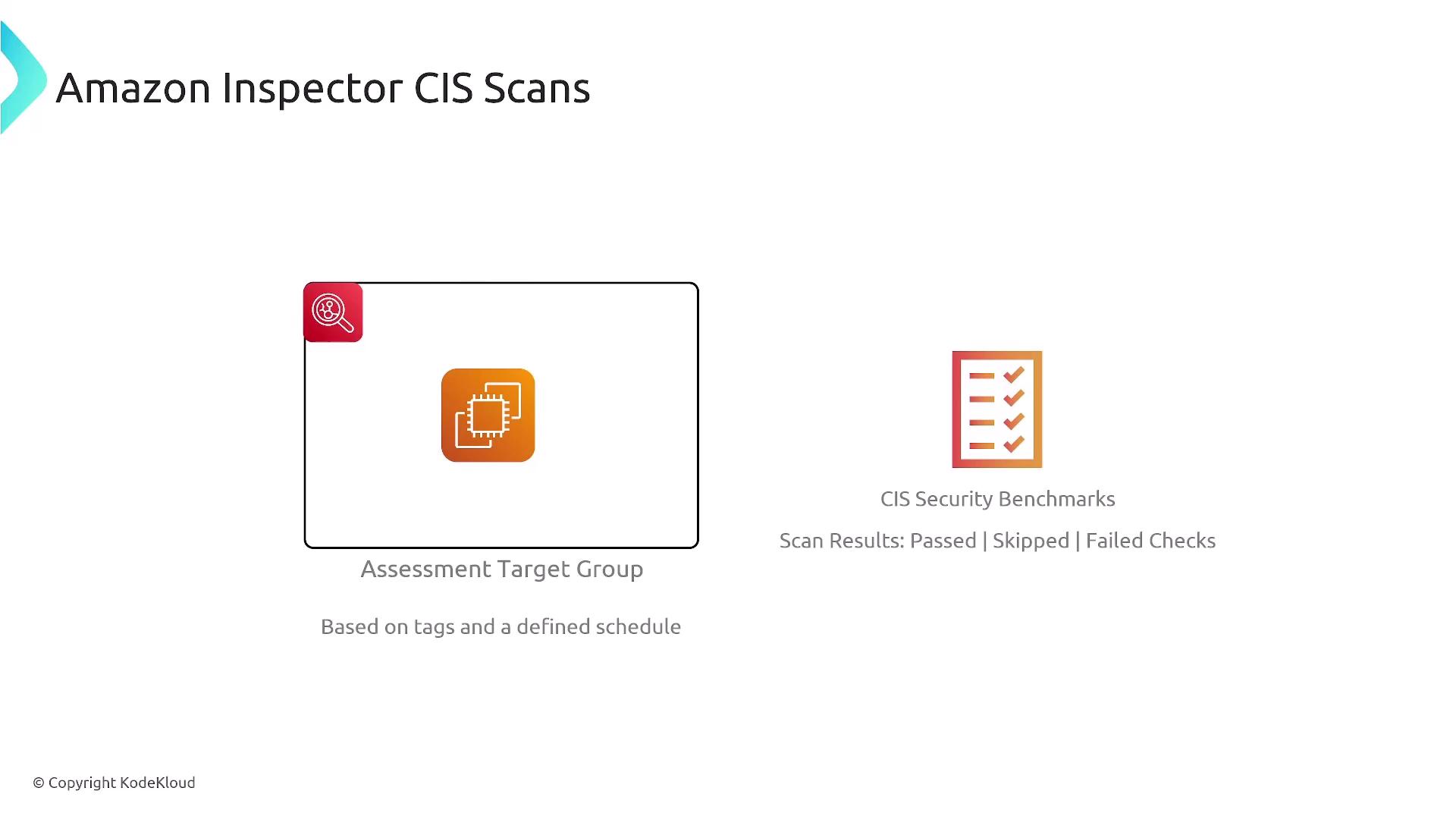
AWS Inspector operates using an assessment rules package that covers critical areas such as network reachability, known CVEs, security best practices, and CIS benchmarks. The rules can be customized to evaluate the relevant aspects of your environment.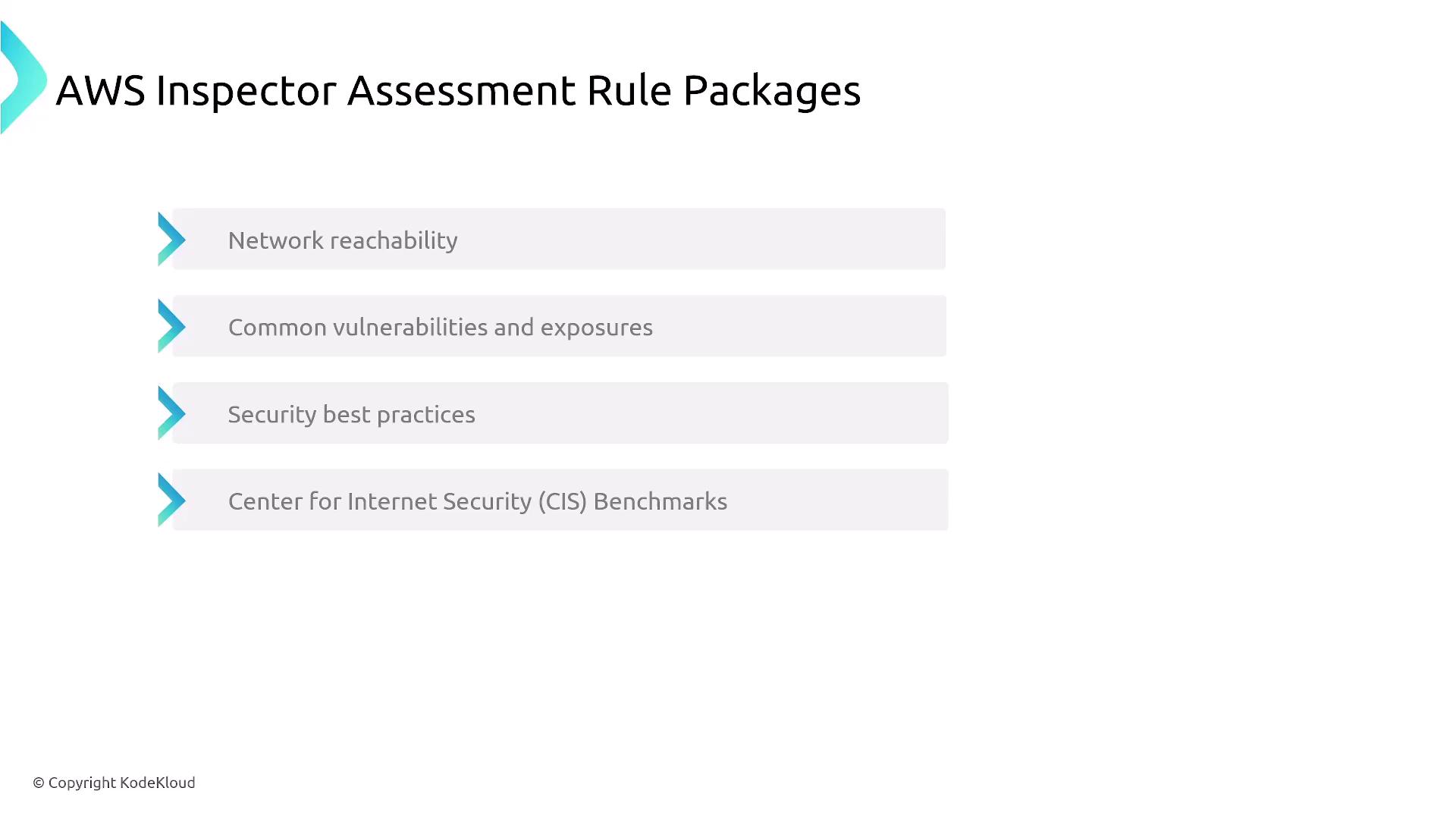
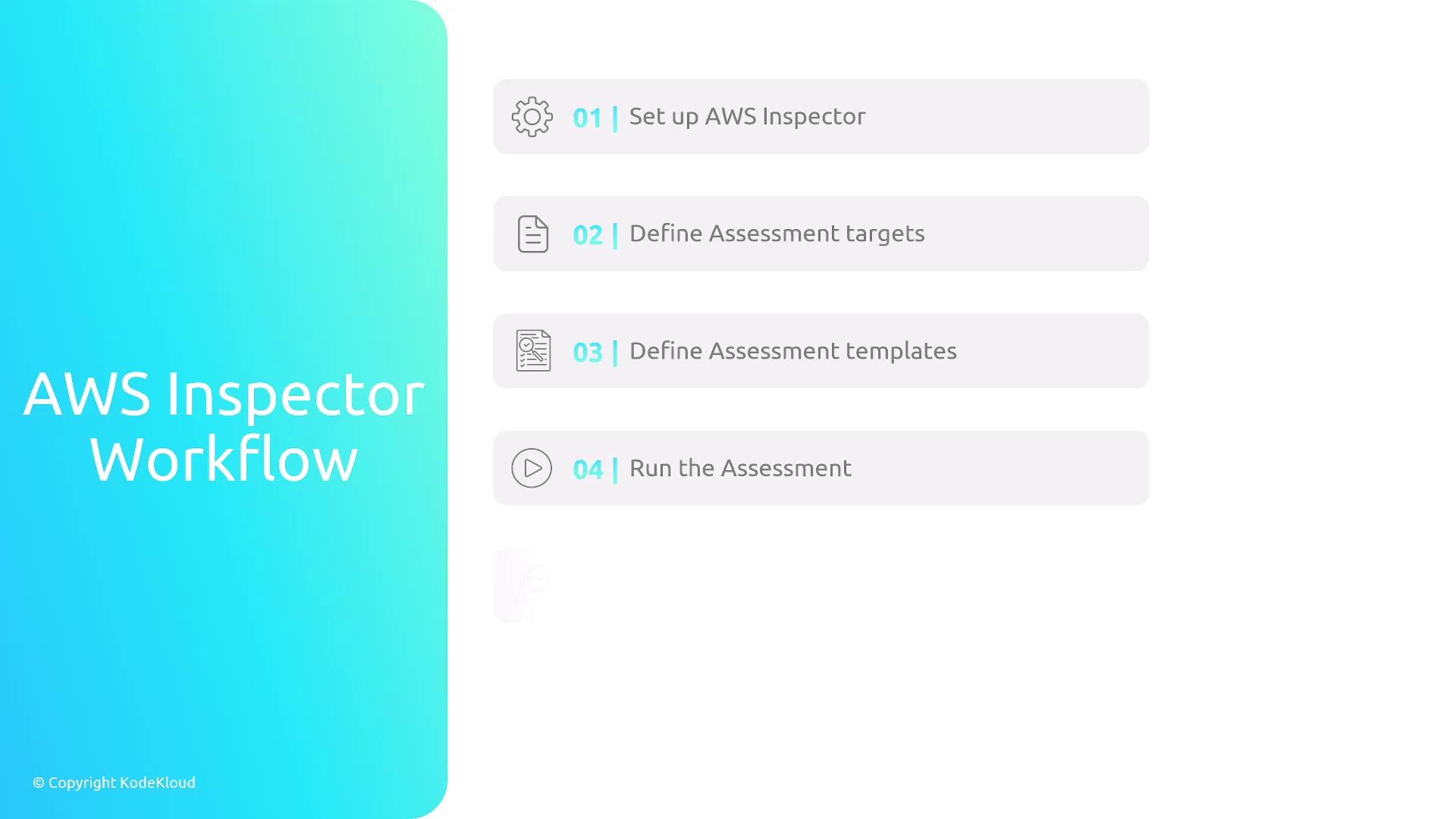
AWS Inspector Workflow
The typical workflow with AWS Inspector involves the following steps:- Define assessment targets by selecting specific resources.
- Specify assessment templates, which include your chosen evaluation criteria.
- Run assessments to scan for vulnerabilities.
- Review findings and remediate any identified issues.
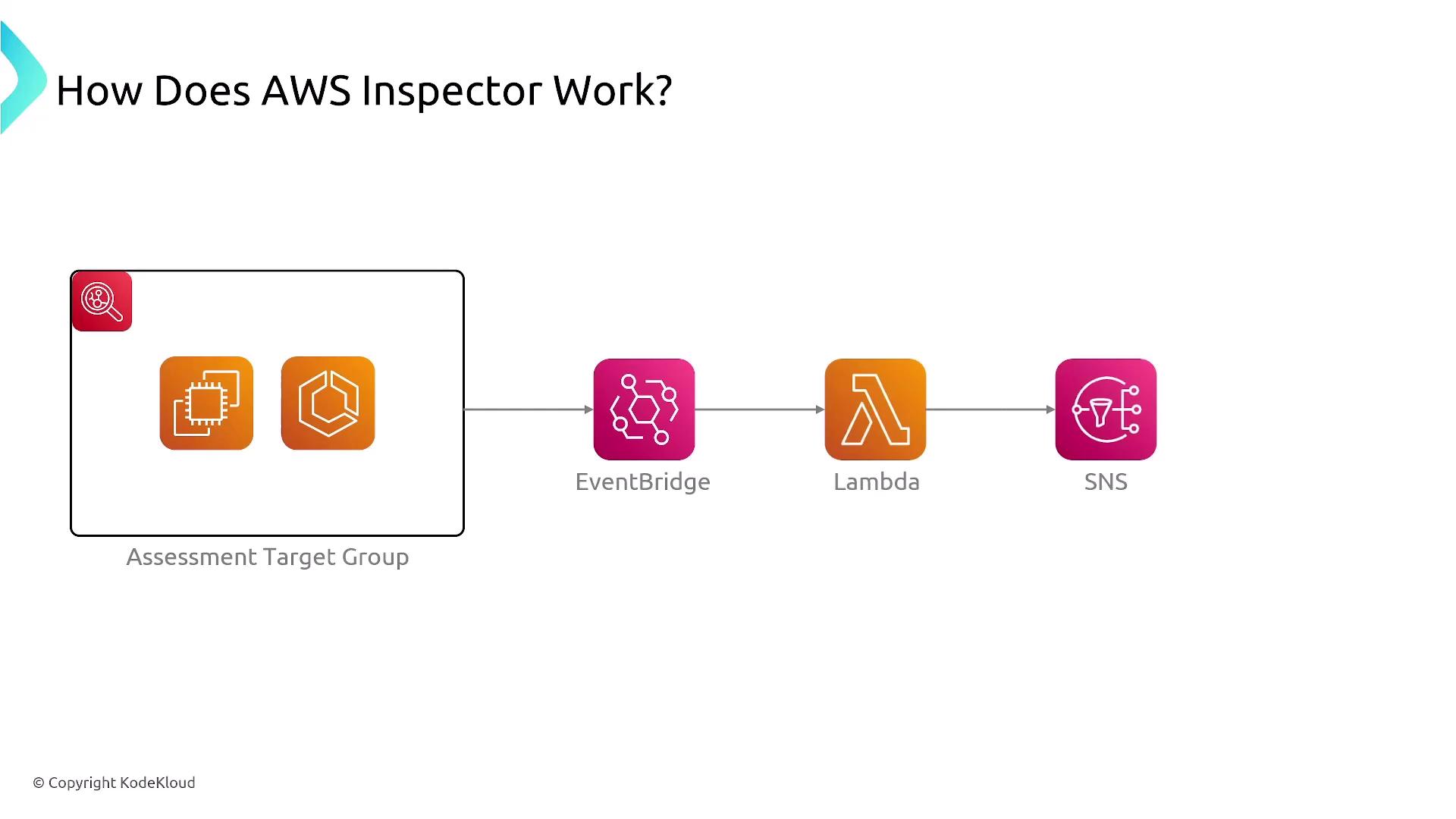
Severity and Reporting
Findings from AWS Inspector are displayed in its native dashboard as well as in AWS Security Hub. They are scored based on severity levels—from informational to high priority—similar to the reports in AWS GuardDuty. This detailed scoring system helps in efficiently prioritizing the remediation of vulnerabilities.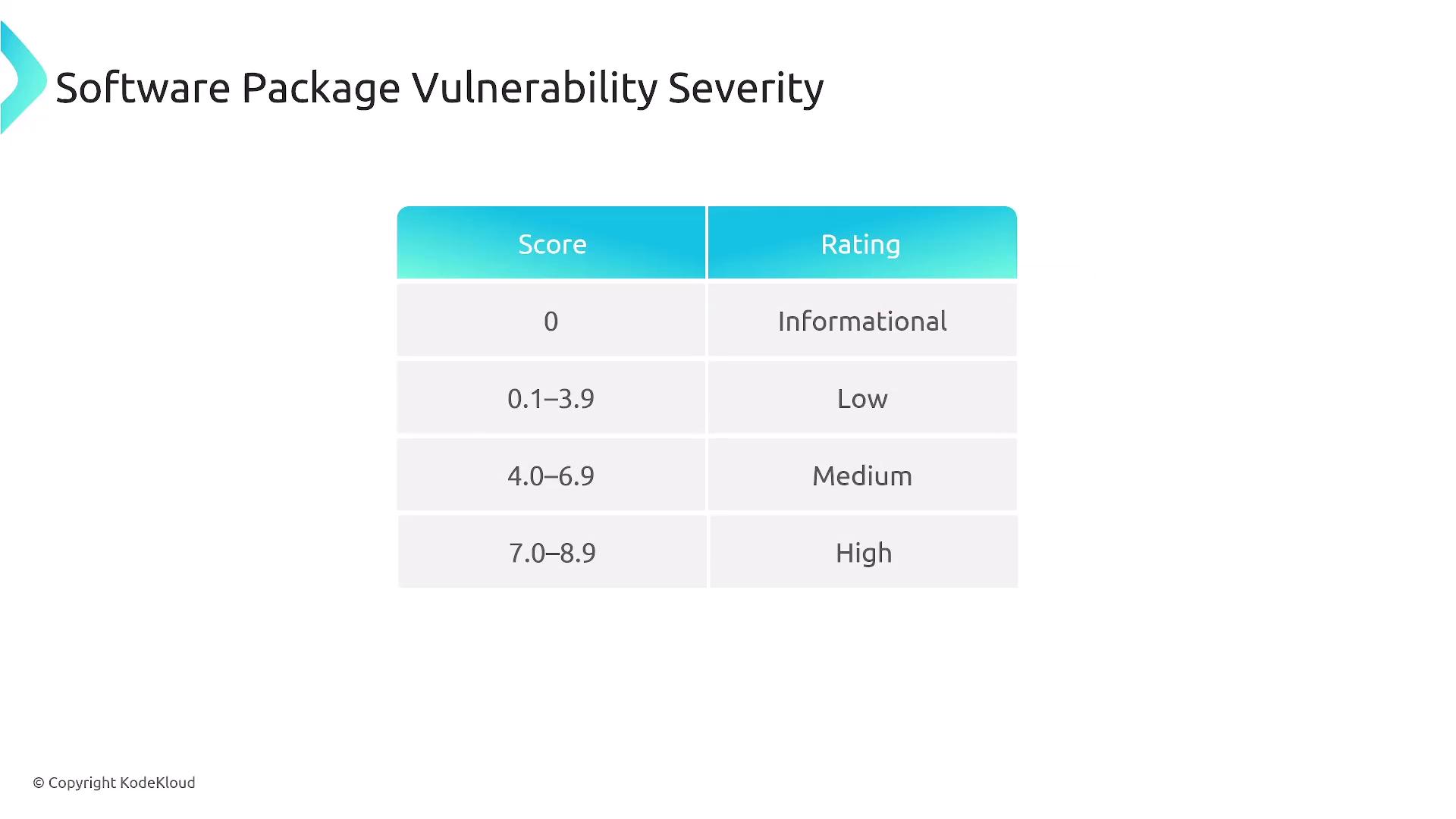
Supported Scan Types and Output Formats
AWS Inspector supports multiple scan types including:- EC2 Scanning: Requires an agent for in-depth internal vulnerability detection.
- ECR Scanning: Offers both basic scanning (triggered during image push) and enhanced scanning (providing deeper registry-level analysis).
- Lambda Scanning: Continuously monitors for code vulnerabilities, dependency issues, and misconfigurations.

In-Depth Scanning for EC2, ECR, and Lambda
For EC2 instances, AWS Inspector leverages both AWS Systems Manager (SSM) and a local agent to perform comprehensive internal and external scans. In the absence of a local agent, the scanner falls back to evaluating the EBS snapshot, which identifies passive software package vulnerabilities but does not detect runtime issues. Similarly, for ECR scanning:- Basic Scanning: Detects vulnerabilities during the image push process.
- Enhanced Scanning: Conducts deeper inspections, analyzing the underlying operating system and programming language dependencies.
