Demo RegisteringTaking an Exam for the First Time What to know
This article provides a step-by-step guide for registering and taking the AWS Systems Operations Associate exam for the first time.
Welcome to this AWS Training article. In this lesson, you will learn how to register for your first AWS Systems Operations Associate exam and navigate the scheduling process step by step.
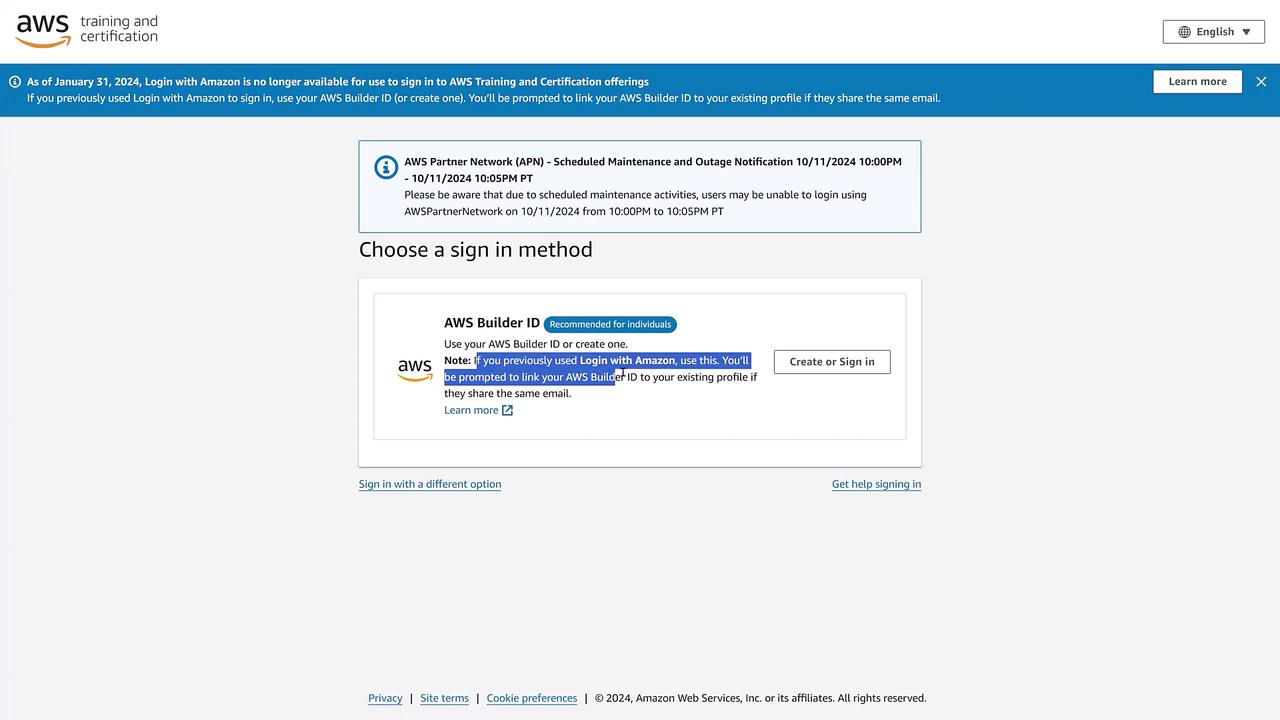
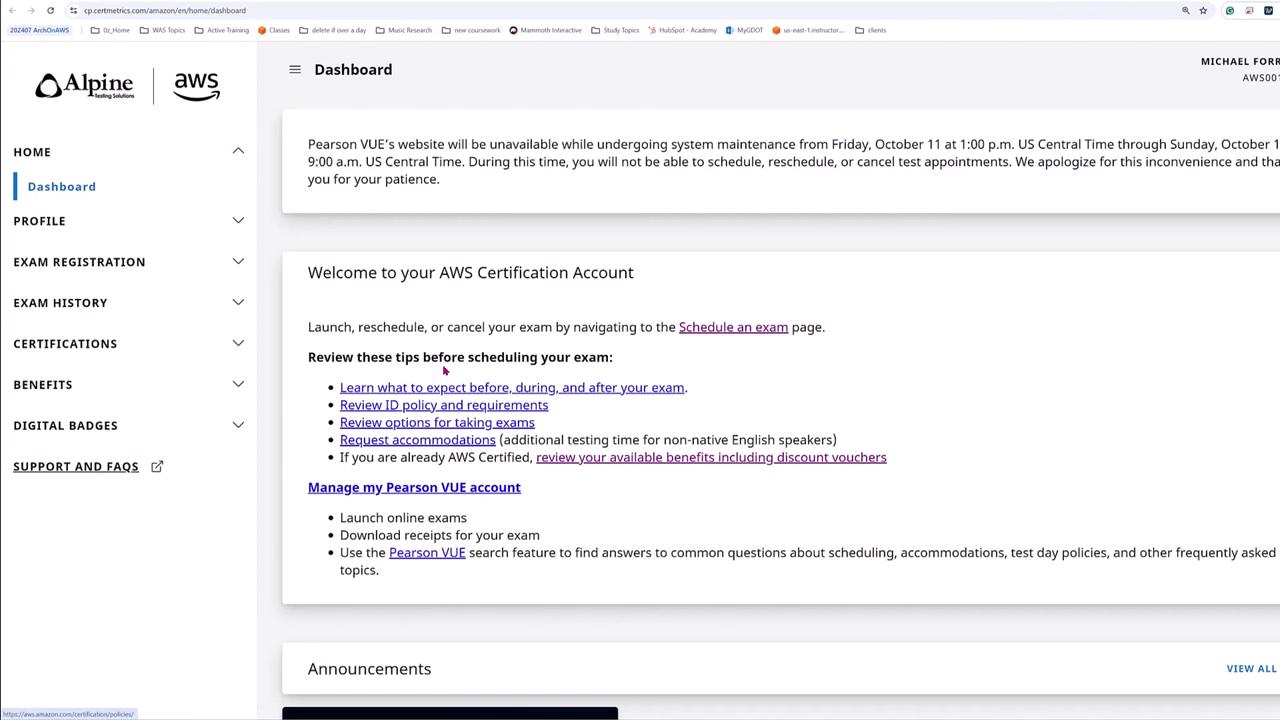
Begin by visiting the AWS Certification page and clicking the Sign In button. You will be prompted to sign in with an AWS Builder ID instead of your regular Amazon account. If you previously signed in with an Amazon account, you’ll need to create a Builder ID and link it to your existing profile.
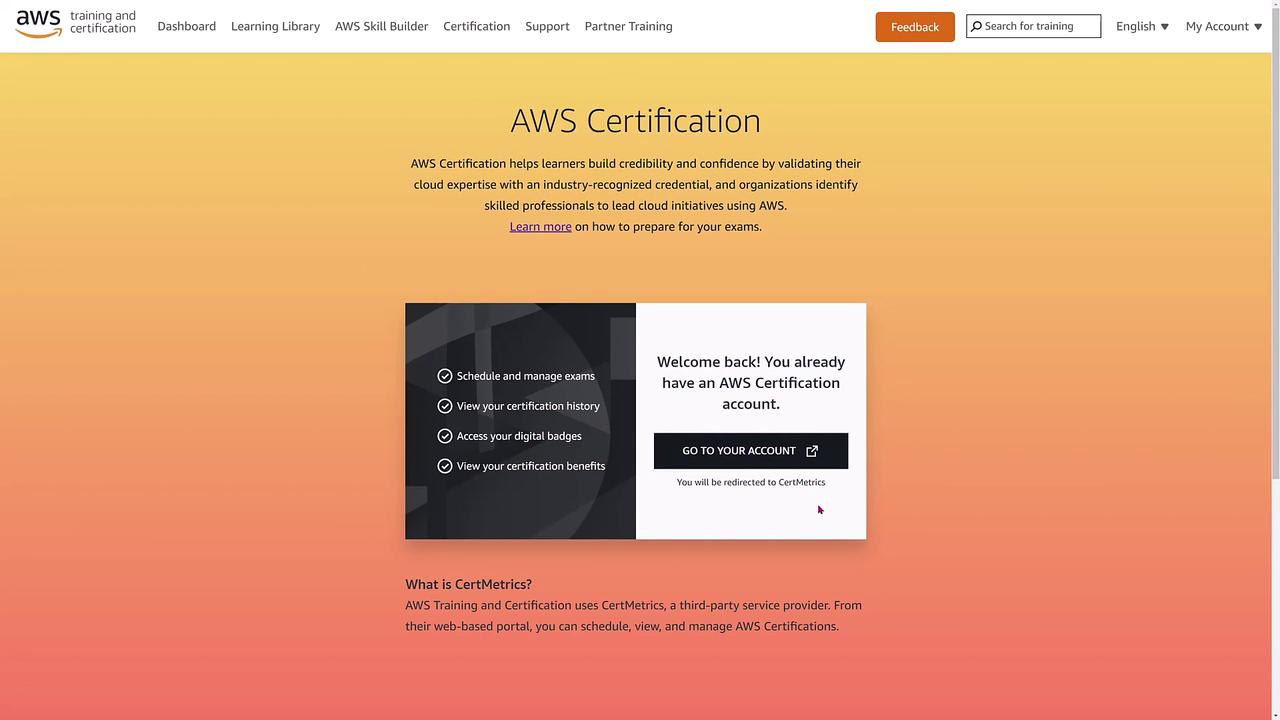
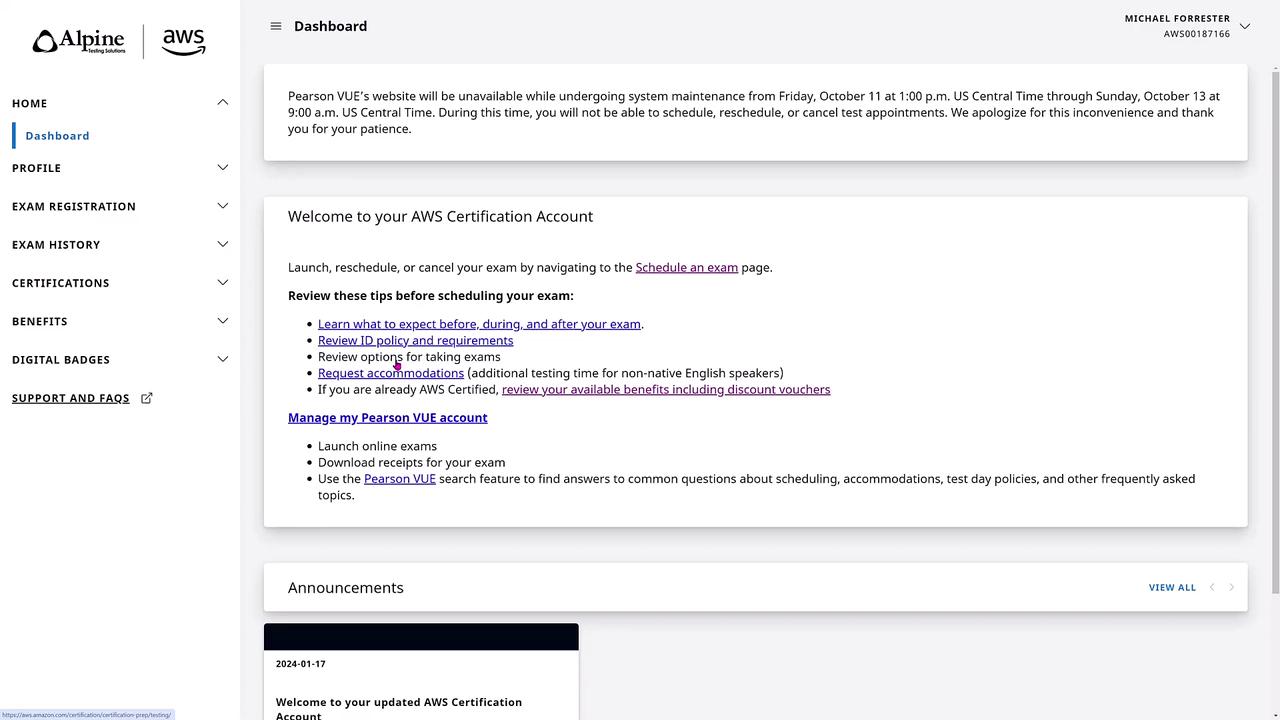
Once logged in, if you have used the platform before, you might be redirected to CertMetrics or Alpine Testing Solutions.
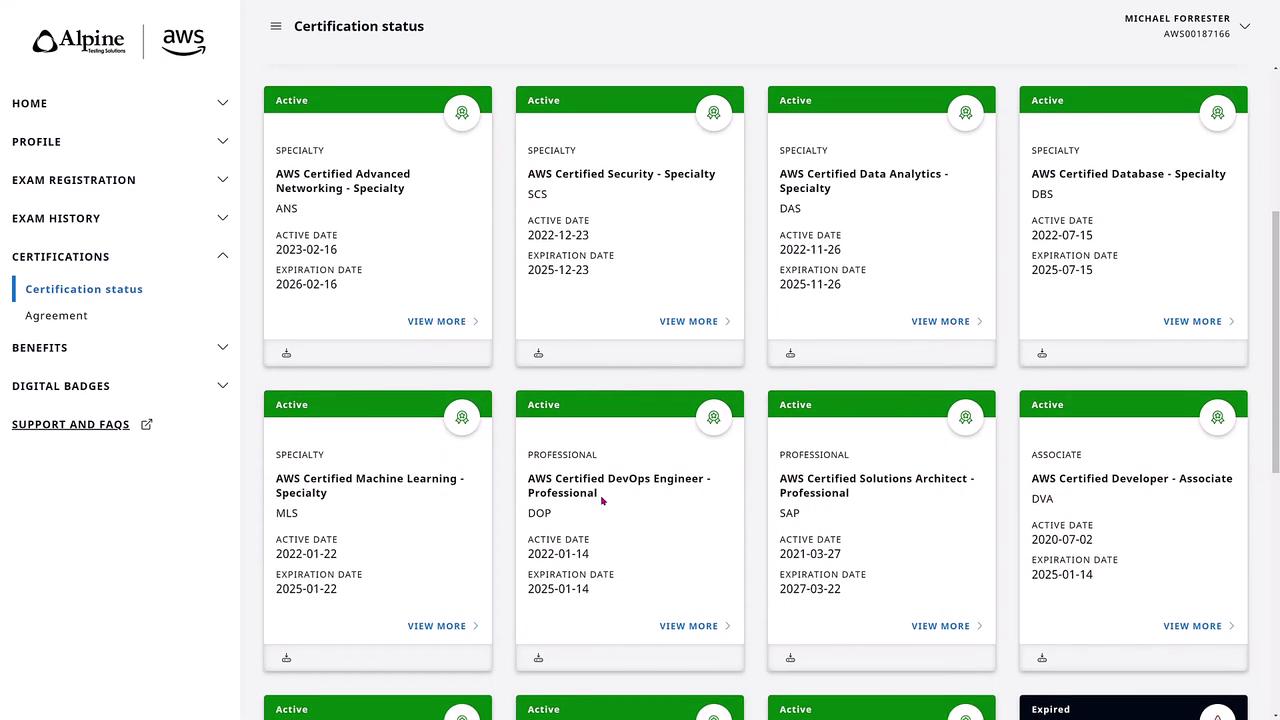
After signing in, your Certification Dashboard displays your digital badges, certification statuses, and exam histories. This section allows you to review exam scores and, if needed, re-download or resend your results. Note that beta exam scores are also shown.
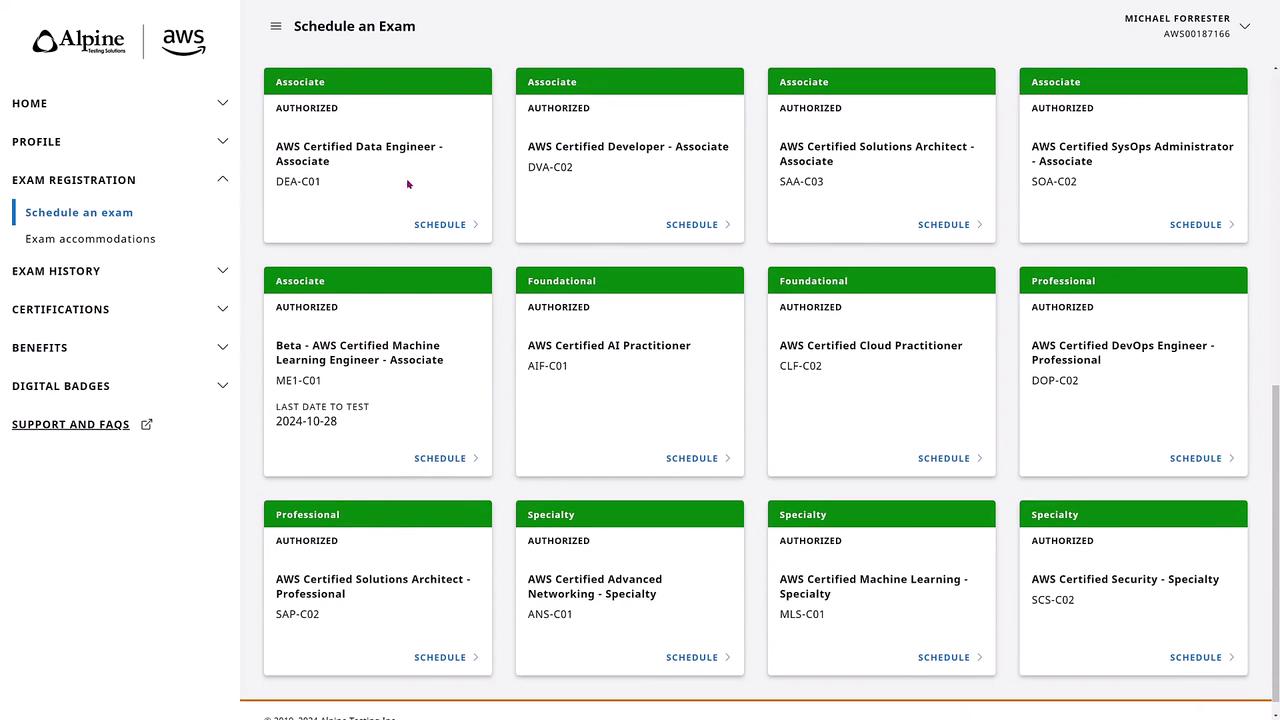
Scroll down to the exam scheduling section to find the exam you want to take; for example, the AWS Certified SysOps Administrator – Associate (SOA C02) exam.
Click the Schedule button, which will take you from CertMetrics to a Pearson VUE page. Here, you will be asked three key questions:
Do you want to take the exam at a testing center (recommended if available)?
Do you prefer the online exam option using Vue technology?
Do you have a private access code (typically provided to specific affiliates or contest winners)?
For most candidates, choosing the online exam option is best. If you choose online, ensure your testing space is free from personal electronics (cell phones, cameras, etc.) and strictly follow the guidelines.
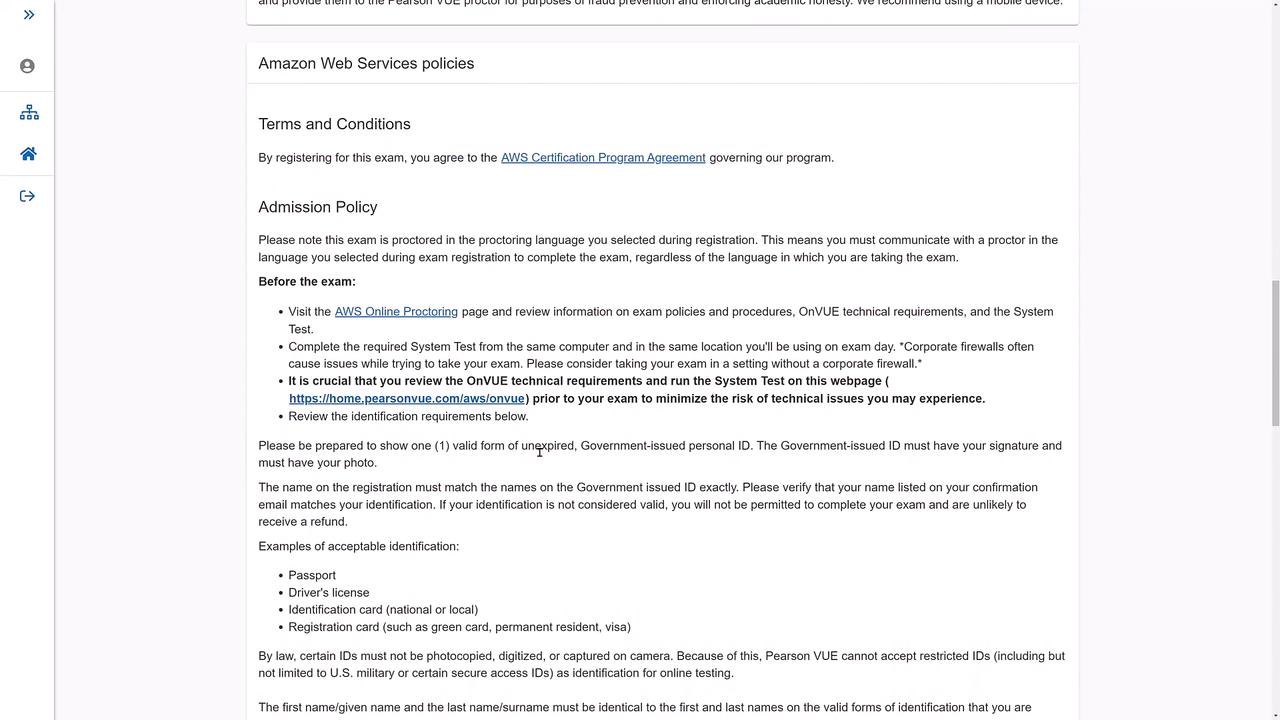
After selecting the online option, you’ll see instructions on how to prepare your testing environment, including running a system test, reviewing the acceptable testing space, and checking your ID policies. Please remember to bring an unexpired government-issued ID and log in at least 30 minutes before your exam if you are new (15 minutes for experienced candidates).
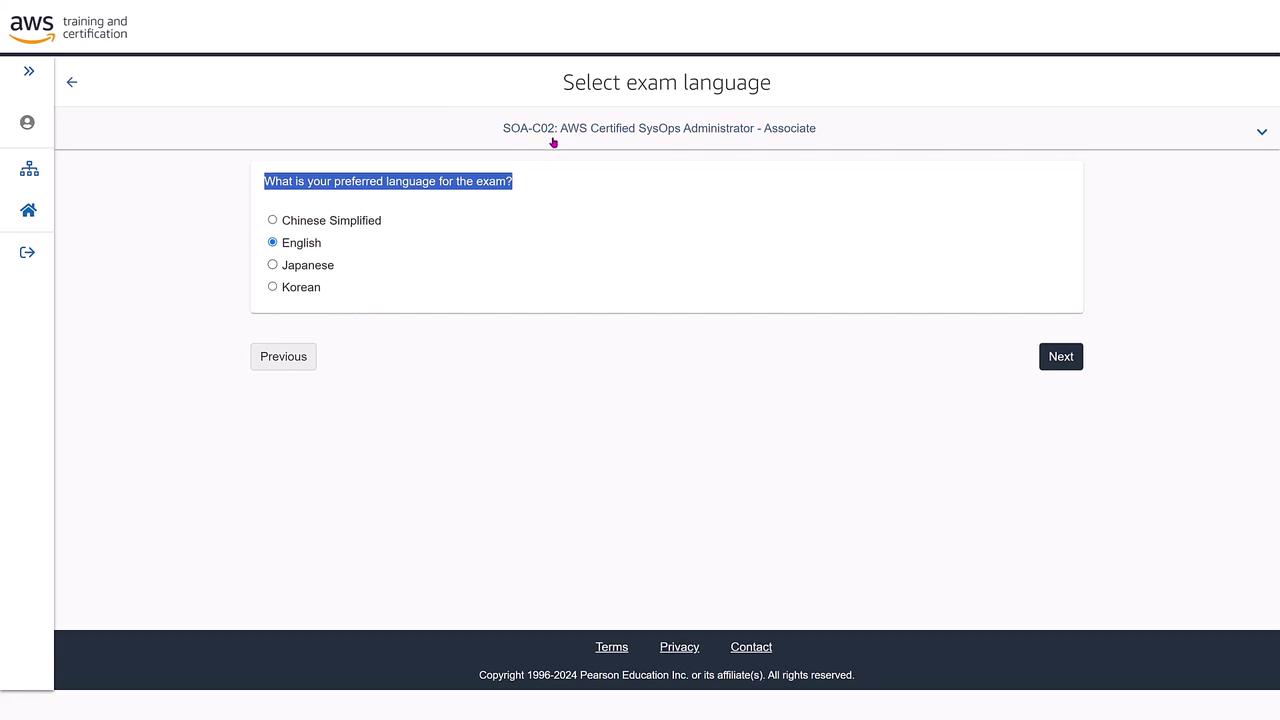
Next, select the exam language (e.g., English) from the available options.
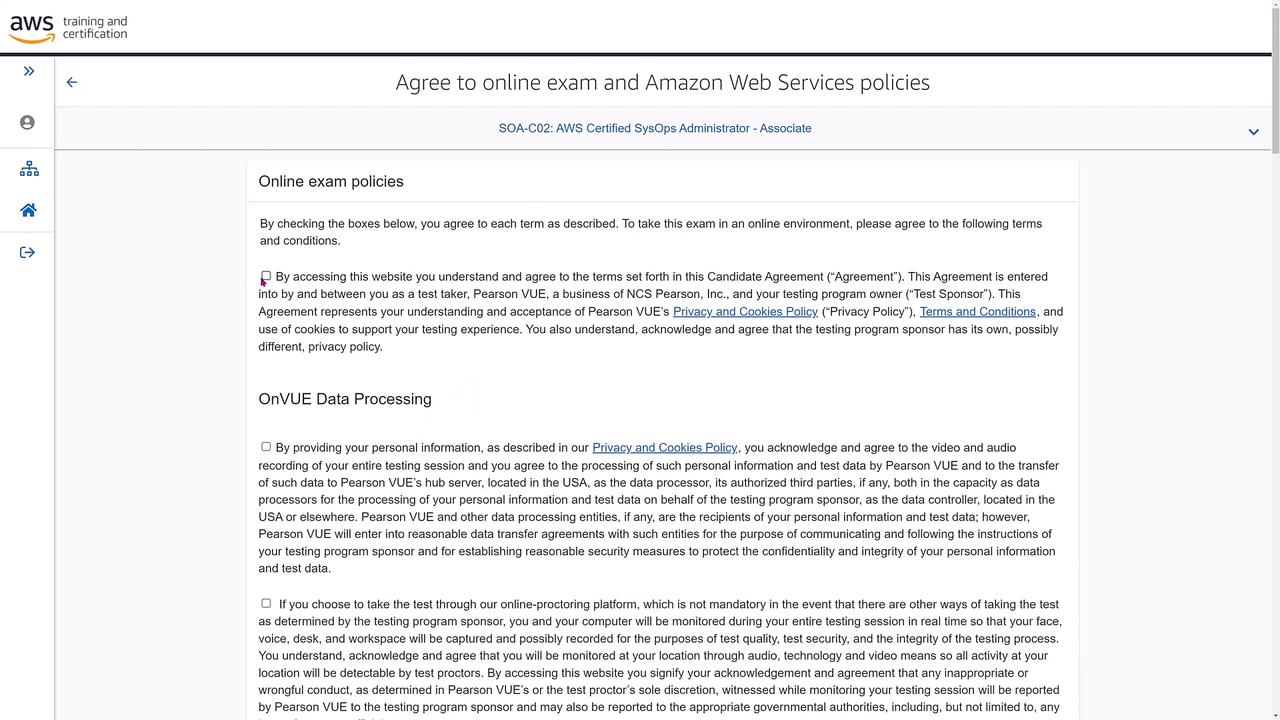
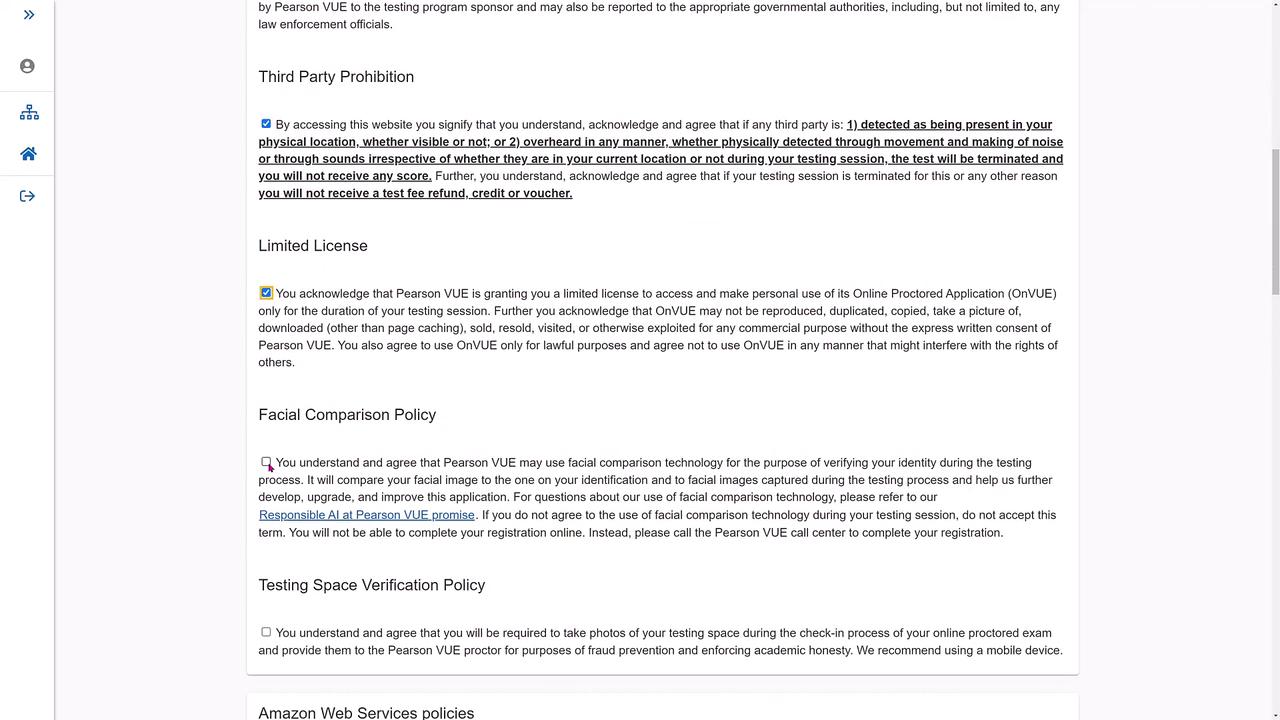
Review and agree to the exam policies, candidate agreements, and terms relating to data processing, facial comparison, and testing space verification.
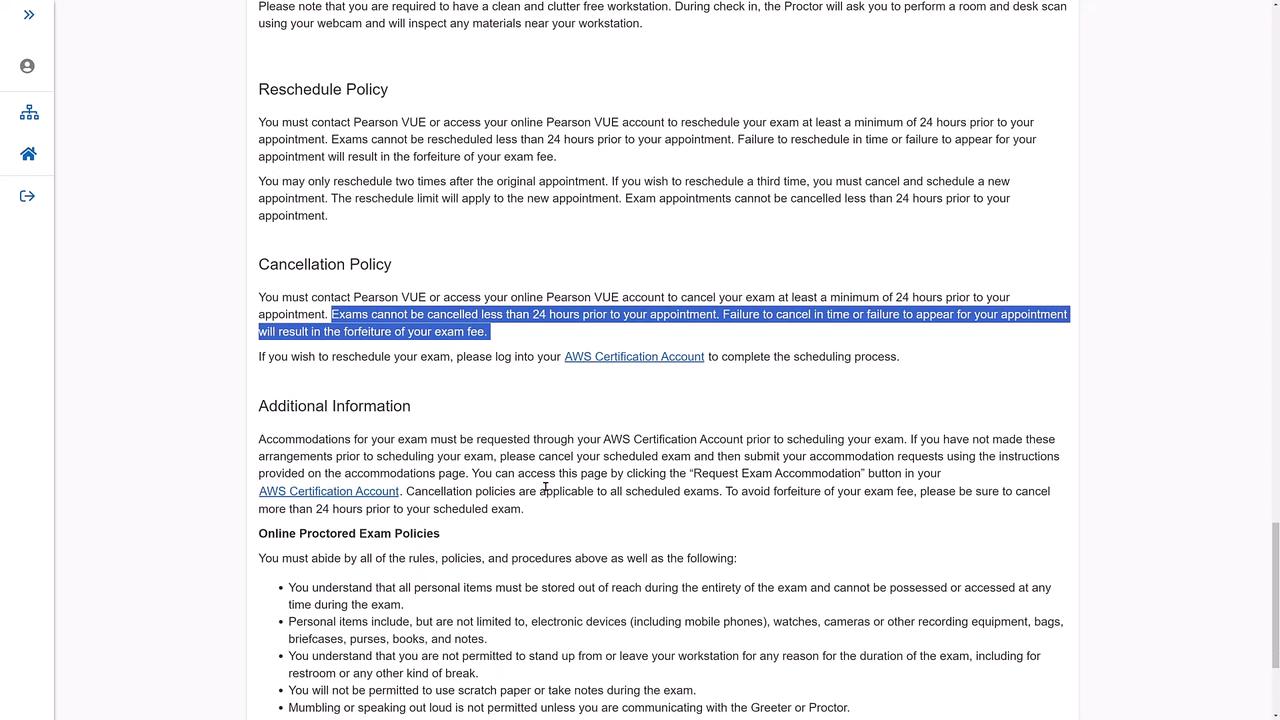
Ensure you review the cancellation and rescheduling policies thoroughly. You may modify your appointment up to two times, but cancellations must be made at least 24 hours in advance.
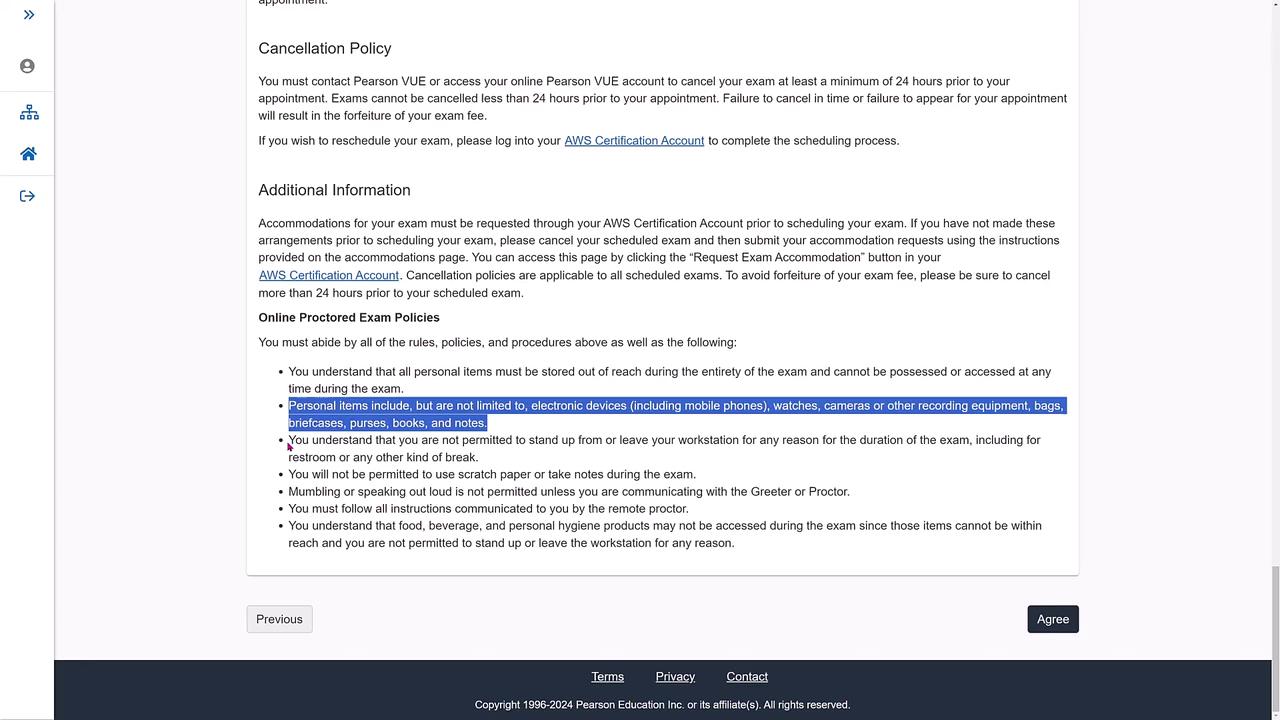
Additional exam rules include:
No personal items (such as mobile phones, watches, or cameras) are allowed.
No scratch paper or note-taking during the exam.
Communication should be limited only to necessary contact with a remote proctor.
Failure to comply with proctor instructions may lead to exam cancellation.
No food, beverages, or other items are permitted during the exam (approximately 130 minutes).
First, select your preferred proctor language (e.g., English).
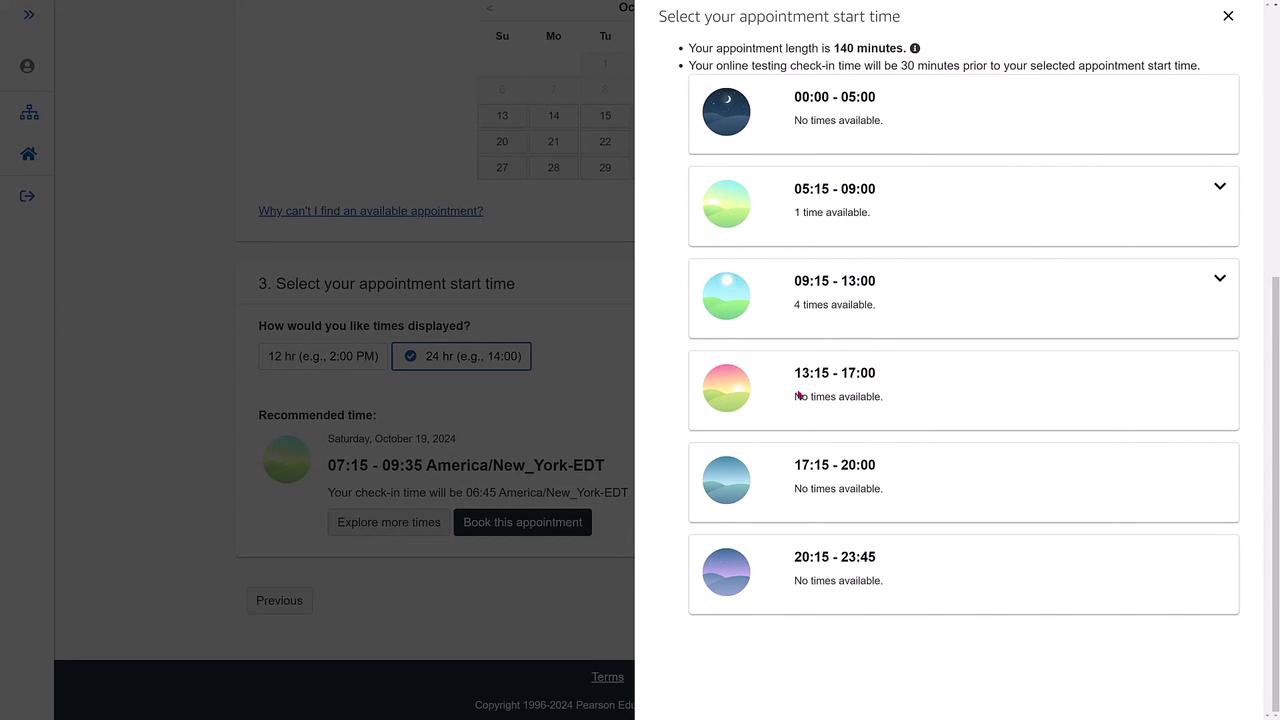
Then, confirm that your time zone is correctly set (for example, Eastern Time for the US East Coast). Adjust it if necessary. The scheduling system will now display available exam dates. Suppose you choose the 19th (about 10 days from now). Initially, only morning slots might be available, but additional options can be explored if an afternoon slot suits you better.
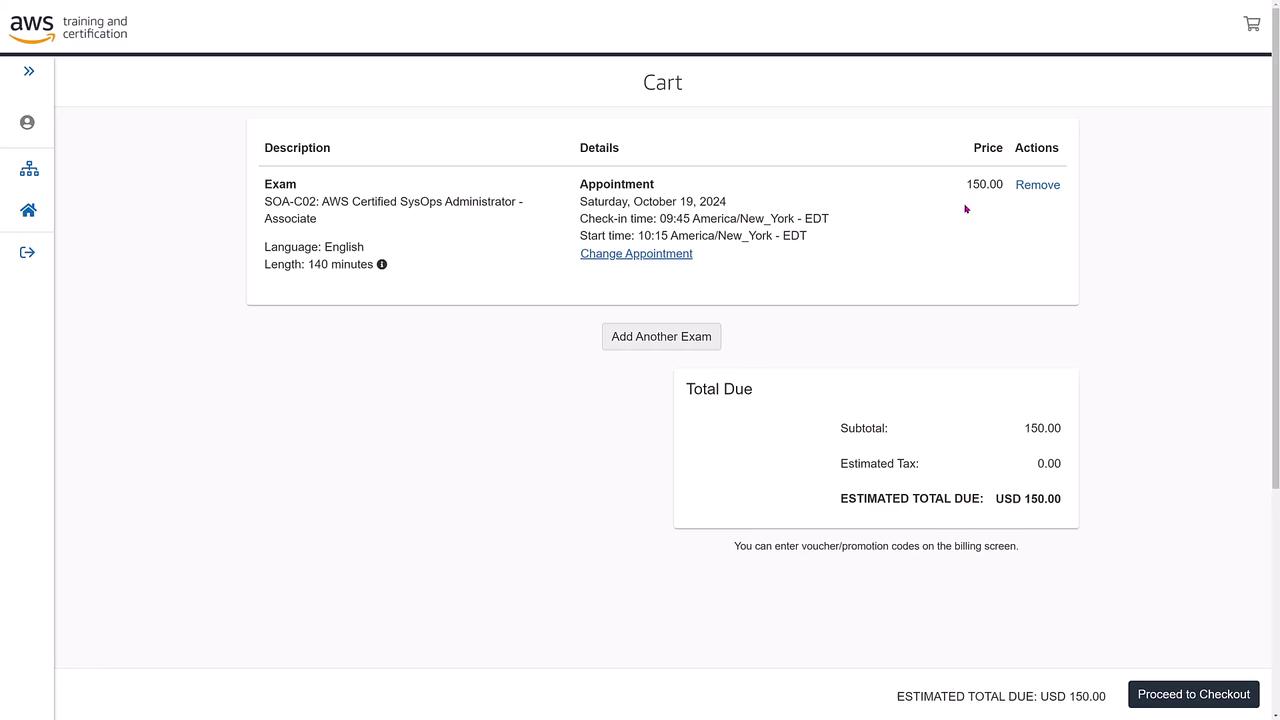
Select a suitable time slot (e.g., 10:15 AM). The system will automatically set your check-in time (in this example, 9:45 AM) in accordance with the exam’s duration.
After confirming your exam language, proctor language, scheduling date, and time, proceed to checkout. The summary page will display the exam cost.
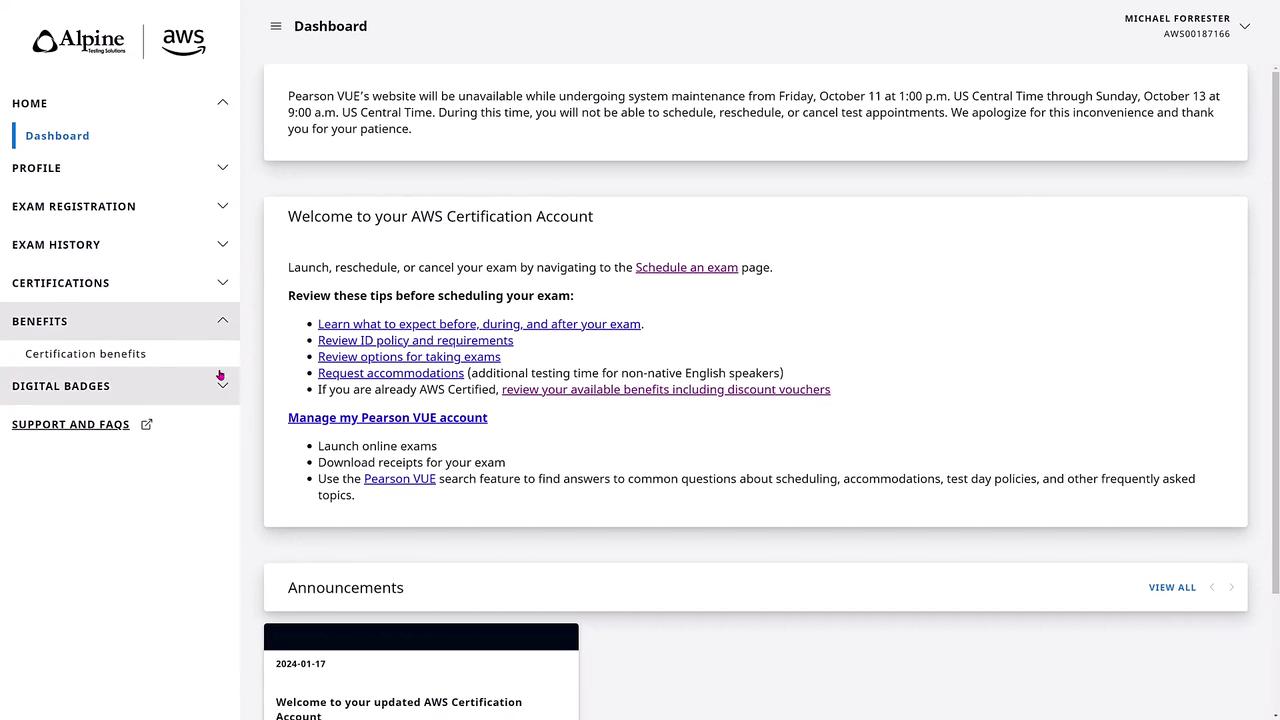
If you have taken another AWS exam previously, you might be eligible for a 50% discount coupon. To find your promo code, navigate to your Certification Benefits section.
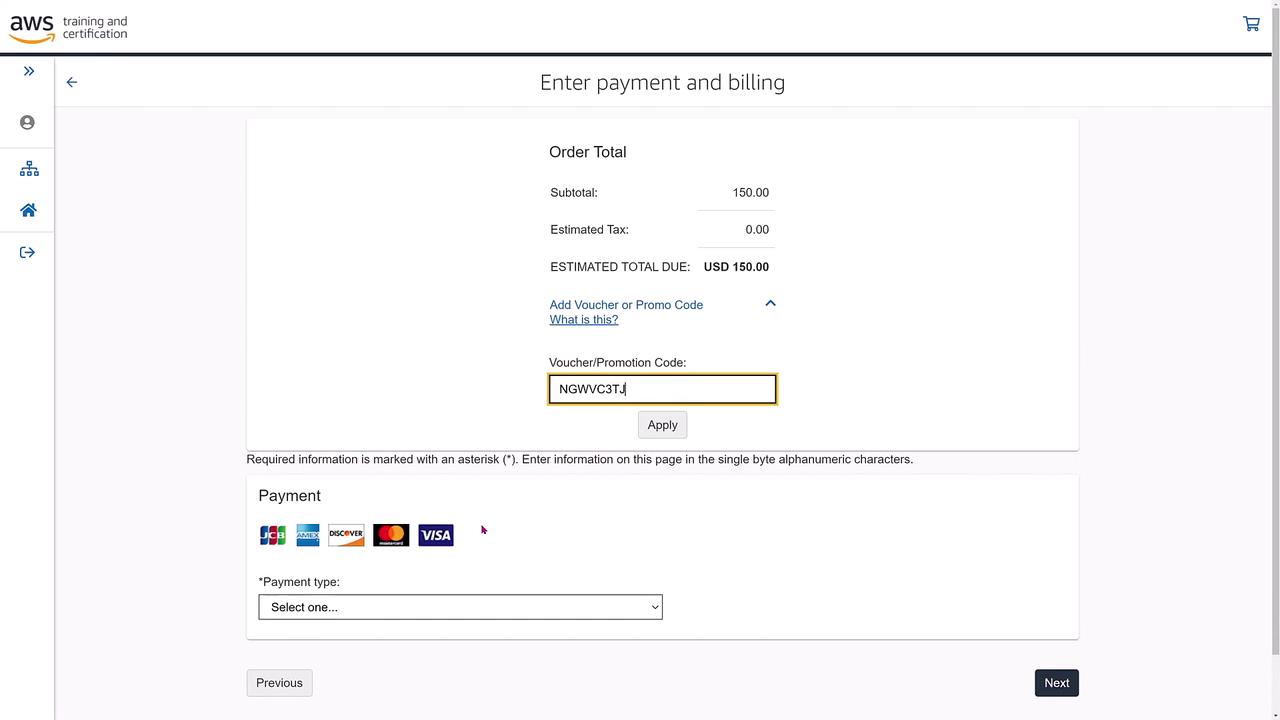
Copy your voucher code and return to the checkout page. Enter the code in the designated field:
Copy
Ask AI
VOUCHER/CODEAU7Q7VJ5R53D7RMTNGWC3JTJ4M8W643
Once applied, the discount (e.g., 50% off the original $150 fee) will reflect in your order summary. Choose your payment method and provide your payment details.
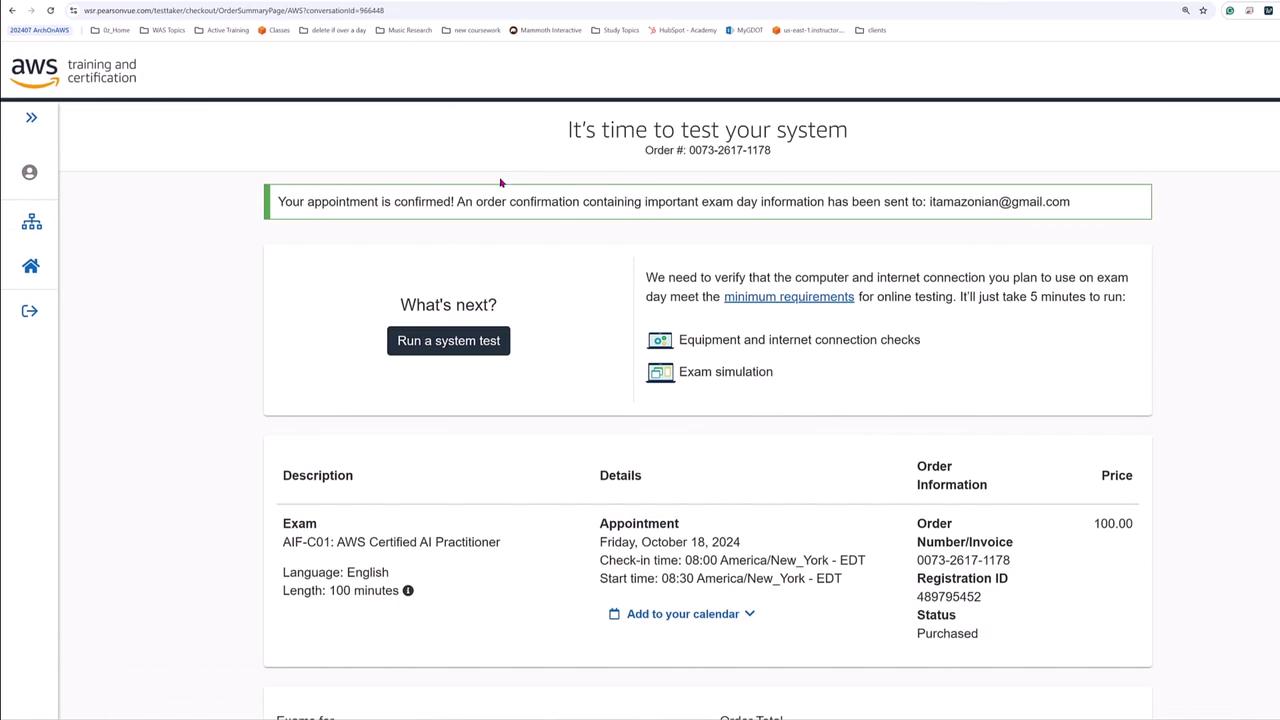
After submitting your payment, a confirmation page will appear.
A confirmation email will also be sent with all necessary details and instructions for running your system test. You will have the option to add the exam appointment to your calendar.
On the day of your exam, log in to the Certification website once again. Your dashboard will display a notification reminding you of your scheduled exam.
Before starting your exam, ensure that you:
Complete your system tests.
Have a compliant testing environment free from any prohibited electronics.
Follow all exam policies rigorously, as any non-compliance may result in exam cancellation or affect your certification status.
Ensure your testing space meets all requirements and that your system passes the required tests before your exam begins.
This guide has provided a detailed overview of the process for registering and scheduling an AWS certification exam along with critical exam-day rules and policies. Review all guidelines carefully and complete the required system tests ahead of your appointment.Good luck with your exam!