Overview
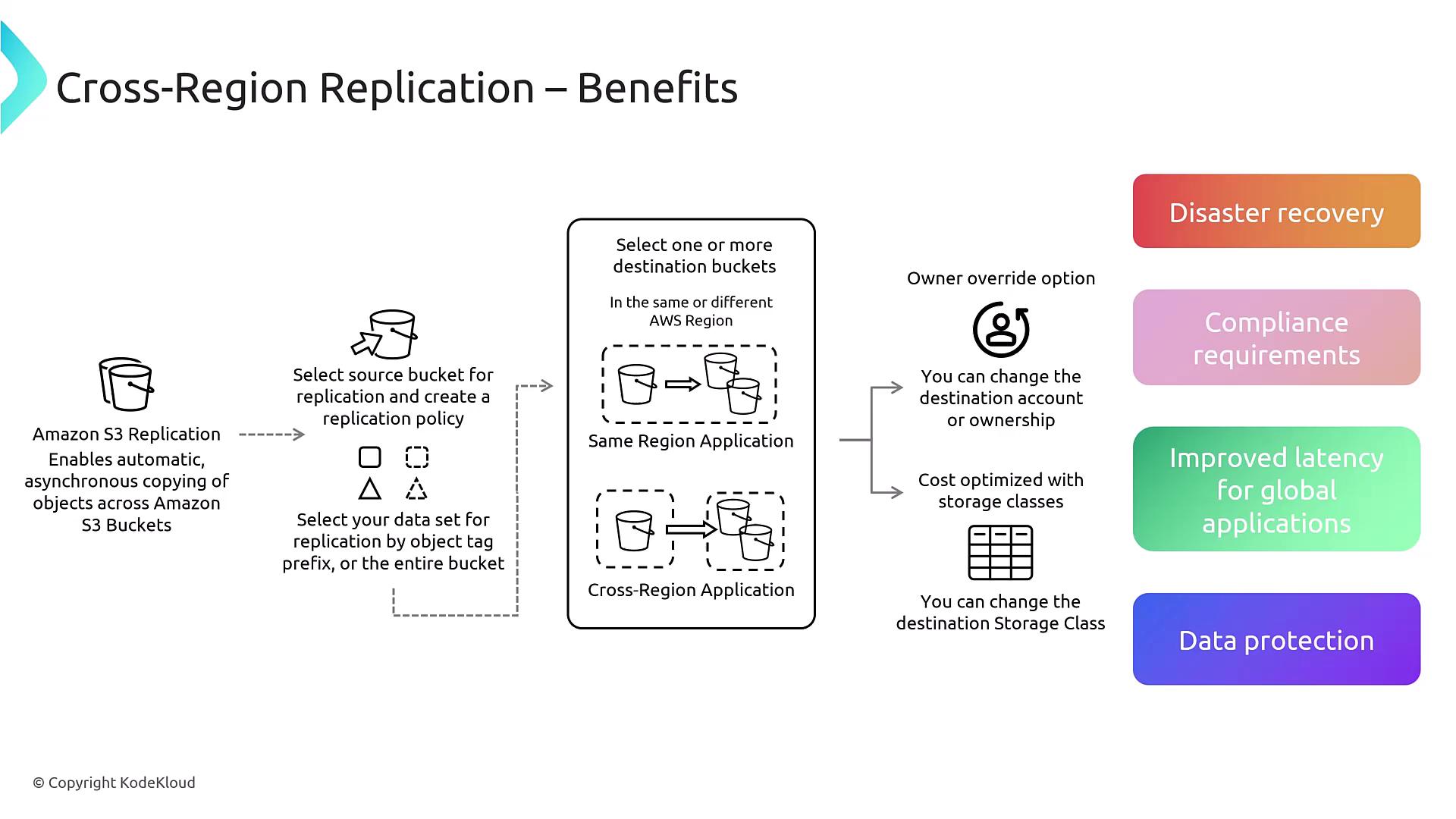
In this lesson, you will learn how to configure CRR by selecting a source bucket, defining your replication criteria, and designating a destination bucket. This process includes:-
Selecting the Data Set for Replication: You can choose to replicate:
- Entire Bucket
- Prefix: Functions like a folder.
- Tag: Based on object metadata tags.
- Choosing the Destination Bucket: The destination can be located in the same region or a different one—even in another AWS account with proper permissions. You also have the option to override file ownership settings and modify the destination storage class, enabling you to maintain a “hot” source and a “cold” destination to reduce costs.
This configuration is ideal for purposes such as disaster recovery, compliance, global content availability (for static resources like images and videos), and backup. However, it is not suitable for database replication.
Prerequisites
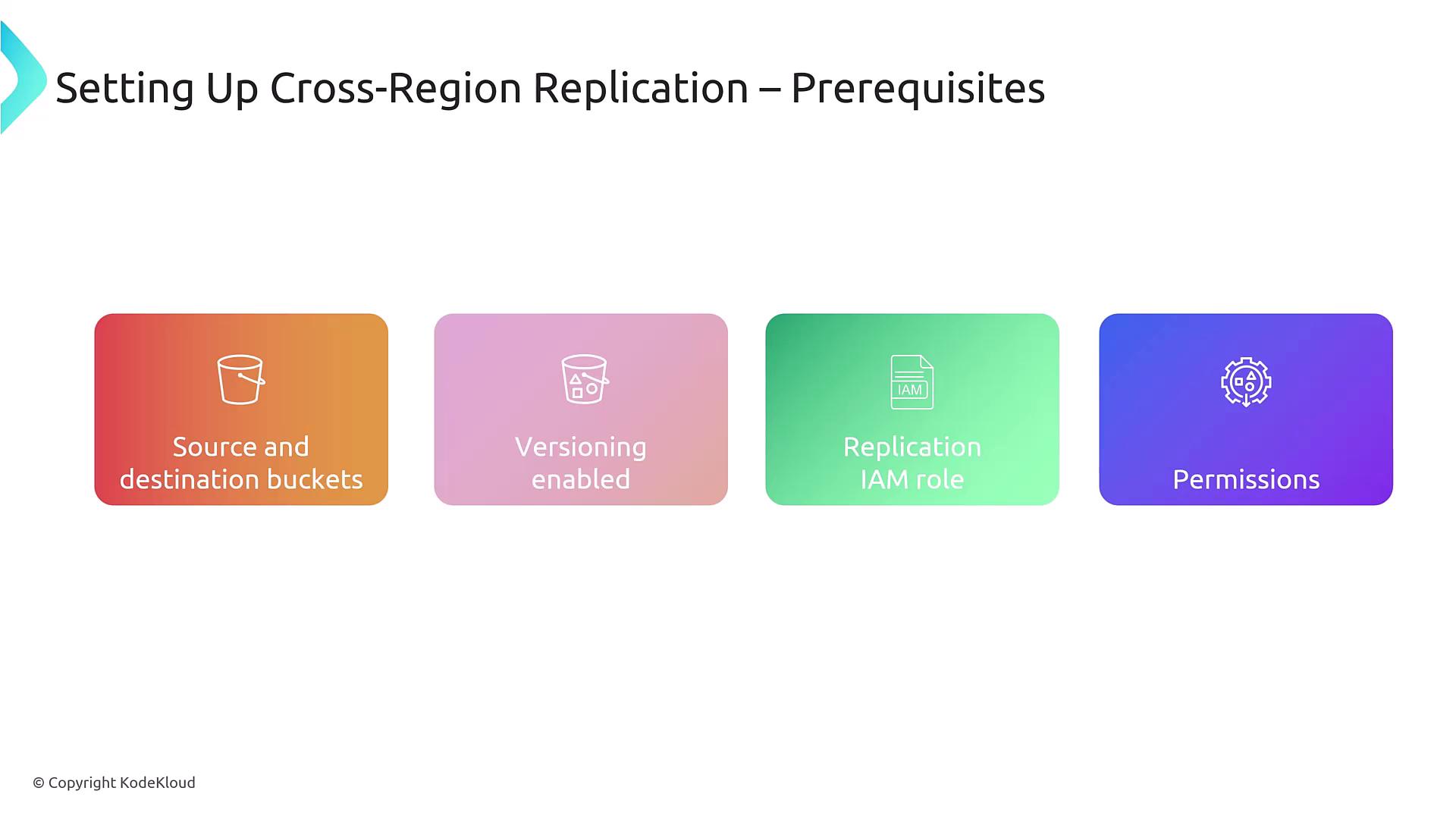
Before configuring CRR, ensure you have met the following prerequisites:- Source and Destination Buckets: Identify your buckets.
- Versioning Enabled: Both buckets must have versioning activated; this ensures replication of every object version.
- Replication / IAM Role: Establish a role to manage the replication process.
- Proper Permissions: Ensure that permissions are set using Access Control Lists (ACLs), IAM policies, or bucket policies. For cross-account replication, additional permissions might be necessary.
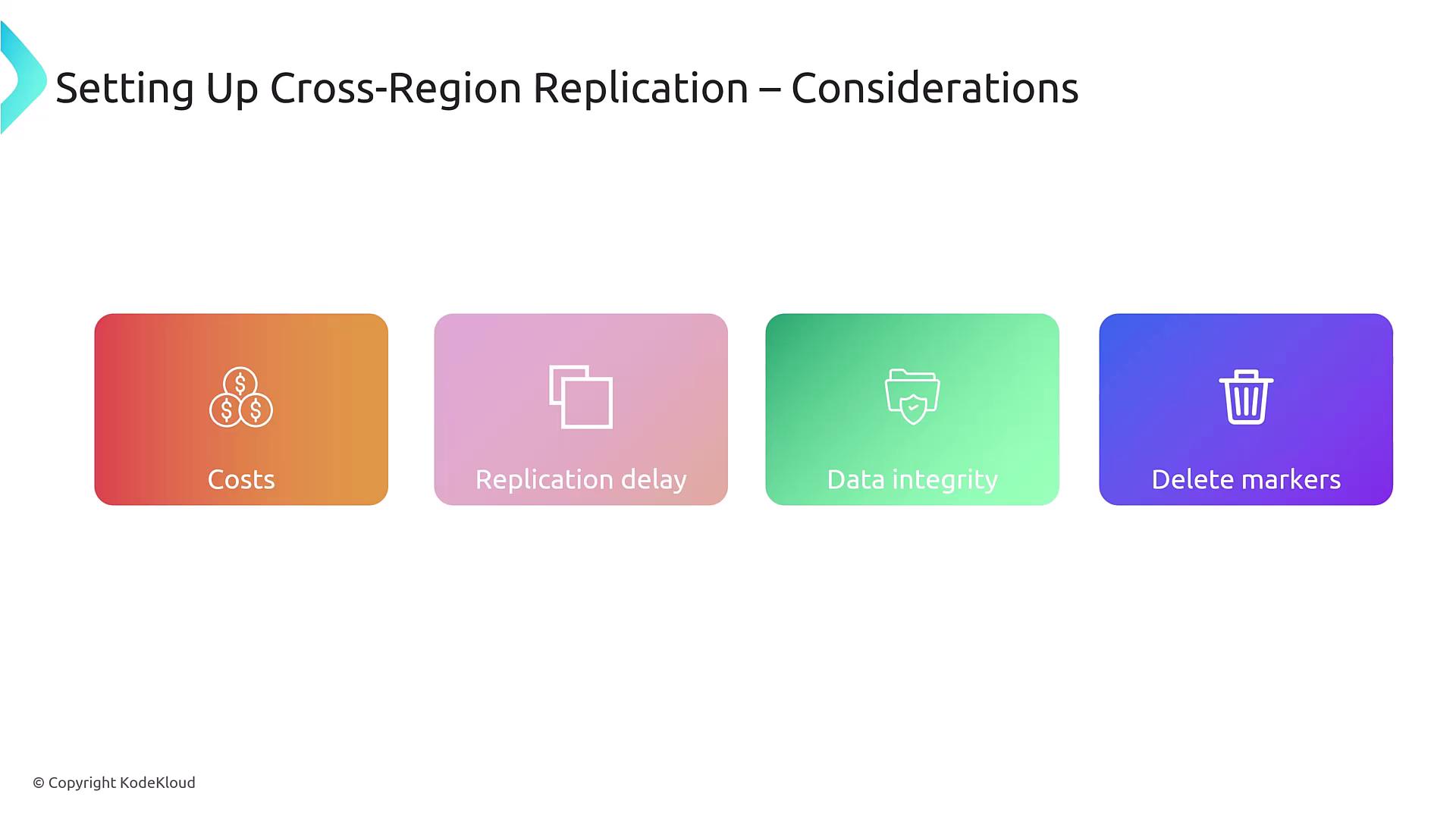
Keep in mind that replicating every version of every file may lead to increased costs, and replication may experience delays of up to 30 seconds based on connection performance.
Additional Considerations
- Data Integrity: Be aware that any corrupted files will be replicated without alteration.
- Deletion Process: Removing a file adds a delete marker instead of erasing all existing versions. To completely remove an object, you must delete all versions and the delete markers.
Configuring Cross-Region Replication
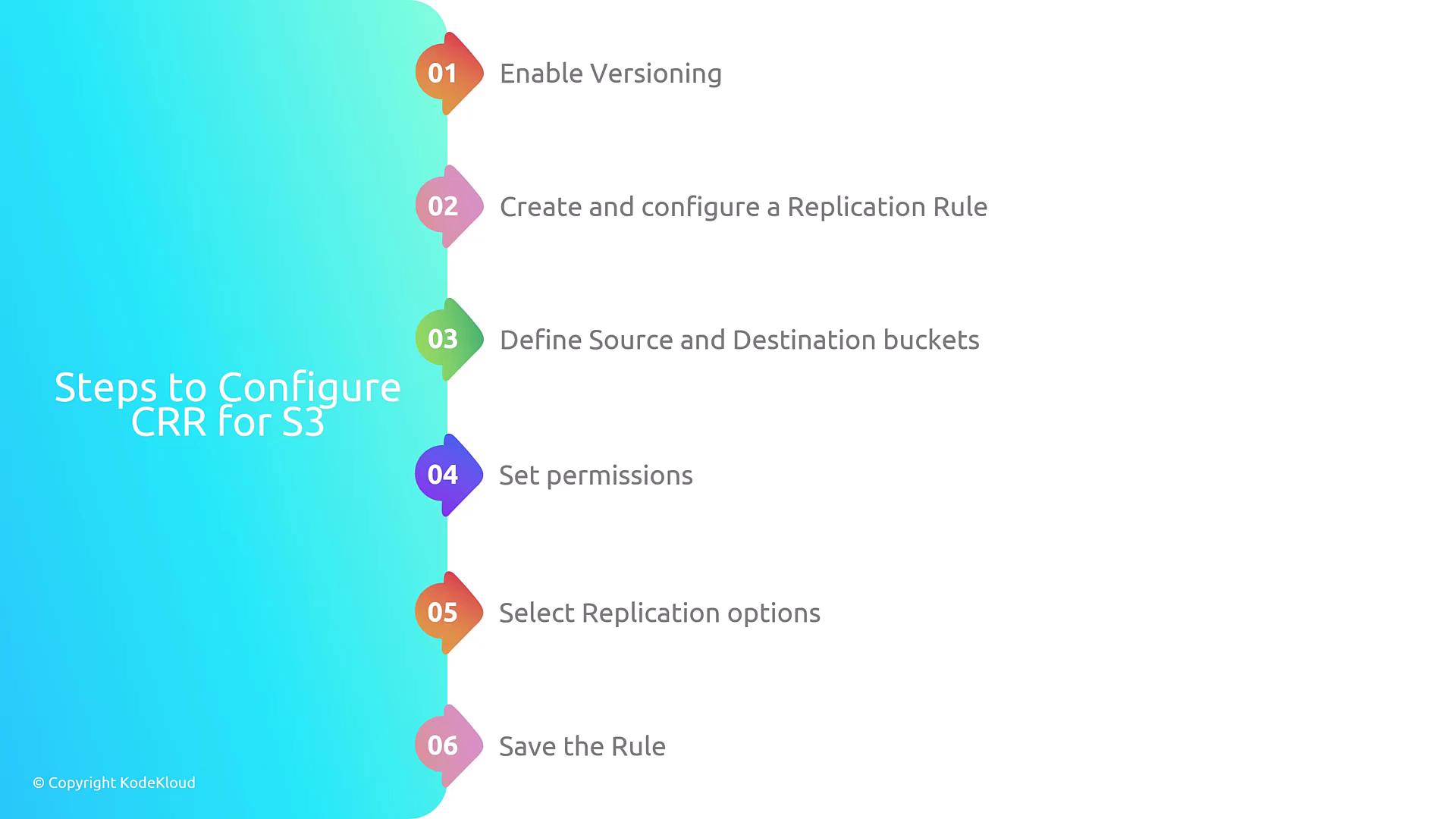
Follow these steps to configure CRR for your S3 buckets:- Enable Versioning on both the source and destination buckets.
- Create a Replication Rule in the source bucket.
- Specify the Buckets: Define both the source and the destination buckets within the replication settings.
- Set Up Permissions: Grant the necessary permissions to allow the replication role to function.
- Configure Replication Options: Apply filters such as prefixes or tags and adjust the destination storage class if needed.
- Save the Replication Rule to finalize the configuration.
What Gets Replicated?
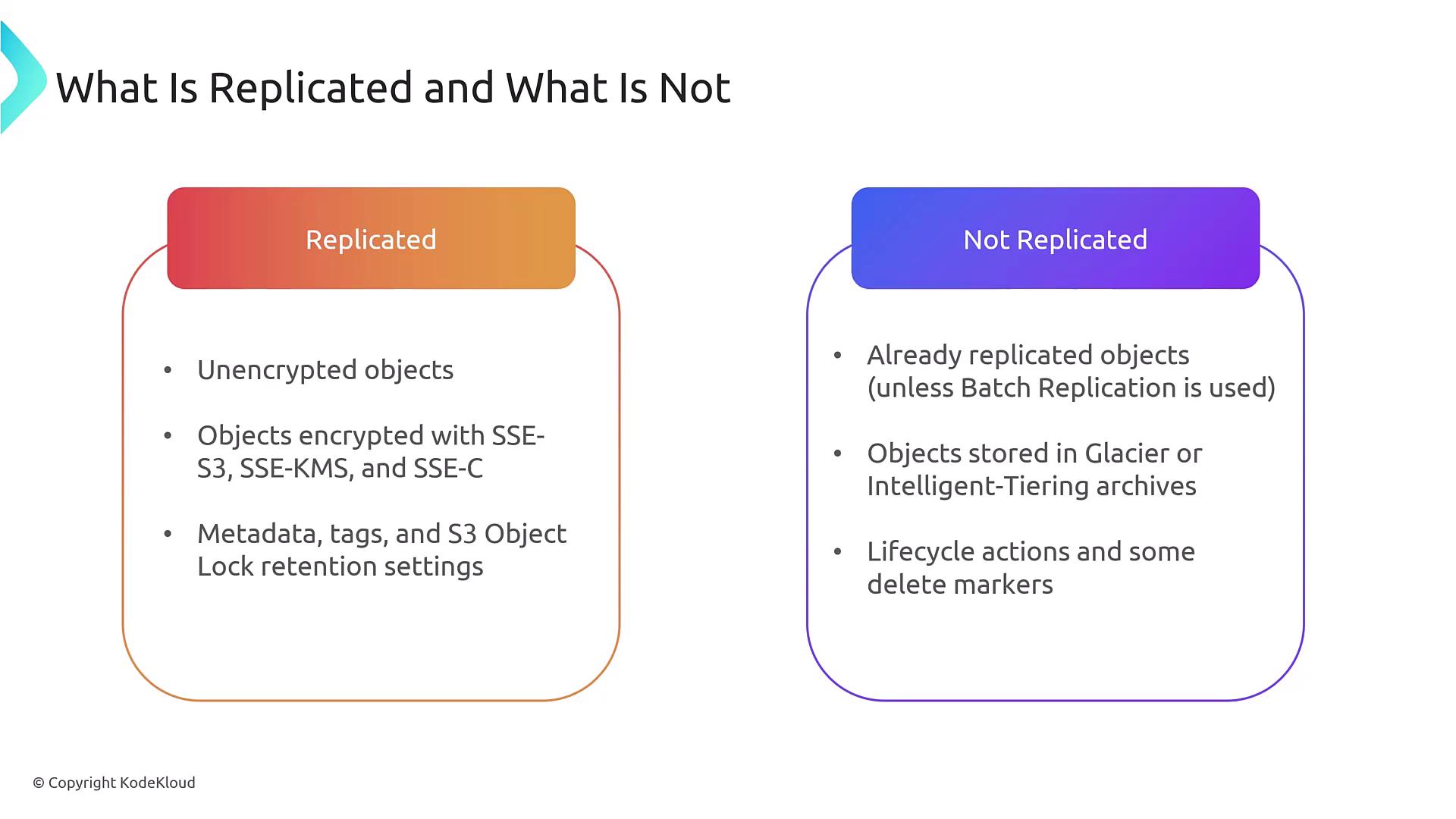
CRR replicates the following components:- Unencrypted objects
- Associated metadata tags
- Lock retention settings
- Previously replicated objects will not be re-replicated.
- Objects stored in archival storage (e.g., Glacier) are not replicated.
- Certain lifecycle actions or delete markers are not replicated.