

Understanding Golden Images
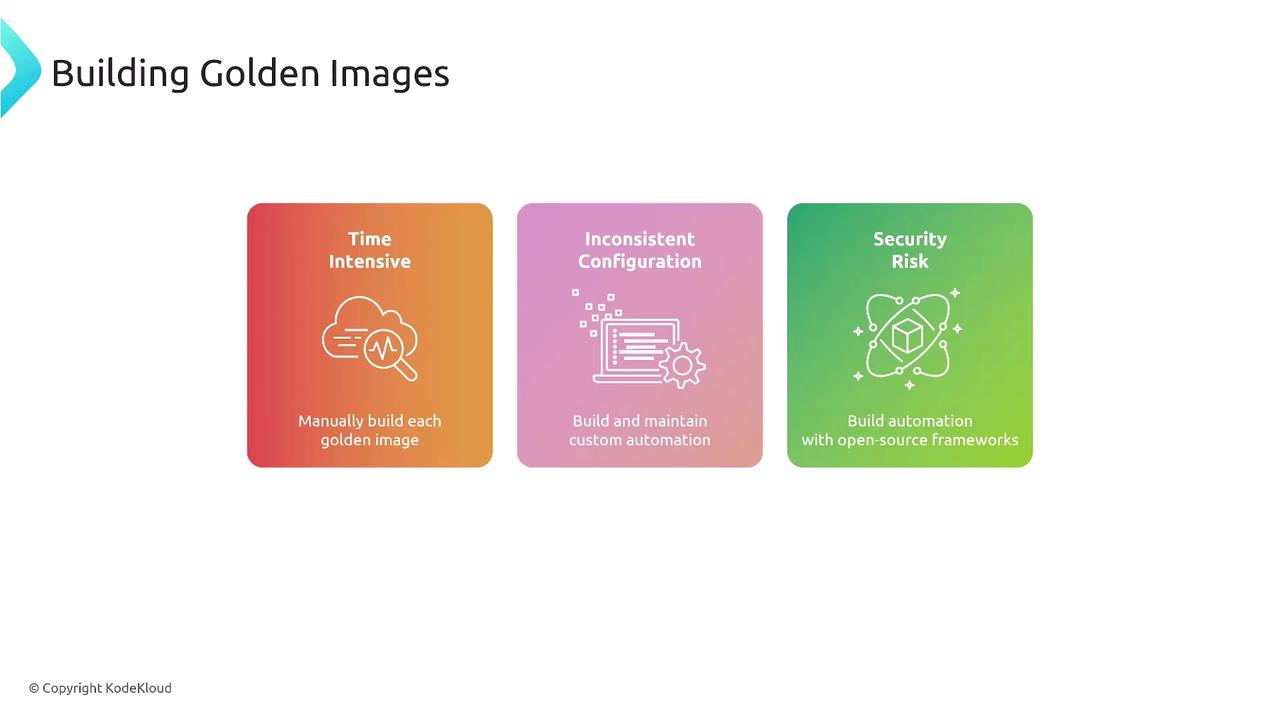
Golden images are pre-installed, pre-configured operating systems enriched with essential software, configurations, and security settings. By adopting a standardized template, organizations can achieve consistency, reduce manual build errors, and maintain strict compliance with IT and security standards. A basic operating system installation, such as a plain Ubuntu install, typically fails to meet many enterprise security or operational requirements. Manually constructing golden images presents several challenges:- Time-intensive manual operations.
- Inconsistent configurations due to human error.
- Elevated security risks stemming from patch management difficulties.
Why EC2 Image Builder?
EC2 Image Builder is AWS’s native solution for streamlining the creation and distribution of AMIs and container images. Although third-party tools like HashiCorp’s Packer are available, EC2 Image Builder is recommended for its seamless integration with AWS services and is a key exam topic.
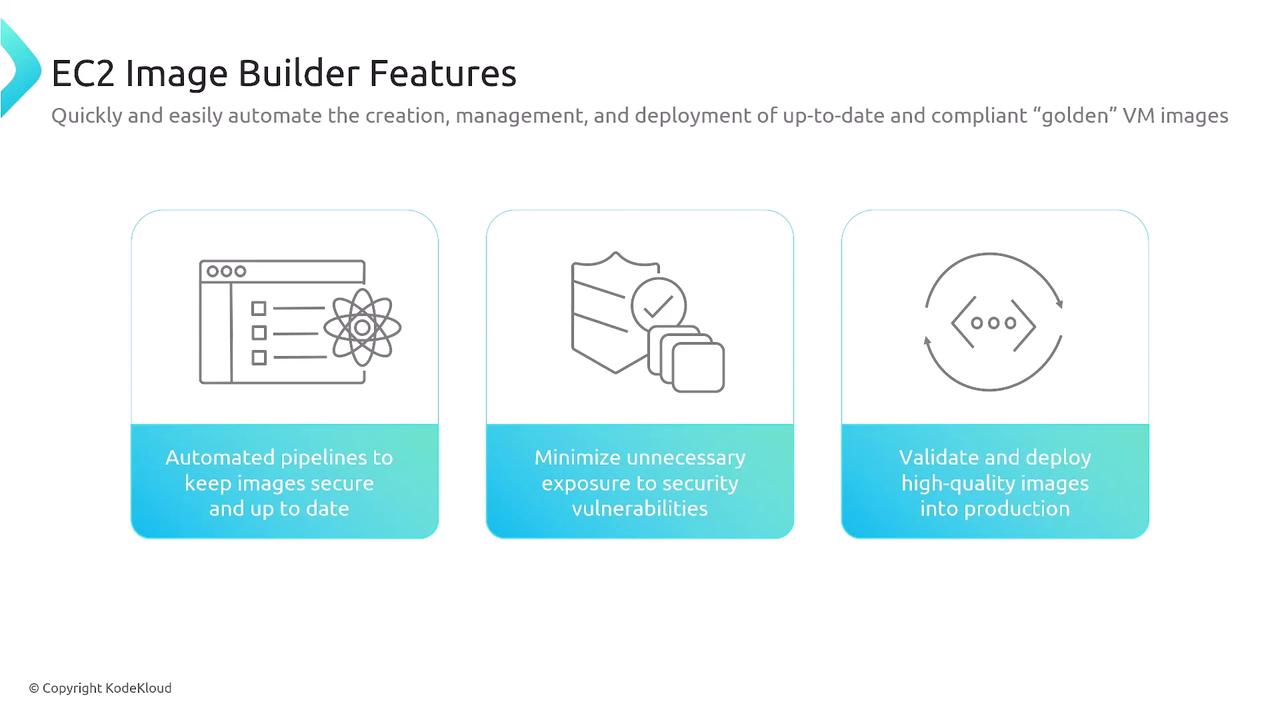
- Policy enforcement that ensures images adhere to organizational guidelines.
- Support for distribution across both AWS and on-premises environments.
- Compatibility with Linux and Windows operating systems (with anticipated future support for macOS).
- Simplified image sharing across AWS accounts.
- Accommodation of various virtual hard drive formats, such as VHDX, VMDK, and OVF.
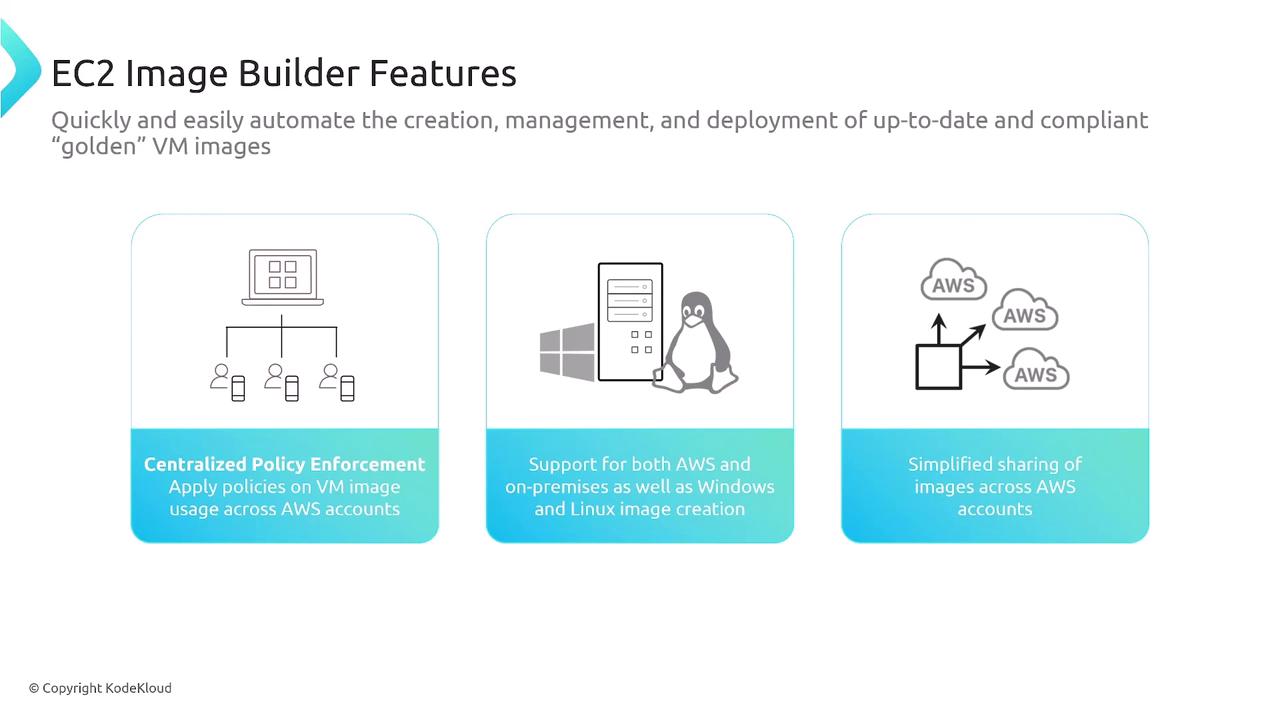
Automating the image creation process with EC2 Image Builder not only saves time but also minimizes human error, ensuring that your images remain standardized and secure.
How EC2 Image Builder Works
The EC2 Image Builder process involves a series of methodical steps that ensure image integrity and compliance:- Source Image Selection: Start with a base image, which could be either a clean operating system installation or a previously built image.
- Customization: Integrate custom components, software, and configurations to meet your specific operational requirements.
- Security and Testing: Enhance the image’s security by applying patches, running comprehensive tests, and verifying that all configurations are correctly implemented.
- Distribution: Deploy the finalized image across your environments—whether as an AMI on AWS or as a container image in a registry such as Amazon ECR.
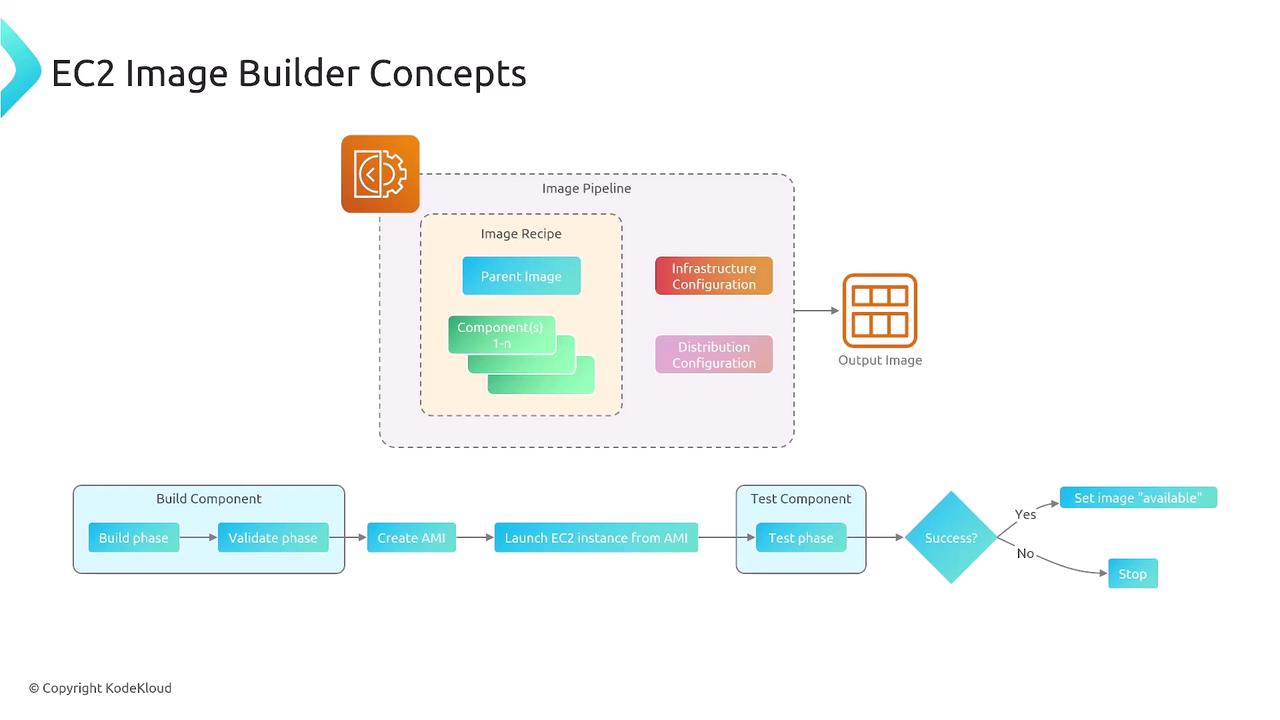
Detailed Pipeline Phases
- Build Phase: The pipeline takes the parent image and applies the designated customizations, resulting in a new AMI or container image.
- Validation Phase: A test deployment (for example, launching an EC2 instance or container) is utilized to confirm that the image functions as expected.
- Distribution Phase: Once verified, the image is marked as available and distributed to its intended registry. For container images, this usually implies deployment to an Amazon ECR repository.
Container image pipelines follow a process similar to AMI pipelines. The main difference lies in the distribution target—with containers typically using a Dockerfile-based configuration and being deployed to container registries.