

Inspecting an Event Hub
In this section, we connect to an Event Hub using the Event Hubs producer client and retrieve its partition identifiers. This helps to understand how messages are distributed across partitions.The asynchronous method
GetPartitionIdsAsync returns the list of available partition IDs from the Event Hub.Publishing Events to an Event Hub
This example demonstrates how to create a batch of events and publish it to an Event Hub. The batch is initialized usingCreateBatchAsync, and events are added with TryAdd. Finally, the batch is sent using SendAsync.
In this snippet, two events are added to the batch before publishing them. Ensure that the messages fit within the batch size limit.
Reading Events from an Event Hub
This section explains how to read events from an Event Hub using the consumer client. The example utilizes a cancellation token to limit the read operation to 45 seconds, preventing the application from waiting indefinitely when no messages are available.The cancellation token ensures that the event listening process terminates after 45 seconds, making it ideal for testing or short-lived processes.
Combined Example in Visual Studio Code
Below is a comprehensive example that consolidates inspection, publishing, and reading of events. Before executing the code in Visual Studio Code, ensure that you have provided the correct connection string, event hub name, and credentials with appropriate send and listen permissions.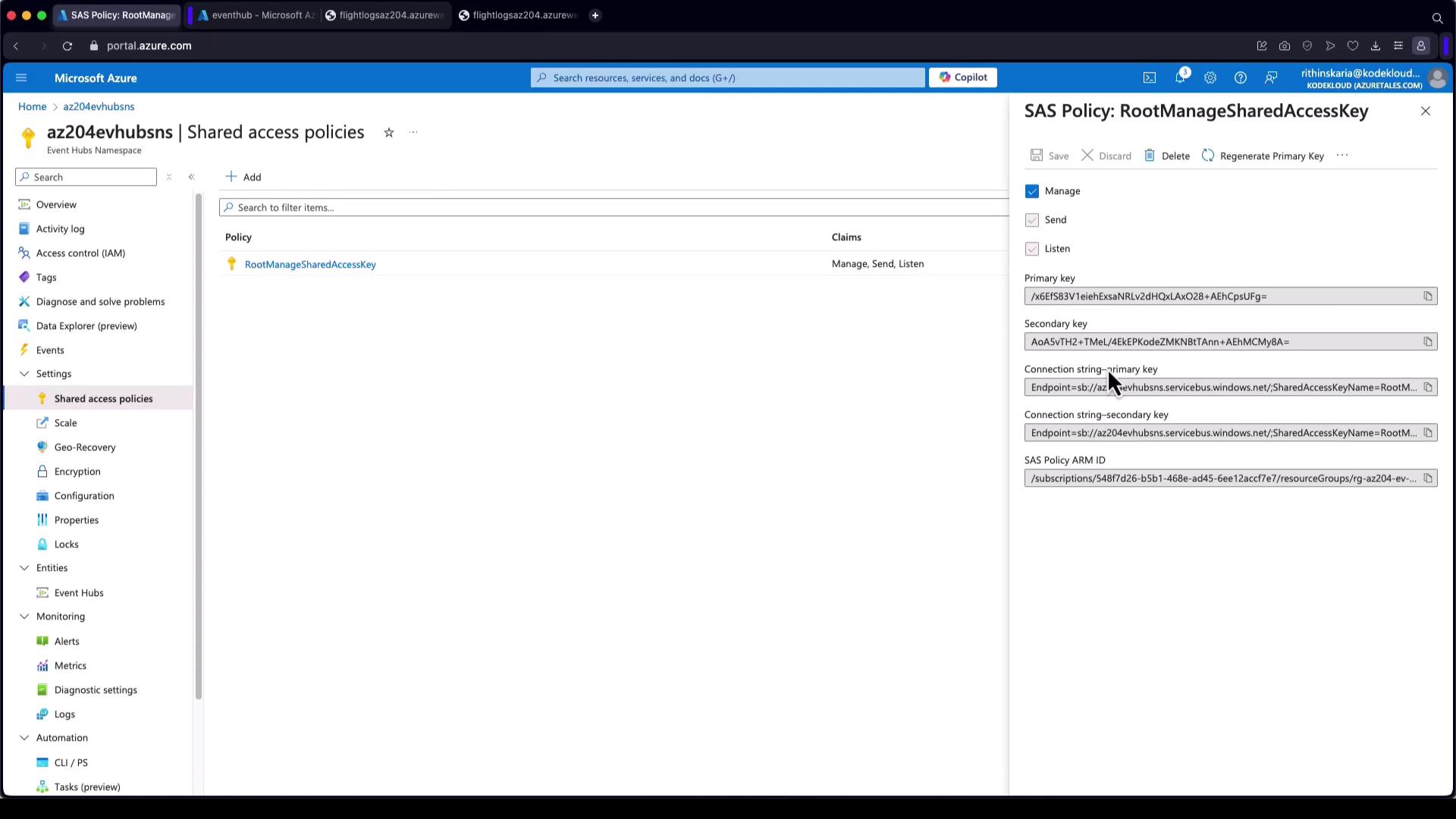
- The InspectEventHub method retrieves and prints partition IDs.
- The PublishEventsToEventHub method creates an event batch and sends messages.
- The ReadEventsFromEventHub method listens for events and prints them until a timeout occurs.
This tutorial has provided a practical guide to working with Azure Event Hubs using the .NET SDK. By understanding how to inspect, send, and receive events, you are well-equipped to integrate Event Hubs into your applications and harness the full potential of real-time data processing in Azure. For additional resources, consider visiting: