

Using the .NET SDK to Set Metadata and Retrieve Container Properties
In this example, we set custom metadata on a blob container using theSetMetadataAsync method, which accepts a dictionary of key-value pairs. After setting the metadata, the container’s properties are retrieved to verify important details such as the last modified date and public access level.
Managing Metadata with PowerShell
For those who prefer using PowerShell, similar results can be achieved by leveraging REST APIs. Metadata is passed through HTTP headers using the formatx-ms-meta-<name>: <value>. For instance, to set metadata with the key “owner” and value “admin”, you would use the header x-ms-meta-owner: admin.
The following PowerShell script demonstrates how to set metadata via a PUT request and retrieve container properties using a GET request:
When using the account key for authorization, ensure it is properly encoded to Base64 to secure your API calls.
Example in Visual Studio Using .NET
The following example demonstrates how to work with container properties and metadata within a .NET console application. In this demonstration, you will create a new console project, add the necessary NuGet packages, and write code to connect to your storage account using a connection string.- Create a new Console Application project in Visual Studio (targeting .NET 6) and name it “Container Metadata Demo”.
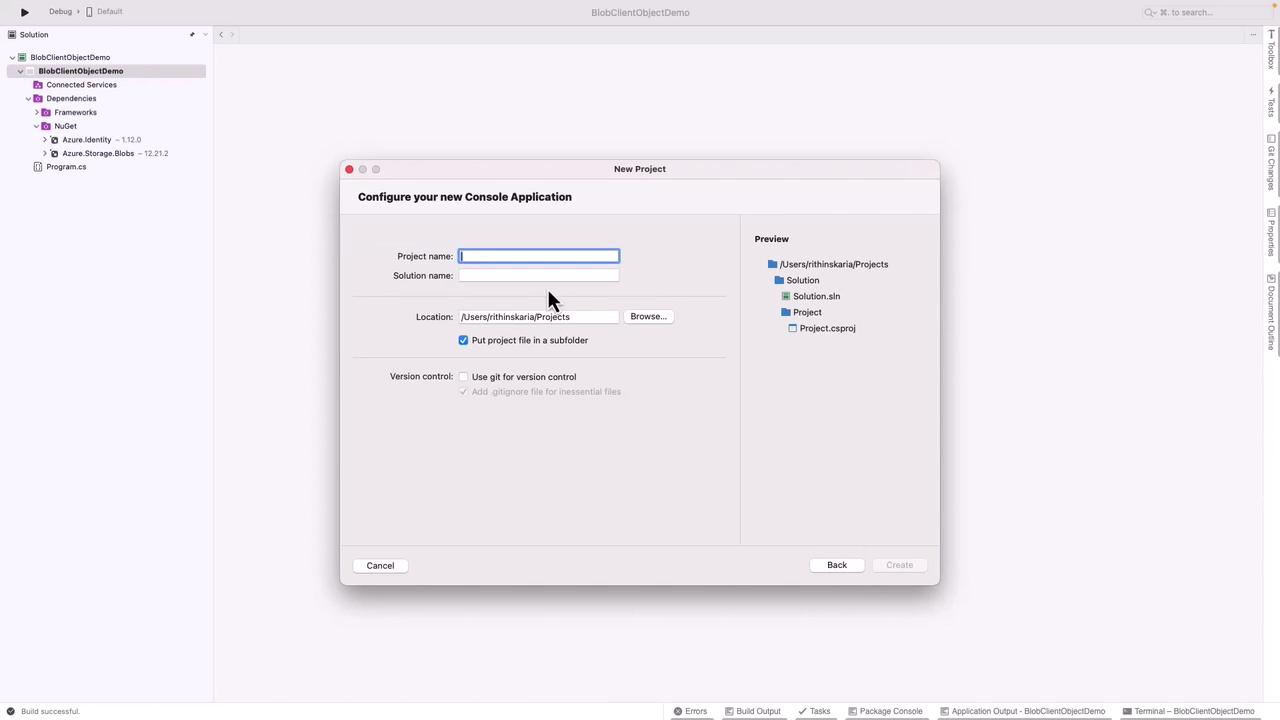
- Open the NuGet Package Manager and install the required Azure Storage libraries. Once added, replace the default code with the following:
Summary
In this guide, we demonstrated how to manage Azure Blob Storage container properties and metadata using both the .NET SDK and PowerShell with REST APIs. Key takeaways include:- Using GET (or
GetPropertiesAsyncin .NET) to retrieve container properties and metadata. - Using PUT (or
SetMetadataAsyncin .NET) to set metadata and properties. - Ensuring the account key is properly Base64-encoded for secure API calls.
- Leveraging the .NET SDK to simplify container management tasks.
For more information on Azure Blob Storage and managing metadata, visit the Azure Blob Storage Documentation.