How Autoscale Works
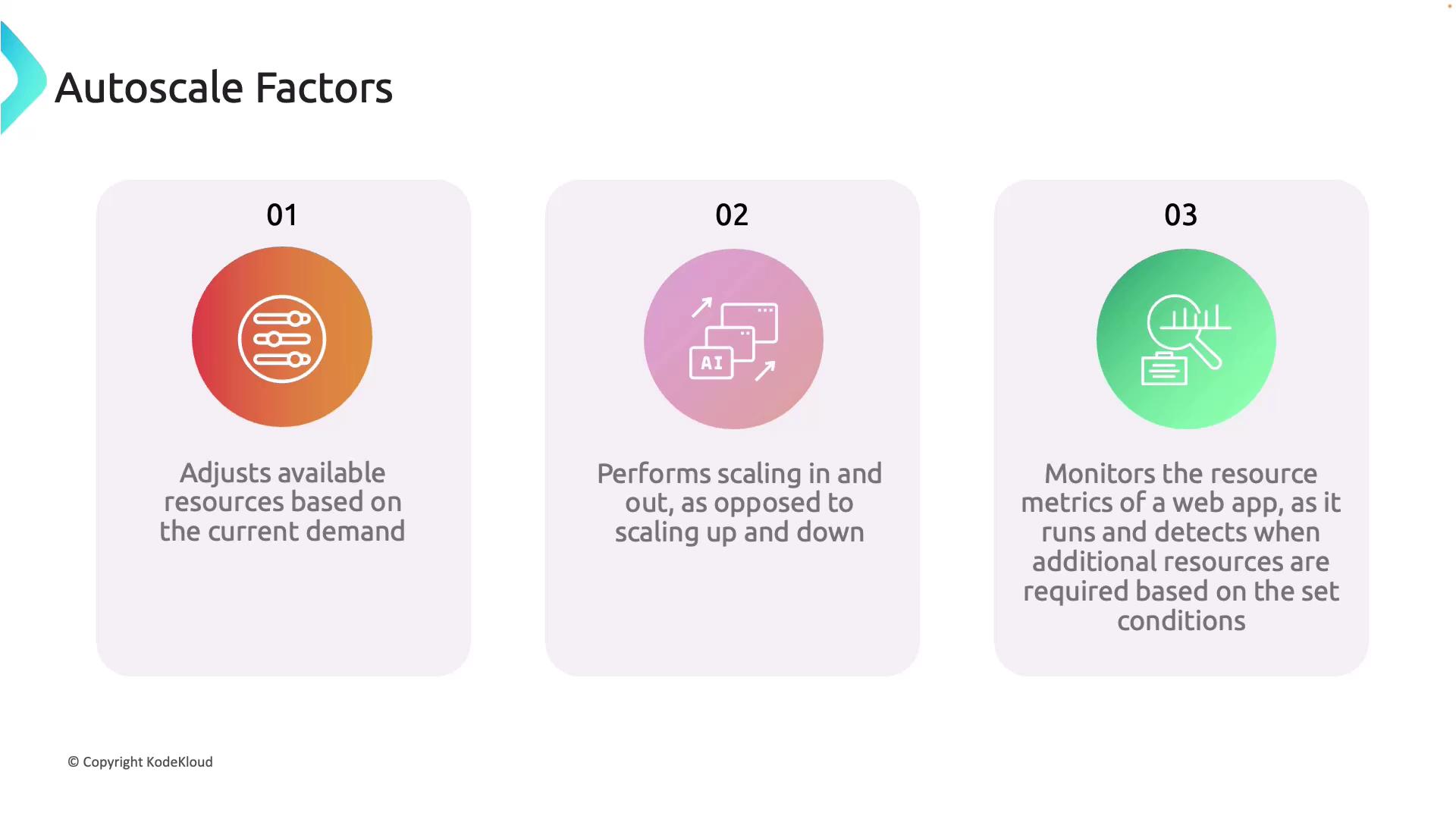
Autoscale continuously monitors vital resource metrics such as CPU usage, memory consumption, and request counts. When these metrics hit predefined thresholds, the service automatically adds or removes instances. This dynamic process means that when your application experiences increased traffic, additional resources are allocated to manage the load. Conversely, when traffic decreases, the system scales down by removing unnecessary resources, thereby reducing overall costs. Autoscaling in Azure is designed to scale out and scale in rather than scaling up or down. Specifically:- Scaling Out: Adding more instances to handle increased load.
- Scaling In: Reducing the number of instances when demand wanes.
Autoscaling also monitors the real-time cost of your web app, ensuring your application performs optimally without overspending on underutilized resources.
When to Consider Autoscaling
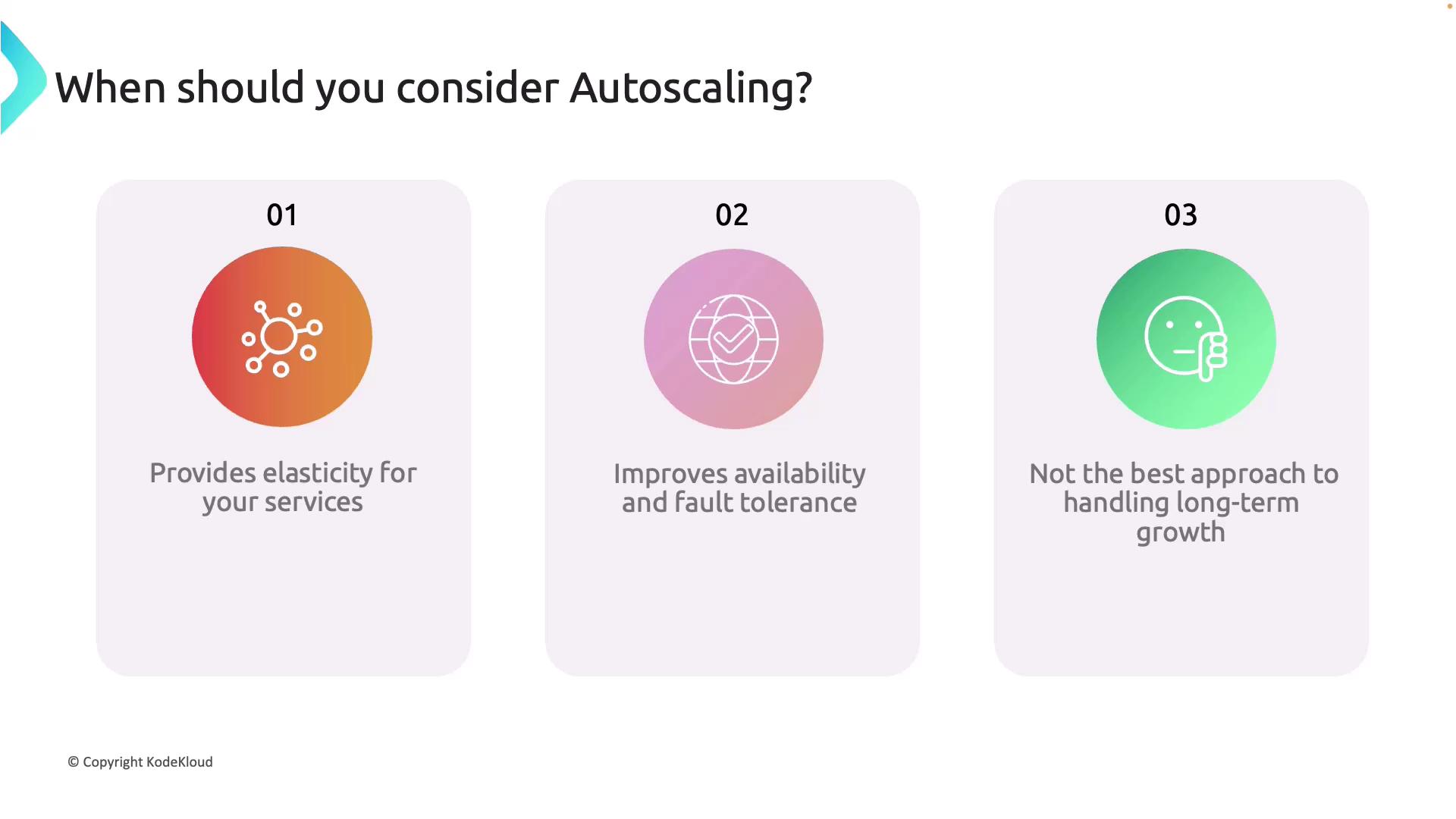
Autoscaling is especially advantageous in scenarios where your application’s traffic fluctuates significantly. Key benefits include:- Elasticity: Dynamic resource adjustment based on real-time demand allows your application to effectively manage sudden traffic spikes while scaling back during low usage periods, striking a balance between performance and cost efficiency.
- Improved Availability and Fault Tolerance: Adding extra instances during high-demand periods enhances availability. Additionally, this approach provides fault tolerance, as backup instances can seamlessly take over if one fails.
Relying exclusively on autoscaling for sustained long-term growth may not be sufficient. Evaluate and implement additional infrastructure improvements to ensure stability as your application scales continuously.