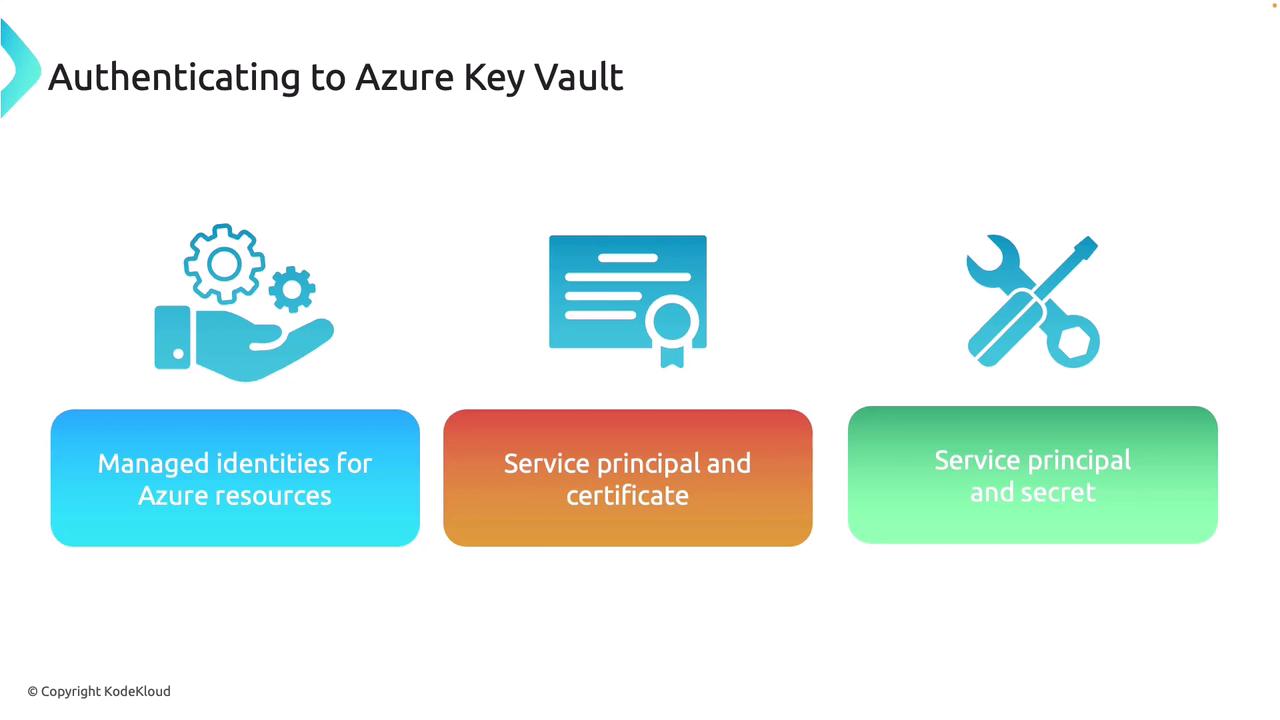
Managed Identities for Azure Resources
The most secure and recommended option for Azure Key Vault authentication is using managed identities. When deploying your application on an Azure service (such as a virtual machine) that supports managed identities, Azure handles the authentication automatically. This approach eliminates the need for storing secrets or credentials in your code, substantially enhancing security. Managed identities are not limited to Key Vault; they are also compatible with other Azure services that support Microsoft Entra ID.Service Principal with Certificate or Secret
Another approach is using a service principal. Creating an app registration in Azure Active Directory offers two credential options: certificate or secret.- Service Principal with Certificate: Create and register a service principal, then generate a certificate for your application to authenticate with Azure Key Vault.
- Service Principal with Secret: Traditionally, a secret is stored in the application for authentication. While this method is common, it is generally less secure compared to managed identities due to the challenges of securely managing secrets in your code.
Authenticating with Code Libraries and APIs
Azure offers SDKs for various programming languages, including .NET, Python, Java, and JavaScript, so you can securely connect to Azure Key Vault using the language of your choice. This flexibility ensures compatibility regardless of your development platform. For frameworks not covered by these SDKs, the REST API is also available. You can, for example, send a PUT request to the keys endpoint with the required API version and access token to perform operations such as creating or retrieving keys.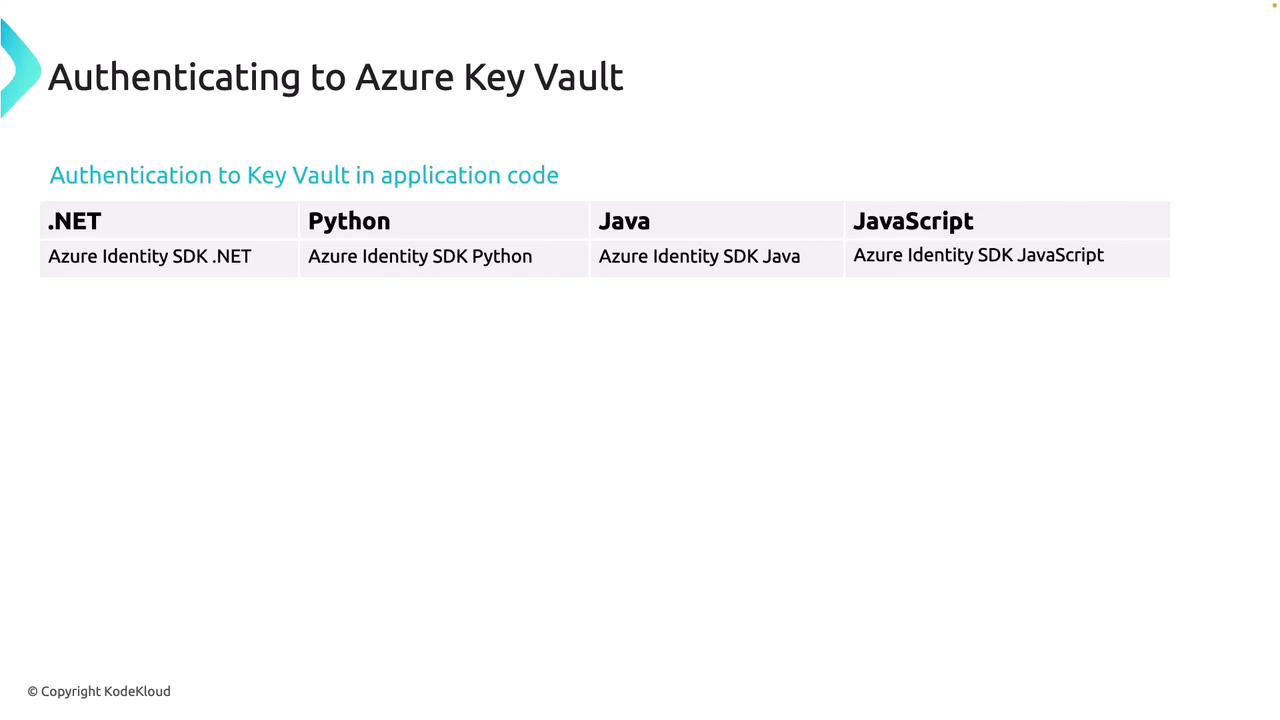
Authenticating from an Azure Function
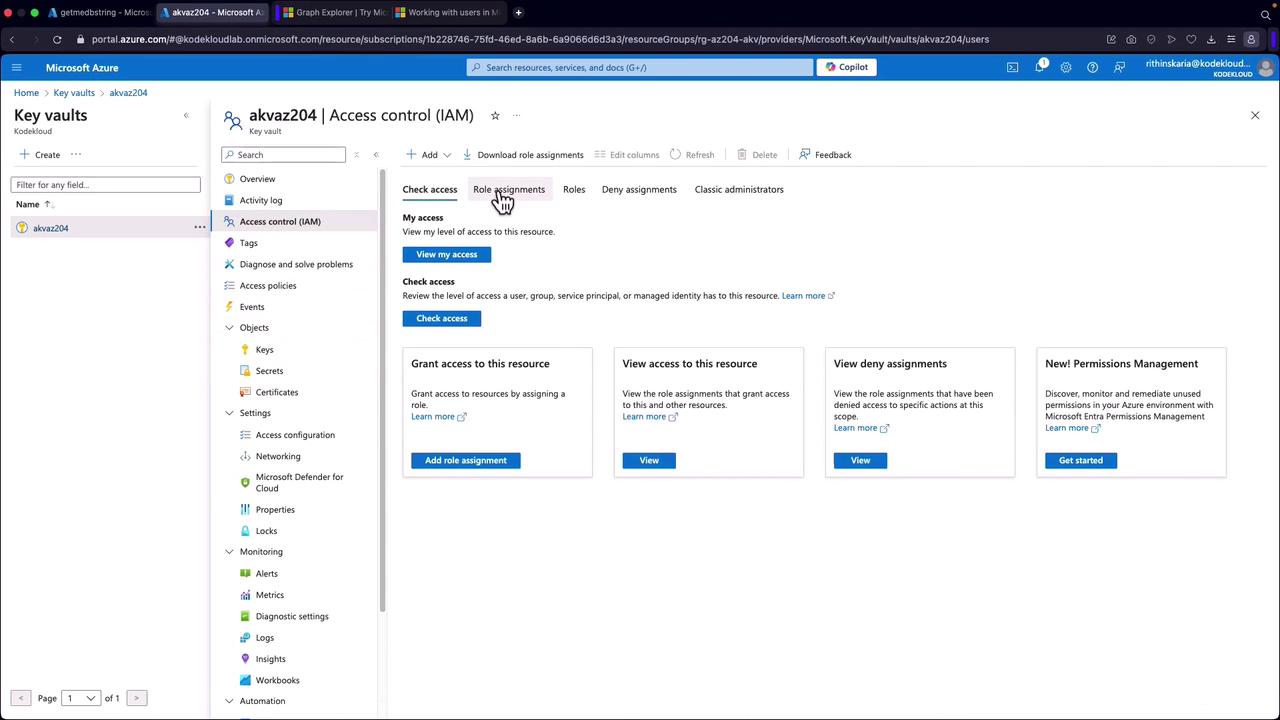
This section demonstrates how to authenticate to Azure Key Vault from an Azure Function using a service principal with a secret. While using secrets in applications is not best practice, this approach is useful for comparison until transitioning to managed identities. Before you begin, ensure an app registration is created and the corresponding secret is generated. Additionally, verify that your service principal has the necessary permissions (e.g., the “secret user” role) in the Key Vault.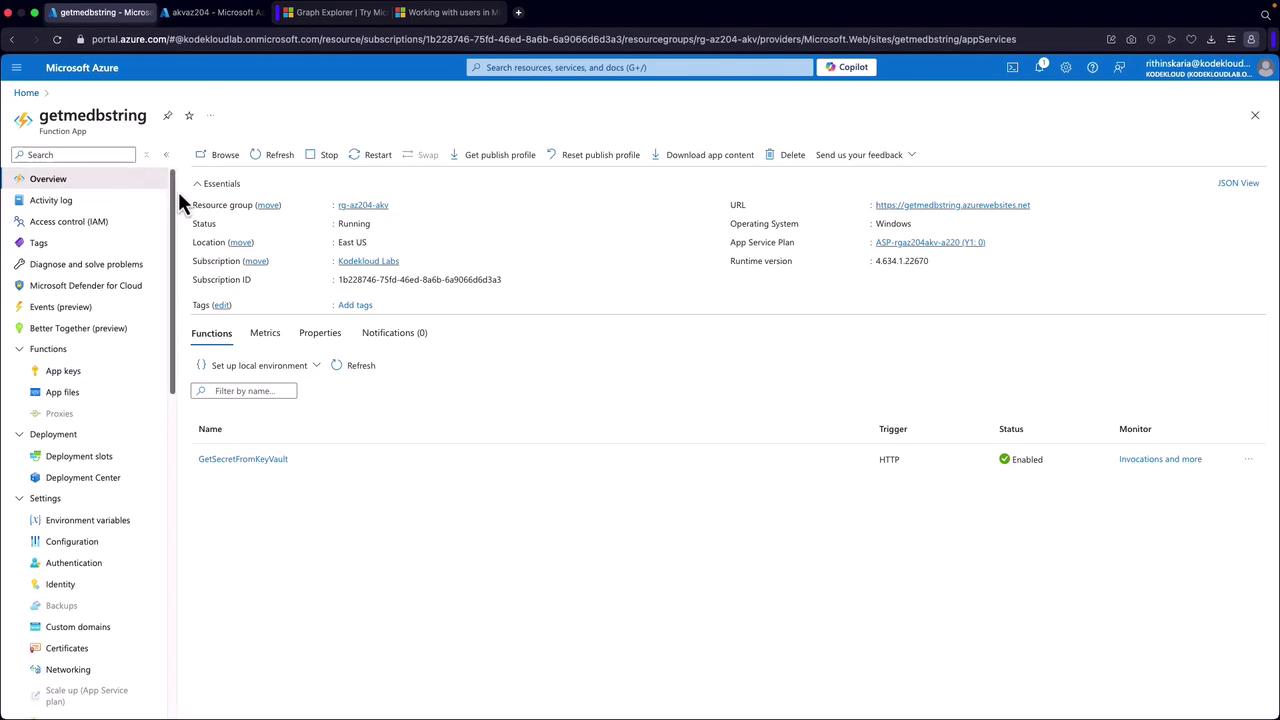
- Reads configuration values from environment variables.
- Validates the presence of all necessary variables.
- Creates a client secret credential and a Key Vault client.
- Retrieves the secret using the
GetSecretAsyncmethod. - Returns the secret value on success or logs an error and returns an HTTP 500 error if something goes wrong.
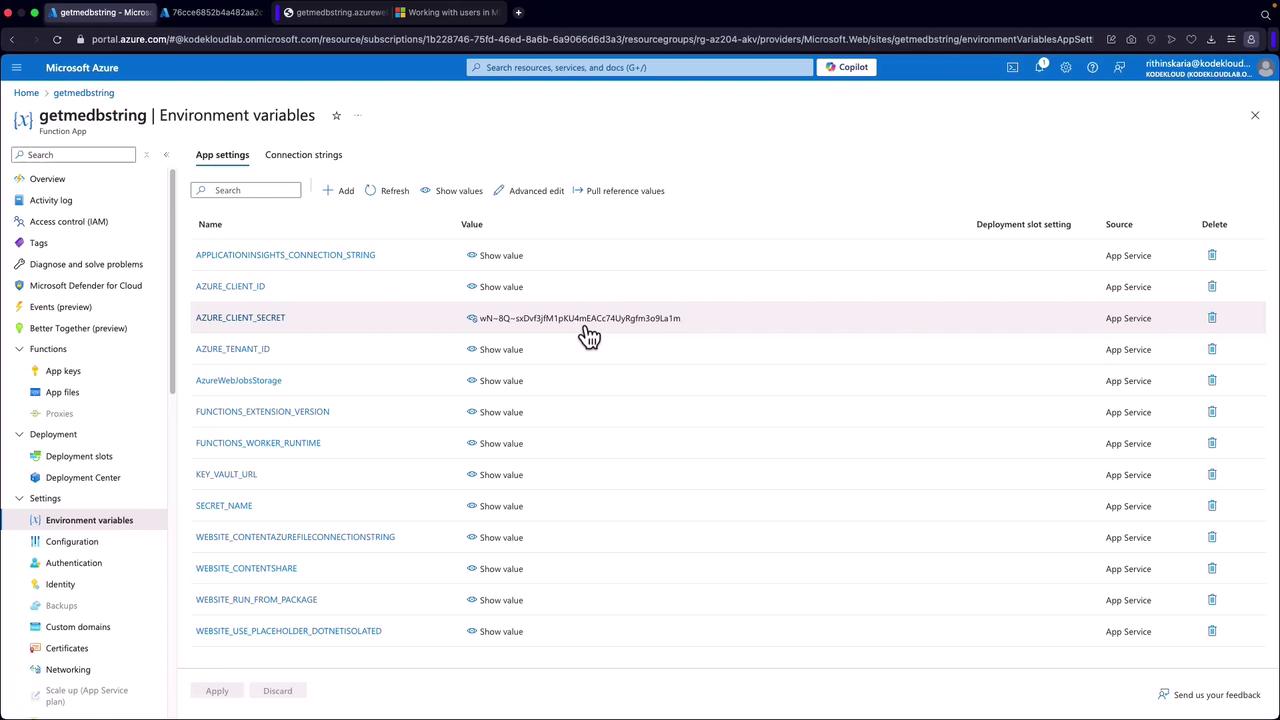
Storing sensitive configuration details, such as client secrets and tenant IDs, directly in environment variables is a common practice but not ideal for long-term security. Consider transitioning to managed identities for enhanced security and simplified credential management.