

Overview
Azure Cosmos DB provides three types of programmable components to embed custom logic into your operations:- Pre-Triggers: Executed before an item is created or updated. They are useful for validating or modifying data before it is stored.
- Post-Triggers: Executed after an item is created or updated. These triggers are commonly used for logging actions or updating associated documents.
- User-Defined Functions (UDFs): Invoked within SQL queries to perform custom calculations or logic.
Pre-Triggers
Pre-triggers run before creating or modifying items. They ensure that the incoming data adheres to validation rules or undergoes necessary modifications prior to storage. Consider the following example where the pre-trigger checks for a missing country code and assigns a default value:Ensure that your pre-trigger logic correctly handles all edge cases to prevent data inconsistencies.
Post-Triggers
Post-triggers execute after an item has been created or modified and are ideal for handling supplementary operations such as logging metadata or updating related documents. For example, after inserting a new airport record, you might use a post-trigger to log activity to a designated container.User-Defined Functions
UDFs extend the query capabilities within SQL queries by allowing you to embed custom logic. For instance, you can create a UDF to check if an airport belongs to a specific country. The diagram below summarizes key concepts for pre-triggers, post-triggers, and user-defined functions in Azure Cosmos DB: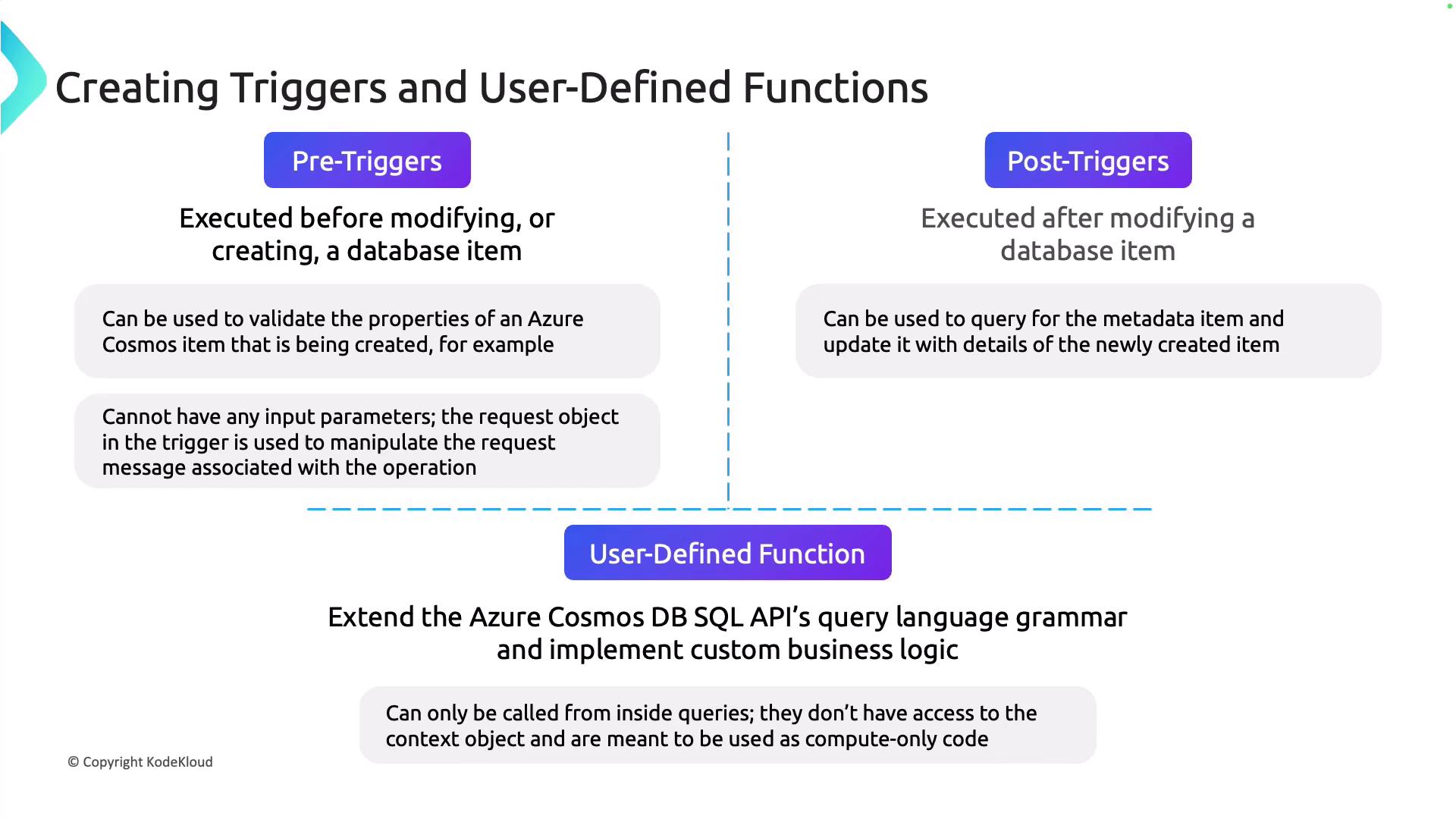
Creating Triggers and UDFs in the Azure Portal
Next, we explore creating these components via the Azure portal.Creating a Pre-Trigger
- Navigate to your Azure Cosmos DB account in the Azure portal and select the Triggers section.
- Click on the option to create a new trigger.
- Name your trigger (for example, “pre-trig01”) and designate it as a pre-trigger.
- Paste the pre-trigger code snippet into the trigger editor.
- Save the trigger. (You might see an error message that can safely be ignored.)
Verifying the Pre-Trigger Execution
After running your application (e.g., inserting an item with airport code “XYZ” but missing the country code), navigate to the Items section in the Azure portal. Use a filter (for example, where airport code equals “XYZ”) to inspect the document. You will notice that the country code is automatically set to “unidentified” by the pre-trigger. Here is an example document post pre-trigger execution: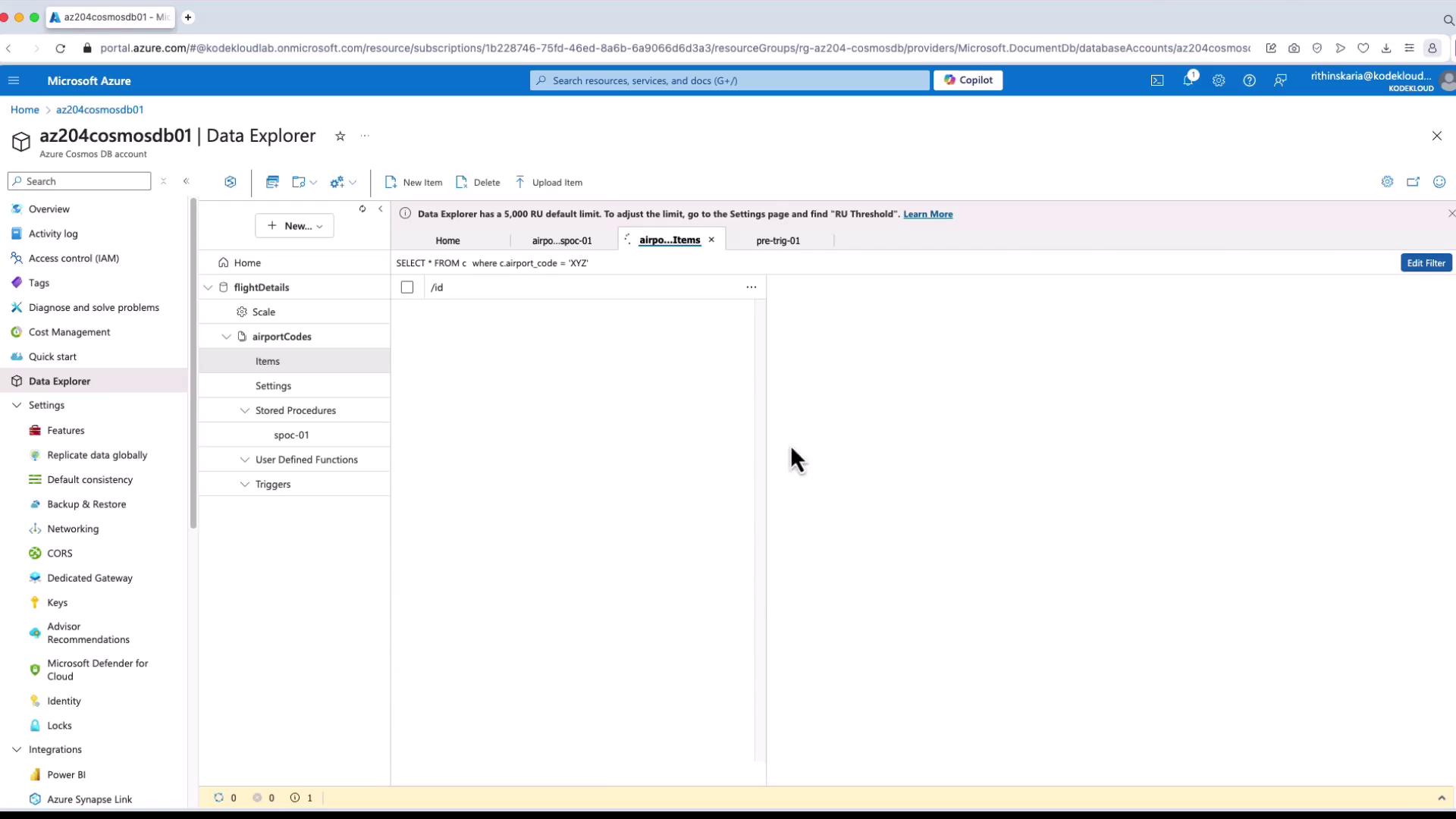
Creating Other Triggers and UDFs
You can create post-triggers similarly by selecting the “Post” option and defining the appropriate logic. When a post-trigger runs, you might see a document similar to this:Conclusion
In this article, we explored how pre-triggers, post-triggers, and user-defined functions (UDFs) can be implemented in Azure Cosmos DB using the Azure portal and sample code. These features empower you to enforce data validation rules, extend SQL query functionality, and manage custom operations before and after document modifications.For further optimization, consider exploring the change feed in Azure Cosmos DB to enhance your data processing strategies.