

Performance Metrics-Based Scaling
The primary consideration in auto-scaling is performance metrics. Azure App Service monitors crucial metrics such as CPU usage, memory consumption, and disk queue length. For instance, you may set up a rule to automatically add more instances when CPU usage consistently exceeds 75%.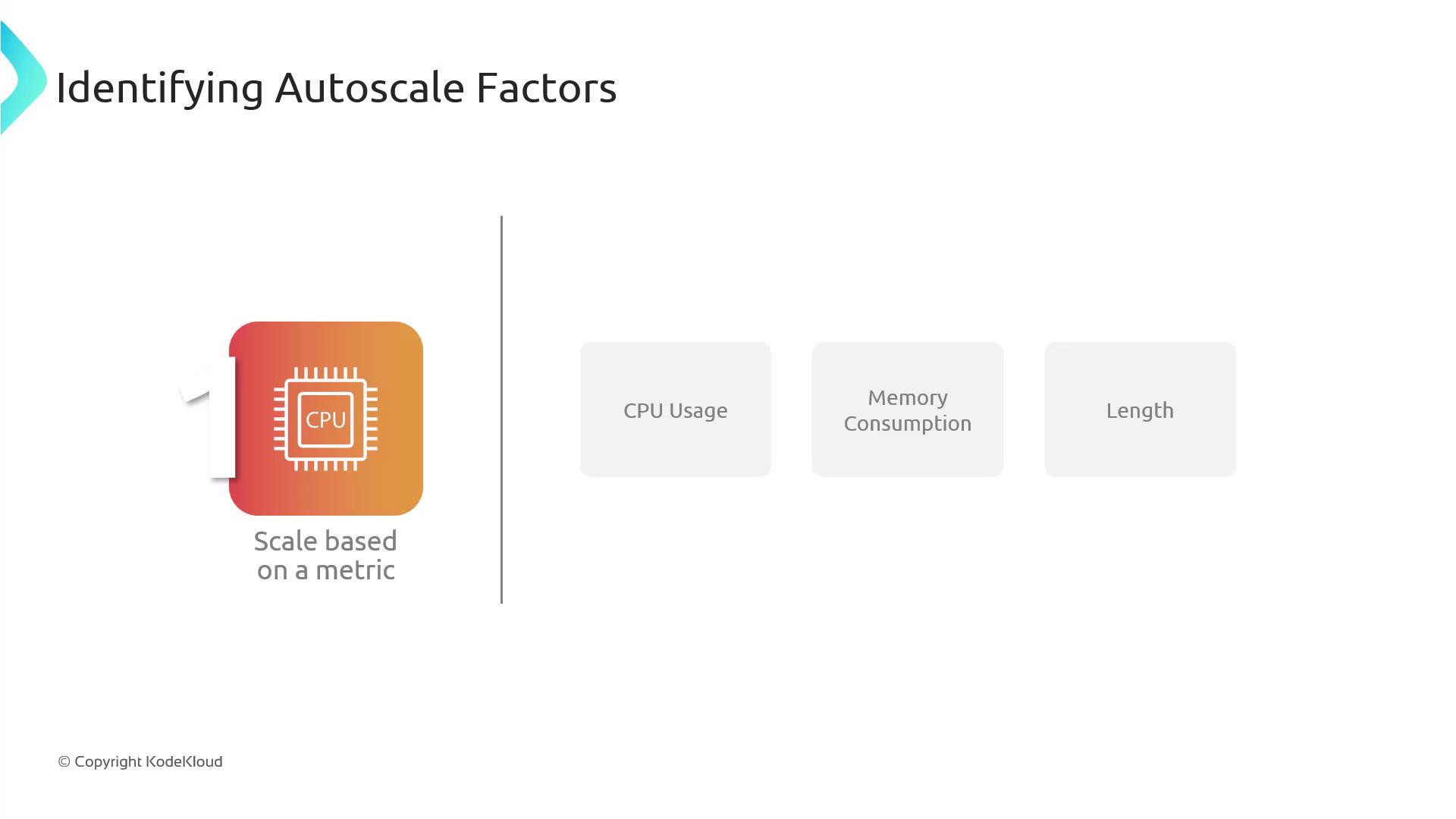
Schedule-Based Scaling
In addition to metrics-based rules, schedule-based scaling is a strategic method when you know in advance when peak traffic is likely. For example, if your e-commerce website experiences higher traffic on weekends, you can configure auto-scaling to preemptively add resources before the surge.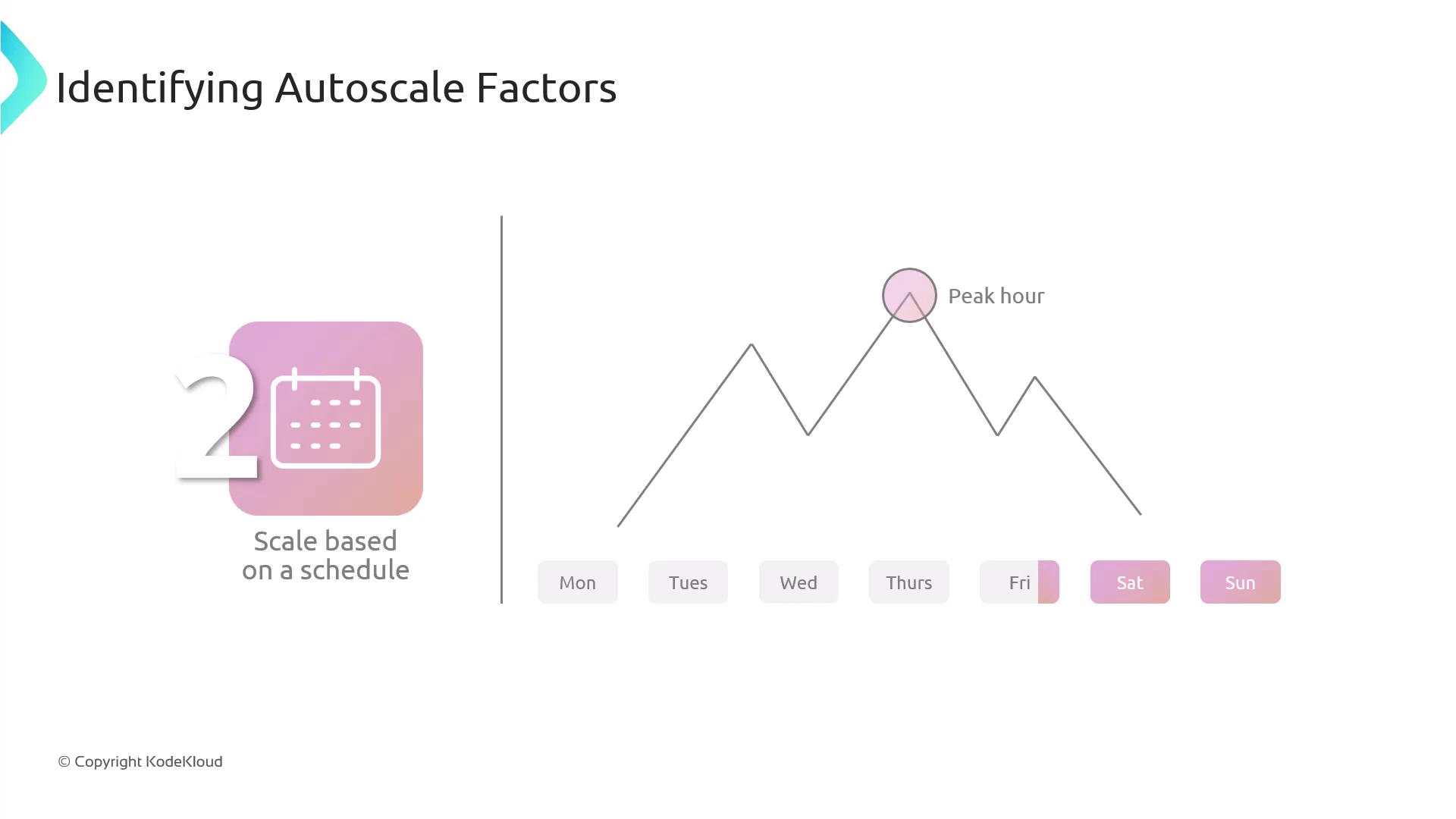
For optimal results, consider combining metrics-based and schedule-based scaling rules. This layered approach allows you to fine-tune your scaling strategy, ensuring maximum flexibility and control during varying demand levels.
Combining Strategies for Complex Auto-Scaling Scenarios
A robust auto-scaling strategy often involves layering multiple rules. By integrating both performance metrics and scheduling, you can handle complex scaling needs. For example, you might apply CPU usage rules during off-peak hours and switch to schedule-based triggers during known high-traffic periods.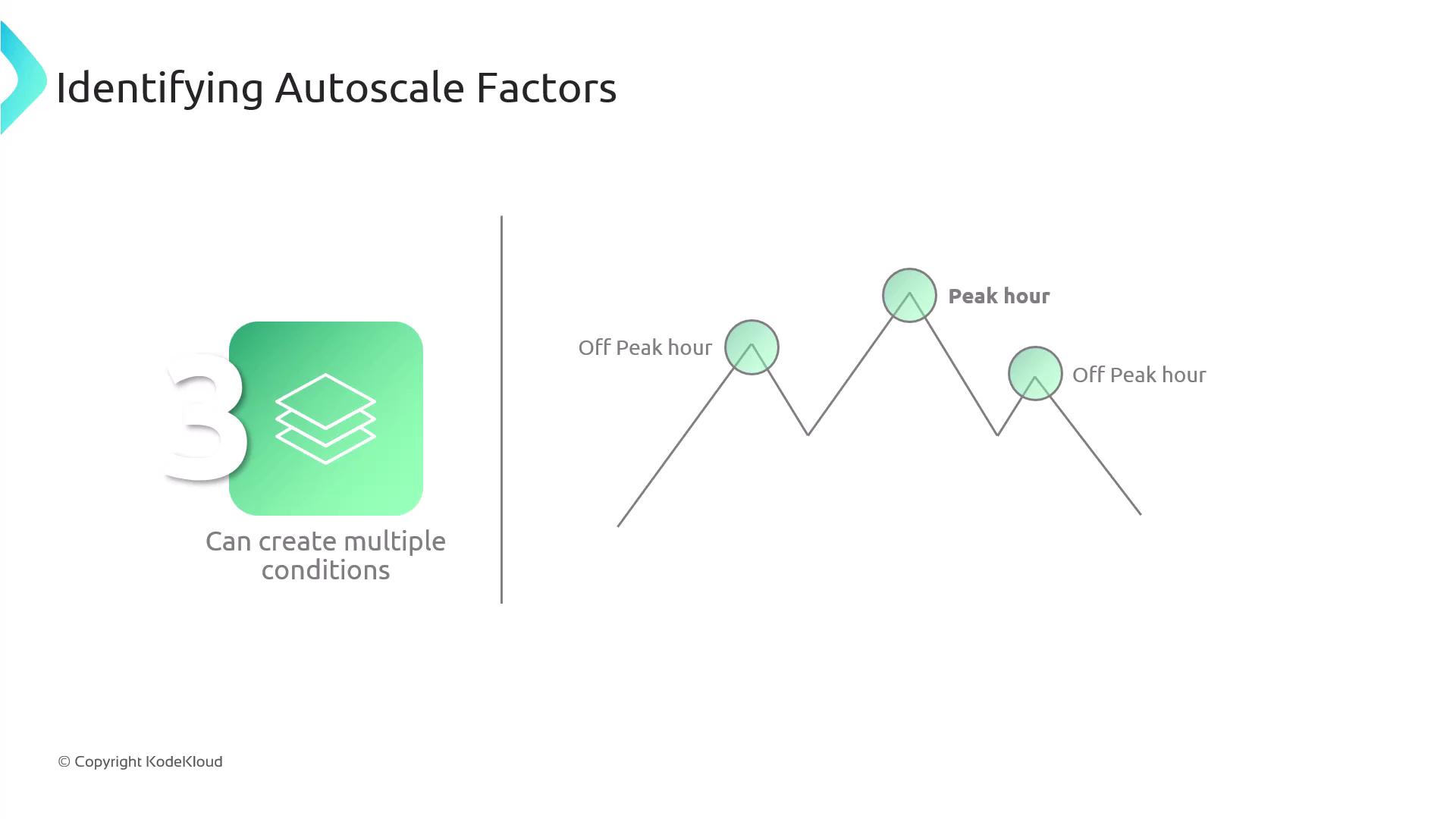
Auto-Scaling Metrics Overview
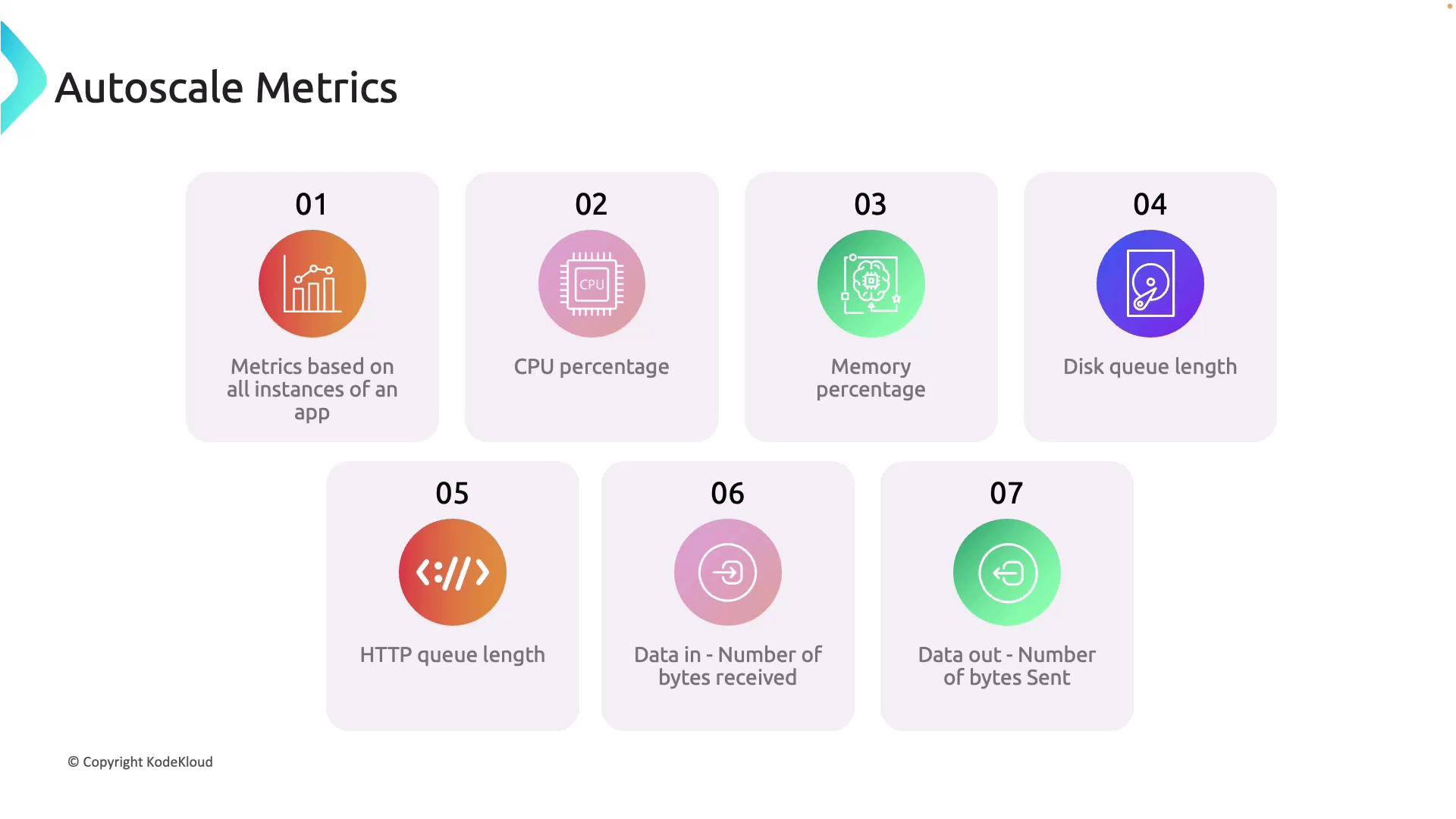
Azure App Service provides an extensive range of metrics that support effective auto-scaling across all application instances. Key metrics include:
These metrics enable you to fine-tune your auto-scaling configuration, ensuring that your service adjusts dynamically to real-world usage patterns.
Next Steps: Configuring Auto-Scaling in Azure App Service
With a clear understanding of the factors behind effective auto-scaling, the next step is to configure the scaling rules within your Azure App Service. These settings allow you to enforce the thresholds and schedules discussed above, ensuring that your application remains balanced between performance and cost. For more details on setting up these rules, refer to the Azure documentation and explore the configuration panels within your Azure portal.For deeper insights into auto-scaling and Azure App Service configurations, consider visiting the Azure Documentation and exploring related tutorials.