

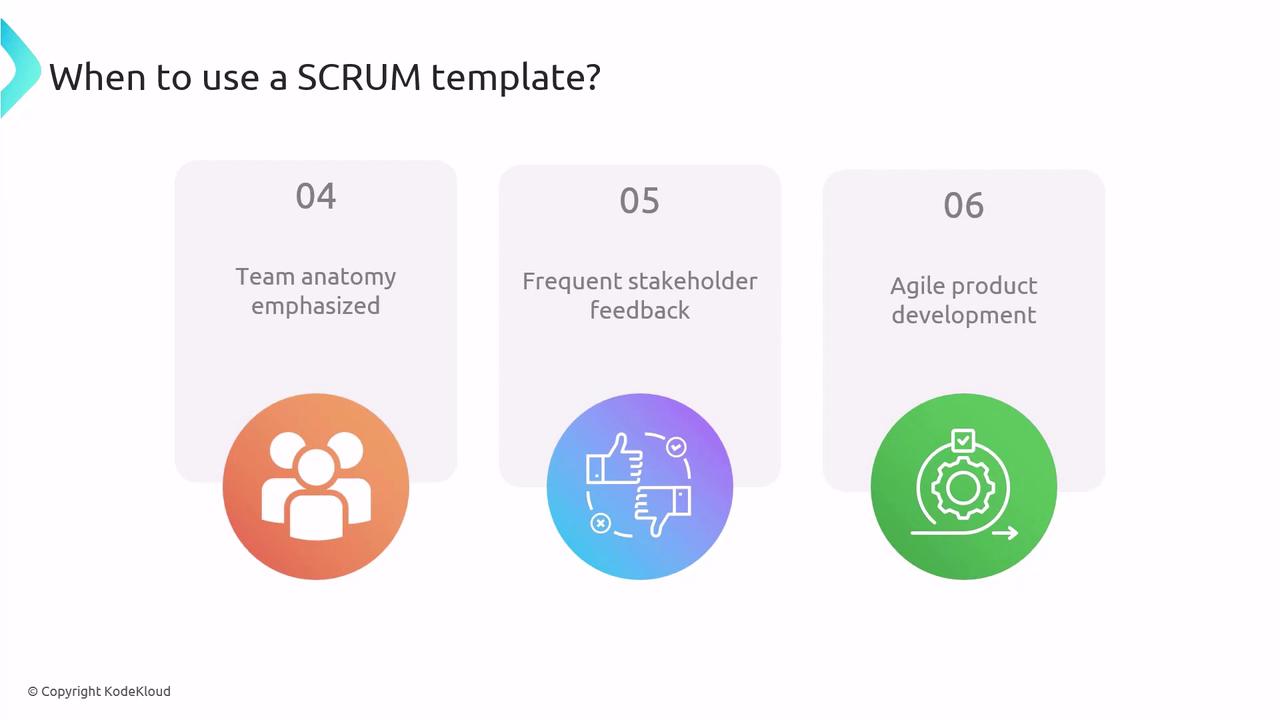
- You want to emphasize clear team roles and self-organization.
- You require frequent stakeholder feedback to guide development.
- You plan for rapid, iterative delivery aligned with agile product development.
Scrum Work-Item Hierarchy
Azure DevOps organizes Scrum work items into a clear hierarchy. This structure helps you map strategic goals to deliverable tasks and defects.Track PBIs and bugs on the Kanban board for visibility, then split them into Sprint tasks on the taskboard to manage day-to-day work and remaining effort.
Backlog-Item Lifecycle in Scrum
The lifecycle of a backlog item in Scrum—from creation through completion or removal—follows a set of well-defined states:
- New
- A PBI (feature, bug, or task) is created to capture stakeholder requirements.
- Approved
- The Product Owner validates alignment with goals and approves it for sprint planning.
- Committed
- The team pulls the approved item into the sprint backlog and commits to delivering it.
- Done
- The work meets the Definition of Done, passes all acceptance criteria, and is closed.
- Removed
- At any point, items can be removed if priorities shift or the work is no longer needed.