In this lesson, we explore proven deployment strategies, resilience patterns, and best practices for building robust Azure DevOps pipelines. You will learn how to roll out features safely, recover from failures, automate database and dependency deployments, and ensure high availability with advanced traffic management.
Table of Contents
Deployment Strategies Designing a Resiliency Strategy Database Deployment in Azure Orchestrating Dependency Deployments Zero-Downtime and Hotfix Plans Load Balancing & Traffic Management Implementing Feature Flags Application Deployment Approaches References
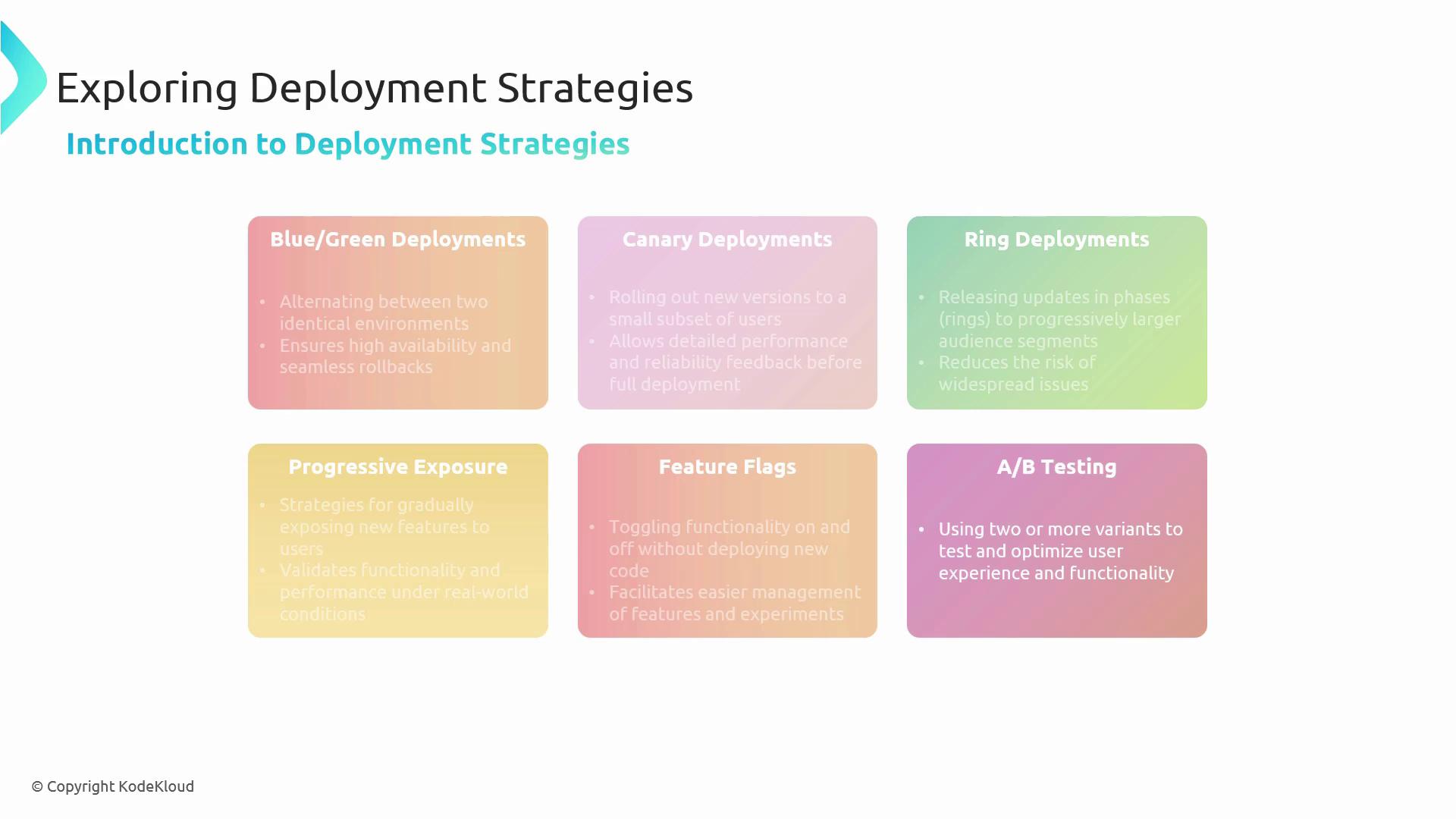
Deployment Strategies We start by comparing multiple release patterns to minimize risk and maximize feedback.
Blue/Green Deployments : Maintain two identical environments and switch traffic atomically to achieve instant rollbacks.Canary Deployments : Release to a small subset of users first, gather metrics, then proceed to full rollout.Ring Deployments : Gradually expand the audience by tiers—Test → Pilot → Production.Progressive Exposure : Validate new features under realistic load before opening to all users.Feature Flags : Toggle features on or off without redeploying code.A/B Testing : Serve different variants to optimize user experience and measure impact.
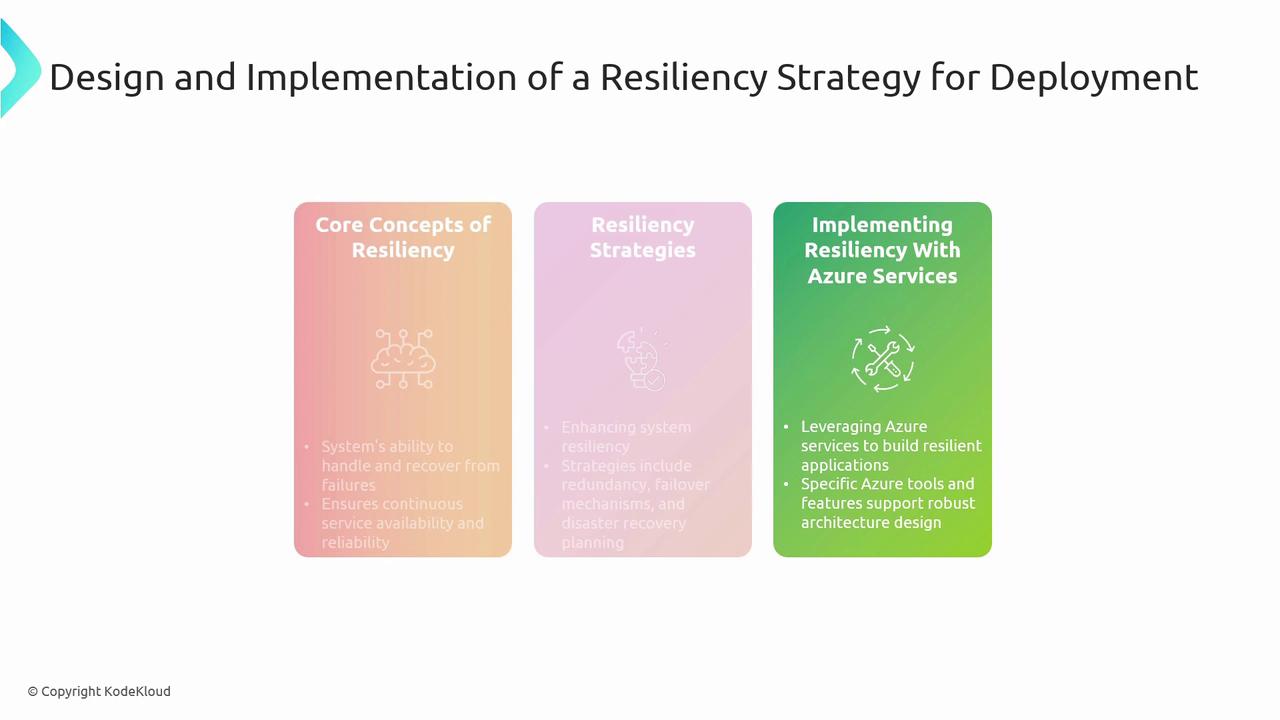
Designing a Resiliency Strategy Resilience ensures your application withstands failures and recovers gracefully. Key concepts include:
Fault Isolation : Contain failures using zones and region pairs.Redundancy & Failover : Duplicate critical components; switch traffic automatically on failure.Disaster Recovery : Plan for large-scale outages with backups and recovery drills.
Strategy Description Azure Service Redundancy Duplicate resources across zones/regions Availability Zones Automated Failover Instant switchover to standby environments Azure Site Recovery Disaster Recovery End-to-end planning for catastrophic events Azure Backup & Recovery Services
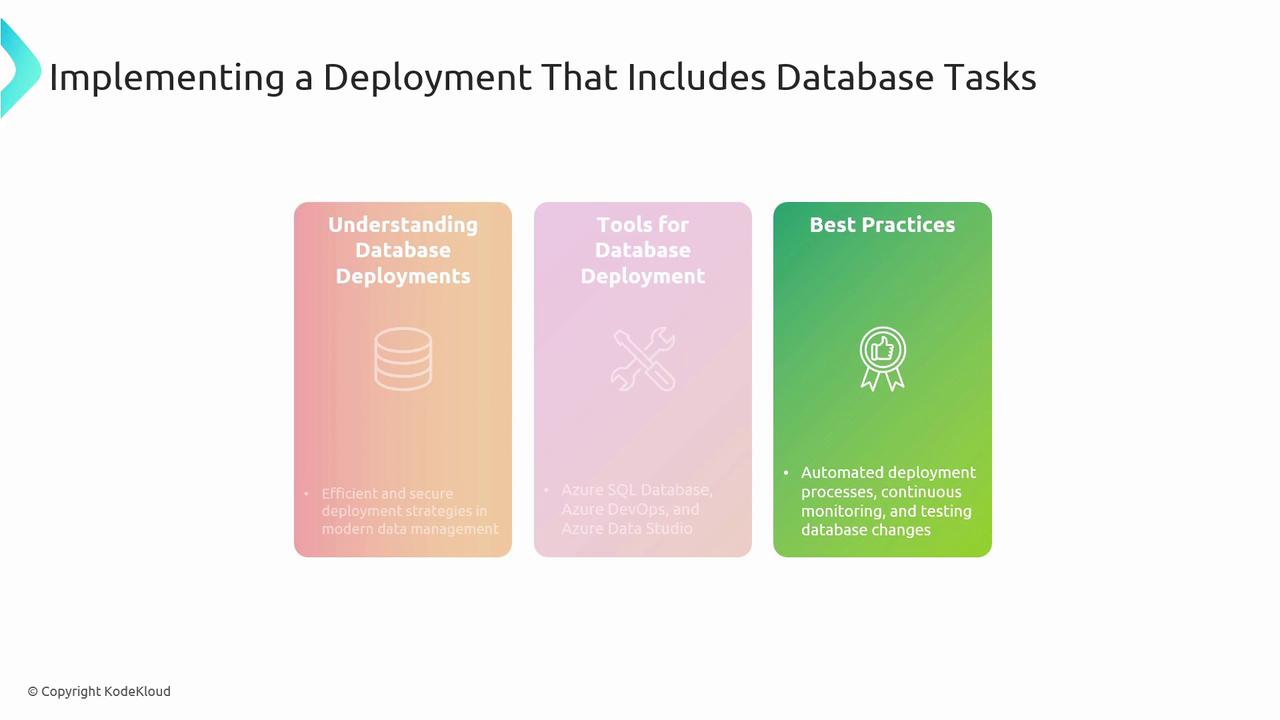
Database Deployment in Azure Automate your database changes alongside application code for consistent environments:
Understand Database Deployments : Schema management, versioning, and rollback strategies.Tooling :
Azure SQL Database
Azure DevOps Pipelines
Azure Data Studio
Best Practices :
Scripted deployments with idempotent migrations
Continuous integration and unit testing
Real-time monitoring and drift detection
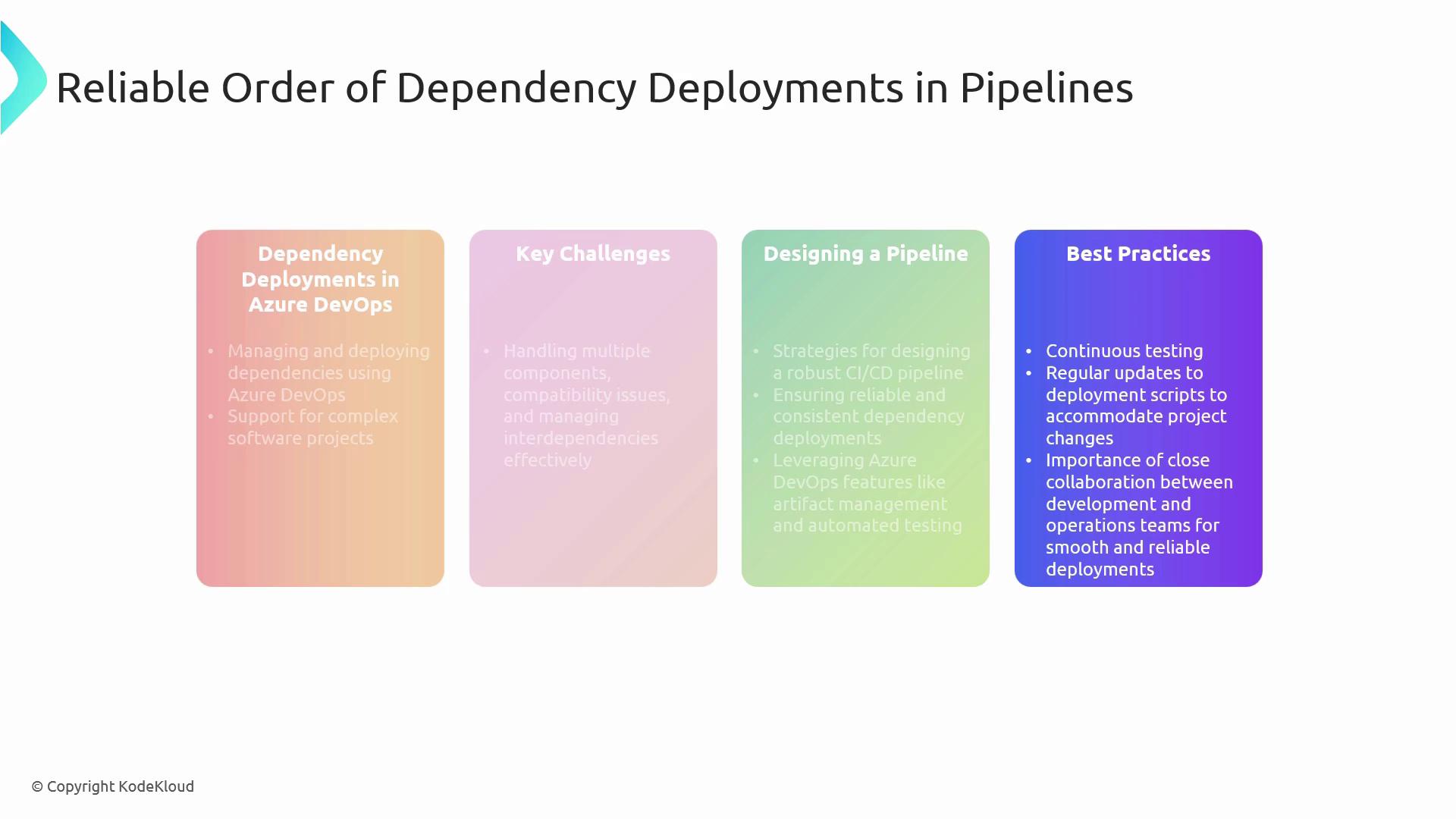
Orchestrating Dependency Deployments Complex solutions often consist of interdependent services. To manage them effectively:
Artifact Management : Use Azure Artifacts or a private feed for version control.Pipeline Design : Break pipelines into stages (build → test → deploy) with gated approvals.Continuous Testing : Embed automated integration and contract tests to verify compatibility.Collaboration : Maintain clear ownership for each component and document interfaces.
Keeping your deployment scripts idempotent and modular reduces errors when re-running failed stages.
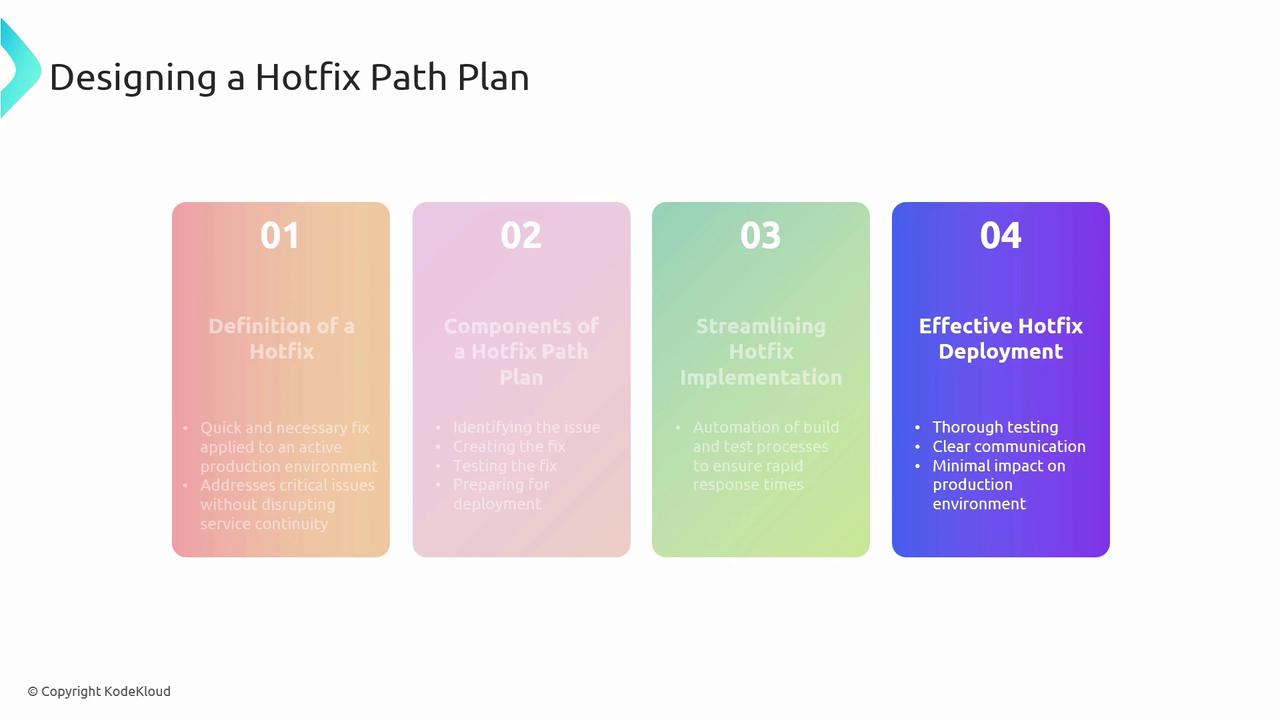
Zero-Downtime and Hotfix Plans Deployment Slots in Azure App Service let you swap versions with no downtime. For urgent fixes:
Define Hotfix Path : Identify issue, develop fix branch, and test thoroughly.Streamline Implementation : Leverage automated builds, smoke tests, and slot swaps.Effective Rollouts : Prepare rollback plans and validate post-deployment health.
Step Description Definition Clarify scope and impact of the hotfix Components Code changes, automated tests, release pipelines Streamlining Use CI/CD to validate before swap Deployment & Review Swap slots, monitor, and roll back if needed
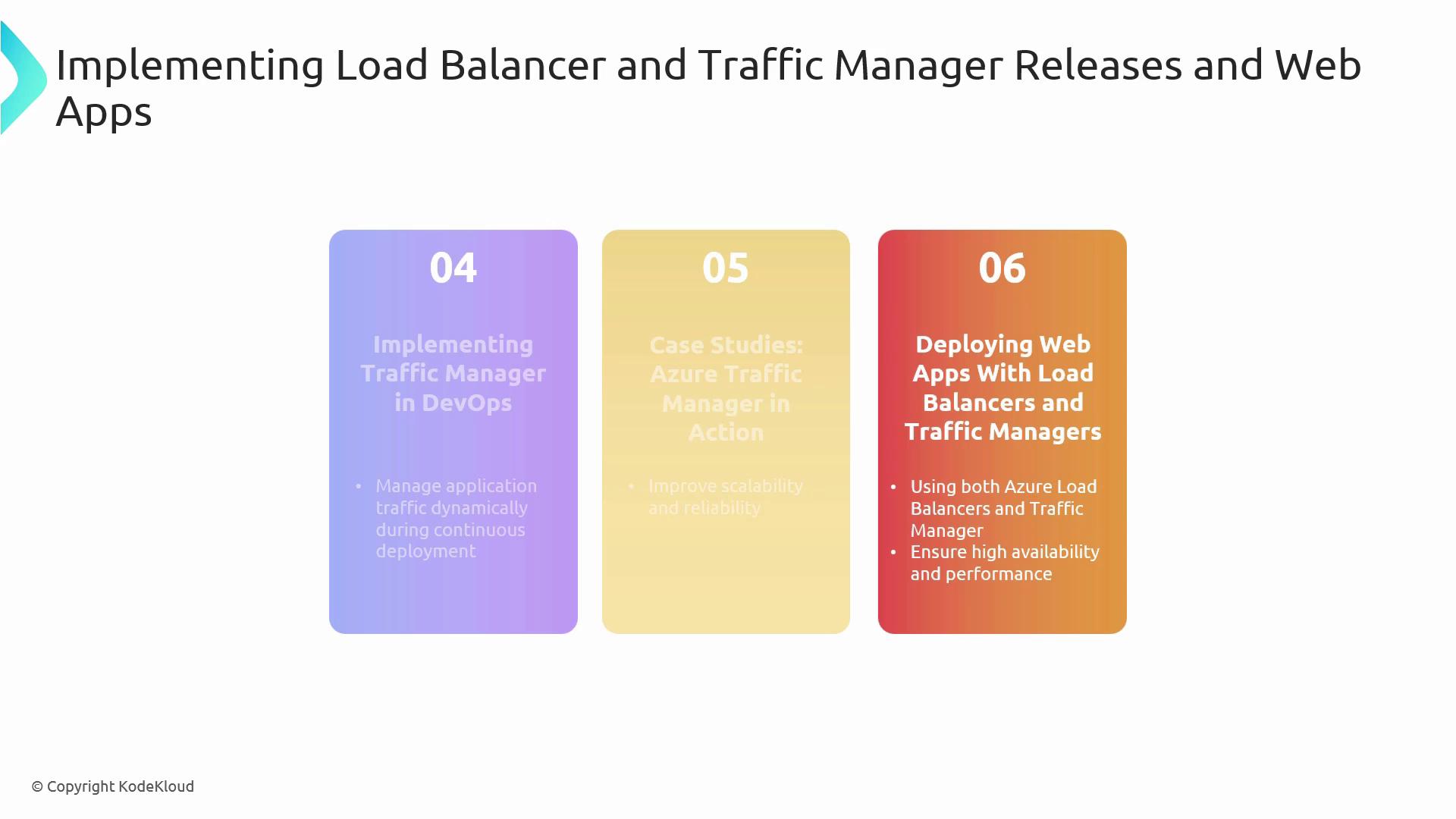
Load Balancing & Traffic Management Deliver scalable, geo-distributed applications:
Azure Load Balancer : Distributes traffic at OSI Layer 4 using health probes and load balancing rules.Azure Traffic Manager : DNS-based routing policies (Priority, Performance, Geographic) for global failover.Integration : Embed Traffic Manager and Load Balancer configurations into IaC templates and pipelines.
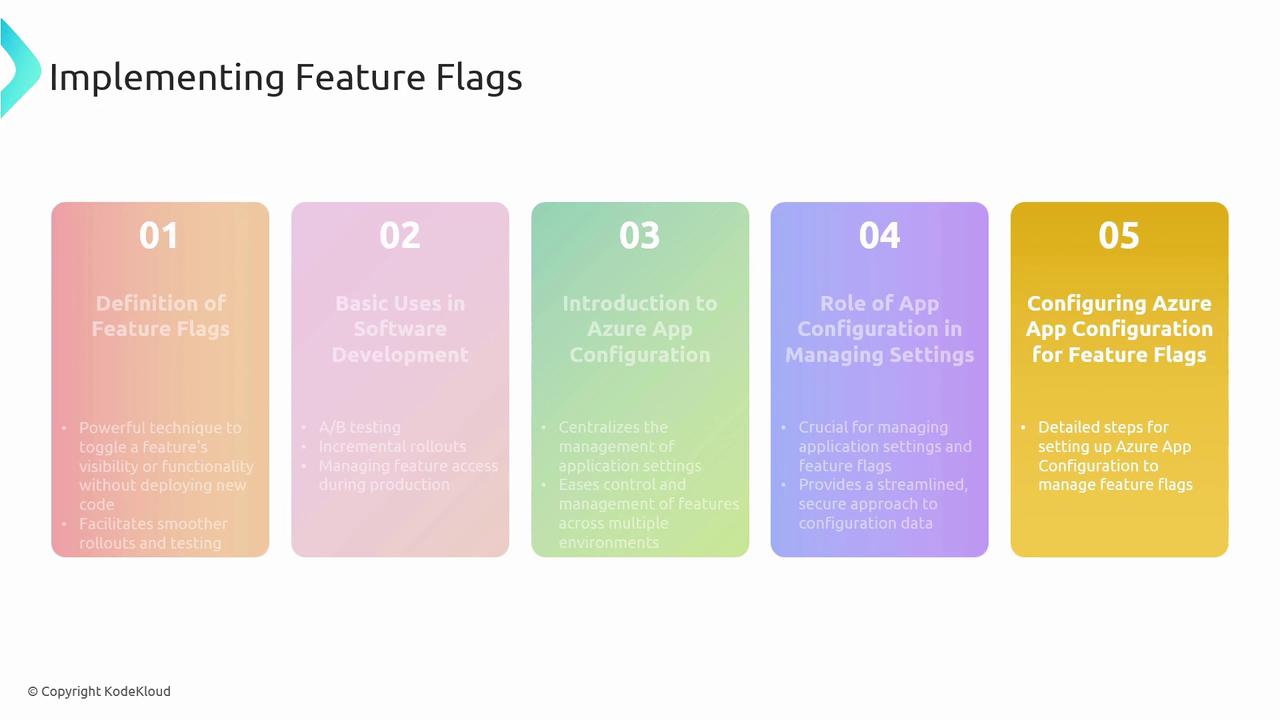
Implementing Feature Flags Feature flags unlock gradual rollouts and A/B experiments without redeployment:
Definition & Use Cases : Canary features, dark launches, release gating.Azure App Configuration : Centralize flag definitions, targets, and dynamic refresh.Secure Configuration : Manage connection strings and feature toggles per environment.
Avoid long-lived feature flags—clean up flags promptly to reduce technical debt.
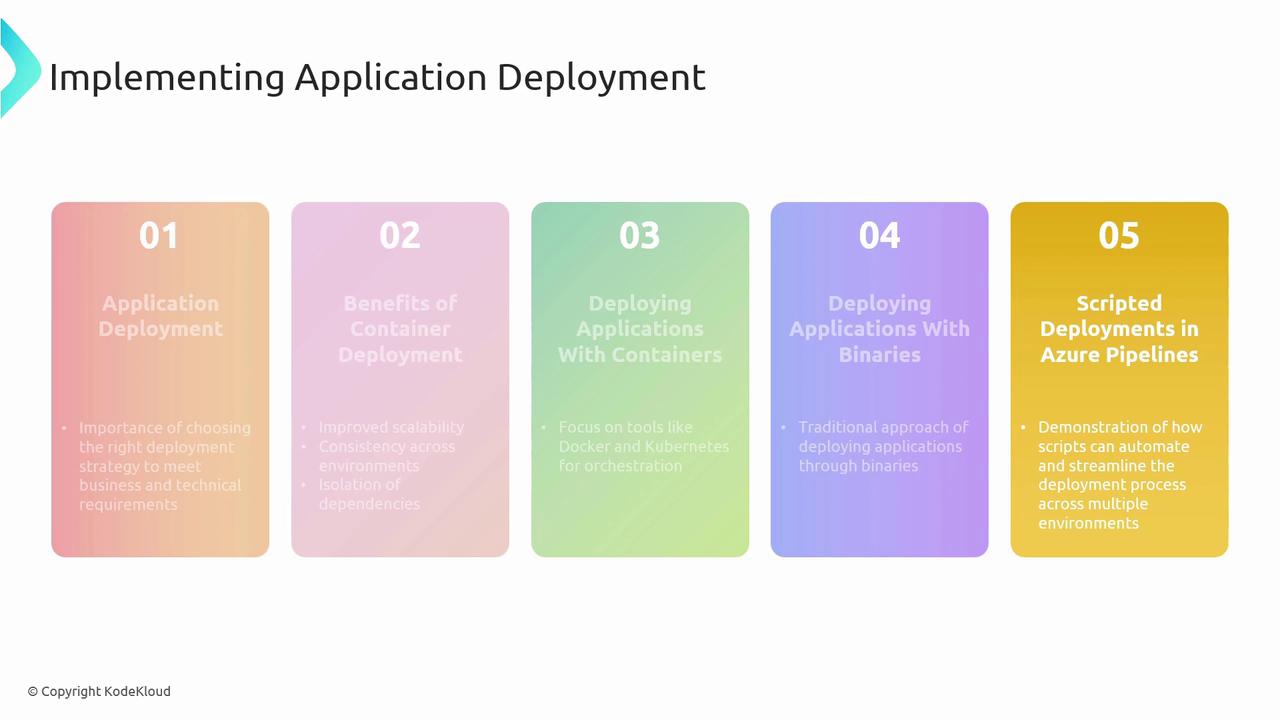
Application Deployment Approaches Compare and choose the right model for your workload:
Deployment Model Key Benefits Tools & Services Container-Based Consistency, portability, scalability Docker, Kubernetes, Azure Kubernetes Service Traditional Binaries Simplicity, minimal dependencies Azure Pipelines script tasks Scripted Deployments Custom workflows, fine-grained control PowerShell, Azure CLI, ARM/Bicep templates
Leverage Azure Pipelines to automate deployments across dev, test, and production, ensuring repeatability and traceability.
References Thank you for following this comprehensive lesson on Azure DevOps deployment strategies and resiliency!