

What Is Application Deployment in Azure?
Application deployment means packaging and configuring your code so it runs reliably in Azure. Core tasks include:- Managing dependencies
- Configuring environment settings
- Integrating with services like networking, databases, and monitoring
Deployment Workflow
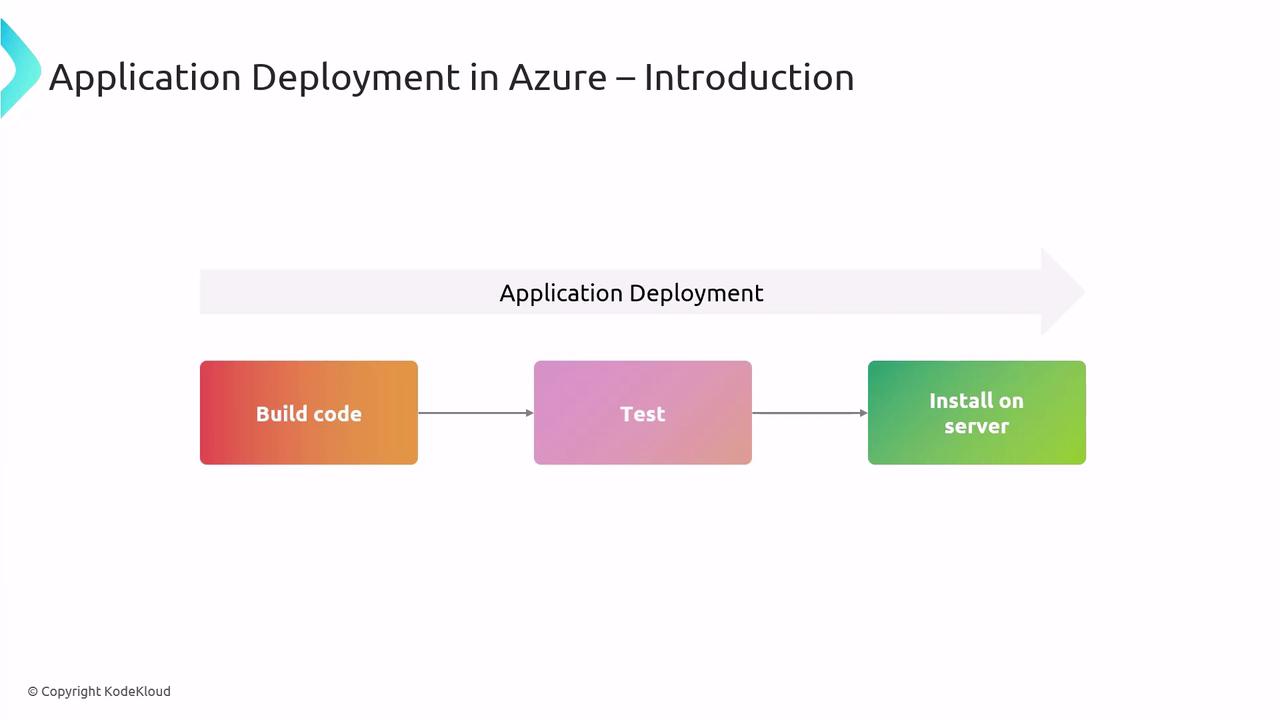
Every deployment pipeline typically follows three stages:- Build
Compile source code, bundle libraries, and generate artifacts. - Test
Execute automated tests to validate functionality and catch regressions. - Install
Deploy artifacts to your Azure environment (e.g., App Service, Kubernetes, VMs).
Deploying with Containers
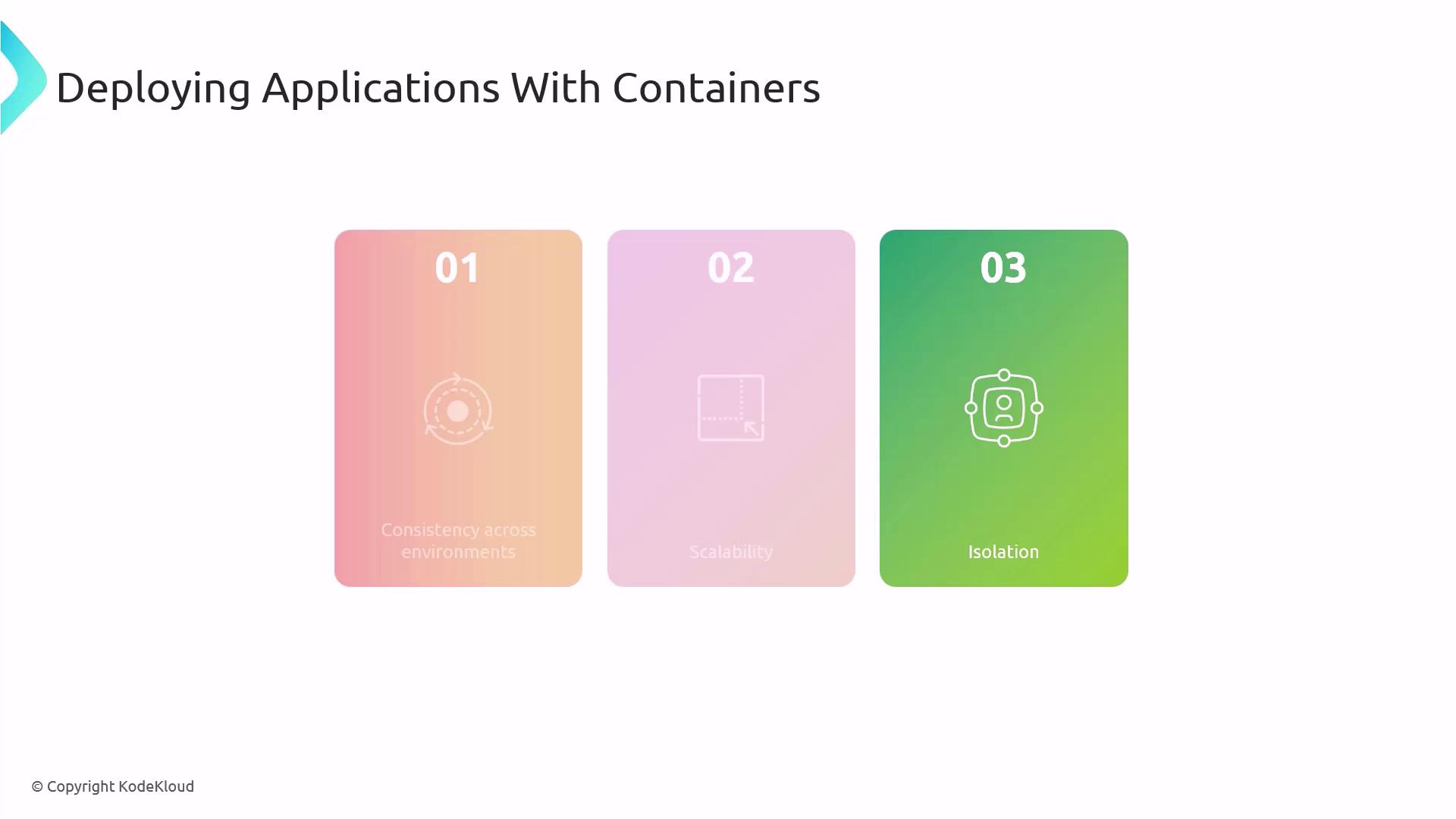
Containers package your application code, dependencies, and configuration into lightweight, portable units. This approach guarantees consistent behavior across every environment.Key Benefits
- Consistency Across Environments
Identical runtime from local dev to production. - Scalability
Spin up multiple container instances on demand. - Isolation
Processes run in separate namespaces, reducing conflicts.
Azure Container Services
Azure offers two main container hosting options:| Service | Description | Ideal Scenario |
|---|---|---|
| Azure Kubernetes Service (AKS) | Managed Kubernetes cluster for advanced orchestration | Production microservices with high availability |
| Azure Container Instances (ACI) | Serverless containers without VM management | On-demand tasks, dev/test environments |
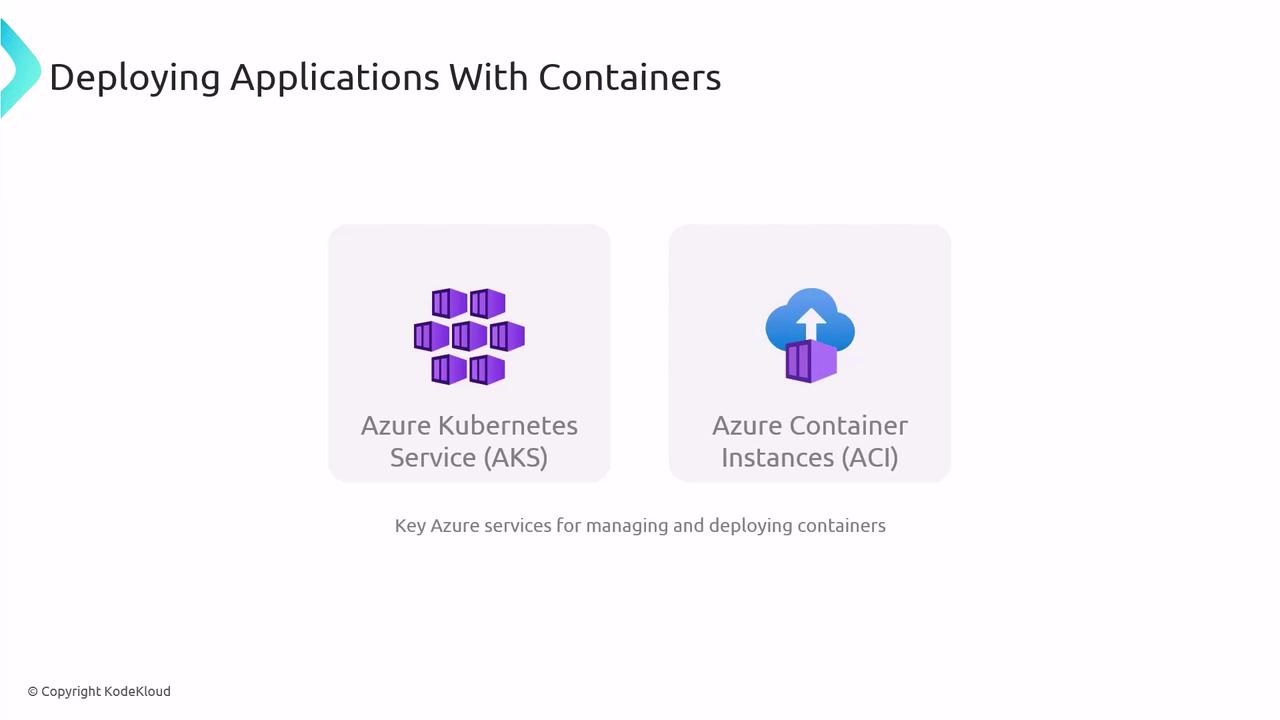
Use ACI for simple, burstable workloads and prototyping. Choose AKS for production-grade orchestration, autoscaling, and complex networking.
Azure Kubernetes Service (AKS)
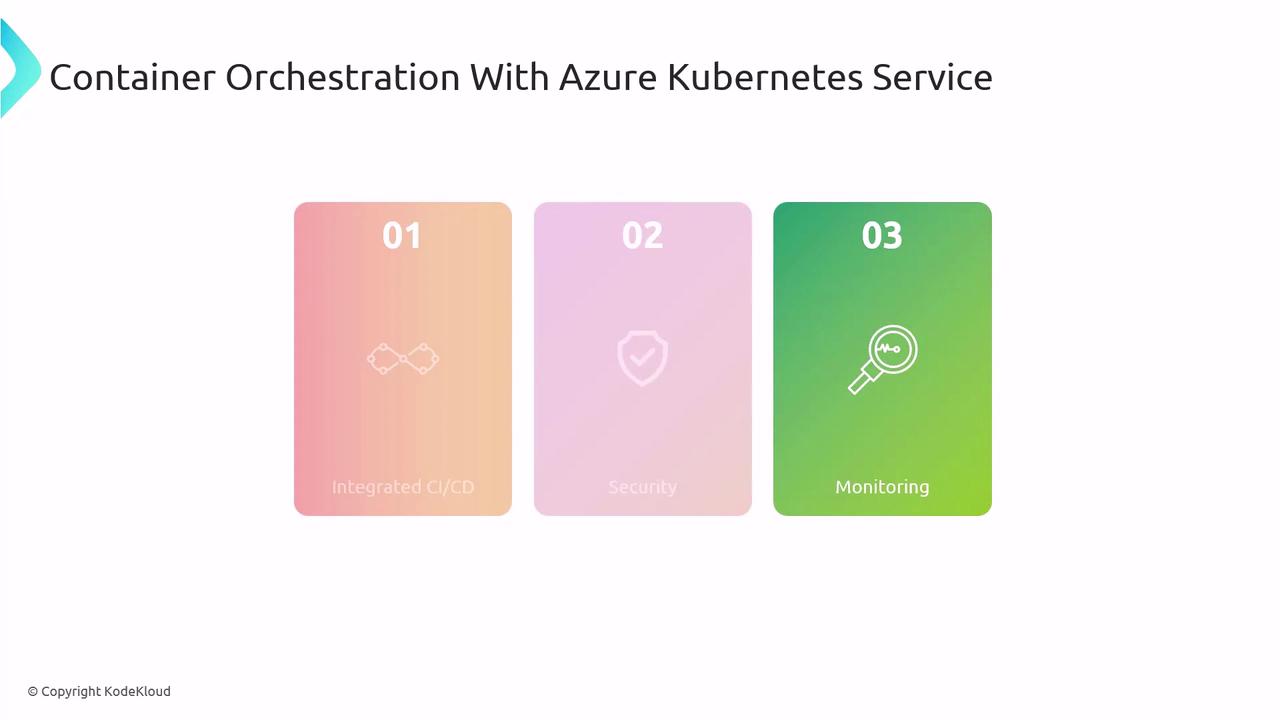
AKS simplifies Kubernetes deployment in Azure. Key features include:- Integrated CI/CD
Connect with Azure DevOps or GitHub Actions for automated pipelines. - Security
Leverage network policies, Azure Active Directory integration, and role-based access control. - Monitoring
Built-in support for Azure Monitor and Log Analytics.
Deploying with Binaries
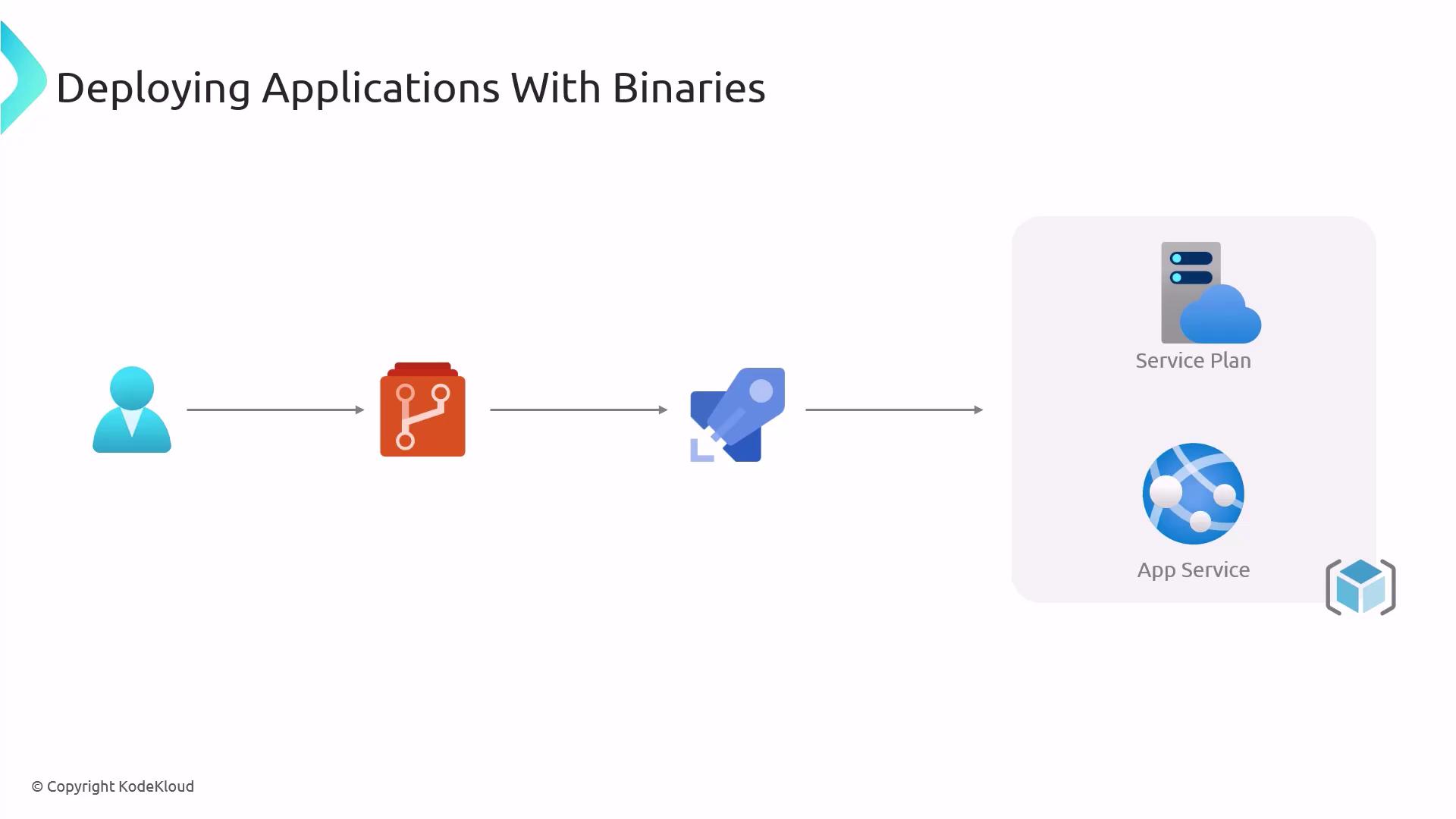
Binaries are compiled executables that run directly on the host OS. Azure App Service abstracts infrastructure so you can deploy these executables as a Platform-as-a-Service (PaaS).Typical Binary Deployment Flow
- Developer commits code to a Git repository.
- CI pipeline compiles source into binaries.
- Deployment pipeline pushes binaries to Azure App Service.
- App Service host runs the application.
App Service Deployment Methods
| Method | Description |
|---|---|
| FTP / Web Deploy | Upload binaries or web projects directly to the server. |
| Docker Container | Host container images on App Service for PaaS simplicity. |
For Linux-based executables, consider Docker deployment on App Service to leverage container isolation and portability.
Scripted Deployments
Automating Azure resource provisioning and application deployment with scripts guarantees repeatable, versioned environments.
Sample Azure CLI Deployment Script
Store your service principal credentials or managed identity settings securely. Avoid hardcoding secrets in scripts.
Links and References
- AZ-400: Designing and Implementing Microsoft DevOps Solutions
- Azure Kubernetes Service (AKS)
- Azure Container Instances (ACI)
- Azure App Service
- Azure DevOps Services
- Azure CLI Documentation
- Azure PowerShell Documentation