

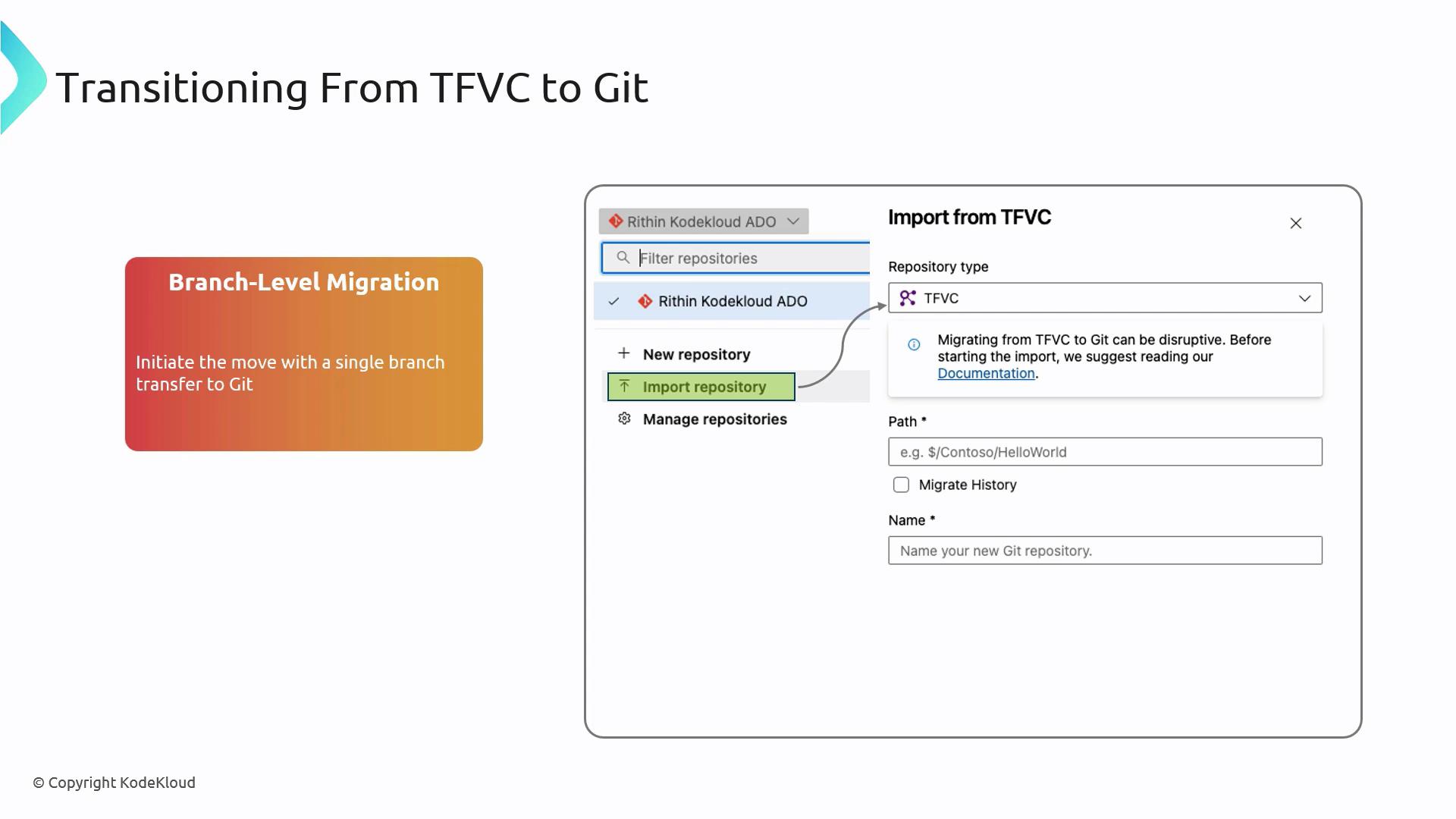
Branch-Level Migration
A phased, branch-level approach lets you validate each import before proceeding, minimizing risk:- Select a single TFVC branch to import.
- Use the Azure DevOps Git import feature or a tool like Git-TFS.
Start with a non-critical branch (e.g., development) to verify the process before importing protected or release branches.
Migration Scopes: Tip vs. Full History
Choose the right migration scope based on your needs:| Strategy | Description | When to Use |
|---|---|---|
| Tip Migration | Only the latest revision (“tip”) is moved to Git. | Rapid cutover with minimal setup |
| Full History Migration | Every TFVC changeset is converted into a Git commit, preserving complete history. | Full audit trail and compliance needs |
A full-history migration can take significantly longer and may require careful mapping of authors and commit dates. Plan for additional time and storage.
- Tip Migration: Keeps TFVC history archived on the original server for quick switch-over.
- Full History: Ensures end-to-end traceability by importing all historical changesets.
Benefits of Moving to Git
Adopting Git from TFVC delivers several improvements in workflow and performance:| Feature | TFVC Model | Git Model |
|---|---|---|
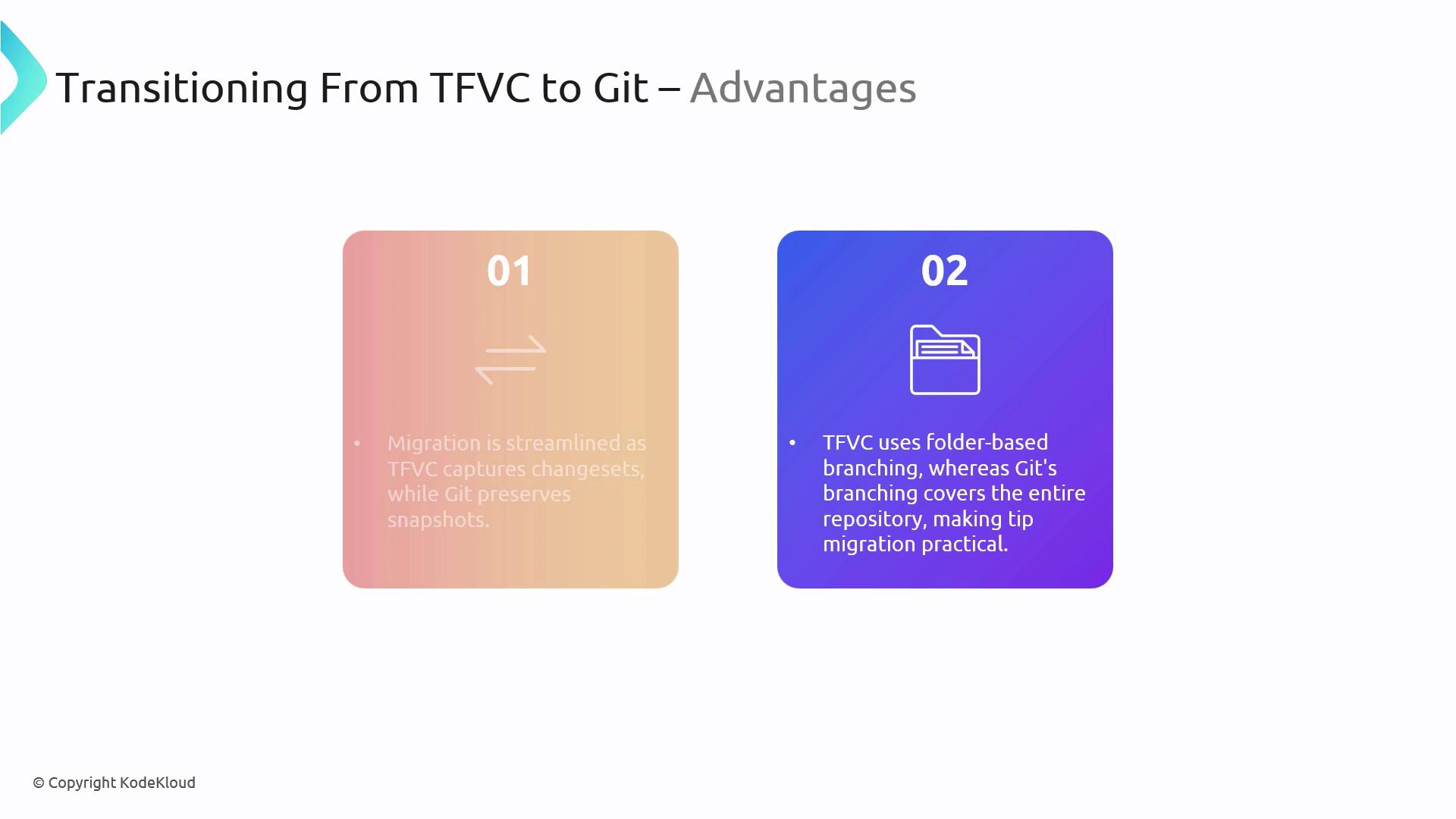
| History Tracking | Changesets stored centrally | Filesystem snapshots, enabling flexible diffs |
| Branching | Branches as folders | Lightweight pointers, quick create/delete |
| Collaboration | Centralized checkout/lock model | Distributed clones for offline work |
- Distributed Workflow: Team members can work independently and sync changes asynchronously.
- Rich Ecosystem: Leverage integrations with CI/CD pipelines, code review tools, and platform-agnostic hosting.