This article explores critical practices for securing, testing, and maintaining your software projects. We cover:
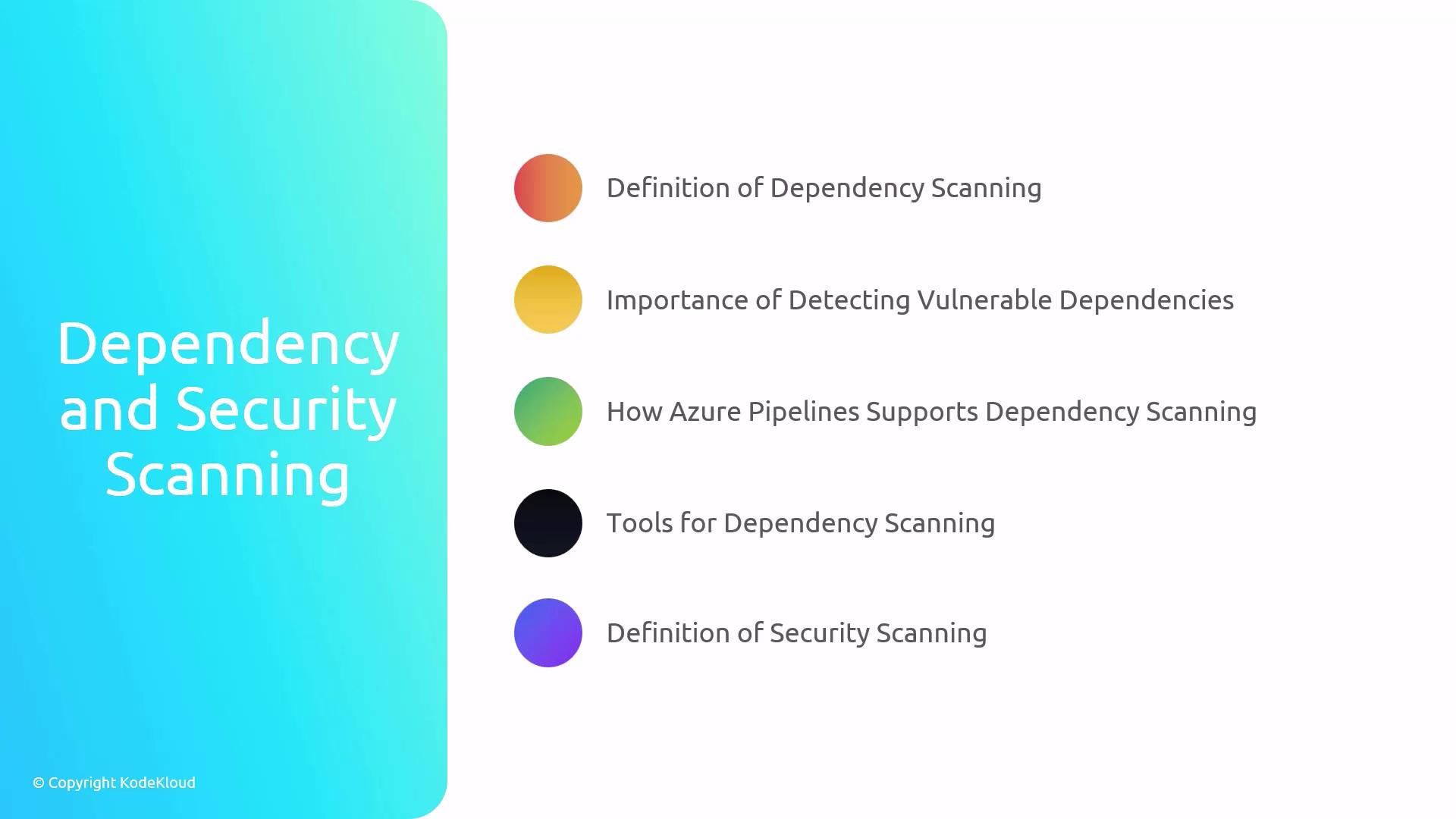
Dependency Scanning
Security Scanning
Continuous Integration (CI) & Continuous Deployment (CD)
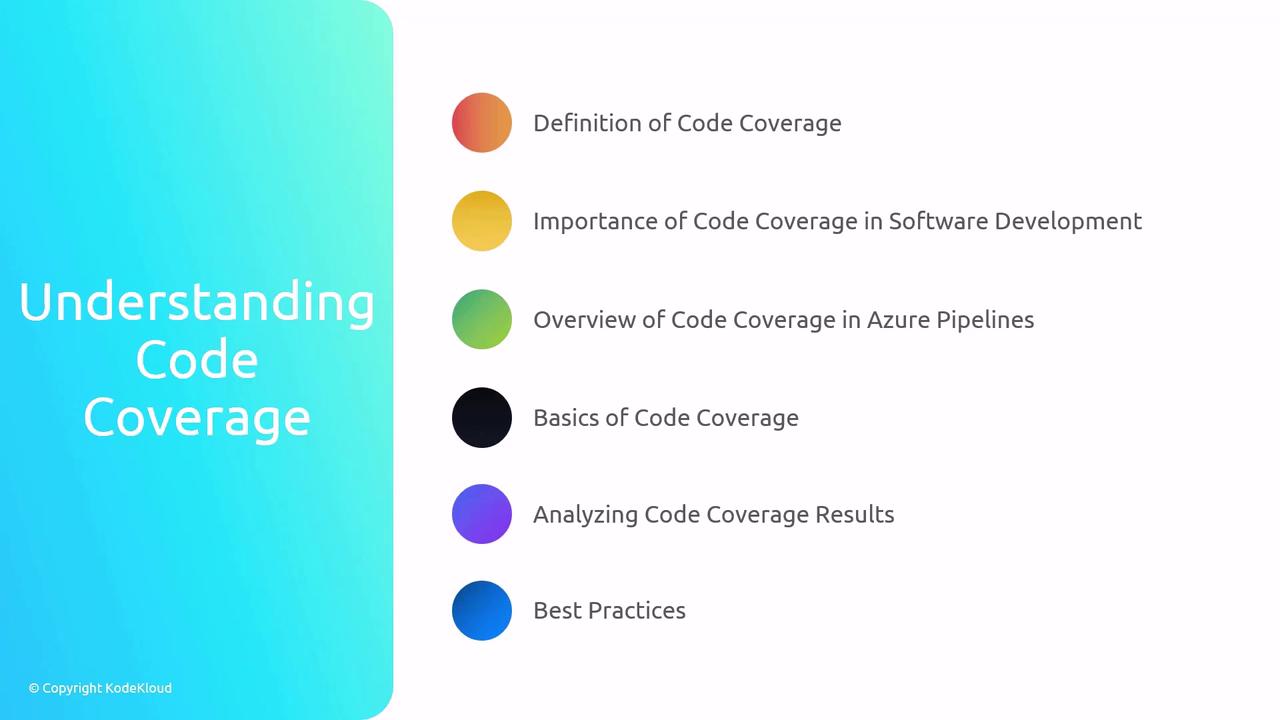
Code Coverage
Dependency and Security Scanning Dependency and security scanning are essential to catch vulnerabilities before they reach production. By integrating these scans into your CI/CD pipeline, you ensure a proactive defense against potential risks.
What Is Dependency Scanning? Dependency scanning identifies known vulnerabilities in your project’s libraries and packages.
Detect outdated or insecure dependencies
Automate scans in Azure Pipelines
Stop builds on critical findings
What Is Security Scanning? Security scanning reviews your source code and configuration for common security flaws.
Analyze code for injection, misconfigurations, and secrets
Integrate with pull requests for immediate feedback
Running scans early in your development cycle helps prevent remediation costs later in production.
Tool Scan Type Integration Example GitHub Dependabot Dependency Automatic PRs for outdated dependencies Snyk Dependency & Security snyk test --all-projectsOWASP ZAP Security docker run owasp/zap2docker-stable zap-baseline.pyTrivy Container & Files trivy filesystem --security-checks vuln,path .
Continuous Integration (CI) & Continuous Deployment (CD) Automated integration and deployment pipelines accelerate delivery while maintaining high quality.
CI/CD Definitions
Continuous Integration (CI): Automatically build and test code on each commit.Continuous Deployment (CD): Automatically deploy tested code to staging or production.
Testing Strategies in Pipelines Test Type Purpose Example Command Local Tests Fast feedback, no external dependencies npm test -- --watchUnit Tests Validate individual functions or classes pytest tests/unitIntegration Tests Validate interactions between components pytest tests/integrationLoad Tests Measure performance under high traffic k6 run load-test-script.js
In Azure Pipelines, you can define multiple stages:
stages : - stage : Build jobs : - job : Compile steps : - script : dotnet build - stage : Test dependsOn : Build jobs : - job : UnitTests steps : - script : dotnet test --logger trx - job : IntegrationTests steps : - script : dotnet test --filter Category=Integration - stage : Deploy dependsOn : Test jobs : - job : Release steps : - script : az webapp deploy --name myApp --resource-group myRG
Always fail the pipeline on test failures to prevent unverified code from progressing.
Code Coverage Code coverage measures how much of your source code is exercised by tests. It helps you identify untested areas and improves software quality.
Why Code Coverage Matters
Visibility: Shows untested code pathsQuality: Encourages writing meaningful testsMetrics: Helps track testing progress over time
Coverage Types Coverage Type Description Statement Percentage of executed statements Branch Coverage of all possible code branches (if/else) Path All possible execution paths (rarely used)
Integrating Coverage in Azure Pipelines - task : DotNetCoreCLI@2 displayName : 'Run tests with coverage' inputs : command : test projects : '**/*Tests/*.csproj' arguments : '--collect:"XPlat Code Coverage"' - task : PublishCodeCoverageResults@1 inputs : codeCoverageTool : Cobertura summaryFileLocation : '$(Agent.TempDirectory)/**/coverage.cobertura.xml'
Interpret coverage reports to guide your testing efforts:
Focus on critical modules with low coverage
Increase branch and path coverage for complex logic
Set realistic coverage targets (e.g., 80–90%)
Links and References