

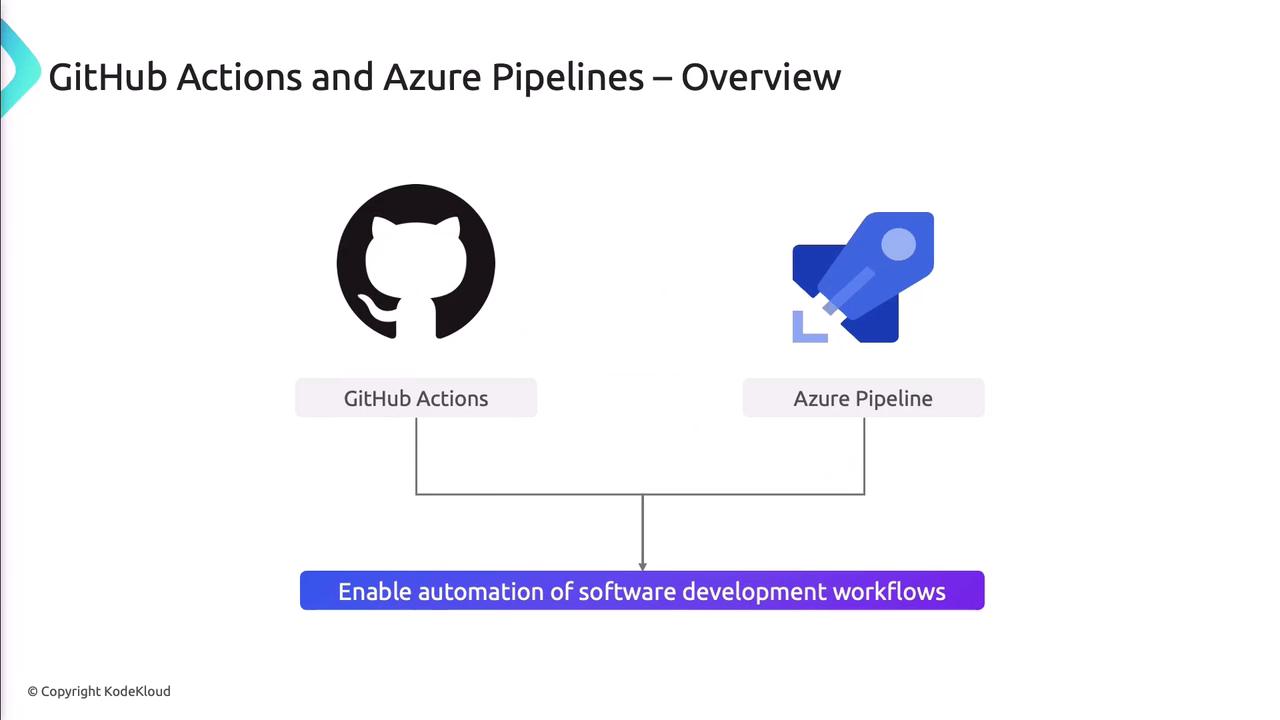
Secrets Management Comparison
| Feature | GitHub Actions | Azure Pipelines |
|---|---|---|
| Storage Location | Repository > Settings > Secrets | Pipeline Variables (Secret-enabled) |
| Syntax in Workflow | ${{ secrets.SECRET_NAME }} | $(VARIABLE_NAME) |
| Integration with Key Vault | Via Actions (e.g., azure/keyvault-secrets) | UseKeyVault@1 task |
| Secret Rotation | Manual/API | Manual/API or automated via Key Vault |
Managing Secrets in GitHub Actions
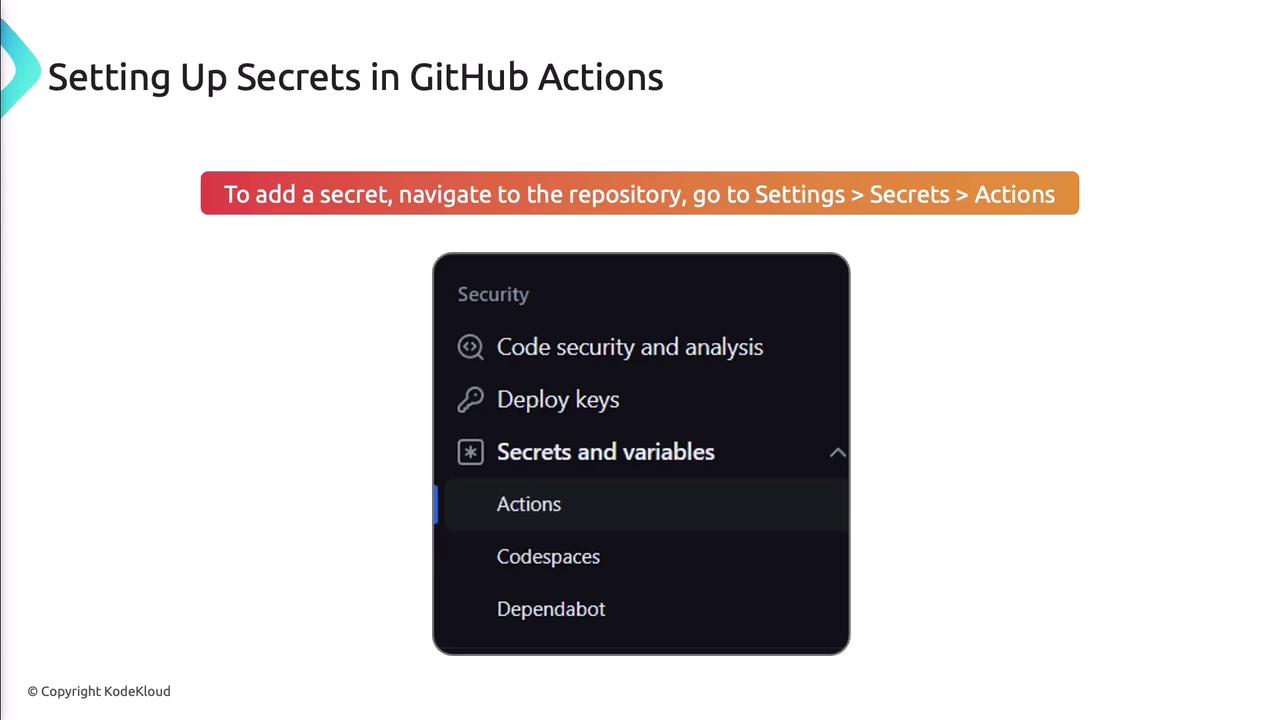
Store secrets in your repo settings:- Go to Settings > Secrets > Actions in your repository.
- Click New repository secret.
- Enter a descriptive name and the secret value.
- Save.
Never print secrets in plain text. Always reference them using
${{ secrets.NAME }} to keep them masked in logs.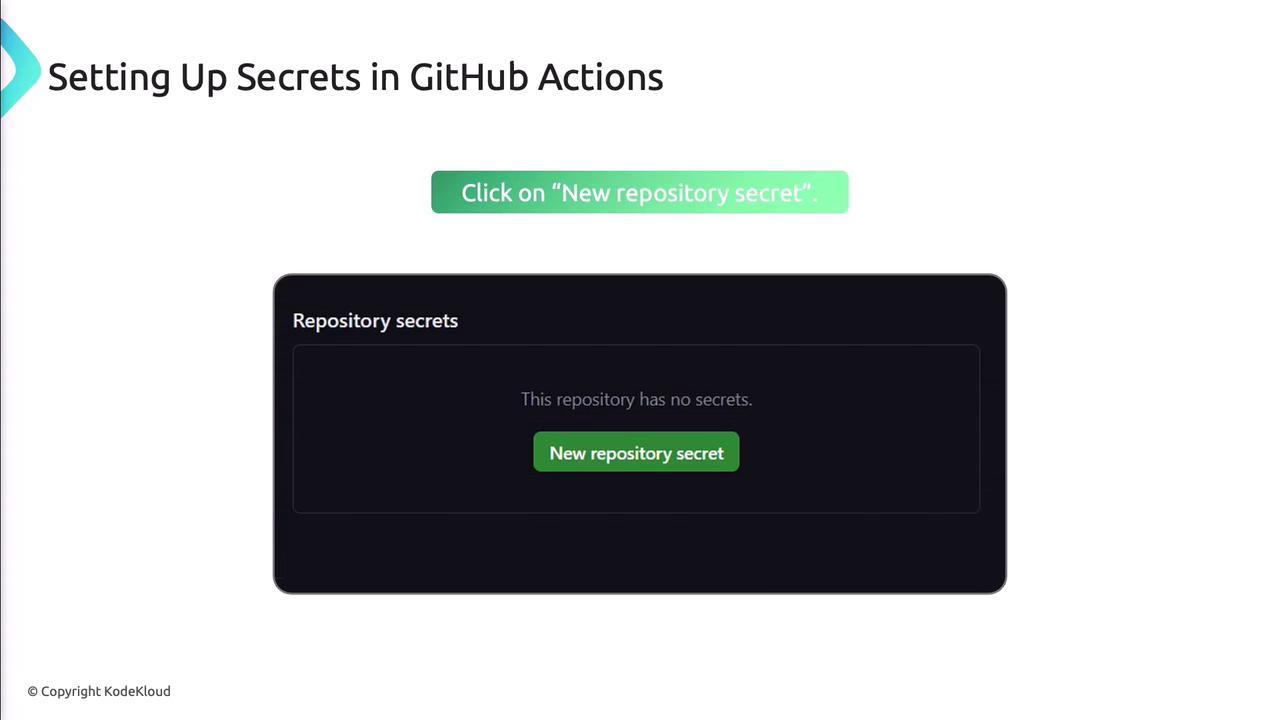
GitHub Actions Best Practices
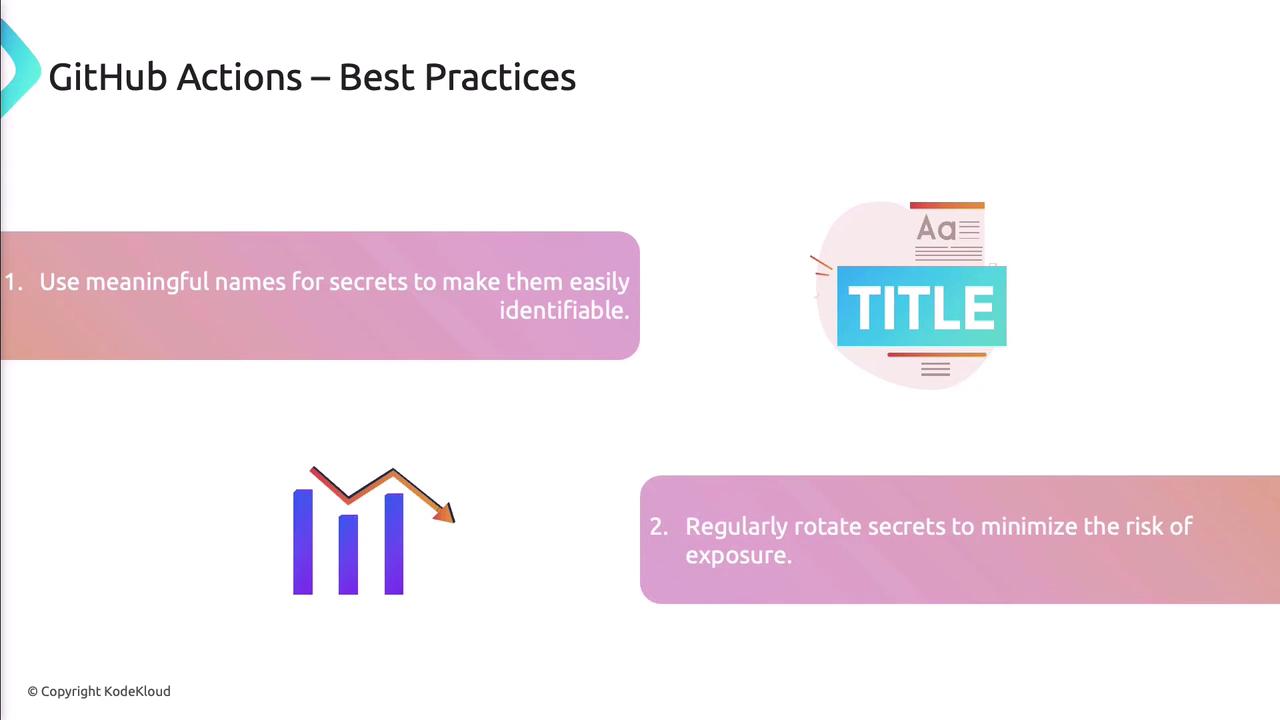
- Use clear, descriptive names (e.g.,
DB_CONN_STRING). - Rotate secrets regularly to reduce risk.
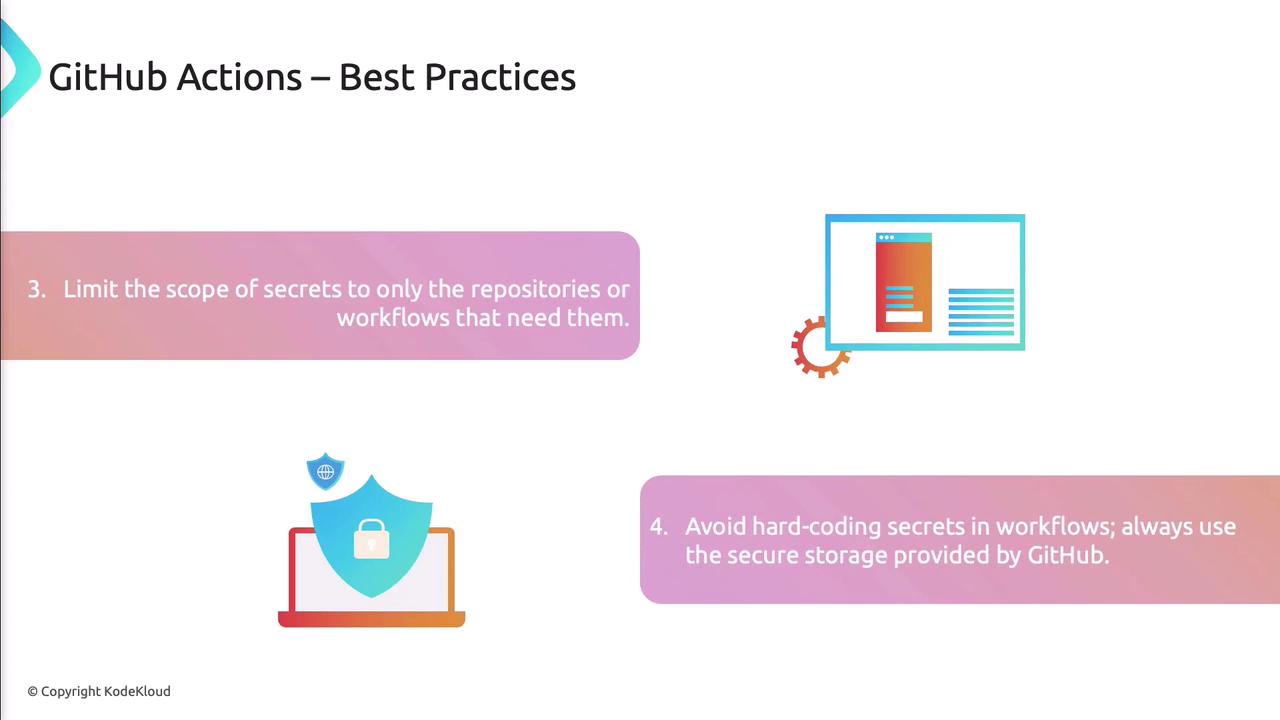
- Restrict secrets to the least-privileged repos and workflows.
- Avoid hard-coding secrets—always reference the secure store.
Managing Secrets in Azure Pipelines
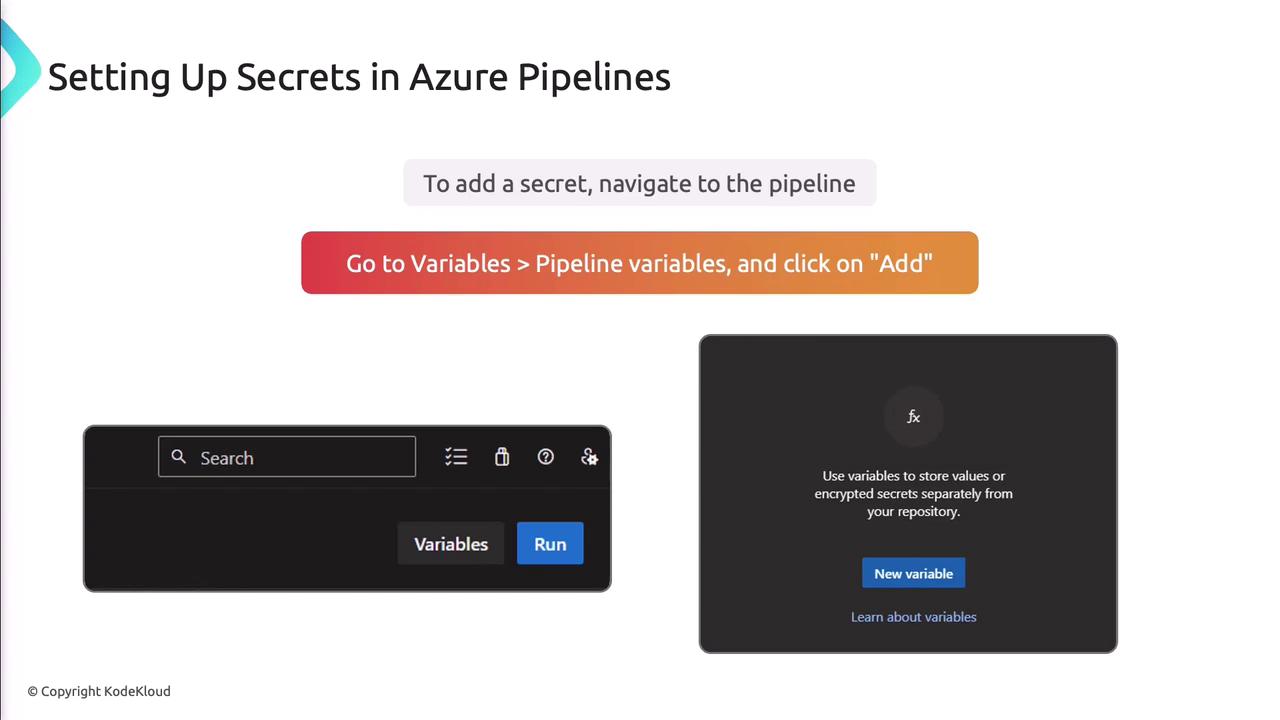
In Azure Pipelines, mark variables as secret:- Open your pipeline in Azure DevOps.
- Select Variables > Pipeline Variables.
- Click Add, name your variable, enable Keep this value secret, and set its value.
- Save the pipeline.
Azure Pipelines Best Practices
- Integrate with Azure Key Vault for higher security.
- Grant variable access only to necessary pipelines or stages.
- Audit and rotate secrets on schedule.
- Use environment-specific variables to isolate credentials.
Using Azure Key Vault for Secret Management
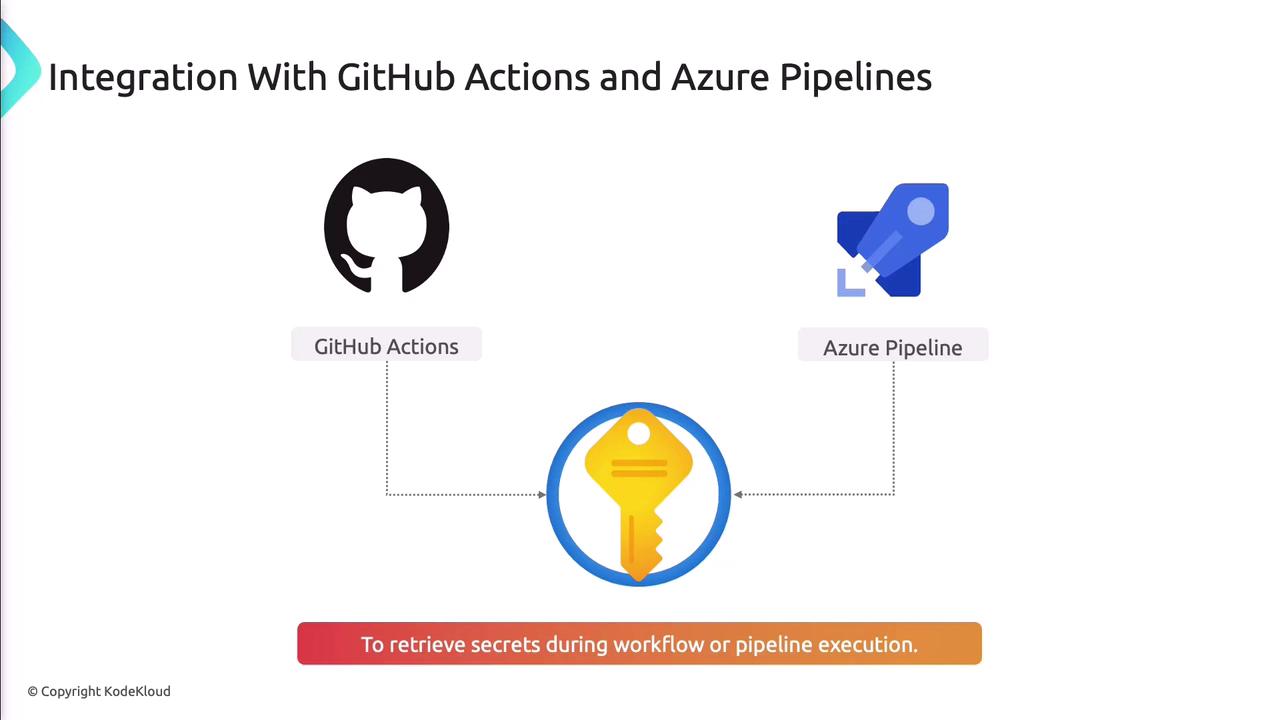
Azure Key Vault centralizes storage for secrets, keys, and certificates, offering:- Fine-grained access control (RBAC and policies).
- Audit logging of all secret operations.
- Automated secret rotation and versioning.
- Secure retrieval via REST API or SDKs.
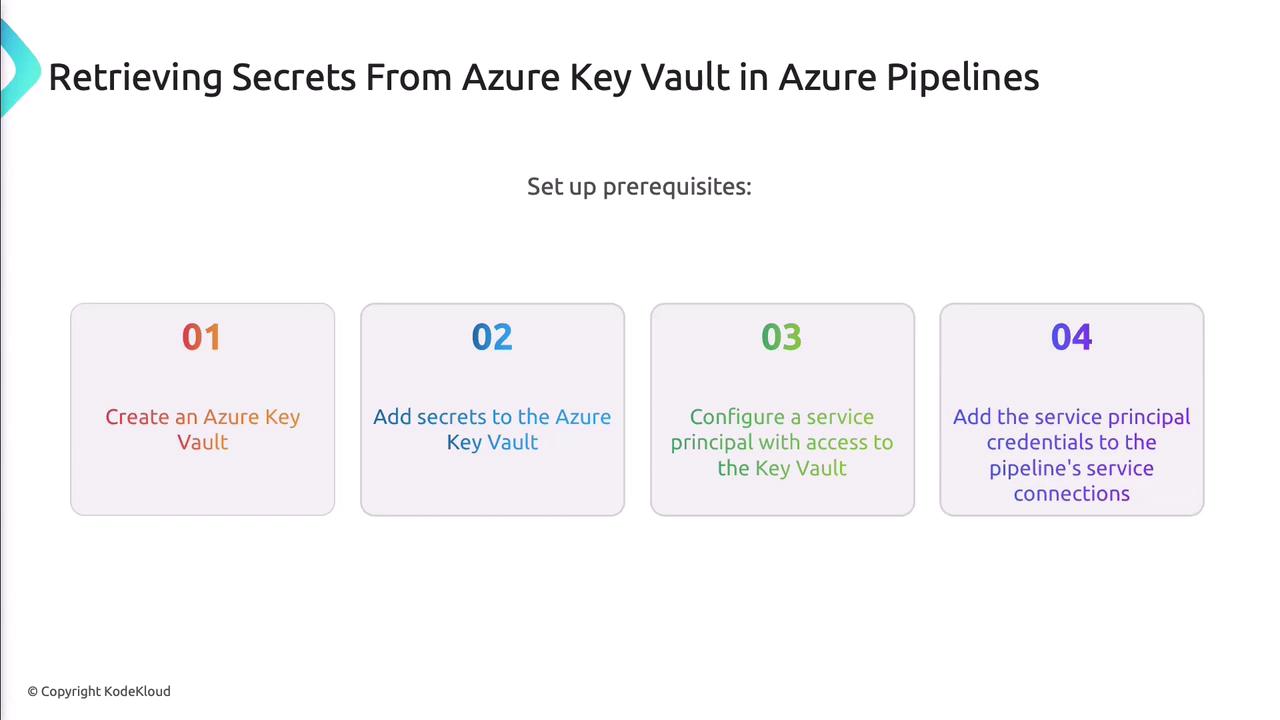
Prerequisites for Azure Key Vault Integration
- Active Azure subscription.
- Existing Key Vault with stored secrets.
- Service Principal (SP) with
Key Vault Secrets Userrole. - SP credentials saved as GitHub secrets or Azure DevOps service connection.
CI/CD Secrets Management Best Practices
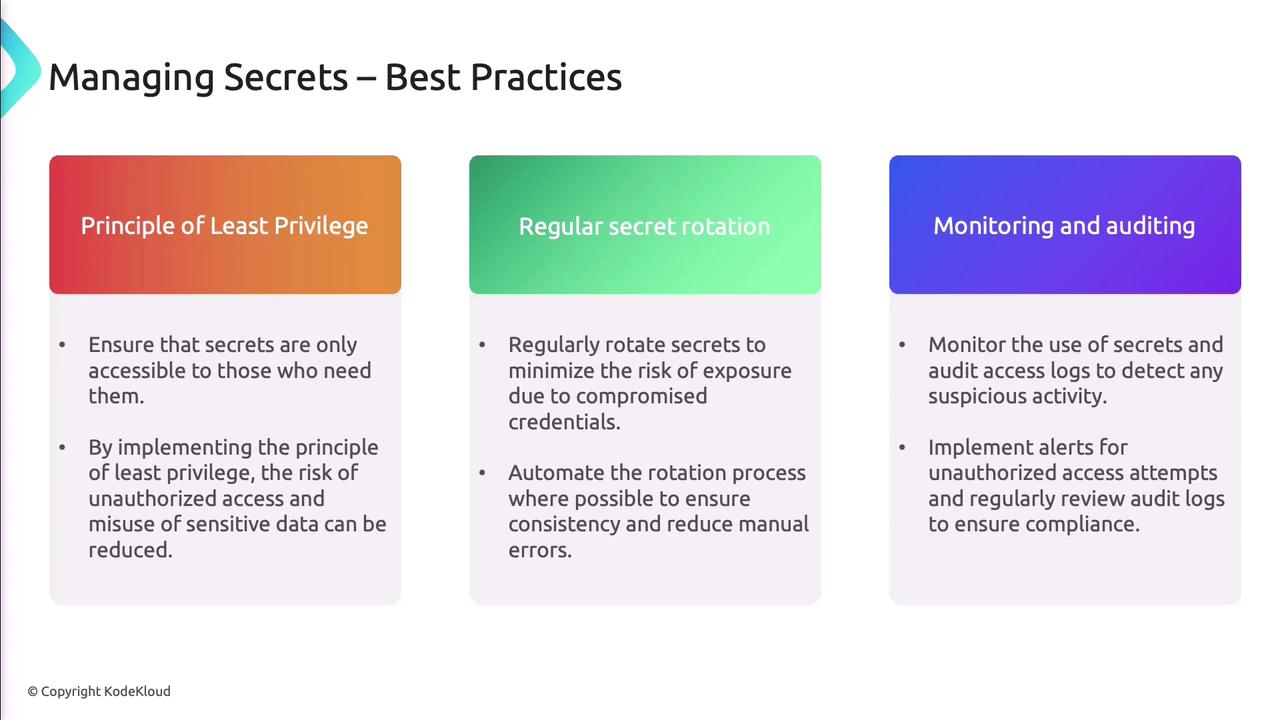
Principle of Least Privilege
Only grant users and services the minimum permissions needed. In Azure Pipelines, use theUseKeyVault@1 task:
Regular Secret Rotation
- Schedule periodic rotations to limit exposure.
- Automate rotation workflows using Key Vault features or custom scripts.
Monitoring and Auditing
- Enable logging for every secret access attempt.
- Set up alerts for unauthorized access or policy breaches.
- Review audit logs regularly to ensure compliance.
Common Pitfalls in Secrets Management
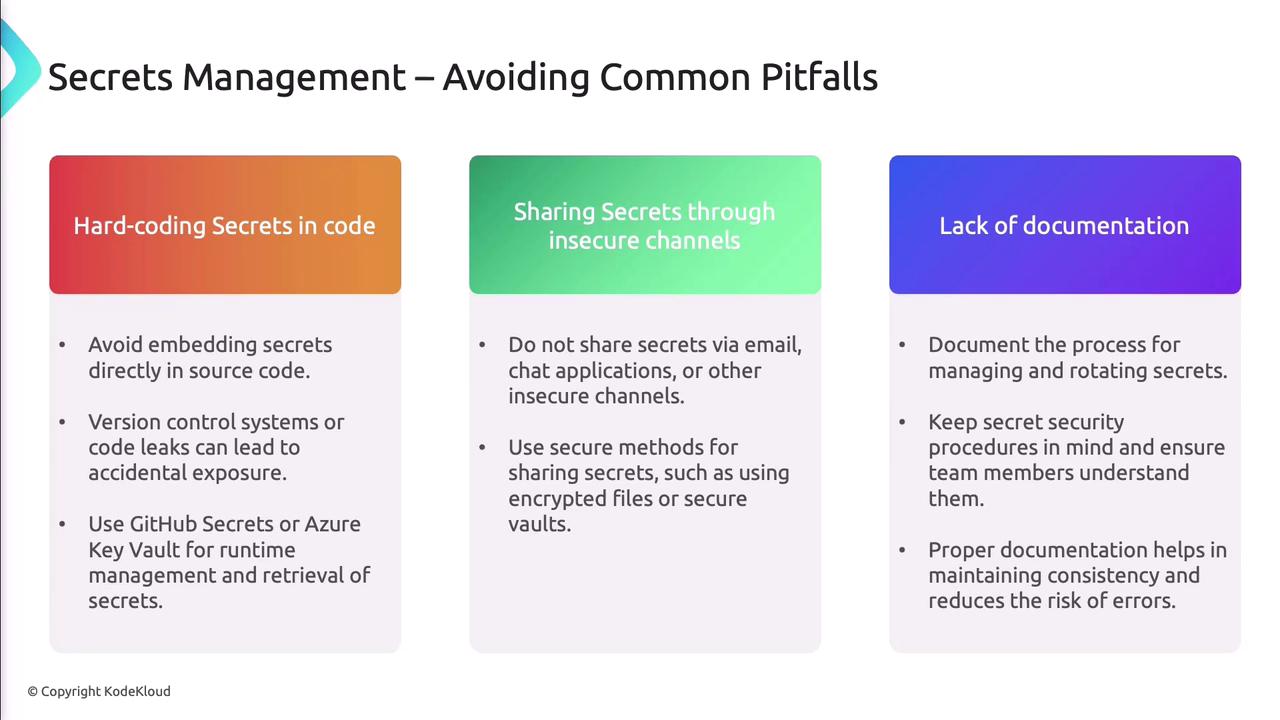
- Hard-coding secrets in repositories.
- Sharing secrets via unencrypted channels (email, chat).
- Skipping documentation for rotation and revocation procedures.
References
- GitHub Actions: Encrypting secrets
- Azure Pipelines: Variables
- Azure Key Vault Documentation
- Azure DevOps: Service connections