

Why Tool Selection Matters
The tools you integrate into your pipeline will shape development velocity, deployment consistency, and overall system reliability. A balanced choice helps you:- Accelerate end-to-end delivery
- Reduce human and automated errors
- Boost team productivity and collaboration
Avoid selecting tools solely based on popularity or feature count. Always weigh options against your team’s expertise, budget, and roadmap.
Tool Categories in Azure Pipelines
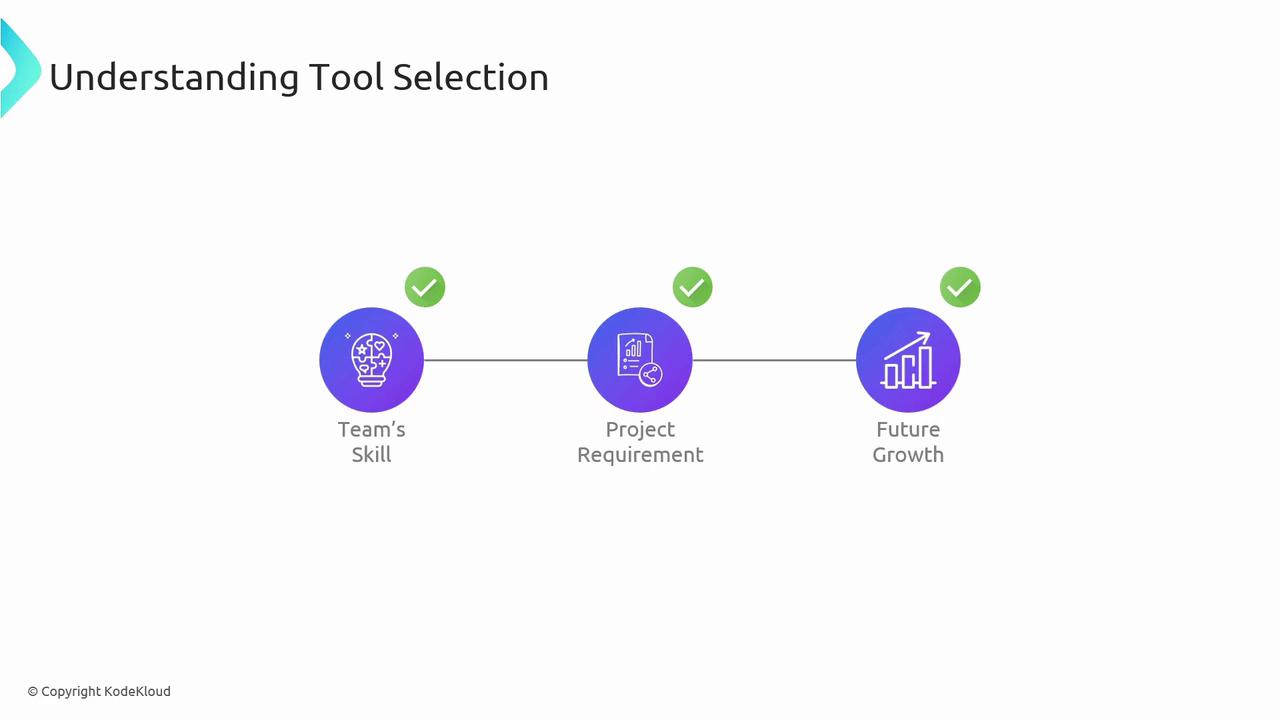
Azure Pipelines supports a wide range of integrations. Use the table below to match tools to each stage of your CI/CD process:| Category | Examples |
|---|---|
| Source Control | Azure Repos, GitHub |
| Build Tools | Gradle, Maven |
| Testing Tools | Selenium, JUnit, pytest |
| Deployment Tools | Azure CLI, ARM Templates, Terraform |
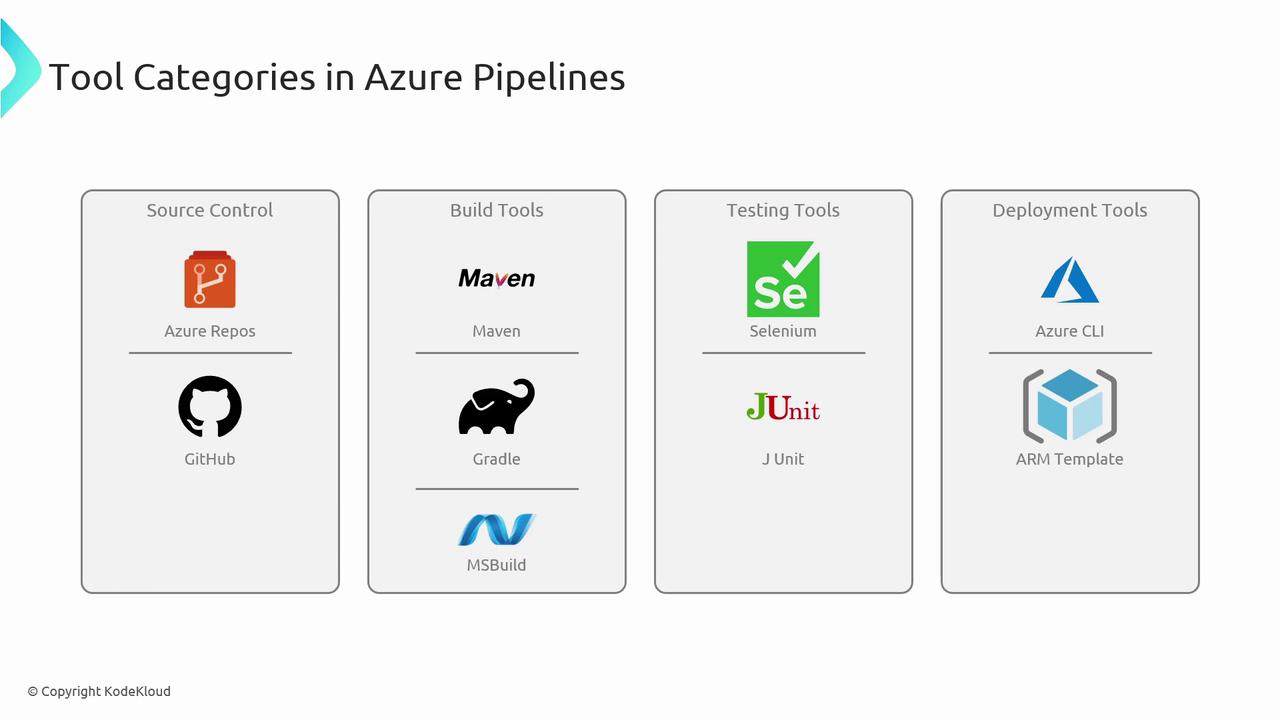
Key Selection Criteria
Before finalizing a tool, evaluate it against these core criteria:- Integration with Azure DevOps and existing CI/CD workflows
- Compatibility with your programming languages and frameworks
- Quality and responsiveness of community support and official documentation
- Licensing model, total cost of ownership, and maintenance requirements
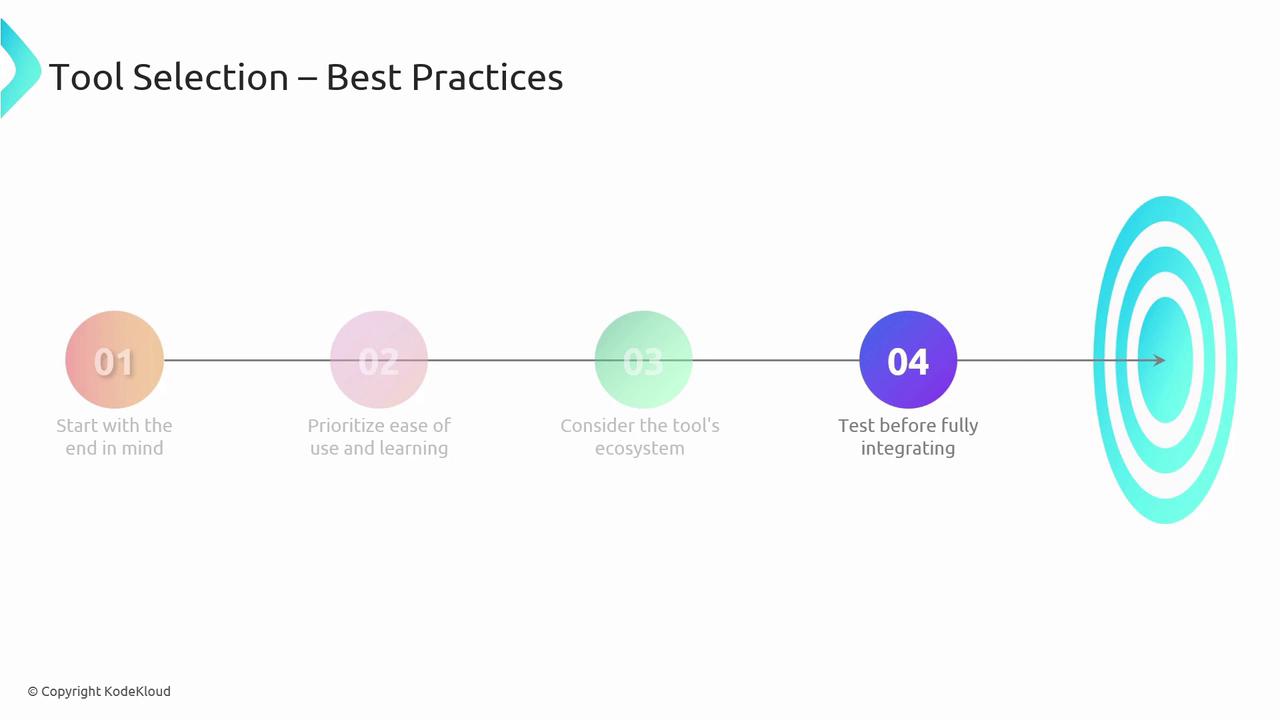
Pilot new tools in isolated environments before full rollout. This reduces risk and ensures alignment with your success metrics.
Best Practices
- Define clear objectives and success metrics for each pipeline stage.
- Choose tools with an intuitive learning curve to drive faster adoption.
- Consider each tool’s ecosystem: extensions, plugins, and community libraries.
- Conduct proof-of-concept tests before integrating into production pipelines.