Maintainability is often overlooked but it’s a critical factor in the long-term success of your CI/CD lifecycle. By emphasizing maintainability, you future-proof your DevOps processes, reduce technical debt, and enable teams to iterate faster. Azure Pipelines offers built-in features and best practices to help you design, manage, and evolve pipelines that stand the test of time.
Why Maintainability Matters
Speeds up onboarding for new team members
Simplifies troubleshooting and updates
Enables consistent compliance with internal standards
Supports scalable, repeatable deployments
Investing in maintainability reduces downtime and accelerates feature delivery.
Core Pillars of Maintainable Pipelines Pillar Description Code Reusability Leverage templates and variable groups to avoid duplication. Modular Design Break pipelines into stages, jobs, and templates for clear separation of concerns. Comprehensive Documentation Use inline comments, README files, and parameter descriptions to clarify pipeline intent.
Defining your pipeline in YAML unlocks version control, peer reviews, and automated validation—key enablers for these pillars.
Best Practices for Pipeline Maintainability
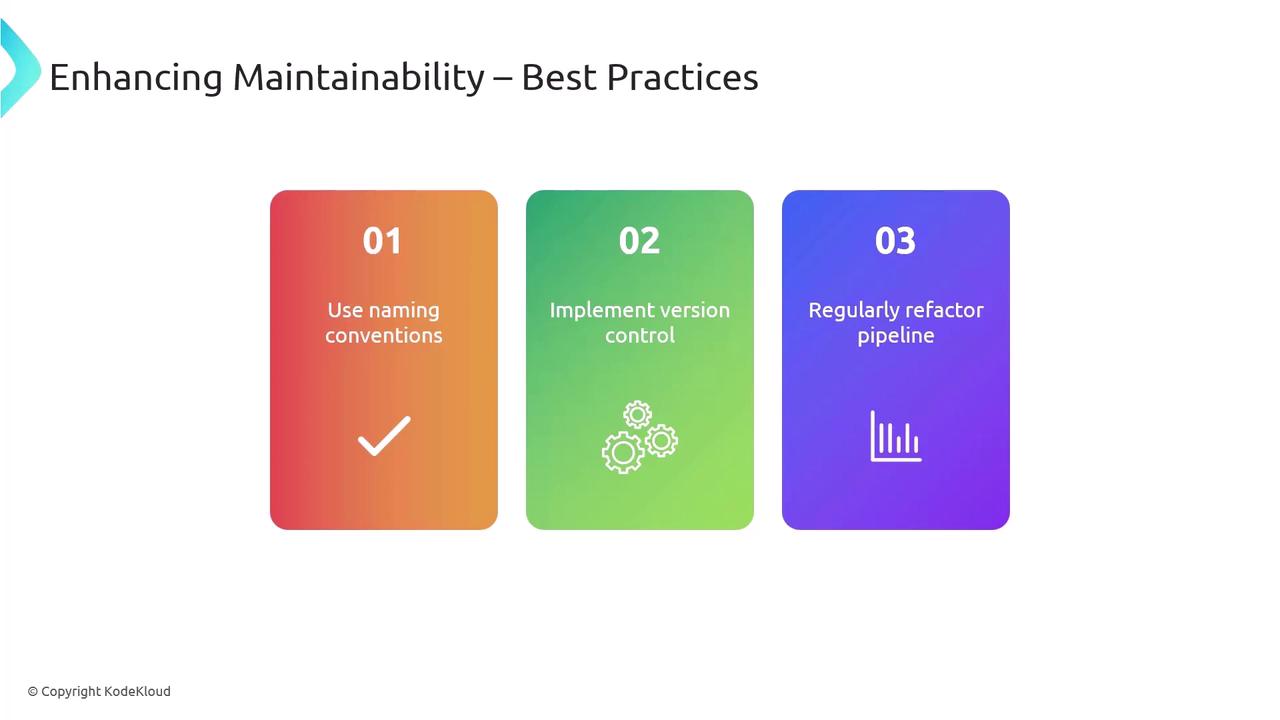
Consistent Naming Conventions Version Control Everything Regular Refactoring
Key Azure Pipelines Features Feature Benefit Reference Pipeline-as-code Full integration with your Git repo YAML schema Templates Reusable components for uniform practices Template syntax Variable Groups Centralized management of secrets and settings Variable groups
trigger : - main pool : vmImage : 'ubuntu-latest' variables : - group : MyVariableGroup steps : - script : dotnet build MySolution.sln displayName : 'Build solution'
Refactoring for a Scalable Pipeline A monolithic YAML file can quickly become unwieldy. Let’s transform a single-file pipeline into a modular, stage-driven configuration.
Original Monolithic Pipeline trigger : - main pool : vmImage : 'windows-latest' steps : - script : dotnet build MySolution.sln displayName : 'Build solution' - task : DotNetCoreCLI@2 inputs : command : 'publish' publishWebProjects : true arguments : '--configuration Release --output $(Build.ArtifactStagingDirectory)' zipAfterPublish : true - task : PublishBuildArtifacts@1 inputs : PathToPublish : '$(Build.ArtifactStagingDirectory)' ArtifactName : 'drop' publishLocation : 'Container' - script : | echo Deploying to staging environment # Mock deployment script displayName : 'Deploy to Staging'
Monolithic pipelines are hard to debug and scale. Breaking them into stages and templates greatly improves clarity.
Refactored Pipeline trigger : - main stages : - stage : Build jobs : - template : templates/build.yml parameters : solution : 'MySolution.sln' - stage : Deploy jobs : - template : templates/deploy.yml parameters : environment : 'staging'
Build Template (templates/build.yml) parameters : solution : '' jobs : - job : BuildJob pool : vmImage : 'windows-latest' steps : - script : dotnet build ${{ parameters.solution }} displayName : 'Build solution' - task : DotNetCoreCLI@2 inputs : command : 'publish' publishWebProjects : true arguments : '--configuration Release --output $(Build.ArtifactStagingDirectory)' zipAfterPublish : true - task : PublishBuildArtifacts@1 inputs : PathToPublish : '$(Build.ArtifactStagingDirectory)' ArtifactName : 'drop' publishLocation : 'Container'
Deploy Template (templates/deploy.yml) parameters : environment : '' jobs : - job : DeployJob pool : vmImage : 'windows-latest' steps : - script : | echo Deploying to ${{ parameters.environment }} environment # Mock deployment script displayName : 'Deploy to ${{ parameters.environment }}'
Refactoring Benefits
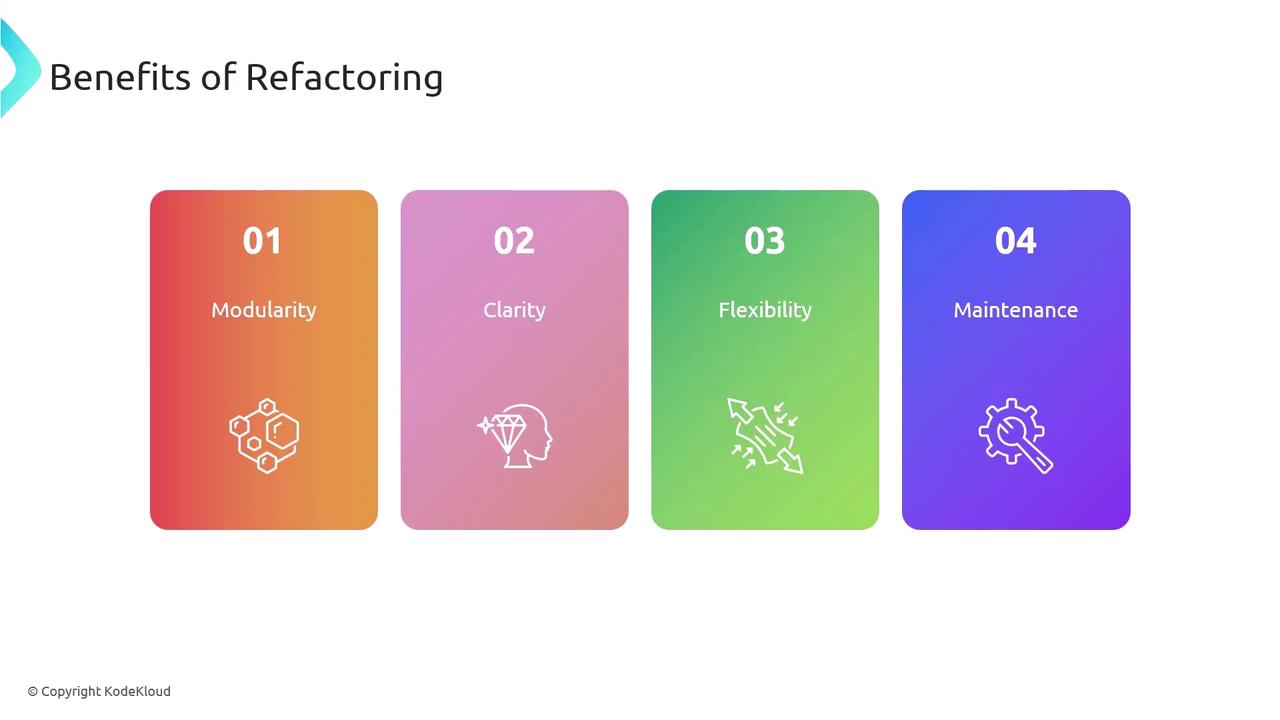
Modularity : Independent templates for build and deploy phases.Clarity : Stages and parameters make pipeline flow explicit.Flexibility : Reuse templates across different projects and environments.Maintainability : Smaller, focused files are easier to update and debug.
References